

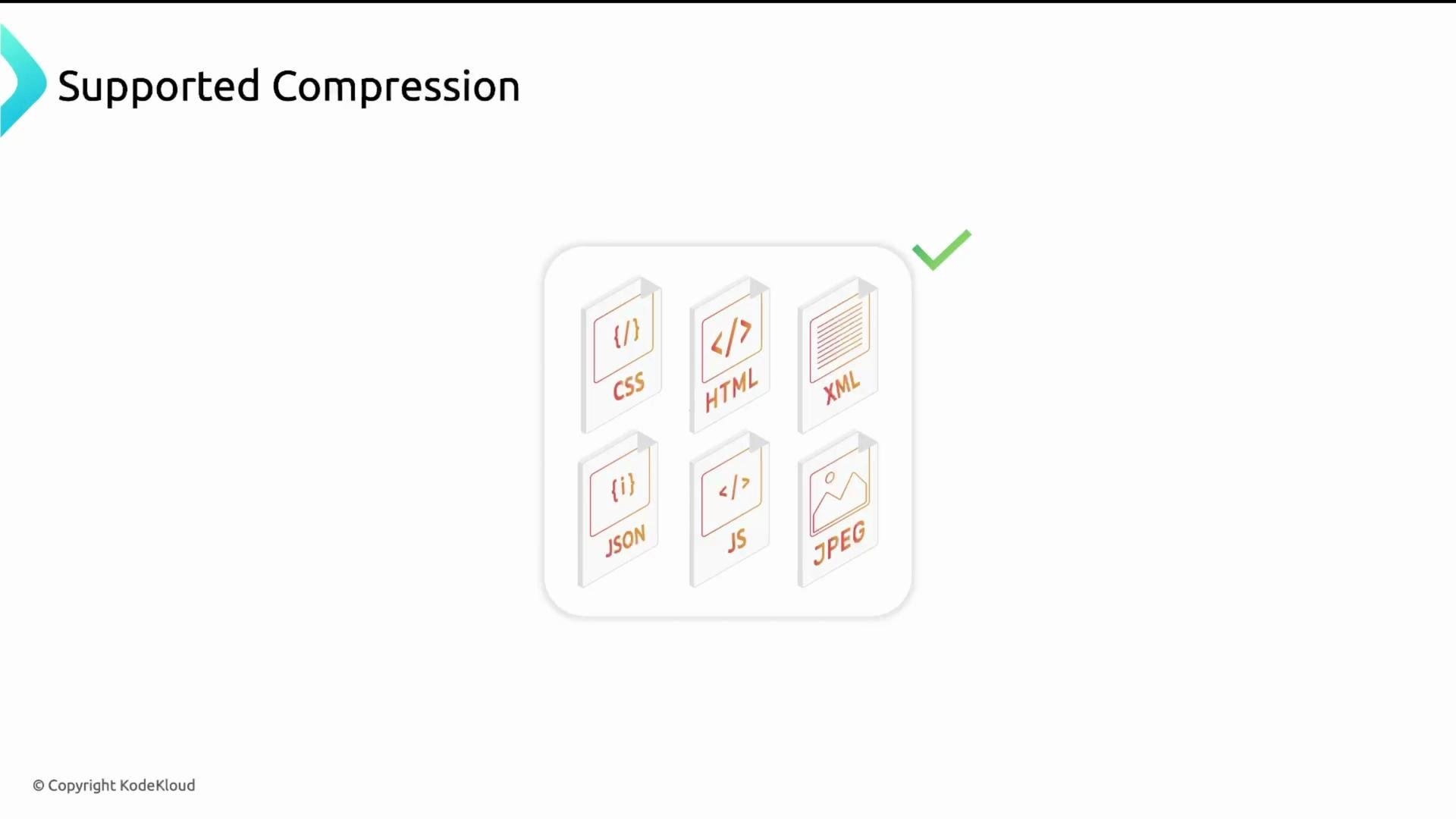
What resources should you compress?
Text-based resources usually compress well and should be enabled for compression:- HTML, CSS, JavaScript
- JSON, XML
- RSS, SVG, text files
- Font files (e.g.,
font/woff,font/woff2) — can be included selectively
- JPEG, PNG (use modern formats like WebP or AVIF instead for better compression)
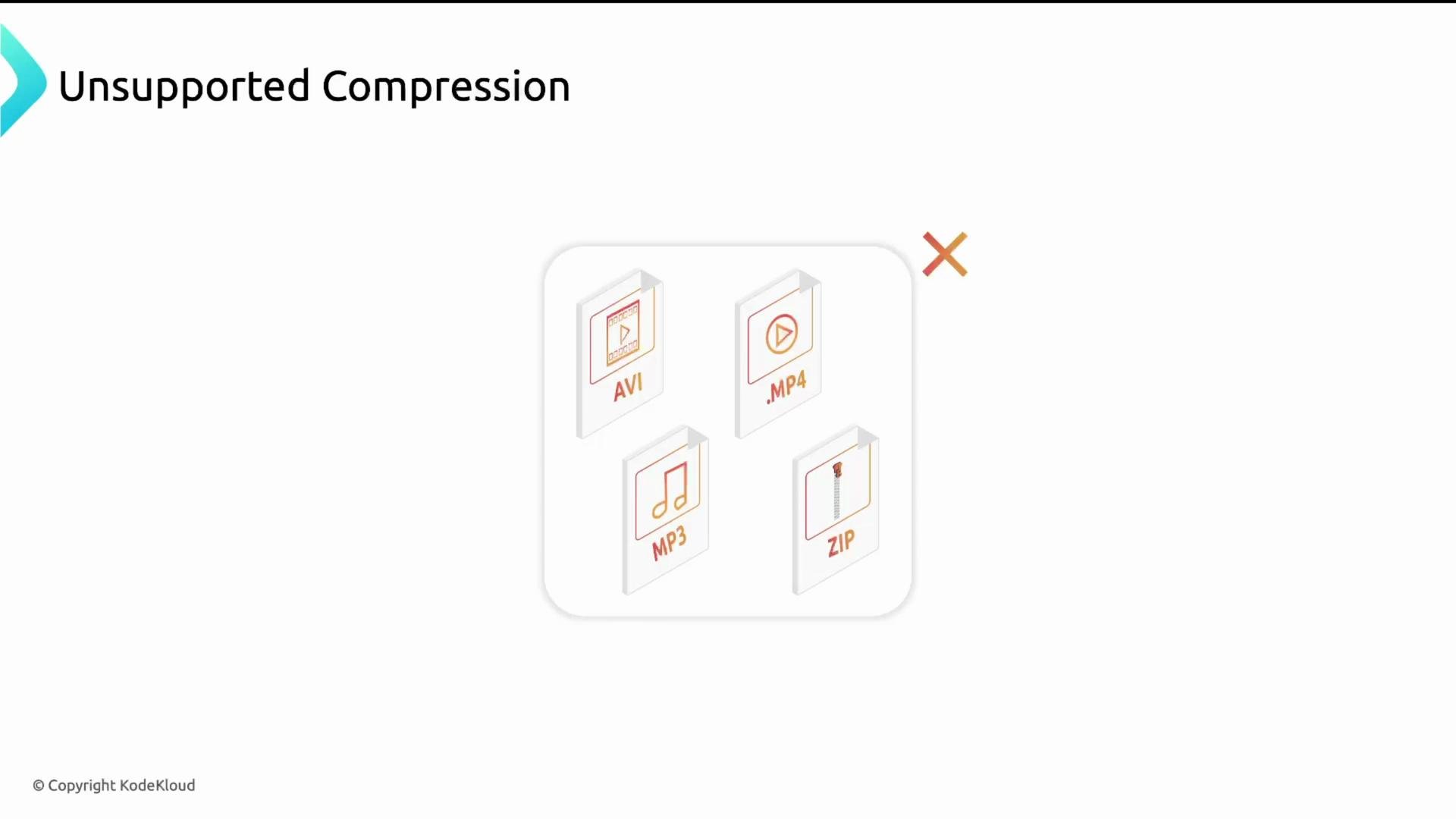
- MP4, MP3, AVI, ZIP, TAR
Supported algorithms in NGINX
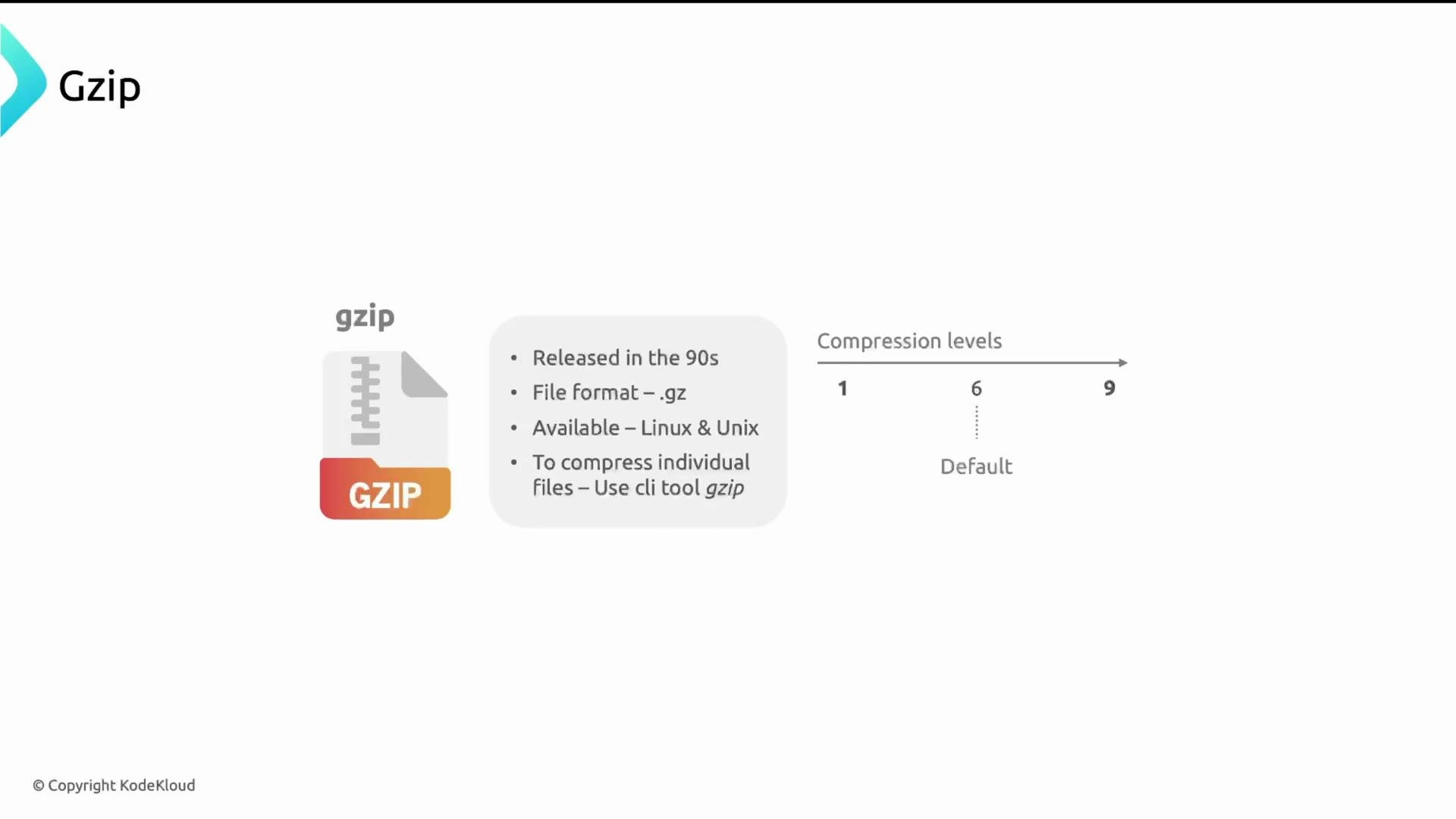
NGINX supports two widely used compression algorithms: gzip and Brotli.gzip
- Widely supported across browsers and servers (legacy compatibility).
- Compression levels 1–9 (1 = fastest, 9 = best compression, default commonly 6).
- Available as a built-in NGINX feature on most distributions.
http { ... } block, often in /etc/nginx/nginx.conf):
gzip on;— enable gzip compression.gzip_comp_level— set CPU vs. compression trade-off (1–9). Level 6 is a sensible default.gzip_types— list MIME types to compress (addfont/woffandfont/woff2if desired).gzip_proxied any;— allows compression for proxied requests.
Brotli
- Better compression ratios in many cases (levels 0–11).
- Modern browsers advertise Brotli via
brinAccept-Encoding. - Not always built into stock NGINX; often provided via the third-party ngx_brotli module or available in vendor packages.
- ngx_brotli: https://github.com/google/ngx_brotli
If you decide to build NGINX from source to include third-party modules (e.g., Brotli), the typical sequence is:
How the server and browser negotiate compression
Clients tell servers which encodings they accept via theAccept-Encoding request header. Example request header from a browser:
Content-Encoding response header indicating the encoding used. Example response headers:
- Open your browser DevTools → Network tab.
- Select a resource and inspect Response Headers for
Content-Encoding. - Confirm the resource is smaller than the uncompressed version (DevTools shows transfer size vs resource size).
Avoid compressing already-compressed formats (MP4, MP3, ZIP, most JPEGs). Compress text-based assets (HTML, CSS, JS, JSON, XML) to get the best savings with minimal CPU overhead.
Summary and recommendations
- Enable gzip by default for broad compatibility; start with
gzip_comp_level 6. - Use Brotli if you can add/enable the module and want better compression ratios for text assets — balance the Brotli level against CPU cost.
- Do not compress already-compressed media and archive formats; instead adopt modern image formats (WebP/AVIF) where appropriate.
- Verify using browser DevTools (check
Accept-EncodingandContent-Encodingheaders).
Content-Encoding behavior for HTML, CSS, and JS resources.