

location (for example, /admin).
- Fast to set up for internal, staging, or admin-only pages.
- Works at the webserver layer — no application code changes required.
- Uses standard browser username/password prompt (no UI customization).
NGINX basic auth uses the browser’s built-in username/password prompt. It’s appropriate for internal or staging protection, but for public-facing authentication consider framework-based auth, OAuth, or SSO for a better user experience.
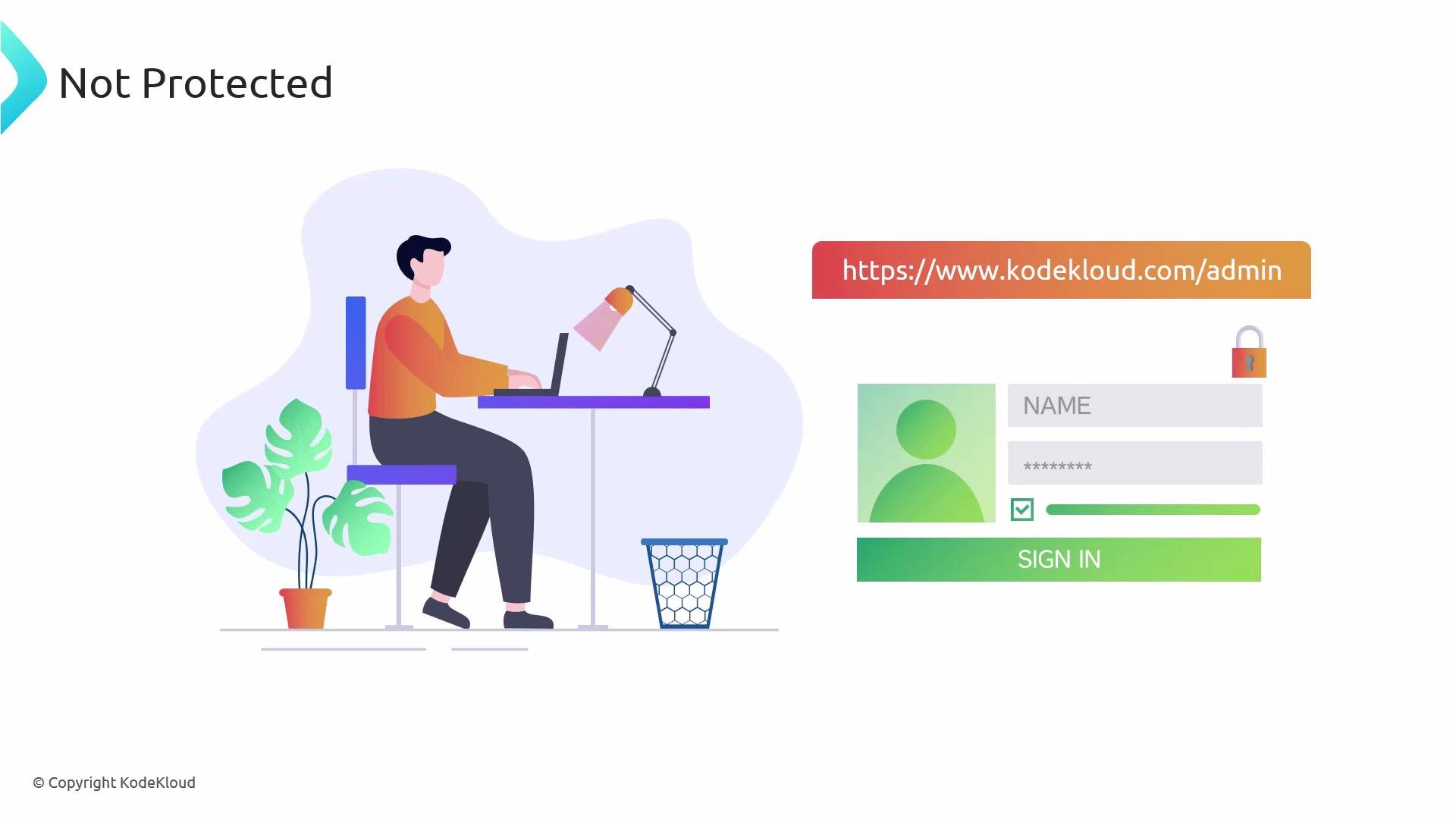
https://www.kodekloud.com publicly available while protecting https://www.kodekloud.com/admin with a username and password. When configured, visiting /admin will trigger the browser’s basic auth prompt.
/etc/nginx/conf.d/.htpasswd. Two common ways to build this file:
- Recommended: using
htpasswdfrom apache2-utils (Debian/Ubuntu) or httpd-tools (RHEL/CentOS/Fedora)
- Install the utility (Debian/Ubuntu example):
- Create the password file and add the first user (
-ccreates the file; omit-cto add more users without overwriting):
- Add a second user (do NOT use
-chere):
- Using OpenSSL (no extra package required)
If you prefer not to install apache2-utils, you can append APR1/MD5-style password hashes with
openssl. Because writing to/etc/nginx/conf.d/.htpasswdoften requires root privileges, usesudo sh -cfor each append.
- Add
admin:
- Add
jsmithsimilarly:
- The file stores hashed passwords (APR1/MD5-style in these examples) — plaintext passwords are not recoverable from the file.
- Store credentials securely using a secrets manager (e.g., 1Password, HashiCorp Vault) when possible.
auth_basic and auth_basic_user_file within the server or location block for the path you want to protect (here /admin). Use a quoted string for the auth_basic prompt and include trailing semicolons.
- Test the configuration:
- If the test passes, reload NGINX:
http://example.com/admin (or https://example.com/admin if TLS is configured), the browser will display a login dialog using the auth_basic string (e.g., “Restricted Content”). Enter a username and password from the .htpasswd file to proceed.
Important security reminder
Always use HTTPS when using HTTP Basic Authentication. Basic auth sends credentials Base64-encoded with each request; over plain HTTP they can be intercepted. Configure TLS in NGINX and use certificate best practices for any protected endpoints on untrusted networks.
- Basic auth is great for quick protection of internal or staging sites, admin panels, and simple gating scenarios.
- Because the browser prompt cannot be styled, consider application-level authentication or OAuth/SSO for public-facing user experiences.
- Rotate credentials periodically and manage them with a secure secrets store for production-sensitive use.
- Prefer
htpasswdfor convenience; useopensslonly when adding a minimal dependency is preferred.
- NGINX official docs: https://nginx.org/en/docs/
- Apache htpasswd utility / apache2-utils: https://httpd.apache.org/docs/current/programs/htpasswd.html
- OpenSSL passwd: https://www.openssl.org/docs/man1.1.1/man1/openssl-passwd.html
- Secrets management: HashiCorp Vault — https://www.vaultproject.io/; 1Password — https://1password.com/