

return directive. This forces clients connecting on port 80 to be redirected to port 443 so all requests are encrypted.
We have a simple “Diner” app served from port 80 on the host. The steps covered here:
- Check firewall rules.
- Allow inbound HTTPS (port 443).
- Create a single NGINX config containing two server blocks:
- one to redirect HTTP → HTTPS (301),
- one to serve the site over HTTPS with TLS certificates.
- Enable the site, validate and reload NGINX.
- Verify the redirect using curl and a browser.
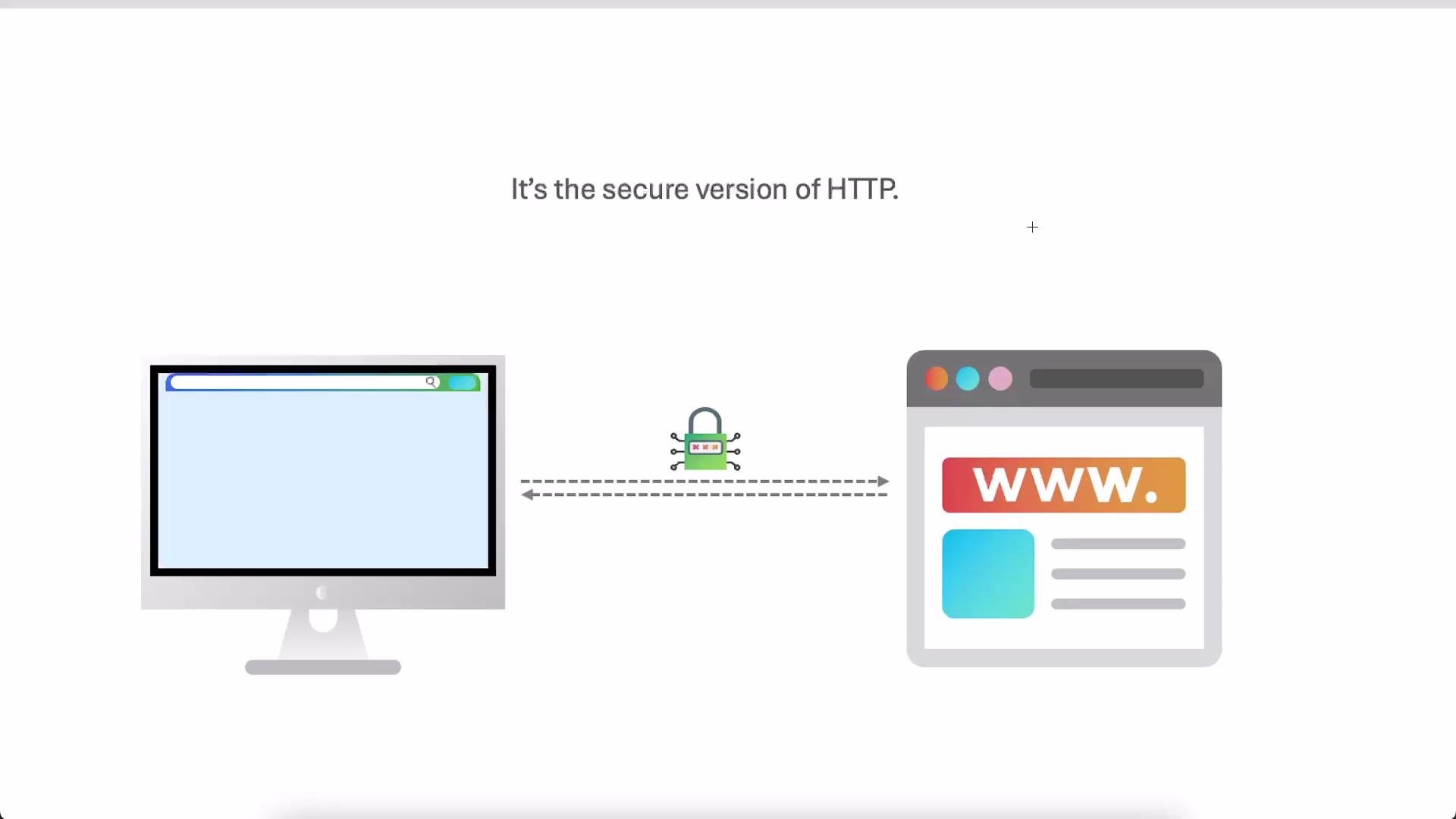
1. Confirm current firewall status
Check which ports are allowed so you can open port 443 before enabling HTTPS:2. Understand what happens if port 443 is open but NGINX isn’t serving HTTPS
If port 443 is allowed but NGINX has no TLS server block for the site, the browser may show a connection error or an upstream proxy might return a 502 Bad Gateway. Example browser output: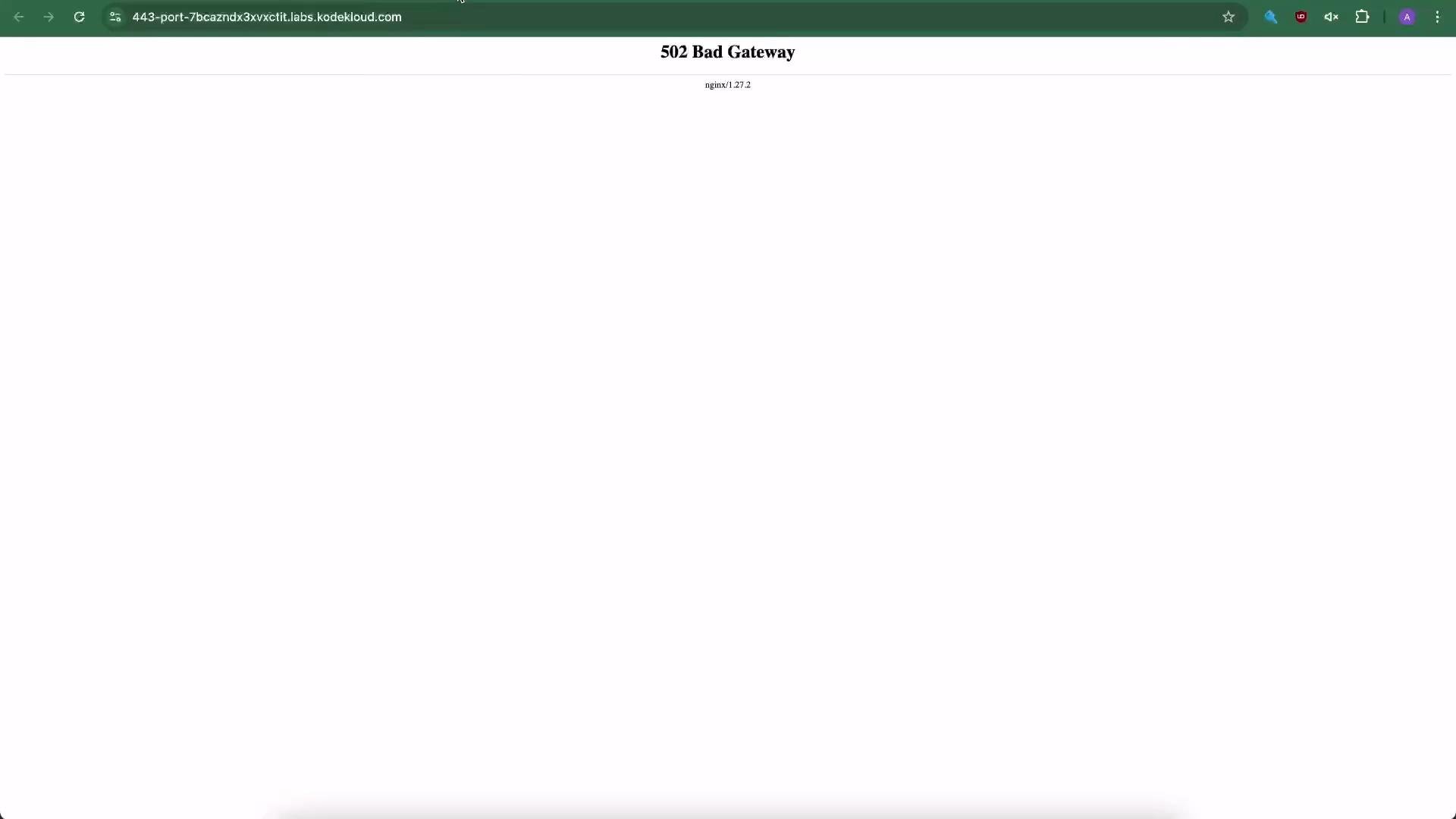
3. Create the combined NGINX configuration
We keep the configuration DRY by putting two server blocks in the same file:- A lightweight port 80 server block that issues a permanent
301redirect to the same host and URI onhttps://. - A port 443 server block that enables TLS and serves the app files.
/etc/nginx/sites-available/diner-https with the following:
- The
return 301 https://$host$request_uri;preserves the hostname, path and query string sohttp://diner.com/some/path?x=1becomeshttps://diner.com/some/path?x=1. - The second server block enables
ssl, and points to the certificate and key files used for TLS. - The example certificate/key paths are present for this exercise. In production obtain valid certificates (for example via Let’s Encrypt) and reference them here.
Using a
301 Moved Permanently response will cause clients and search engines to cache the redirect. Use 302 Found during testing if you expect to change behavior later, then switch to 301 once everything is final.4. Enable the site and reload NGINX
Create the symlink insites-enabled:
5. Verify the redirect and HTTPS behavior
Test the HTTP → HTTPS redirect locally with curl. Check only headers (should show301 and Location header):
https://<your-host> in a browser should load the site over HTTPS (no 502).
If a user visits http://diner.com/some/path, the return 301 https://$host$request_uri; will redirect them to https://diner.com/some/path, preserving the full path and query string.
Make sure the TLS certificate and key are valid for the
server_name you use. An invalid certificate will produce browser warnings even if the redirect is correct.Quick checklist
Recap
- Use a simple server block on port 80 to issue a
301redirect to HTTPS. - Serve the site on port 443 with TLS configured.
- Ensure the firewall allows port 443 before relying on HTTPS.
- Validate the NGINX config and reload before testing to avoid downtime.
- NGINX docs: https://nginx.org/en/docs/
- Let’s Encrypt: https://letsencrypt.org/
- curl: https://curl.se/