

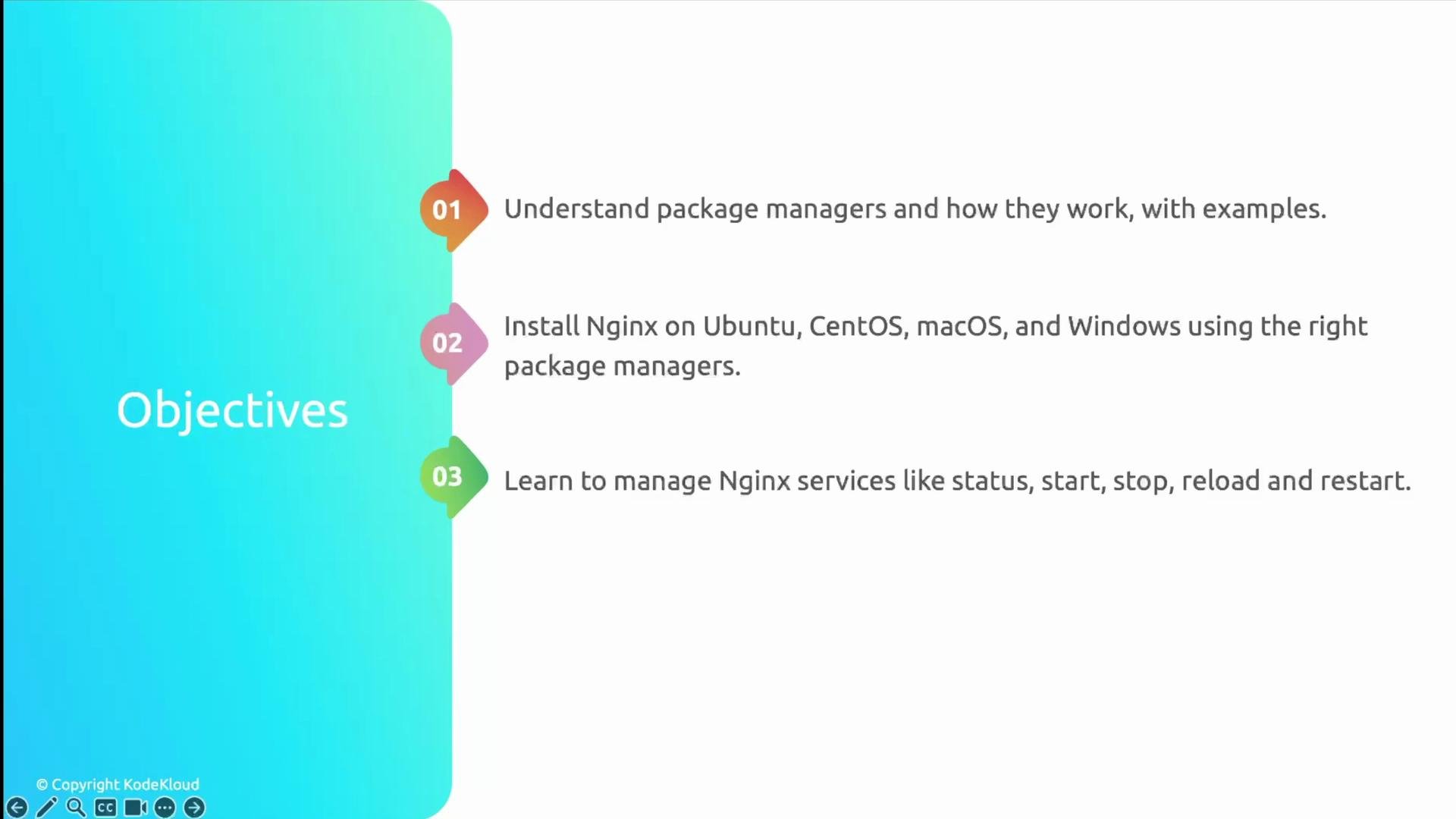
- How package managers work and which to use on common platforms.
- How to install Nginx on Ubuntu (primary), plus CentOS, macOS, and Windows.
- How to manage Nginx as a service (status, start, stop, restart, reload).
- How the
nginx.conffile is structured and how configuration is inherited. - How to host a simple static website with Nginx and allow traffic via UFW.
Package managers: overview and quick comparison
Package managers automate installing, upgrading, configuring, and removing software. Below are common examples and typical use cases:
Use the package manager native to your OS for the smoothest installation and updates.
When choosing where to run Nginx on Windows, prefer WSL (Windows Subsystem for Linux) for a Linux-like experience and easier parity with production Linux servers.
Install Nginx — quick commands by platform
Below are concise, platform-specific instructions. These are the most common, production-friendly approaches. Ubuntu (Debian-family)- Recommended: use WSL and follow the Ubuntu instructions inside the WSL environment.
- Alternatively, use Chocolatey:
Manage the Nginx service
You will commonly use systemctl on modern Linux systems. Here are the essential commands:
Older SysV init / compatibility:
Reloading (
reload) applies configuration changes without terminating worker processes; use restart when you need a full restart. Always test config before reloading: sudo nginx -t.Understanding nginx.conf: structure and inheritance
Nginx configuration is hierarchical. The main contexts you should know:- Main/global context (top-level): process-wide directives (user, worker_processes, error_log).
eventscontext: connection handling directives (e.g.,worker_connections).httpcontext: HTTP server configuration, MIME types, logging, upstreams, and generalserverdirectives.serverblocks: Virtual hosts — listen addresses,server_name, SSL, access logging.locationblocks (inside server): How requests are routed and handled for specific URIs.
Host a static website with Nginx
Typical steps to serve a simple static site:- Create the document root and a test page:
- Create a server block (virtual host). On Debian/Ubuntu, use
sites-availableandsites-enabled:
- Enable the site and reload:
Networking basics & firewall (UFW)
Nginx commonly uses these ports:
Allow HTTP/HTTPS through UFW on Ubuntu:
'Nginx HTTP' or 'Nginx Full').
Links and references
- Nginx documentation: https://nginx.org/en/docs/
- apt (Debian package manager): https://wiki.debian.org/Apt
- yum (package manager overview): https://en.wikipedia.org/wiki/YUM_(package_manager)
- Homebrew (macOS package manager): https://brew.sh
- UFW (Uncomplicated Firewall): https://help.ubuntu.com/community/UFW