

ip_hash (simple sticky sessions). The demo uses two Apache backend servers to show how Nginx can proxy to other web servers (Apache, LiteSpeed, etc.).
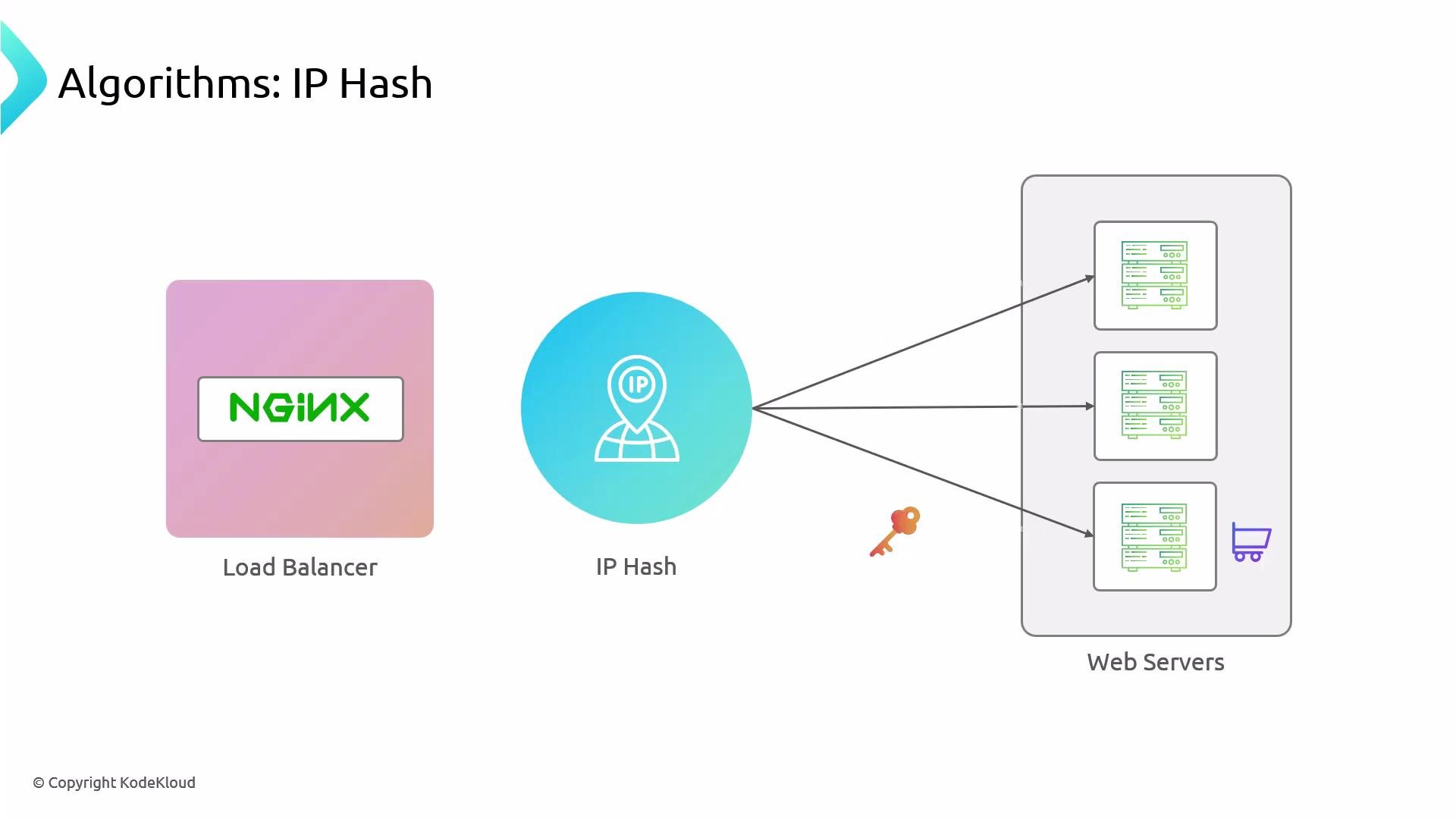
ip_hash method pins clients to a backend based on a hash of the client IP — useful for simple session stickiness (for example, shopping carts) when no shared session store is available.
Environment overview
- One node serves as the Nginx load balancer (
nginx). - Two nodes run Apache and serve a simple HTML page (
node01andnode02).
node01):
Restrict direct access to backends (UFW)
Best practice: only allow the load balancer to reach backend HTTP ports. First, discover the load balancer IP (example fromip a on nginx):
node01, node02) allow HTTP access only from the load balancer IP:
- UFW documentation: https://help.ubuntu.com/community/UFW
- Nginx docs (load balancing): https://nginx.org/en/docs/http/load_balancing.html
Configure Nginx as a reverse proxy with upstreams
On the load balancer, edit the Nginx site config (example:/etc/nginx/sites-available/apache-app). Confirm the file exists:
upstream block (the pool of backends) and a server block that proxies requests to it. Example default (round-robin) configuration:
- The example uses IP addresses for the backends (
192.230.202.12fornode01and192.230.202.3fornode02). You may use DNS names instead. - The
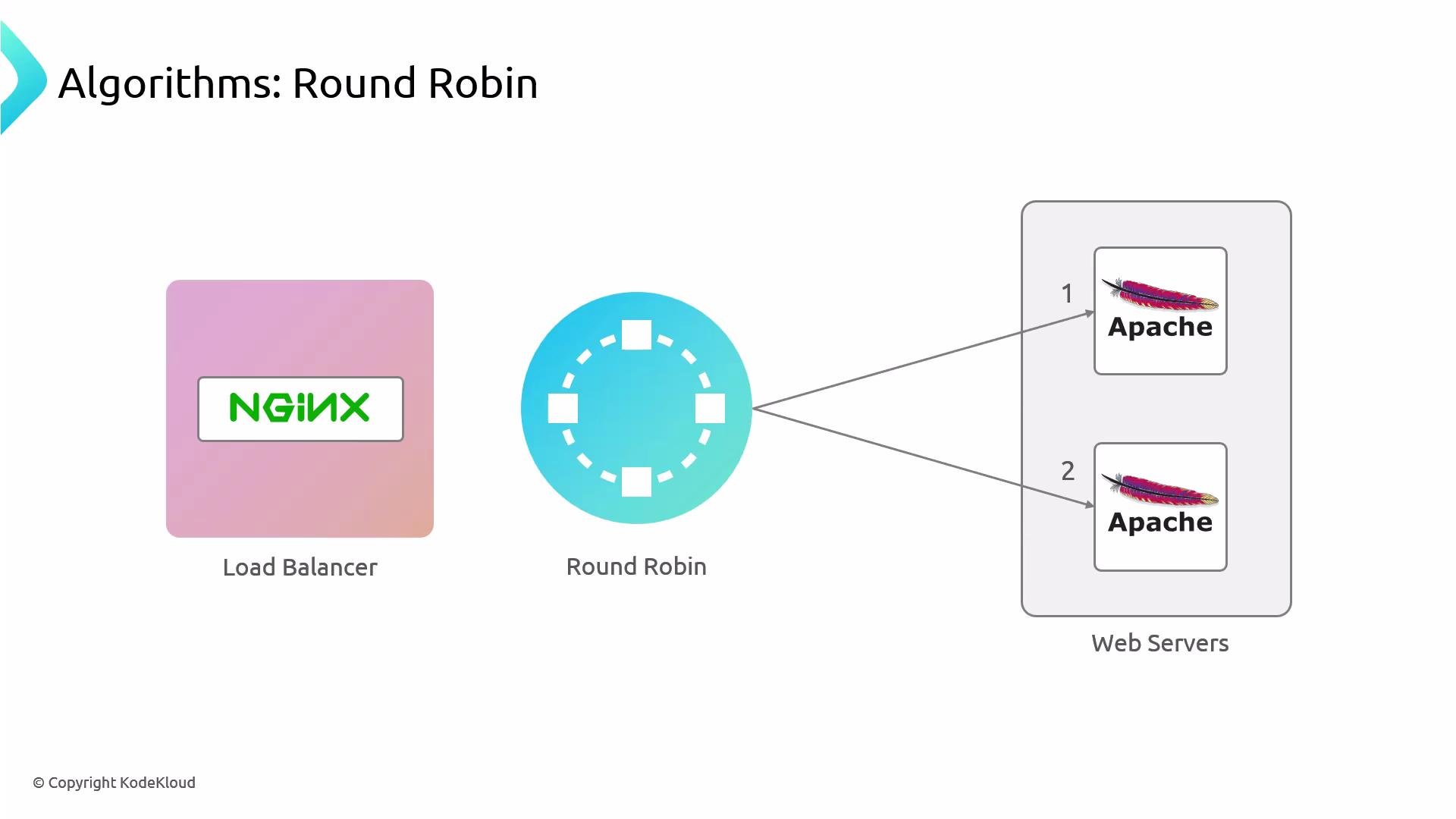
upstreamblock above uses Nginx’s default round-robin algorithm.
Load balancing methods — quick reference
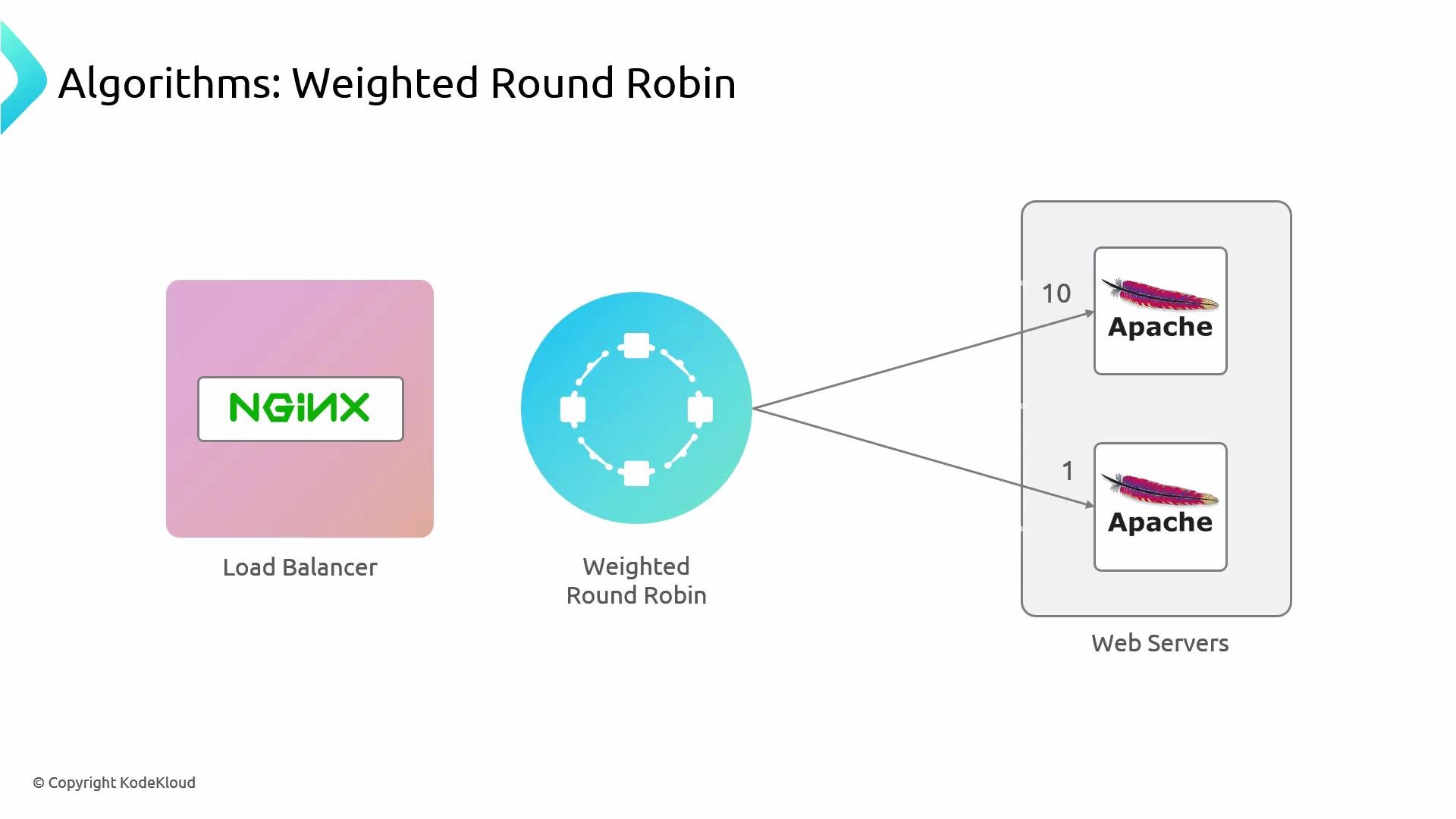
Weighted round-robin
To bias traffic toward one backend, addweight= to the server entries in the upstream block:
- With the above weights, roughly 10 requests will go to
node01for every 1 request tonode02. - Reload Nginx after changes:
curl — the higher-weight backend should serve the majority of requests.
ip_hash (sticky sessions)
Enable basic session stickiness by addingip_hash to the upstream block. This maps the client IP to a backend and keeps subsequent requests from that IP directed to the same server:
- Reload Nginx:
- After enabling
ip_hash, the same client IP should consistently be mapped to the same backend. Refreshing from the same client should repeatedly show the same backend serving the request.
ip_hash provides simple sticky sessions by client IP. It is not suitable if clients are behind NAT/proxies that cause many clients to share an IP, and it does not account for backend health checks or capacity — consider more advanced session persistence strategies or a shared session store for production-grade stickiness.
Quick reference — common files & commands
Wrap-up
- Nginx upstreams default to round-robin load balancing.
- Use
weight=to bias traffic (weighted round-robin). - Use
ip_hashto pin client IPs to backends for simple session persistence. - Always validate changes with
nginx -tand gracefully reload Nginx. - Restrict backend access (for example with UFW) so only the load balancer can reach backend HTTP ports.
- Nginx load balancing docs: https://nginx.org/en/docs/http/load_balancing.html
- UFW documentation: https://help.ubuntu.com/community/UFW
- Apache HTTP Server: https://httpd.apache.org/