

What is a reverse proxy?
A reverse proxy is a network component that sits between clients (browsers, API consumers, mobile apps) and one or more backend application servers. It accepts client requests, forwards them to one or more servers in an upstream pool, and returns the backend responses to the clients. A reverse proxy hides backend topology, centralizes cross-cutting concerns (TLS, caching, headers), and can improve security and performance.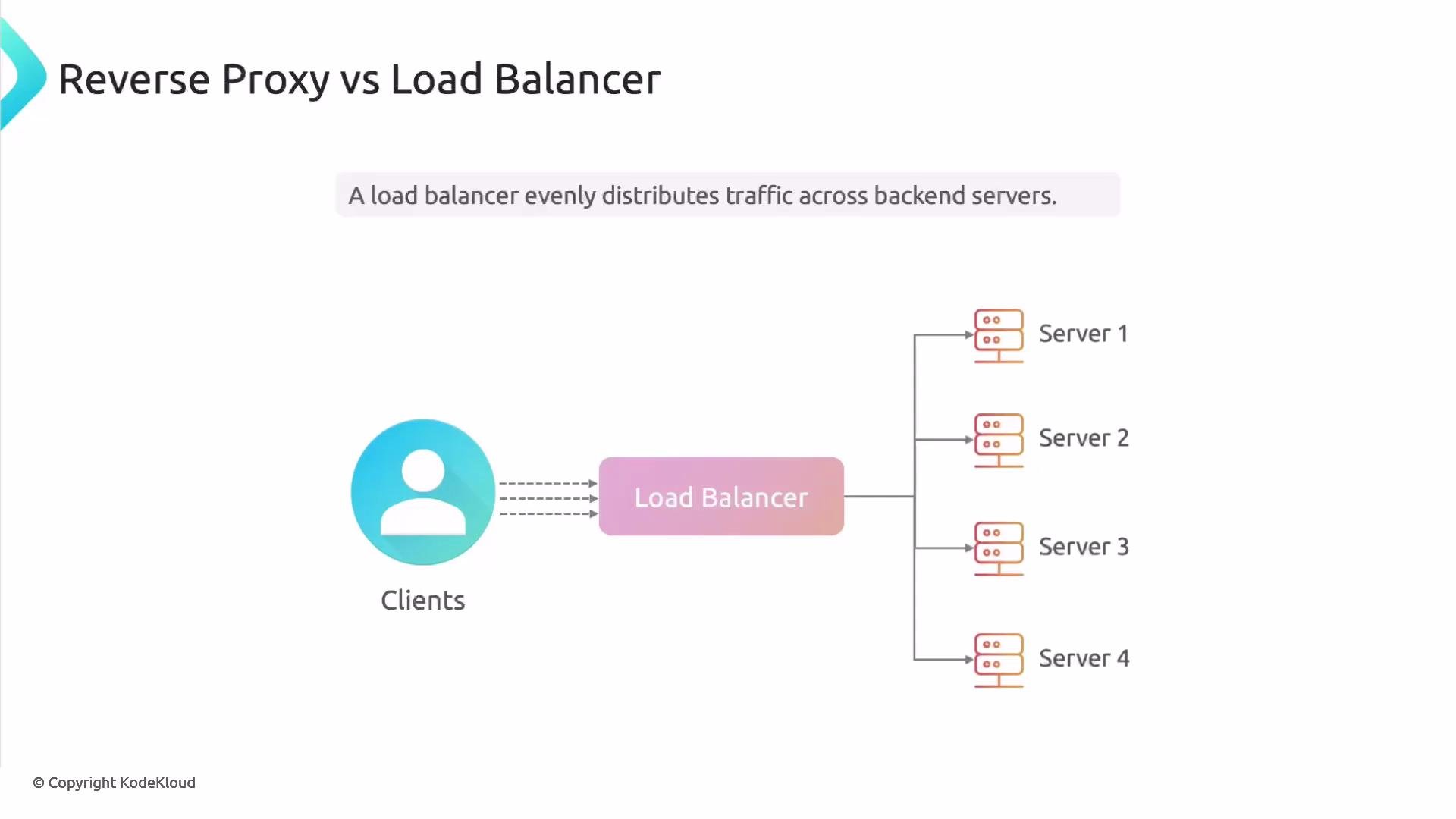
NGINX can serve either role (or both) using the same configuration building blocks — for example,
upstream blocks and proxy_pass — but configuration details and intent (session affinity, health checks, caching) determine whether you are acting primarily as a reverse proxy or a load balancer.
Typical backend application frameworks
Applications running behind a reverse proxy are usually built with frameworks that bind to local ports and are not directly exposed to the public internet. Examples include:
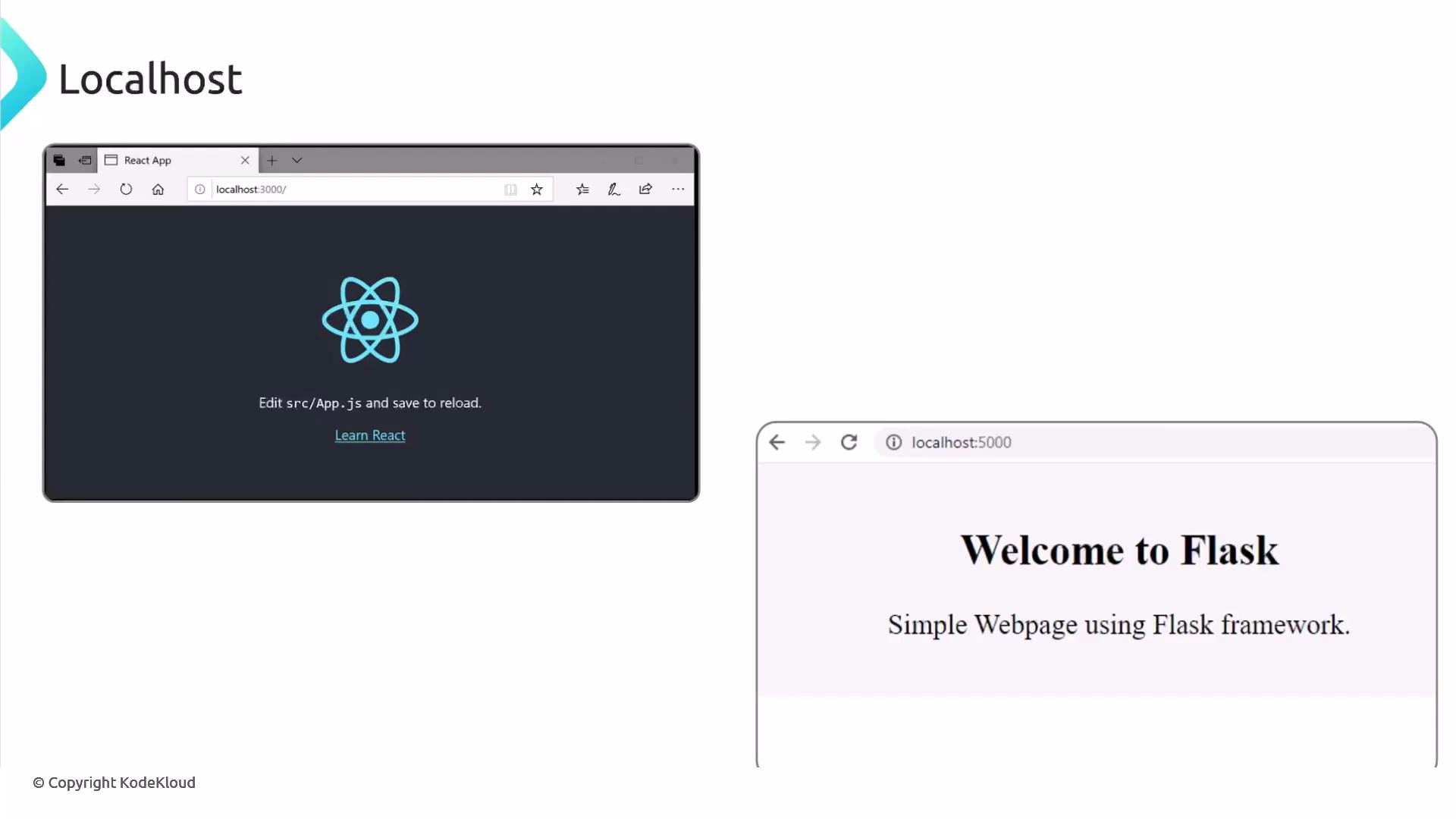
Think of frameworks as foundations that provide common functionality so you don’t have to build everything from scratch. When deployed, these applications often bind to
localhost or a private interface and are reachable only via the host and port they listen on. Placing a reverse proxy in front of them exposes a single public endpoint while keeping application processes private.
TLS / SSL termination and end-to-end encryption
A common role for a reverse proxy is TLS termination: the reverse proxy accepts HTTPS connections from clients, decrypts the traffic, and forwards requests to backends over HTTP. Offloading TLS to the proxy simplifies certificate management, centralizes TLS configuration, and reduces CPU work on application servers. If you need full end-to-end encryption, you can terminate TLS at the proxy and still connect to backends via HTTPS (or you can terminate at the proxy only for public endpoints and use a secure internal network). The important configuration changes are to use443 on the upstream servers and proxy_pass https://... when forwarding.
If you terminate TLS at the proxy, ensure you manage certificates securely and verify backend trust if internal encryption is required for compliance. You can also configure the proxy to validate backend certificates when using
proxy_ssl_verify and related directives.Example: basic upstream and HTTP proxying
This minimal NGINX configuration defines anupstream group and forwards requests to it over HTTP:
Example: terminating TLS at the proxy (with optional HTTPS to backends)
If you terminate TLS at NGINX, you configure the server block withlisten 443 ssl and certificate paths. Optionally, proxy to backends over HTTPS for end-to-end encryption:
upstream ports are 443 and use proxy_pass https://backend/; so connections from proxy to backend are encrypted.
Caching at the proxy
Caching is a powerful reverse-proxy capability. Without caching, the proxy forwards every request to the backend — including static assets and repeated content — increasing backend load and latency. NGINX can cache backend responses and serve repeated requests directly from the proxy cache. A basic caching configuration:Quick reference: features you can centralize with an NGINX reverse proxy
- TLS termination and certificate management
- Load distribution and session affinity
- Health checks and failover logic
- Response caching for static and semi-static content
- Header manipulation (X-Forwarded-For, Host, custom headers)
- Authentication / authorization gating
- Rate limiting and basic WAF rules
Using an NGINX reverse proxy centralizes TLS, caching, header manipulation, and load distribution — simplifying backend deployments while improving performance, observability, and security.
Links and further reading
- NGINX official docs: https://nginx.org/en/docs/
- NGINX reverse proxy guide: https://nginx.org/en/docs/http/ngx_http_proxy_module.html
- TLS best practices (Mozilla): https://ssl-config.mozilla.org/
- Let’s Encrypt (free certificates): https://letsencrypt.org/