


- Install and configure NGINX on Linux (Debian/Ubuntu and RHEL/CentOS paths).
- Create and host a basic website and multiple virtual servers.
- Configure reverse proxying, redirects, and upstream load balancing.
- Implement TLS/HTTPS and important HTTP security headers.
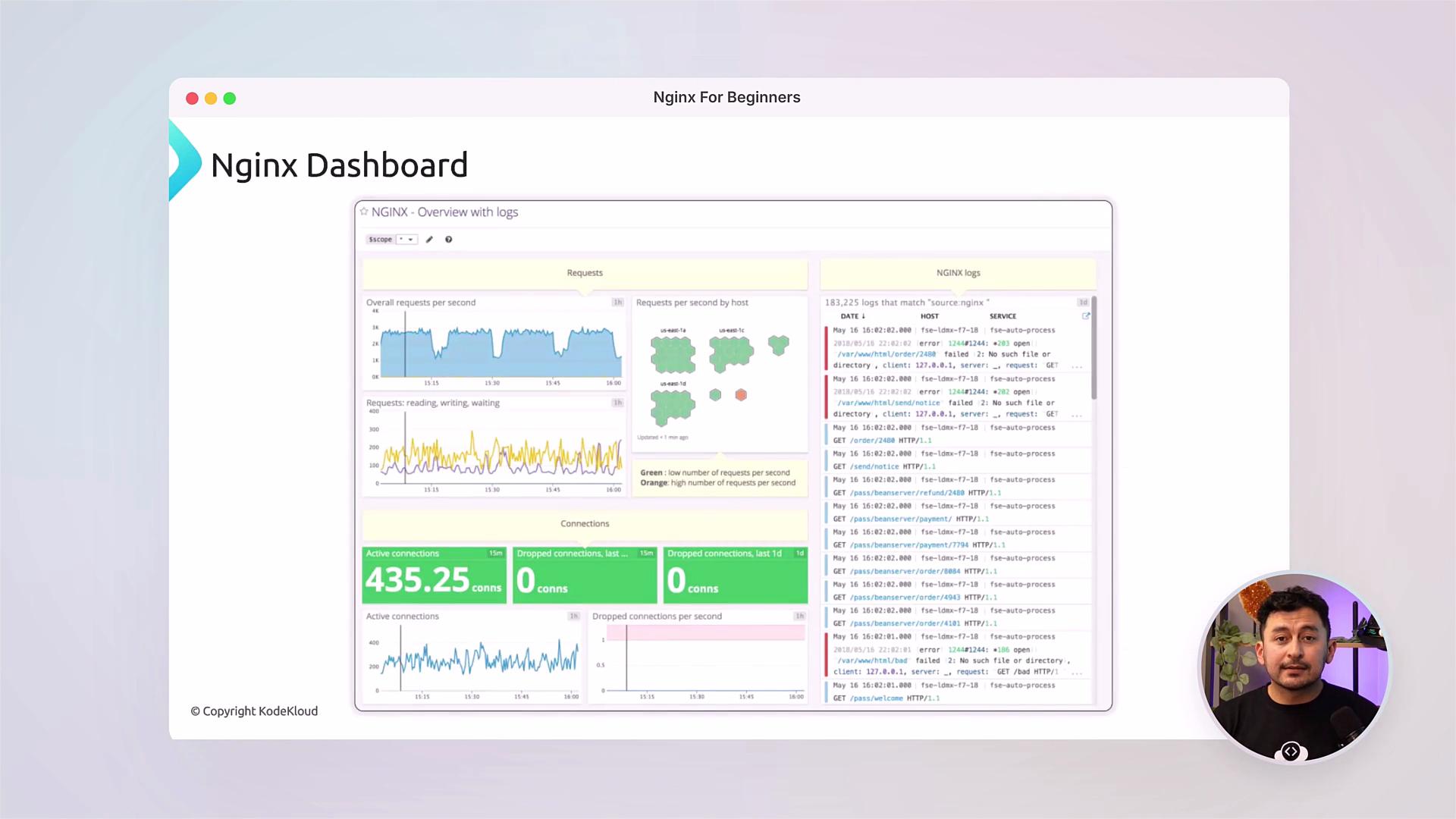
- Apply optimizations: caching, compression, rate limiting, and monitoring.
- Troubleshoot common issues and interpret access/error logs.
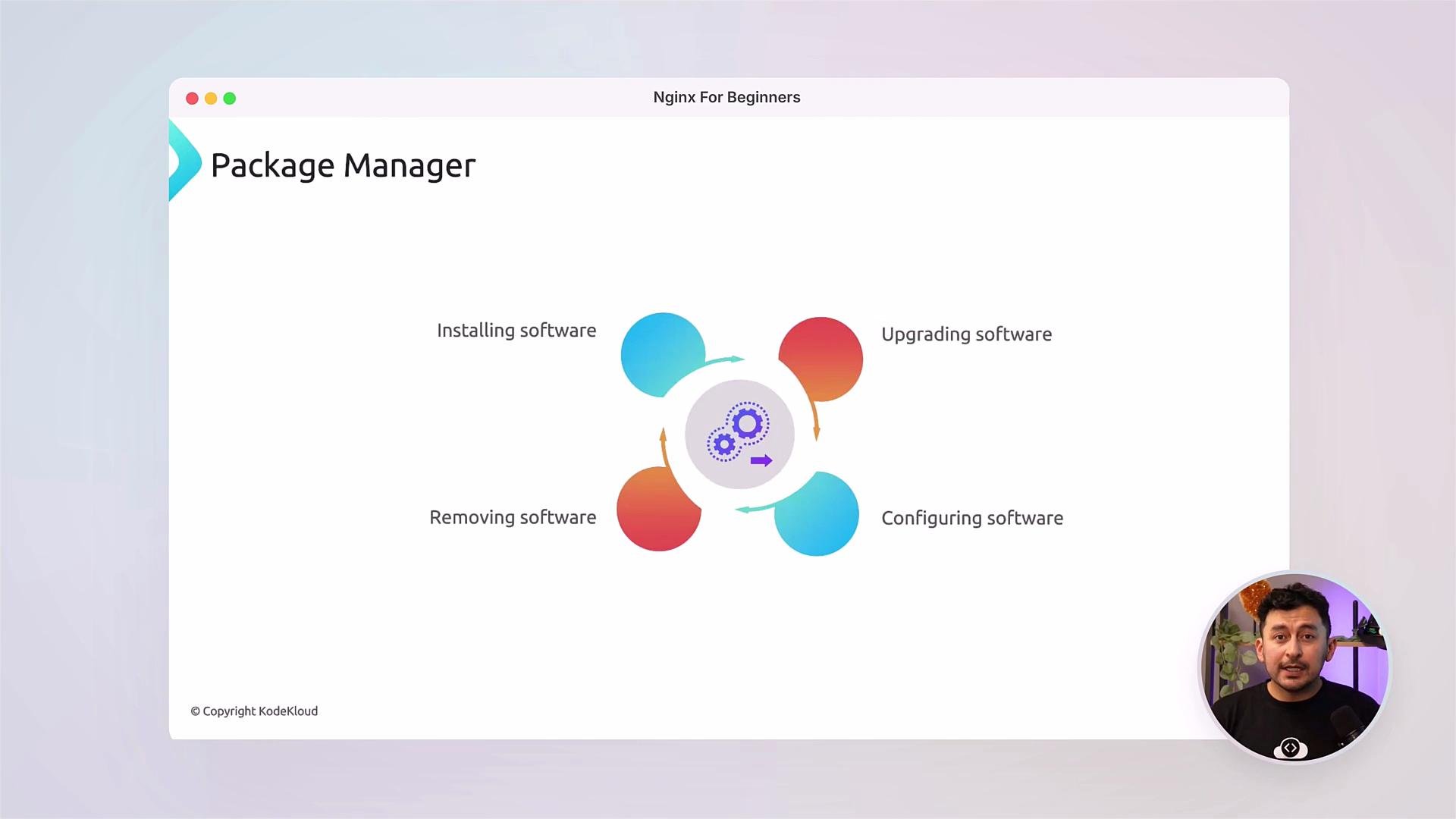
server blocks), set up redirects and rewrites, and configure upstream server pools for load balancing.
We’ll cover HTTPS and best practices for TLS termination — including using automated certificate issuers like Let’s Encrypt — and how to configure essential HTTP headers (HSTS, Content-Security-Policy, X-Frame-Options) to harden your deployment.
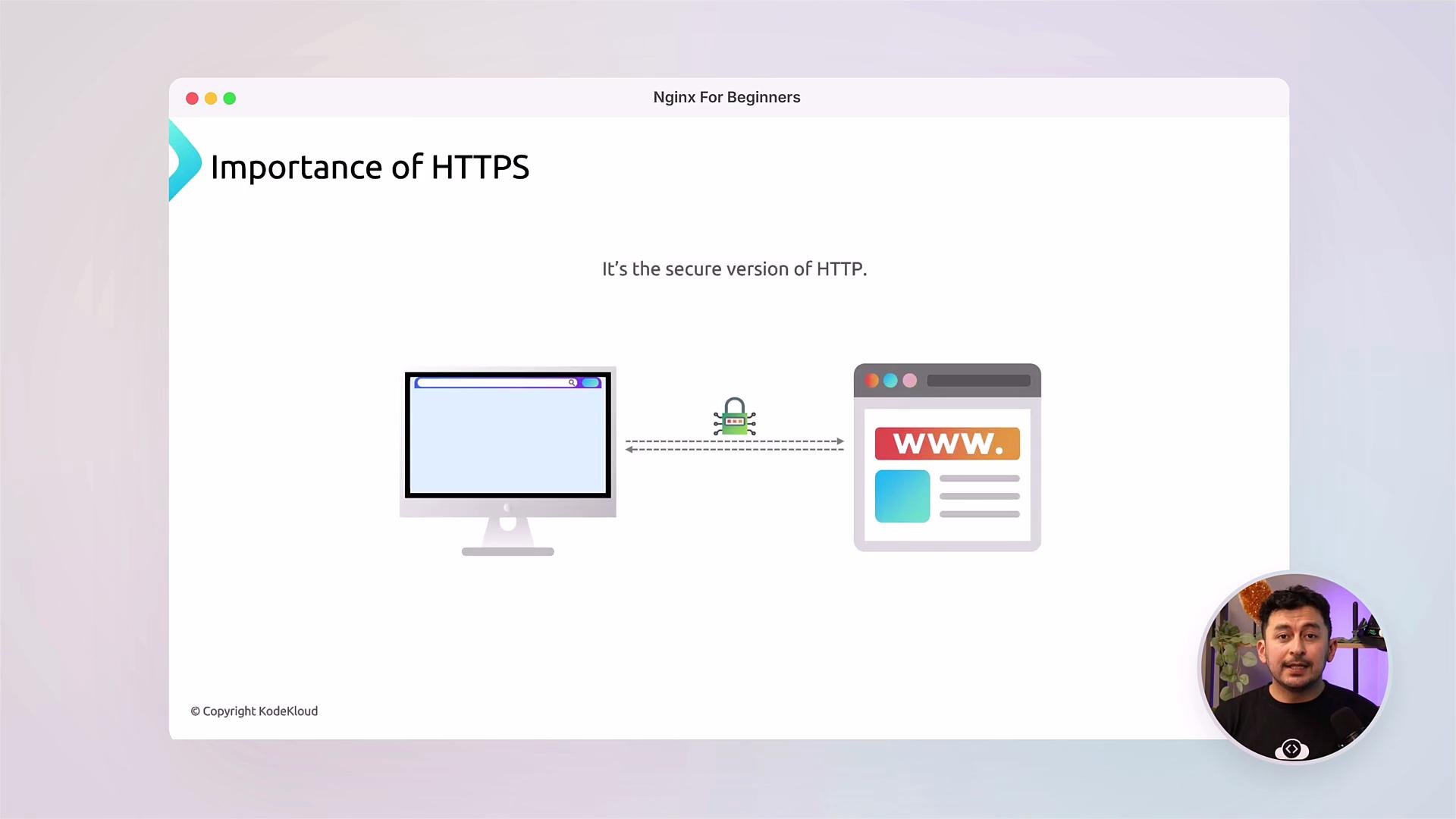
Always run updates and follow the principle of least privilege. Use valid TLS certificates and enable strong cipher suites. When exposing services to the public internet, make sure your firewall is configured and only necessary ports (e.g. 80, 443) are open.
Tip: Follow along with the labs. Practicing each module on a local VM or cloud instance will help you retain the configuration patterns and troubleshooting steps covered in the videos.
- NGINX official documentation: https://nginx.org/en/docs/
- NGINX Beginner Guide: https://nginx.org/en/docs/beginners_guide.html
- Let’s Encrypt for TLS certificates: https://letsencrypt.org/
- KodeKloud community and course labs: https://kodekloud.com/