

nginx.conf. It explains the typical file layout, key configuration blocks, example snippets, and common commands you’ll use when managing NGINX. This is ideal for beginners and engineers who need a quick reference while editing configs.
On most Linux distributions
nginx.conf lives at /etc/nginx/nginx.conf. You can confirm this with nginx -V which prints the configured paths.nginx.conf:
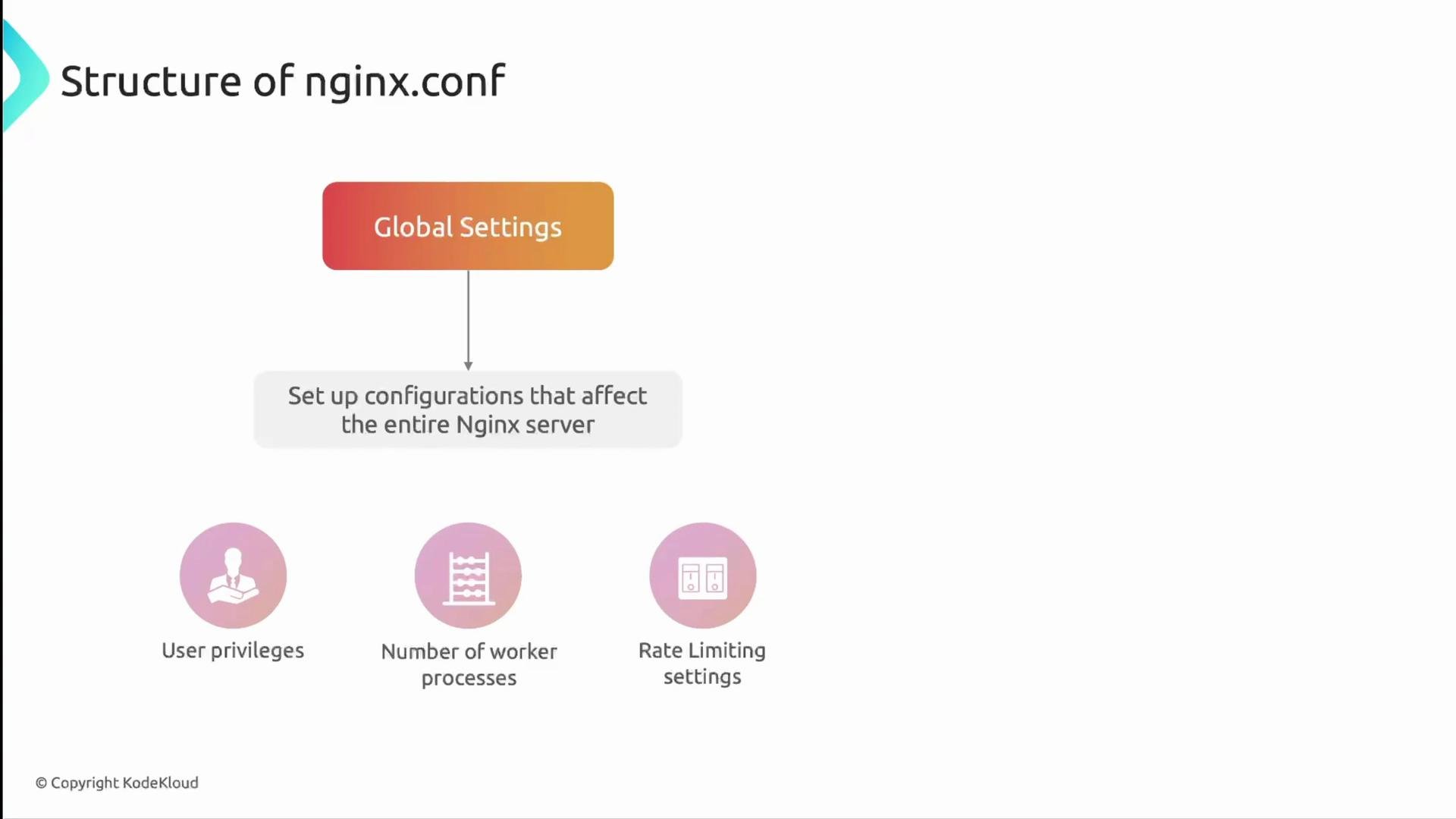
- Global settings — server-wide options (user, worker counts, pid file, etc.)
eventsblock — connection and event model settingshttpblock — HTTP-level configuration and includes for server blocksserverblocks — virtual hosts that define how NGINX responds to requests
http block rather than the global scope.
events block
Theevents block controls how worker processes handle connections and the event model (select/epoll/kqueue). A minimal events block:
worker_connectionssets the max simultaneous connections each worker can handle.- Total theoretical concurrent connections ≈
worker_processes * worker_connections. - Real limits depend on OS file descriptor limits (ulimit), socket limits, and other factors — treat the formula as an approximation.
useis optional; NGINX auto-selects the best mechanism if you omit it (epollon Linux,kqueueon BSD/macOS).
http block
Thehttp block holds HTTP-specific settings: logging, compression, MIME types, keepalives, and includes for server blocks or other fragments. A practical example:
- Use
includeto keepnginx.confconcise and load site-specific files fromconf.dorsites-enabled. - Configure gzip, caching, proxy, and upstreams in this section or in included files.
server block (virtual host)
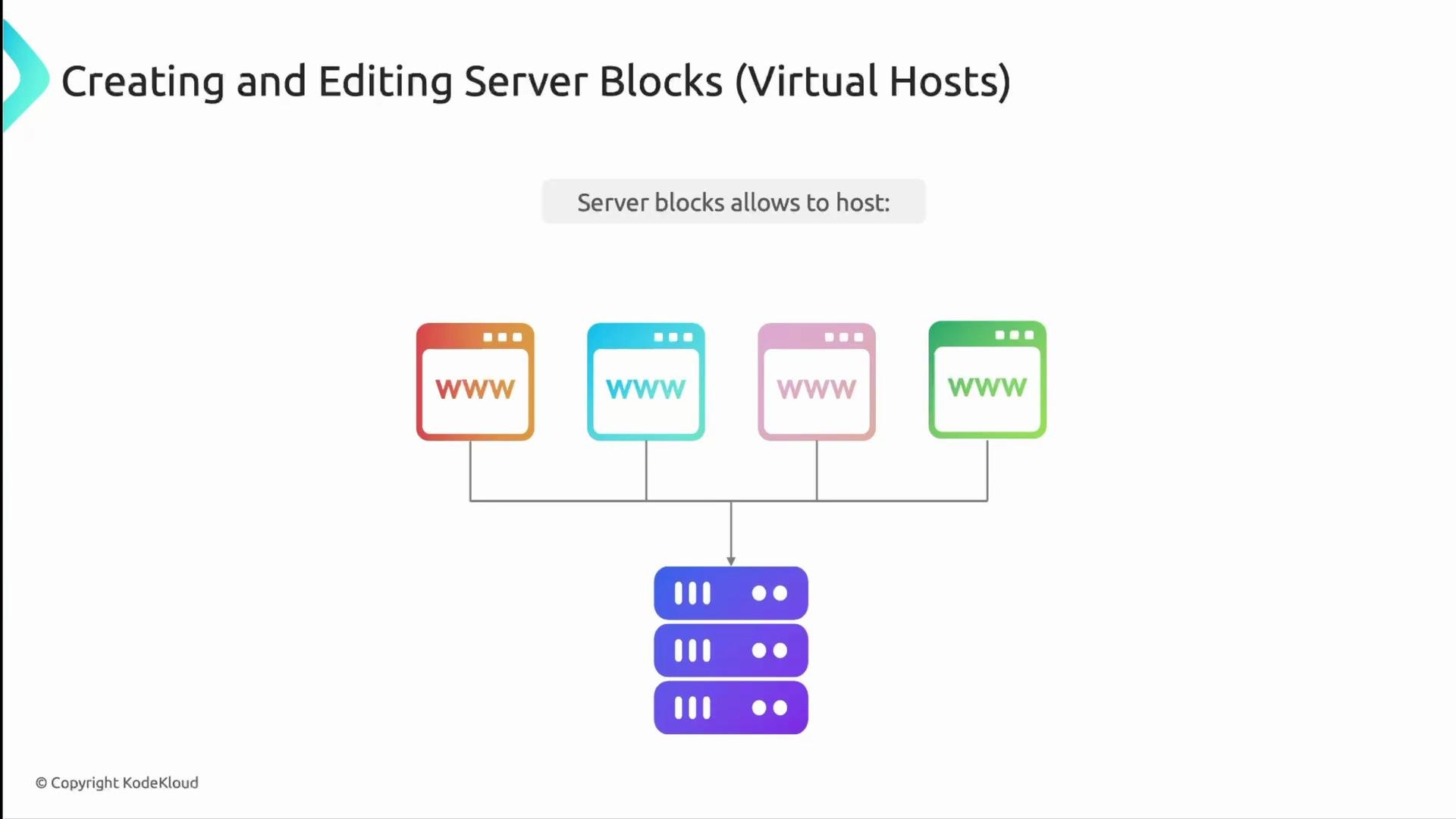
server blocks (virtual hosts) define how NGINX responds for specific domains, IPs, or ports. You can host multiple sites on one instance by adding multiple server blocks.
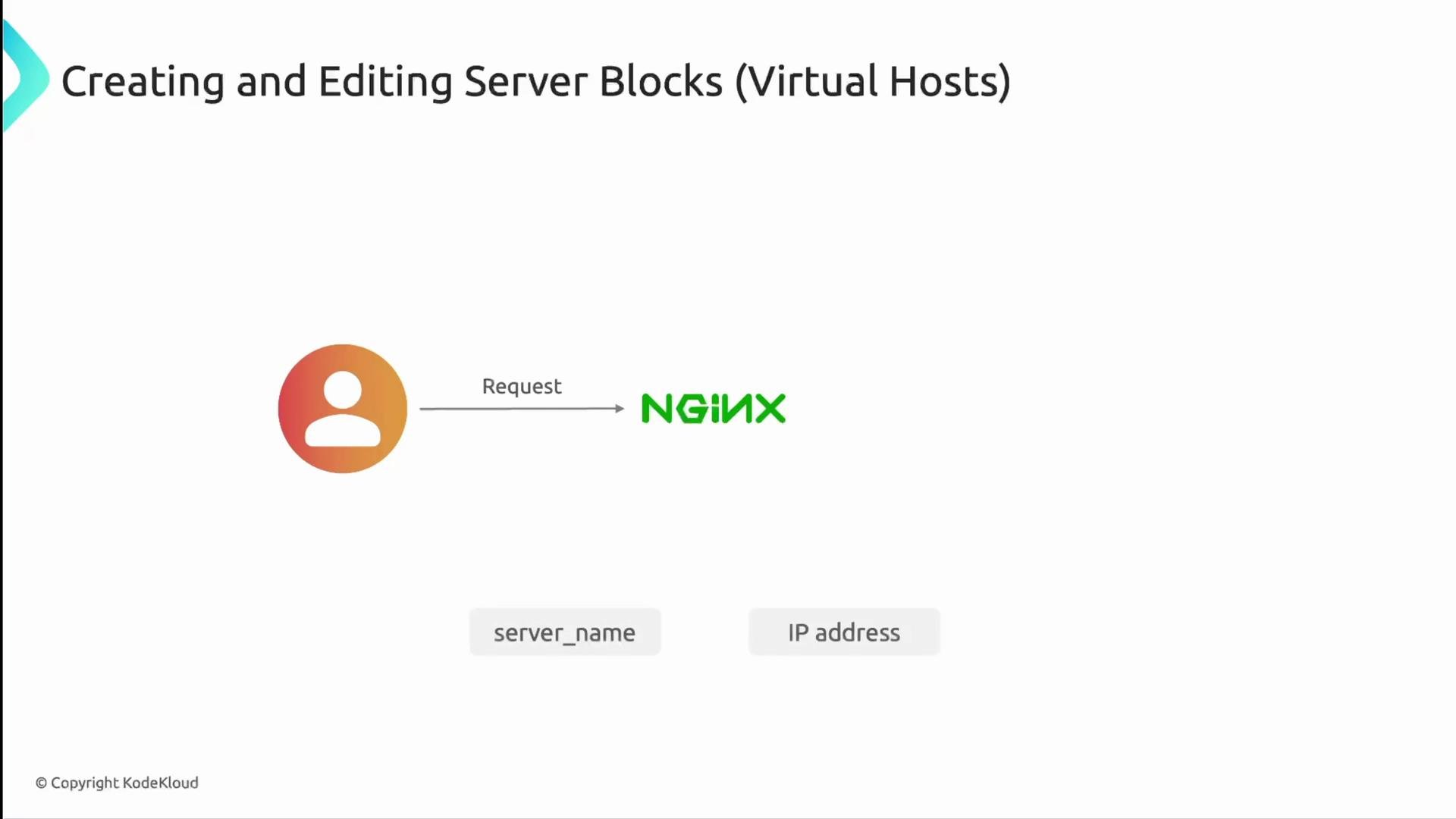
server block using listen and server_name (or the IP) from the incoming request.
server block:
Default webroots vary by distribution:
- Debian/Ubuntu:
/var/www/<site>/html - CentOS/Red Hat:
/usr/share/nginx/html
NGINX modules
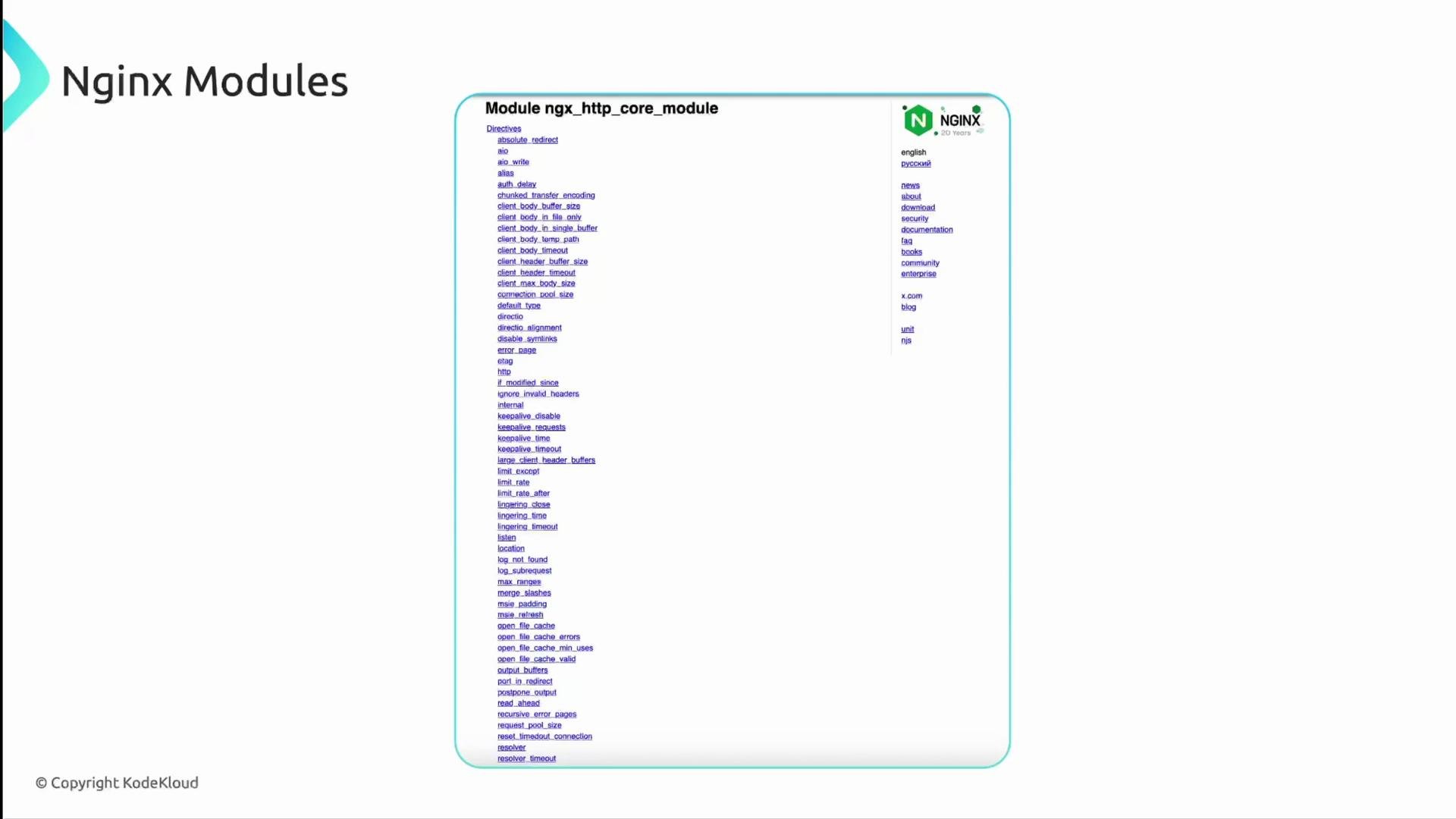
NGINX functionality is provided by modules (core HTTP module, SSL, proxy, rewrite, gzip, etc.). Which directives you can use depends on the modules compiled into your NGINX binary. Usenginx -V to see compile-time modules and options.
Common NGINX directories and files
Typical locations and purpose:
Using symbolic links in
sites-enabled is a common pattern to enable/disable sites (similar in intent to Apache’s approach, but usually managed manually or with helper scripts).
Useful NGINX commands
Use the following commands when managing or troubleshooting NGINX:
Always validate configuration before reloading:
Run
nginx -t (or sudo nginx -t) after edits to verify syntax and detect errors before reloading or restarting NGINX.nginx -s reloadorsudo systemctl reload nginx— reloads config without dropping existing connections (preferred when possible).sudo systemctl restart nginx— fully restarts the service and interrupts active connections.
Quick links and further reading
- NGINX official documentation: https://nginx.org/en/docs/
- NGINX Admin Guide: https://nginx.org/en/docs/admin_guide.html