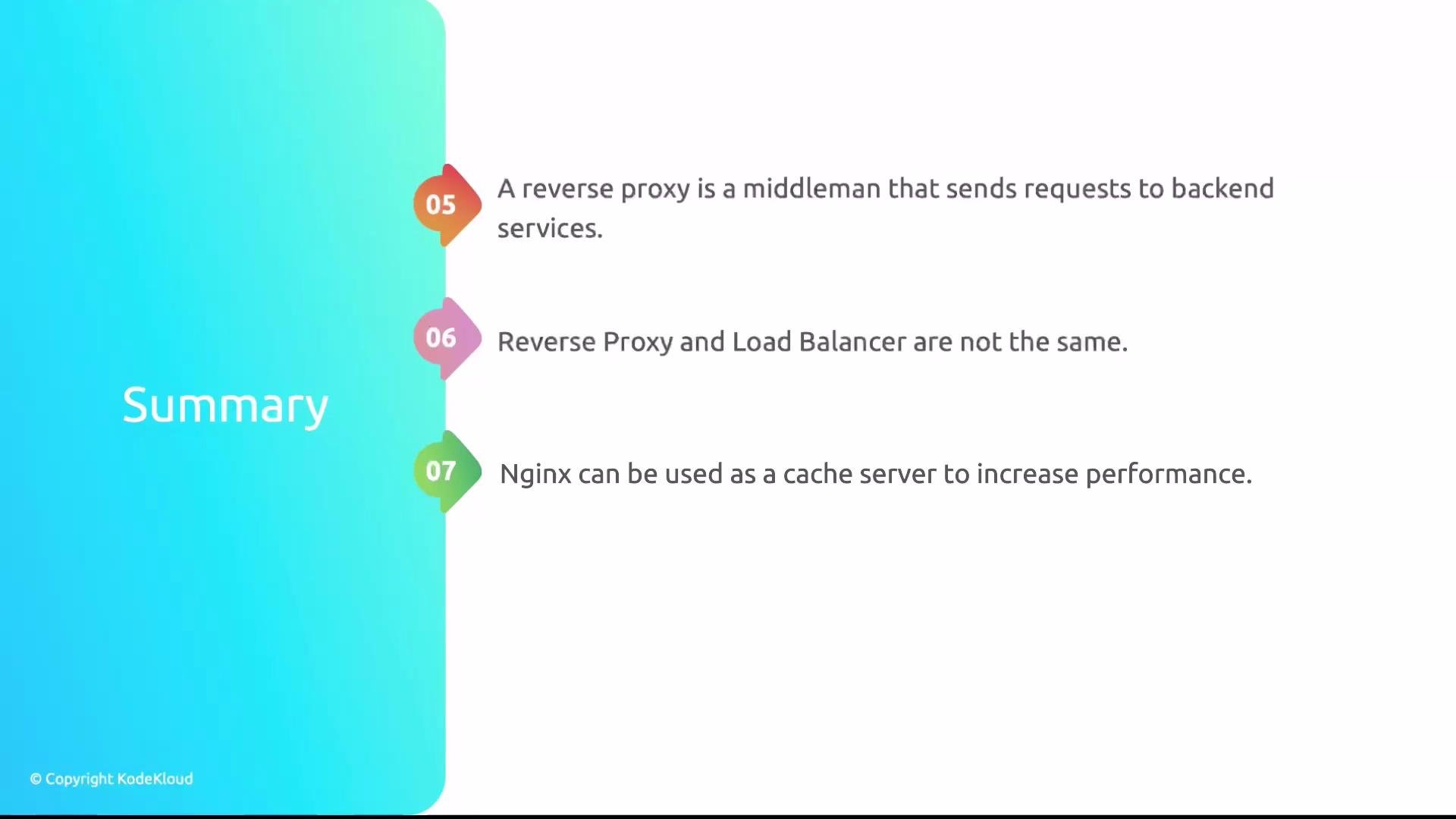
This lesson reviewed core Nginx concepts and common configuration patterns. Below is a structured recap of the main topics, practical examples, and configuration tips to help you design maintainable, secure, and performant Nginx deployments.
  • Server blocks and server_name
    • Server blocks (virtual hosts) let a single Nginx instance host multiple sites.
    • The server_name directive maps incoming requests (via the Host header) to the correct server block.
    • Configure server_name precisely — include exact names, wildcards, and fallback defaults — to avoid requests being handled by the undesired server block.
Always set an explicit server_name in each server block. If omitted or misconfigured, requests can be routed to the default server block, causing unexpected responses or security exposure.
Examples:
  • Exact match:
server {
  server_name example.com;
}
  • Wildcard subdomain:
server {
  server_name .example.com;   # matches example.com and all subdomains
}
  • Default server:
server {
  listen 80 default_server;
  server_name _;
}
  • HTTP → HTTPS redirection
    • Redirect all HTTP traffic to HTTPS with a minimal server block using a 301 or 308 redirect to preserve method semantics when appropriate.
    • Preserve the Host header and request path using $host and $request_uri.
Example:
server {
  listen 80;
  server_name example.com www.example.com;
  return 301 https://$host$request_uri;
}
  • Rewrite rules and regex
    • Nginx supports rewrite directives and regex-based location matching for URL manipulation and redirects.
    • Prefer try_files for resolving static files before using rewrites. try_files is generally faster and simpler for static content and single-page apps.
Example using try_files:
location / {
  try_files $uri $uri/ /index.html;
}
Example rewrite:
location /old-path {
  rewrite ^/old-path/?(.*)$ /new-path/$1 permanent;
}
  • Upstreams and backend pools
    • The upstream block defines a pool of backend servers Nginx proxies to.
    • Use upstreams when reverse proxying or load balancing application backends, including health check integrations or server weighting.
Example:
upstream app_backend {
  server 10.0.0.10:3000;
  server 10.0.0.11:3000;
}

server {
  location / {
    proxy_pass http://app_backend;
    proxy_set_header Host $host;
    proxy_set_header X-Forwarded-For $proxy_add_x_forwarded_for;
  }
}
  • Load balancing algorithms
    • Choose a balancing method based on session persistence needs, backend capacity, and fault tolerance.
AlgorithmUse CaseNotes
round-robinDefault, evenly distribute requestsSimple and effective for similar-capacity backends
weighted round-robinBackends with different capacityAssign weight per server to control share
ip_hashSession stickiness by client IPUseful for basic session affinity; can create uneven load with NAT/proxying
Example weighted upstream:
upstream app_backend {
  server 10.0.0.10:3000 weight=3;
  server 10.0.0.11:3000 weight=1;
}
IP-based sticky sessions (ip_hash) can produce uneven load when many clients share an IP (NAT/proxies). For robust session persistence, prefer shared session stores (for example, Redis) or application-level affinity techniques.
  • Reverse proxy vs. load balancer
    • Reverse proxy: forwards client requests to one or more backend services. Single backend is sufficient.
    • Load balancer: distributes traffic across multiple backends to provide scaling and failover. Requires two or more backends.
    • Nginx can function as both; decide based on whether you need distribution and resilience (load balancer) or simple request forwarding/edge functionality (reverse proxy).
  • Caching
    • Proper caching reduces backend load and improves latency. Configure proxy_cache, cache-control headers, and cache keys to maintain correctness.
    • Consider cache invalidation strategies and TTLs to ensure clients receive fresh content when needed.
Basic proxy cache example:
proxy_cache_path /var/cache/nginx levels=1:2 keys_zone=my_cache:10m max_size=1g inactive=60m use_temp_path=off;

server {
  location / {
    proxy_cache my_cache;
    proxy_cache_key "$scheme$request_method$host$request_uri";
    proxy_cache_valid 200 302 10m;
    proxy_cache_valid 404 1m;
    proxy_pass http://app_backend;
  }
}
Checklist — Review these items in your Nginx configurations:
  • Explicit server_name and a sensible default server.
  • Proper TLS termination and HTTP→HTTPS redirects.
  • Use try_files for static assets where possible.
  • Define upstreams for backend pools and pick an appropriate load balancing algorithm.
  • Ensure proxy headers (Host, X-Forwarded-For, X-Forwarded-Proto) are set correctly.
  • Implement caching with controlled TTLs and well-chosen cache keys.
  • Reconsider ip_hash for session stickiness if clients are behind NAT — use shared session storage when necessary.
Links and References This wraps up the lesson. Use these principles to build secure, efficient, and maintainable Nginx configurations.

Watch Video