

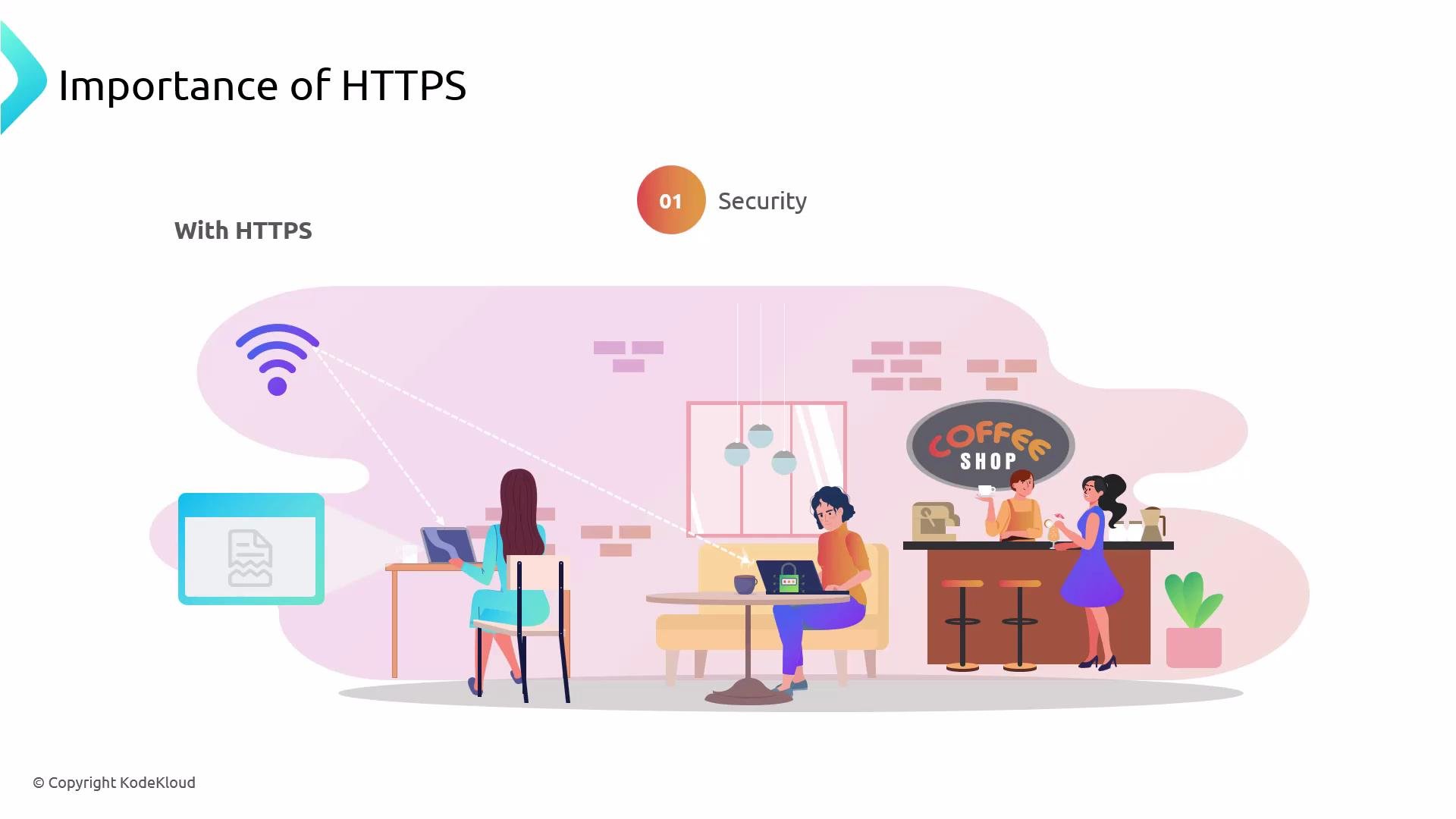
- Security: HTTPS (TLS) encrypts the entire communication channel between browser and website. On a shared network (e.g., public Wi‑Fi) an attacker cannot read intercepted traffic without access to the server’s private key. HTTPS protects usernames, passwords, payment data, and other sensitive information.
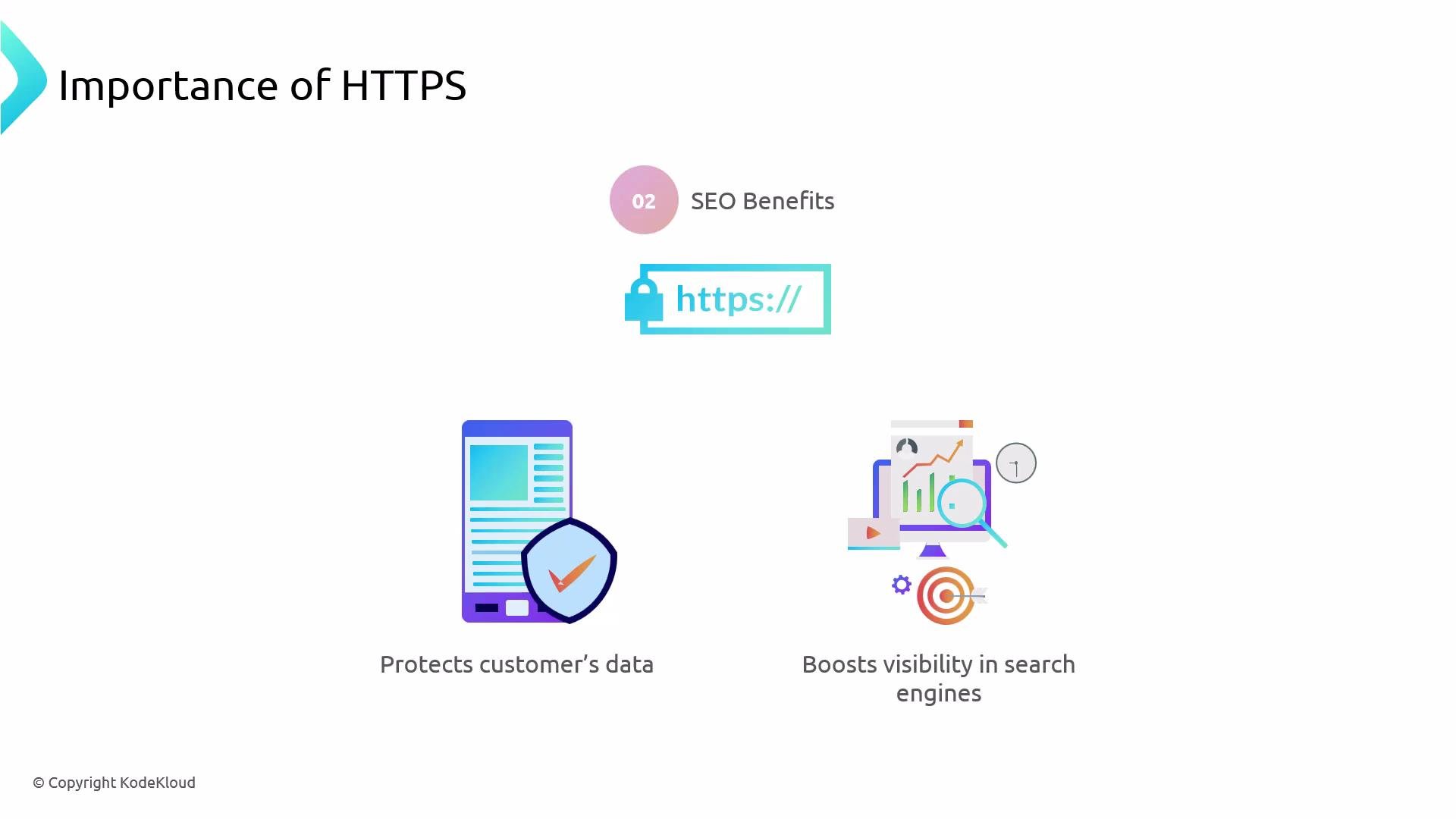
- SEO and trust: Modern search engines and browsers favor HTTPS. A secure site can rank better in search results and displays browser UI (padlock) that increases user trust.
- SSL (Secure Sockets Layer) is deprecated. TLS (Transport Layer Security) is the modern, secure protocol that replaced SSL.
- People still say “SSL certificate,” but the protocol in use is TLS. Use TLS 1.2 or TLS 1.3; TLS 1.0 and 1.1 (and all SSL versions) are insecure and should be disabled.
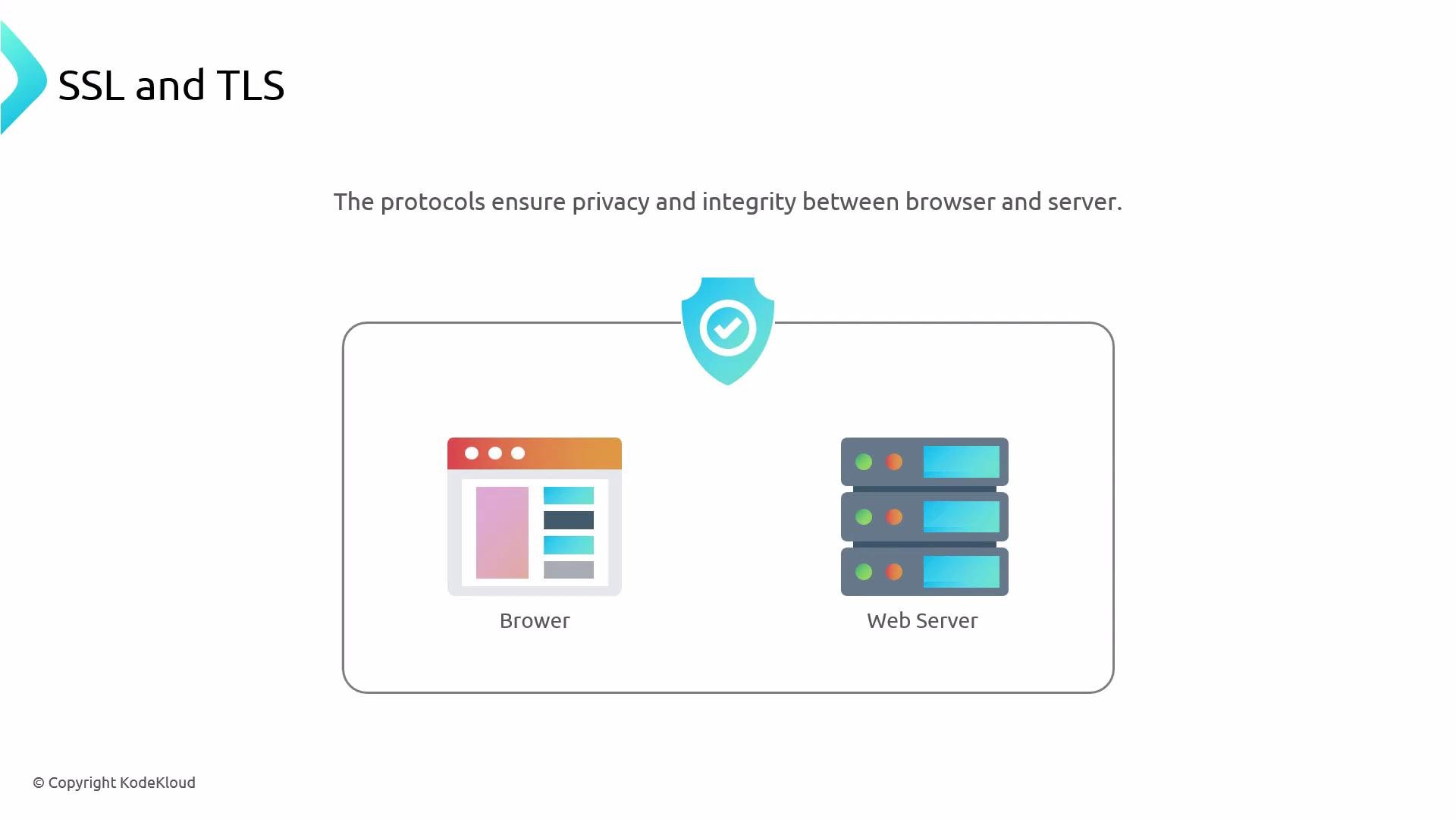
- The browser opens an HTTPS connection to the server.
- The server sends its TLS certificate (an X.509 document signed by a Certificate Authority). The certificate includes the server’s public key and identifying information (domain name).
- The browser validates the certificate (chain-of-trust, expiration, and domain name). If valid, the browser and server complete an authenticated key exchange (commonly ECDHE), which results in ephemeral symmetric session keys.
- All subsequent traffic is encrypted using the negotiated symmetric keys for performance and confidentiality.
- CAs validate identity and digitally sign certificates so browsers can trust them.
- Examples include DigiCert, Sectigo, and other commercial CAs.
- Let’s Encrypt is a widely used free, automated CA trusted by modern browsers and suitable for production.
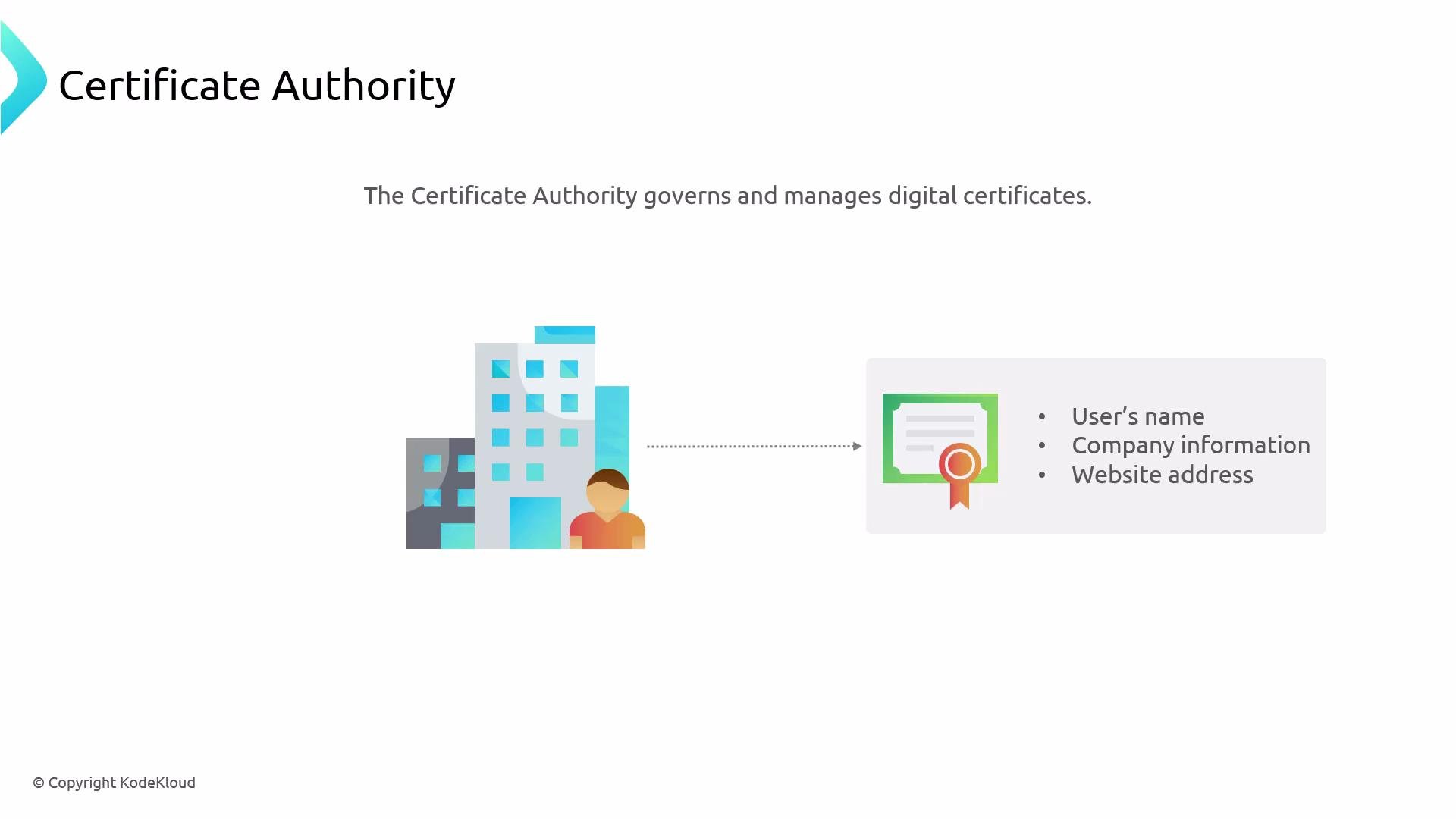
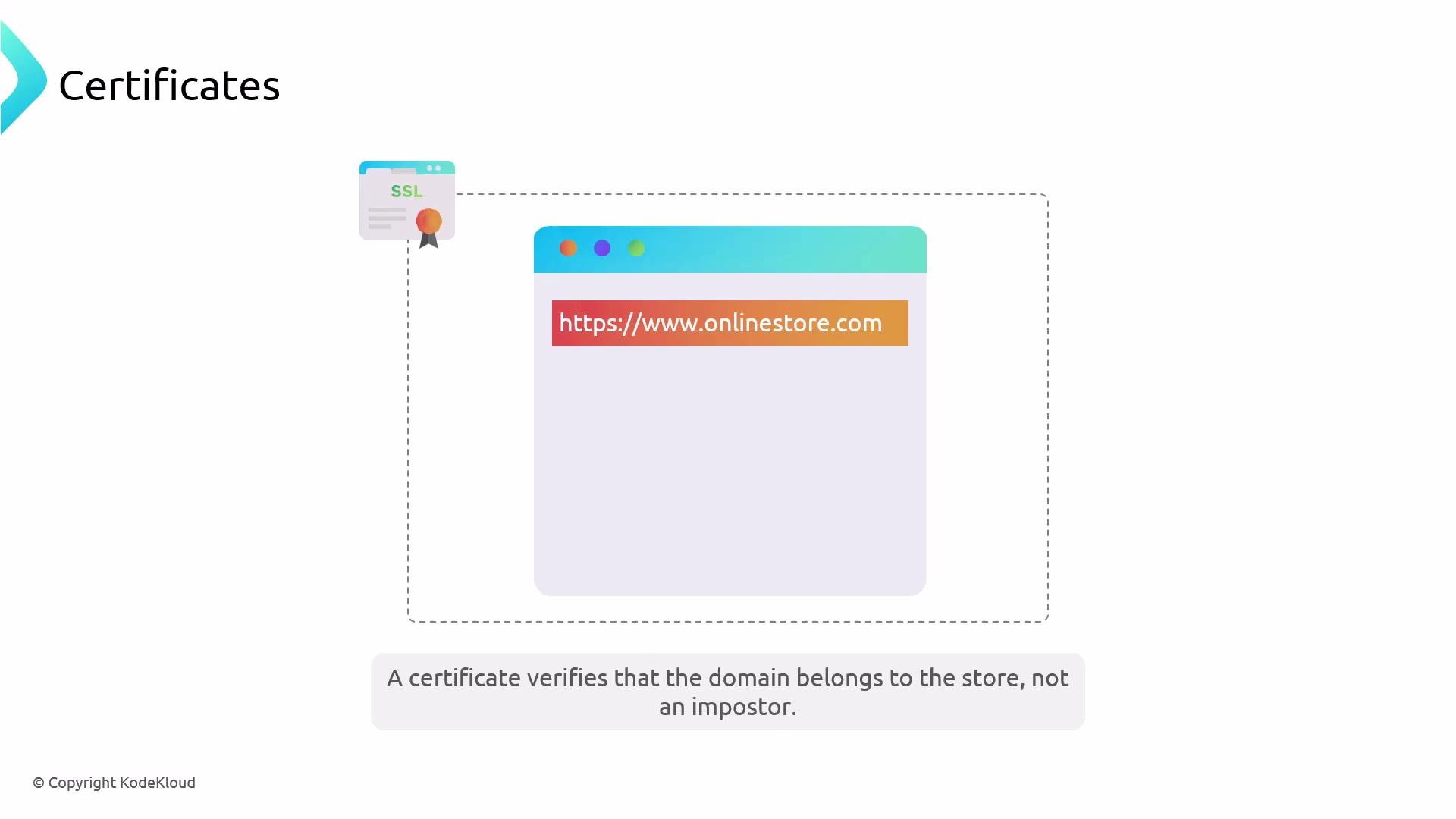
- A TLS certificate is effectively a website’s online ID card. It proves the certificate requester controls the domain and prevents impersonation.
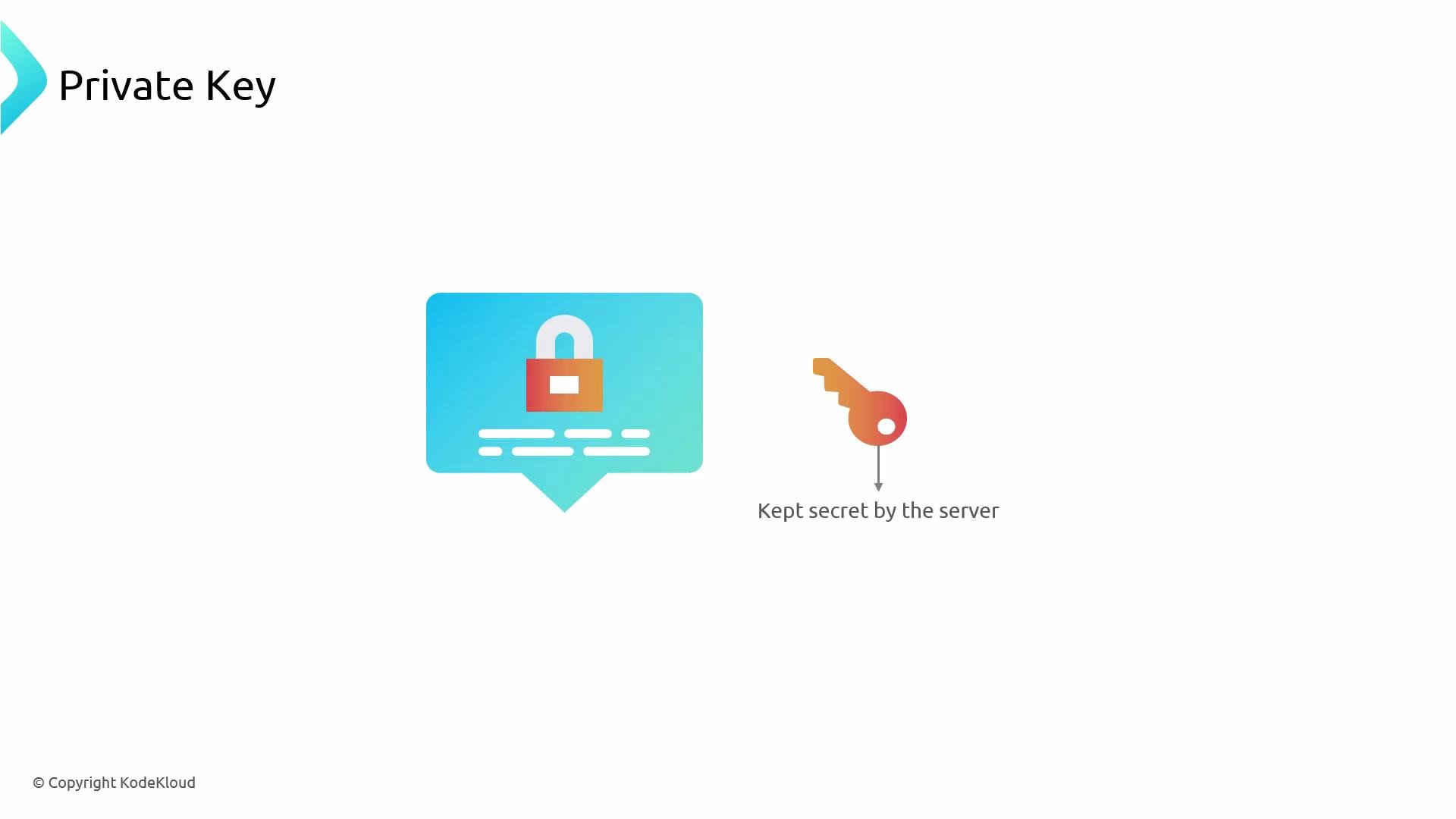
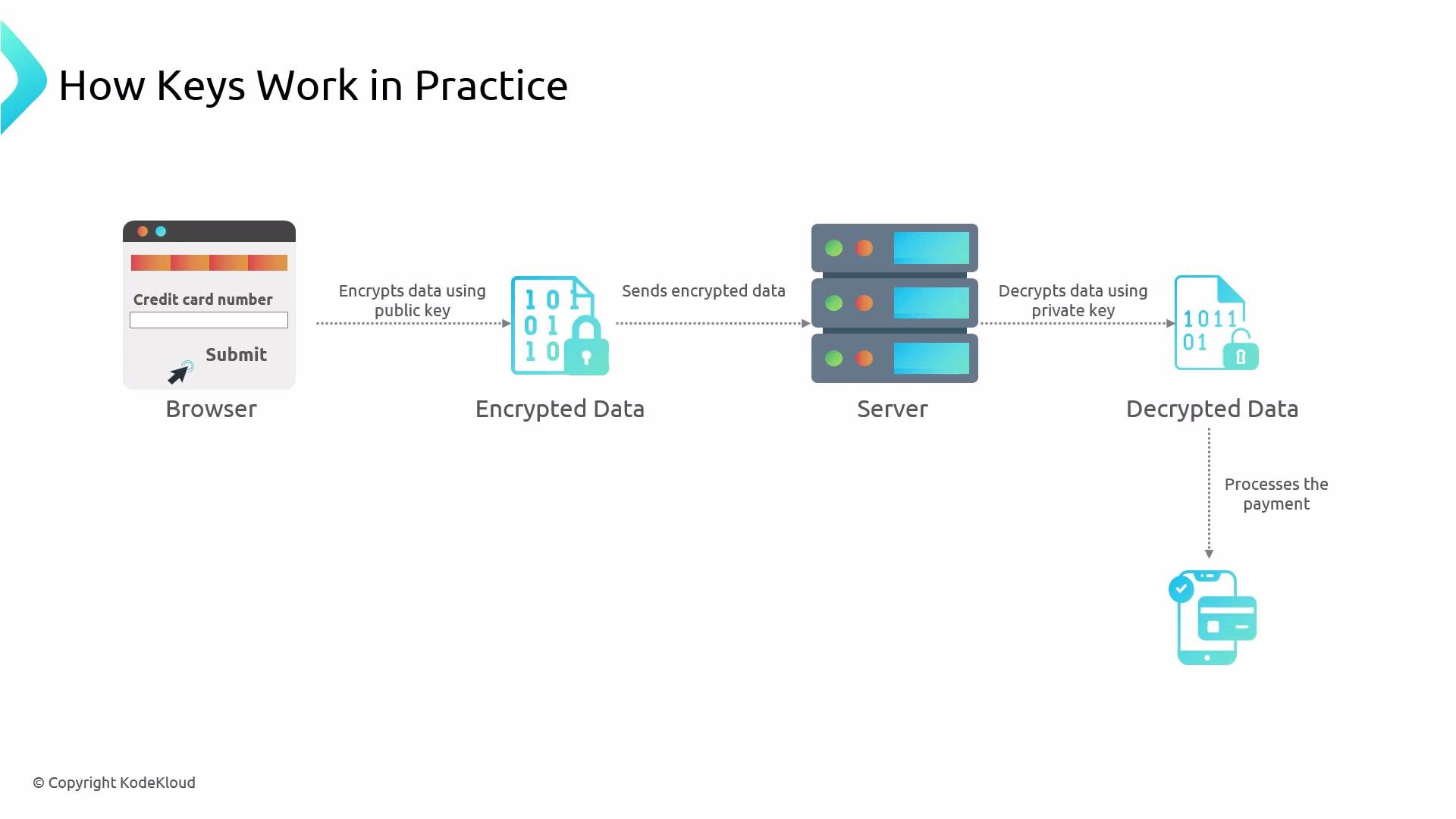
- TLS uses asymmetric cryptography for authentication and key exchange: a public key (shared) and a private key (kept secret on the server).
- The public/private key pair authenticates the server and helps establish session keys; bulk encryption uses symmetric keys because symmetric algorithms are faster.
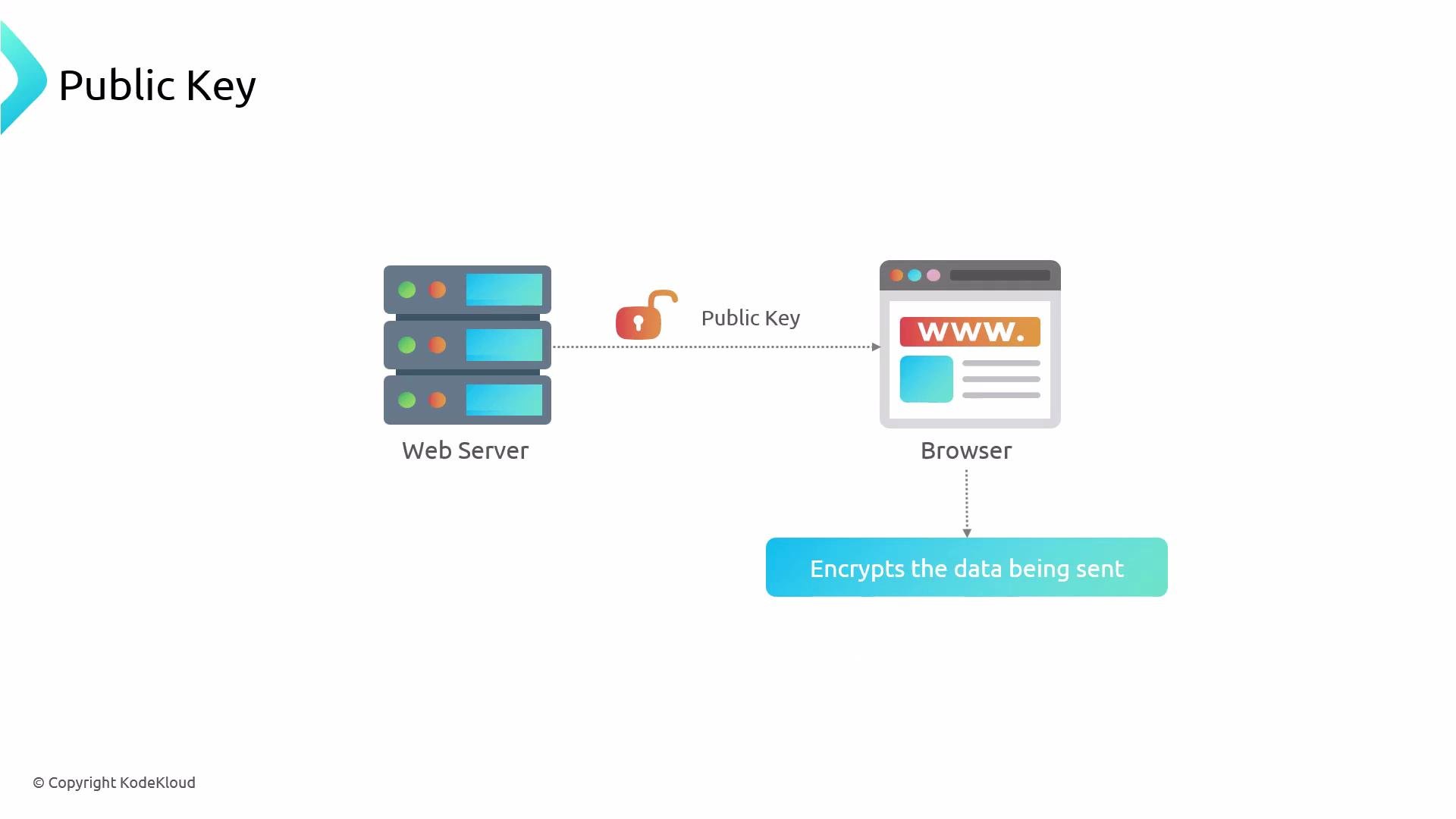
- After the TLS handshake, the browser encrypts sensitive form fields (e.g., credit card numbers) with the negotiated symmetric session keys.
- The server uses its private key and the session keys established during the handshake to decrypt and process the request.
- Let’s Encrypt + Certbot: Let’s Encrypt issues free, trusted certificates. Certbot is a popular, well-documented client to obtain and renew certificates automatically.
- Requirements: you must own (or control) the domain and have DNS pointing to the server where you run Certbot.
certbot-nginx) vary by distribution. Check the Certbot documentation for platform-specific instructions: https://certbot.eff.org
Local development / testing: mkcert
- mkcert makes short-lived, locally trusted certificates for development and testing by installing a local CA in your machine’s trust store.
- These certificates are only appropriate for local testing and should never be used for public production sites.
mkcert installs a local CA in your OS/browser trust store so the generated certs are trusted on your development machine. It is very convenient for local HTTPS but is not a replacement for CA‑signed certificates like those from Let’s Encrypt in production.
- Install mkcert (platform-specific) and run
mkcert --installonce to register the local CA. - Generate certificates for one or more hostnames. Note: X.509 wildcards only match a single subdomain level (e.g.,
*.example.commatchesa.example.combut nota.b.example.com).
/etc/ssl/certs/ and private key into /etc/ssl/private/) and reference those paths from your web server configuration.
Do not use mkcert-generated certificates in production. For public-facing services, always use CA-signed certificates (e.g., from Let’s Encrypt or a commercial CA).
- After obtaining the certificate and private key, reference them in your Nginx configuration and listen on port 443 for TLS traffic.
- Example Nginx server block — adjust
server_nameand file paths to match your environment:
Summary
- HTTPS/TLS protects confidentiality and integrity of web traffic; it’s essential for any site handling sensitive data.
- TLS certificates are issued and validated by Certificate Authorities. Let’s Encrypt provides free, trusted certificates and Certbot is a commonly used client for obtaining and renewing them.
- Use mkcert only for local development and testing; do not use mkcert certs in production.
- After obtaining certificates, configure your web server (example shown with Nginx) to serve HTTPS on port 443, and verify with
nginx -tand browser or SSL tools.
- Certbot: https://certbot.eff.org
- Let’s Encrypt: https://letsencrypt.org
- mkcert GitHub: https://github.com/FiloSottile/mkcert
- Nginx documentation: https://nginx.org/en/docs/