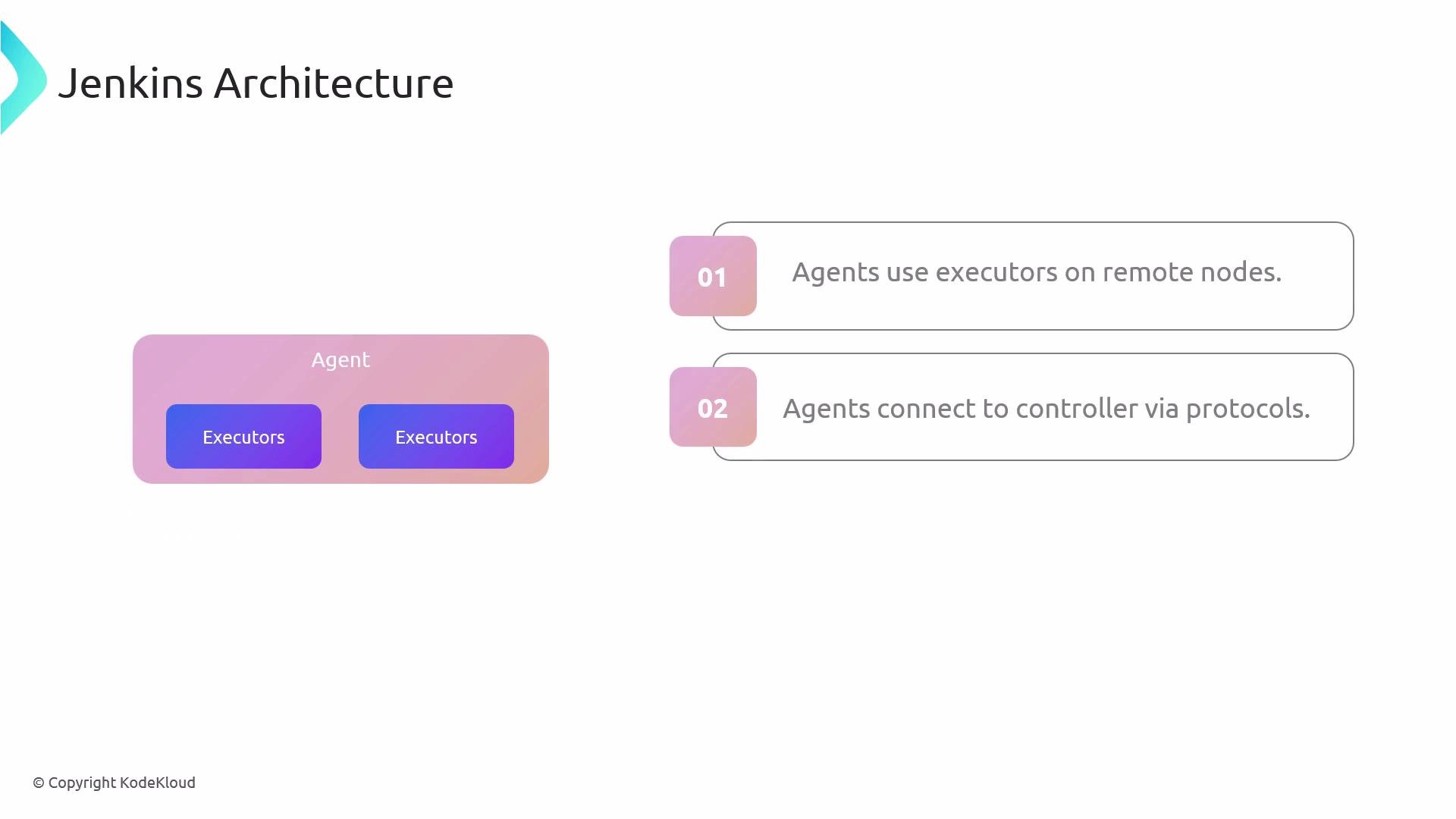
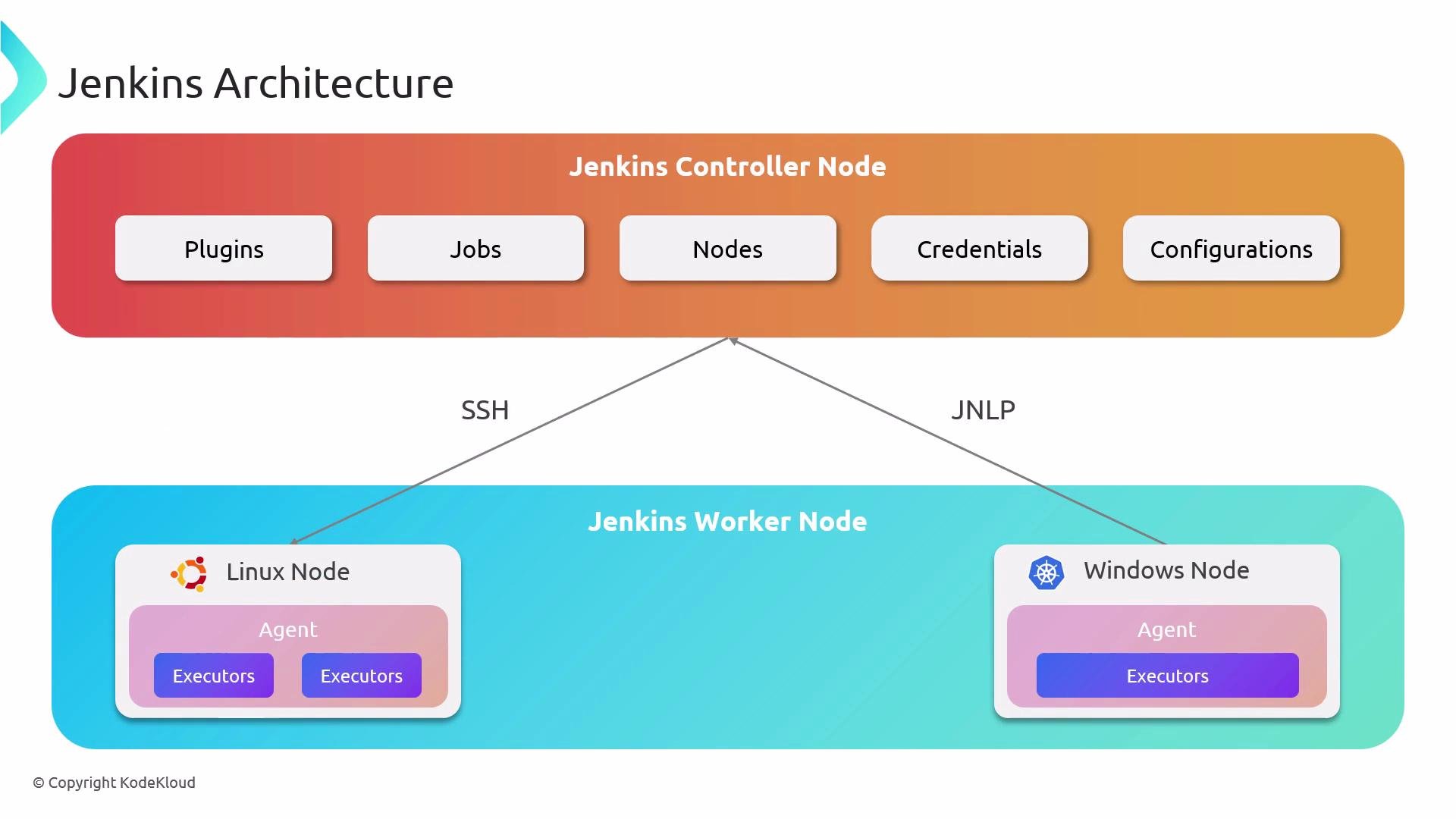
Jenkins agents (also known as build nodes) provide executors that run your CI/CD workloads. Configured through a Jenkinsfile, each agent specifies how a worker node connects to the controller—using SSH, JNLP, or other protocols—and includes required build tools (e.g., JDK, Node.js).Documentation Index
Fetch the complete documentation index at: https://notes.kodekloud.com/llms.txt
Use this file to discover all available pages before exploring further.


| Agent Type | Description | Use Case |
|---|---|---|
| Permanent Agents | Statically configured nodes always online, with pre-installed tools and fixed resources. | Stable builds with consistent toolchains |
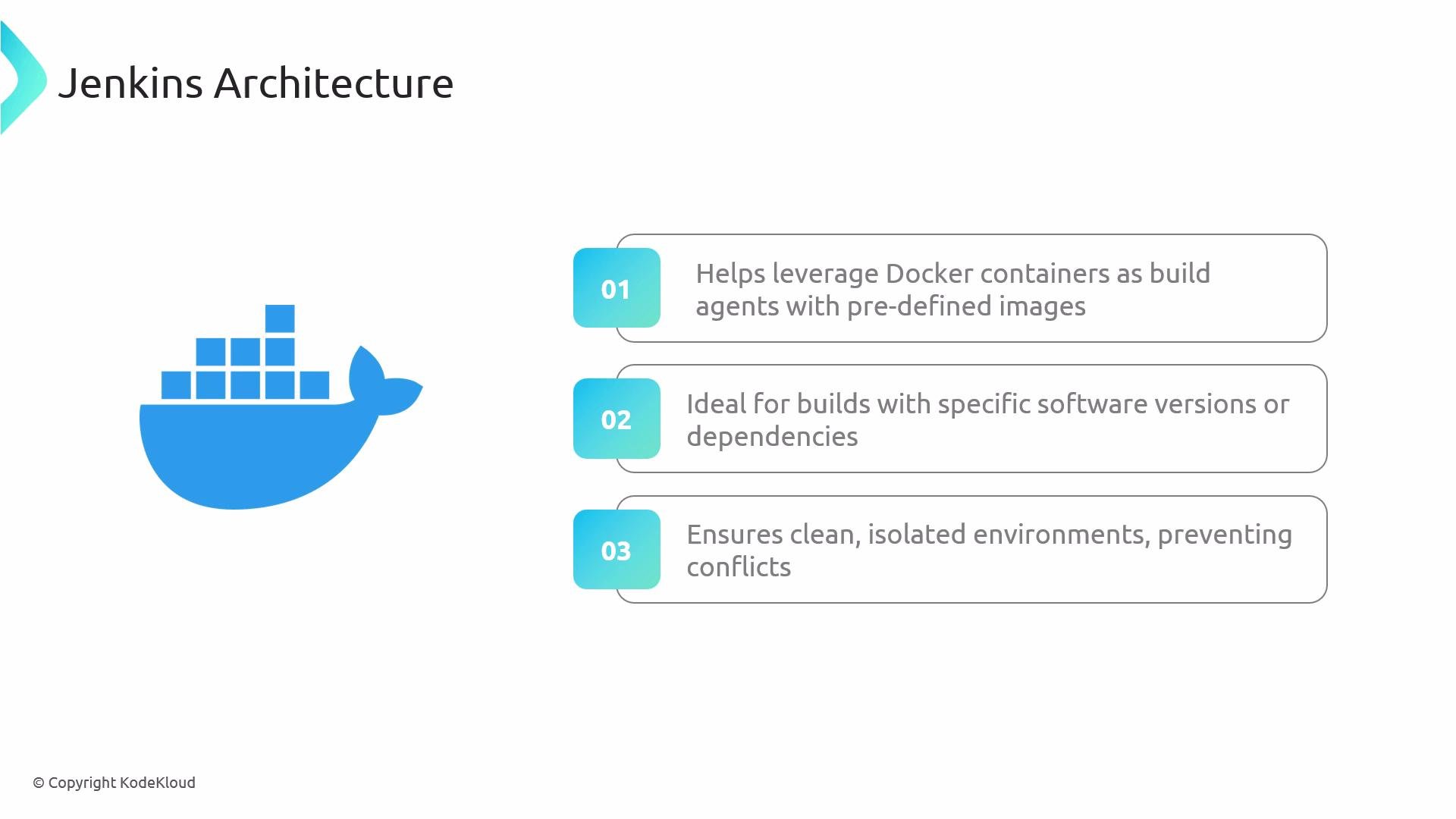
| Docker Agents | Ephemeral containers created from custom images, destroyed after each build. | Isolation, reproducibility, version control |
| Cloud-Based Agents | On-demand VMs or Kubernetes Pods via cloud plugins (AWS, Azure, GCP). Auto-scaled per workload. | Elastic scaling and cost optimization |
| Label-Based Agents | Nodes tagged with labels (e.g., java, windows). Pipelines request labels instead of nodes. | Flexible matching based on node capabilities |
Declarative Pipeline Examples
Below are common Declarative Pipeline patterns for specifying agents in a Jenkinsfile.1. Any Available Agent
Useagent any to let Jenkins route the job to the next free executor:
2. Label-Based Agent
Specifyagent { label 'my-agent' } to target nodes matching a label:
Ensure that your Jenkins controller has at least one node configured with the
my-agent label. Otherwise, builds will remain queued.3. Docker Agent
Spin up a Docker container as your build environment. Here we mount the NPM cache for faster installs:Mounting host directories into containers can expose sensitive data. Validate
args parameters before use.4. Default and Stage-Specific Agents
Define a default agent at pipeline level and override it per stage:my-agent.