

Backup approaches (overview)
There are three common approaches. Combining them gives the best protection (frequent snapshots + periodic off-site archives + plugin or script-based backups).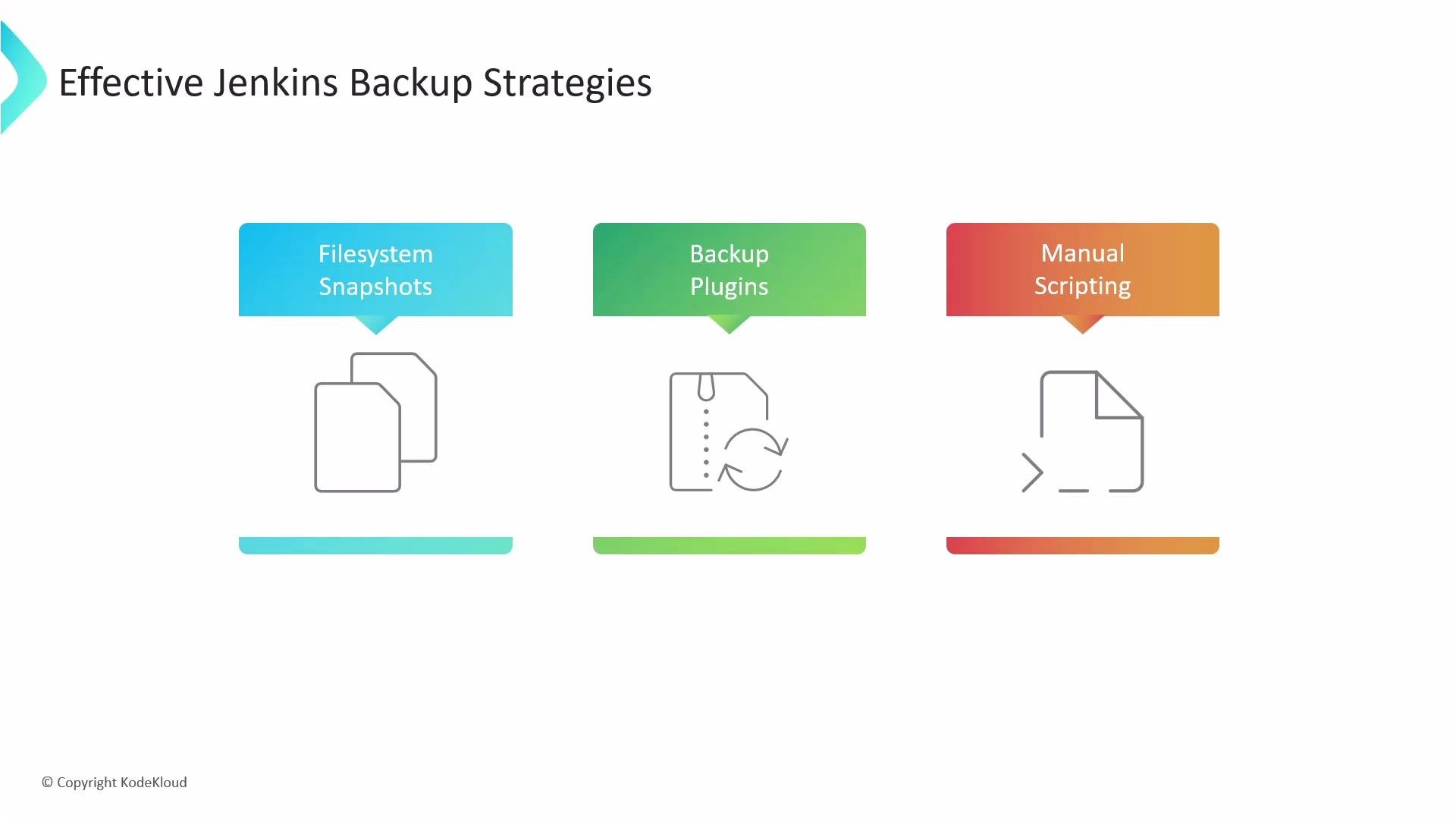
What to back up (scope)
The most important directory is the Jenkins home directory (JENKINS_HOME). On many systems this defaults to /var/lib/jenkins, but it can vary if JENKINS_HOME was set explicitly. This directory contains job configurations, build history, plugin binaries and metadata, secrets, and global configuration.
Representative layout of JENKINS_HOME:
config.xmland other top-level*.xmlfiles (system/global config).jobs/*/config.xmland job metadata (job definitions and build history).plugins/— plugin binaries and metadata speed recovery; you can re-download plugins from the Update Center if necessary, but keeping copies simplifies restores.secrets/and encryption keys (hudson.util.Secret,master.key,identity.key.enc) — required to decrypt credentials and should be protected.userContent/if your instance serves custom assets.
workspace/and large archived build artifacts if you retain artifacts in an artifact repository (Nexus, Artifactory) or can rebuild.- Plugin caches, transient plugin state, and temporary files that can be re-downloaded.
Practical notes for consistent backups
- Filesystem snapshots are the safest way to capture a consistent
JENKINS_HOMEwithout stopping Jenkins—use LVM snapshots or your cloud-provider snapshot tool to create a point-in-time copy and then back up the snapshot. - If you use file-copy tools (tar/rsync) directly against a running Jenkins, stop Jenkins first or use a snapshot to avoid inconsistent state.
- Always protect backups of secret keys (
master.key,hudson.util.Secret) by encrypting them at rest and restricting access. - Verify ownership and permissions after a restore (e.g.,
chown -R jenkins:jenkins /var/lib/jenkins).
For scheduled backups in production, consider a hybrid strategy: frequent snapshots for point-in-time consistency plus periodic off-site archival (S3, Glacier, or object storage) and occasional plugin-based exports for human-readable job/config backups.
Example backup commands
- Stopped, consistent tarball (simplest — requires stopping Jenkins):
- Live selective rsync backup (avoid workspace and archived artifacts):
- Using an LVM or cloud snapshot (recommended for production): create the snapshot via your storage provider, mount it read-only, then copy the snapshot volume to long-term storage. Commands vary by provider (EBS snapshots, GCE persistent disk snapshots, etc.).
Security and restoration considerations
Back up
secrets/ and encryption keys securely. Backups that expose master.key, hudson.util.Secret, or SSH keys must be encrypted at rest and access-controlled. Leaked backups can expose credentials and lead to compromise.- When restoring, ensure plugin compatibility between the restored
plugins/and the Jenkins core version; mismatches can break jobs or UI behavior. - If restoring to a new host, set correct permissions and ownership (e.g.,
chown -R jenkins:jenkins /var/lib/jenkins), and restore SELinux contexts if required. - Test restores periodically to validate backup integrity and the restoration process. A backup is only useful when you can restore it reliably.
Plugins: ThinBackup and alternatives
- ThinBackup: actively maintained plugin that schedules backups of jobs and configuration. It’s convenient for job/config-level backups and minimal restores.
- Limitations: plugin-based backups may miss low-level state (secrets, certain plugin data). Combine plugin backups with filesystem snapshots for full coverage.
Summary / Best practices
- Prioritize backing up
JENKINS_HOME(jobs, config, plugins, secrets). - Prefer filesystem snapshots for consistency; use
tar/rsyncwhen Jenkins is stopped or when backing up from a snapshot. - Keep secrets encrypted and access-controlled.
- Combine methods: snapshots + offsite archival + plugin backups to meet recovery objectives.
- Regularly test restores and document your restore procedure.
Links and references
- Jenkins Home Directory documentation
- Jenkins Backup and Restore best practices
- Kubernetes and Jenkins persistence patterns