

newContainerPerStage directive in Jenkins Pipeline. It walks through examples that show the difference between reusing a single container for all stages (the default when using a top-level docker/dockerfile agent) and launching a fresh container per stage with options { newContainerPerStage() }.
When you might run different agents per stage
Often pipelines define different agents at the stage level (for example, a globalany agent with a single stage that uses a dockerfile agent). A pipeline that mixes global and per-stage agents can look like this:
newContainerPerStage option changes runtime behavior.
Top-level dockerfile agent (single container reused for all stages)
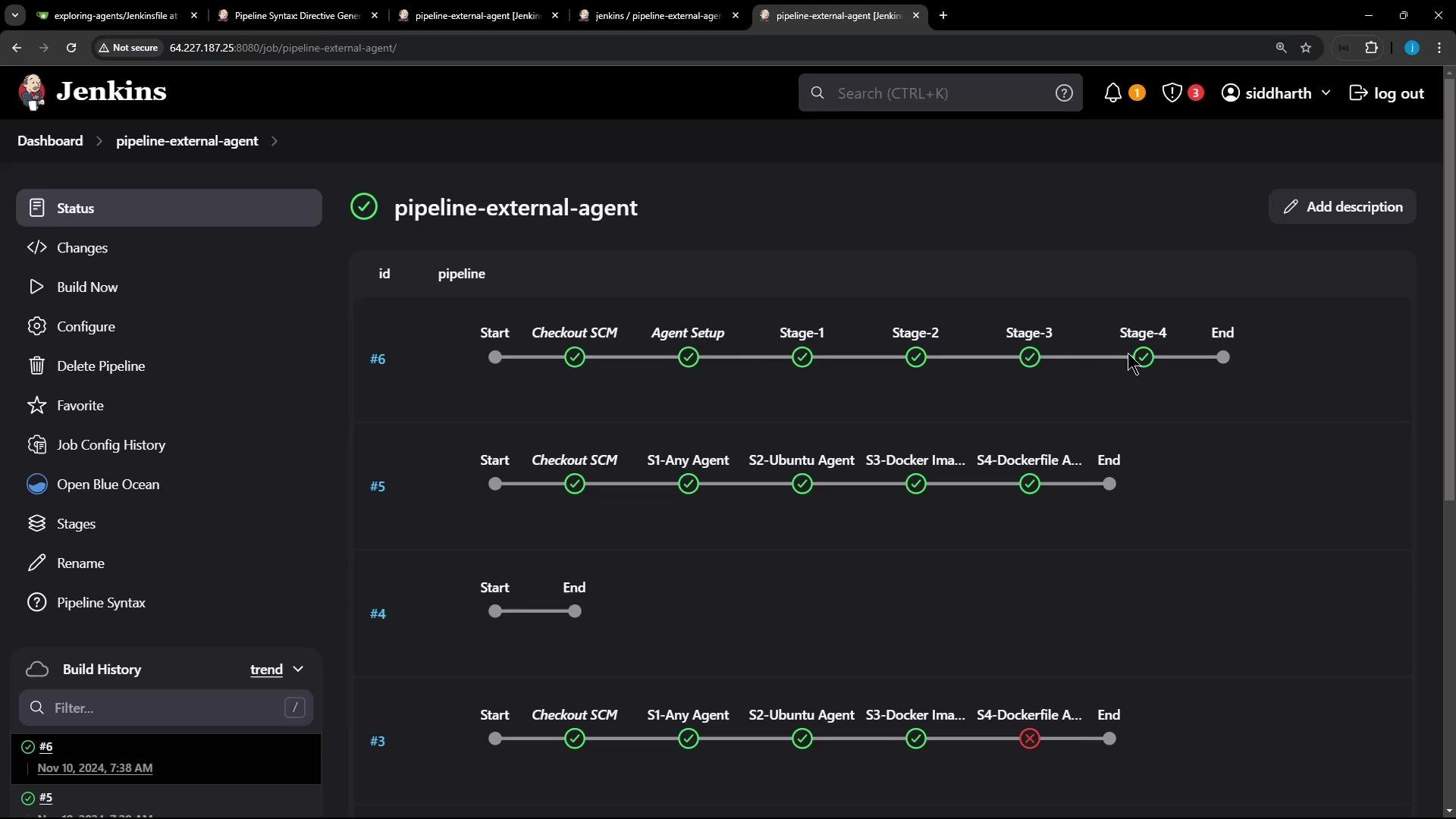
If you configure a top-level dockerfile agent, Jenkins will build the image, run a container from that image on the chosen node, and reuse that container for every stage in the pipeline. For example:
- Builds the image from the specified Dockerfile (
Dockerfile.cowsay). - Starts a single container from that image on the selected node.
- Reuses the same container and workspace for all stages.
- Stops and removes the container when the pipeline completes.
Sharing files via the container filesystem
Because the same container and workspace are reused, files written by one stage to the container filesystem (for example,/tmp) will still be present for subsequent stages. Example pipeline that writes and reads a transient file:
Isolated containers per stage with newContainerPerStage()
If you need strict isolation between stages — for example, to ensure no filesystem state is carried over — use the newContainerPerStage() option. When applied together with a top-level dockerfile (or docker) agent, Jenkins will create a fresh container for each stage using the same image definition.
Using
options { newContainerPerStage() } makes Jenkins run each stage in a brand-new container created from the same Dockerfile. Files written to the container filesystem in one stage will not be visible in subsequent stages.newContainerPerStage():
ls and cat calls in Stage-2 will typically fail because those files were created in the previous stage’s container, not the current one.
When newContainerPerStage() is enabled, you will observe:
- Jenkins builds (or validates) the image and runs a new container for each stage.
- Files created inside one stage’s container are not present in the next stage’s container.
- Expect
No such file or directoryerrors when trying to access stage-local files created previously.
Quick comparison
Summary
- A top-level
dockerfileordockeragent builds the image and reuses a single container and workspace across all stages. Useful when you want to share files or state via the container filesystem. options { newContainerPerStage() }forces Jenkins to create a fresh container for each stage (using the same image definition). Use this when you need strict isolation between stages and want to avoid accidental state carryover.- Choose the mode that matches your pipeline needs: inter-stage filesystem sharing vs. per-stage isolation.