

- Stop Jenkins on the source node
- Archive
JENKINS_HOME - Transfer the archive to the target
- Restore the archive on the target and fix ownership
- Start Jenkins on the target and verify
JENKINS_HOME.
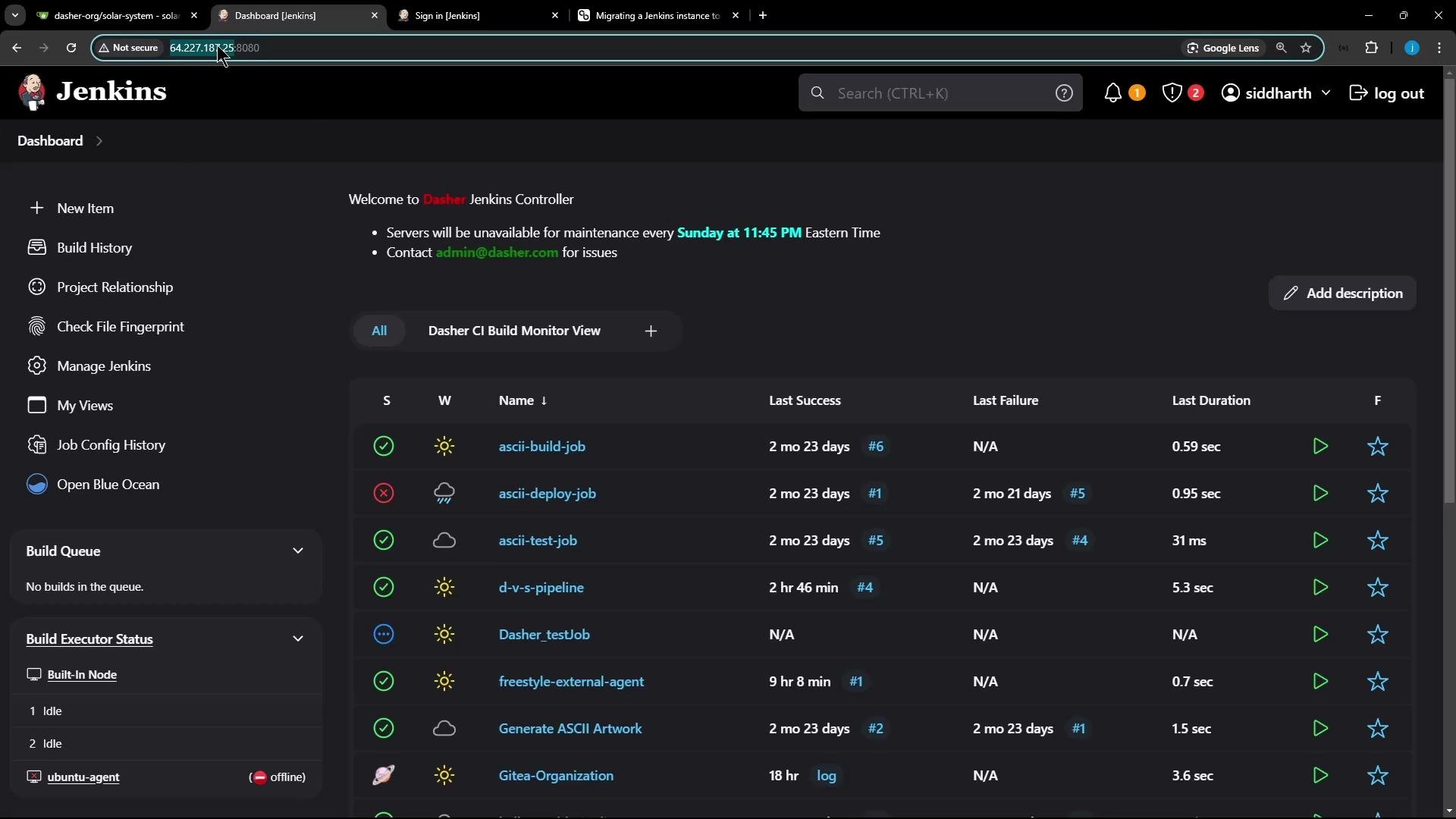
- Source Jenkins VM IP:
64.227.*.* - Target (fresh Jenkins install) VM IP:
165.3.22.*
Pre-migration checklist
Plan for plugin compatibility and integrations (e.g., secret stores, LDAP, external agents). If the target already has Jenkins installed, back it up before proceeding.
Step-by-step migration
The instructions assumeJENKINS_HOME is /var/lib/jenkins (common for package installs). If your JENKINS_HOME is elsewhere, substitute that path.
1) Prepare the source node (create a consistent snapshot)
Stop Jenkins to get a consistent filesystem snapshot:jenkins directory from its parent (commonly /var/lib):
jenkins-backup-$(date +%Y%m%d).tar.gz.
Explanation of tar flags:
-c= create-z= gzip-f= filename
2) Transfer the backup to the target
Copy the tarball usingscp, rsync, or another transport. Example with scp:
rsync/rsync --progress --partial for large transfers.
3) Prepare and restore on the target node
Log into the target VM and stop/disable the existing Jenkins service:jenkins directory (only after confirming your backup is safe):
/var/lib then extract it:
JENKINS_HOMEs; the archive will print file names as it extracts.
Fix ownership and permissions (Jenkins typically runs as user/group jenkins):
4) Start Jenkins on the target and verify
Enable and start the service:- Jobs and build history
- Installed plugins and plugin versions
- Credentials and secrets
- Global and folder-level configurations
- Agent connectivity
Do not run two active Jenkins controllers against the same
JENKINS_HOME or backing store simultaneously — this can cause data corruption and split-brain issues. Only one controller should own the JENKINS_HOME.Additional tips and common gotchas
- Secrets:
secrets/andcredentials.xmlare insideJENKINS_HOMEand are preserved by the tarball. Keep backups secure. - Tools: Custom tool installations under
tools/are included in the backup and should restore with the archive. - Agents: Agents may need to be reconnected if their configuration relies on hostnames or IPs that changed.
- Quiet mode: To prevent new builds during migration, use Jenkins quiet mode:
- Programmatic endpoints:
/quietDownand/cancelQuietDown - Example URL:
https://`<jenkins-url>`/cancelQuietDown - Note: Programmatic POSTs may require CSRF crumbs and authentication.
- Programmatic endpoints:
- For very large
JENKINS_HOME, consider file-level rsync (rsync -aHAX) instead of a single tarball to reduce downtime and allow incremental syncs.
Quick command references
Links and references
- Jenkins: https://www.jenkins.io/
- Jenkins system administration documentation: https://www.jenkins.io/doc/book/system-administration/
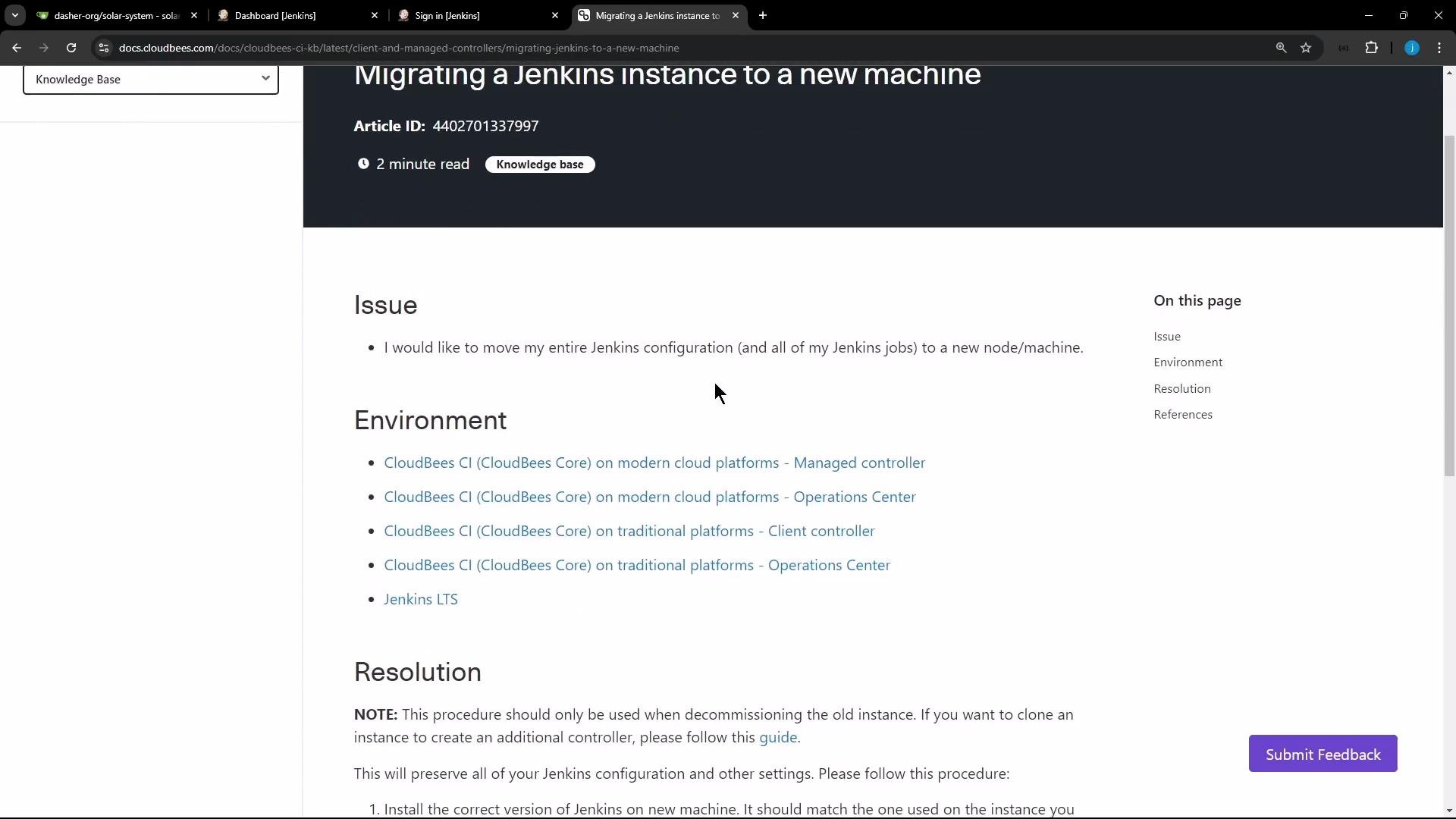
- CloudBees article on migrating Jenkins instances: https://support.cloudbees.com/hc
- rsync documentation: https://download.samba.org/pub/rsync/rsync.html
- systemd service management: https://www.freedesktop.org/wiki/Software/systemd/