

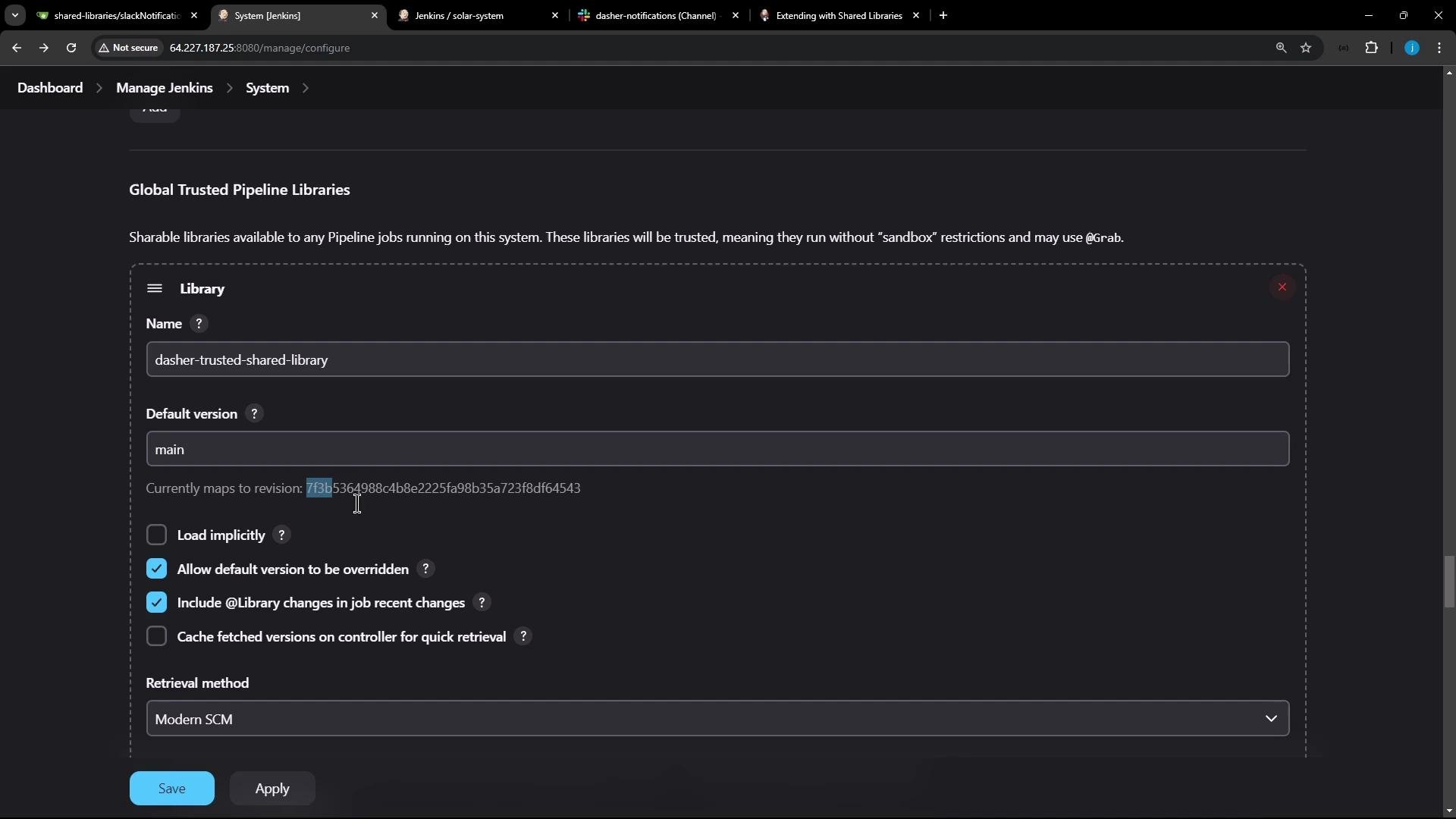
- Remove any duplicated local Groovy function (for example, a locally-defined Slack notification function) you previously used.
- Add the
@Libraryannotation with the same library name you configured in Jenkins, followed by a single underscore on its own line. The underscore completes the library import syntax used by declarative pipelines.
The underscore (
_) after @Library('...') is required syntax to complete the import statement in a pipeline script. It does not modify runtime behavior beyond loading the shared library.vars/ in a typical shared library). When a file defines def call(...), it becomes available in the pipeline as a step named after the file (e.g., slackNotification if the file is slackNotification.groovy).
Example slackNotification.groovy implementation:
currentBuild.currentResult because it is initialized early and avoids null/"null" ambiguity.
Example post block:
Use
currentBuild.currentResult instead of currentBuild.result when reporting the final build status. currentBuild.result may be null until explicitly set, while currentBuild.currentResult reflects the current outcome (defaults to "SUCCESS" early in the run).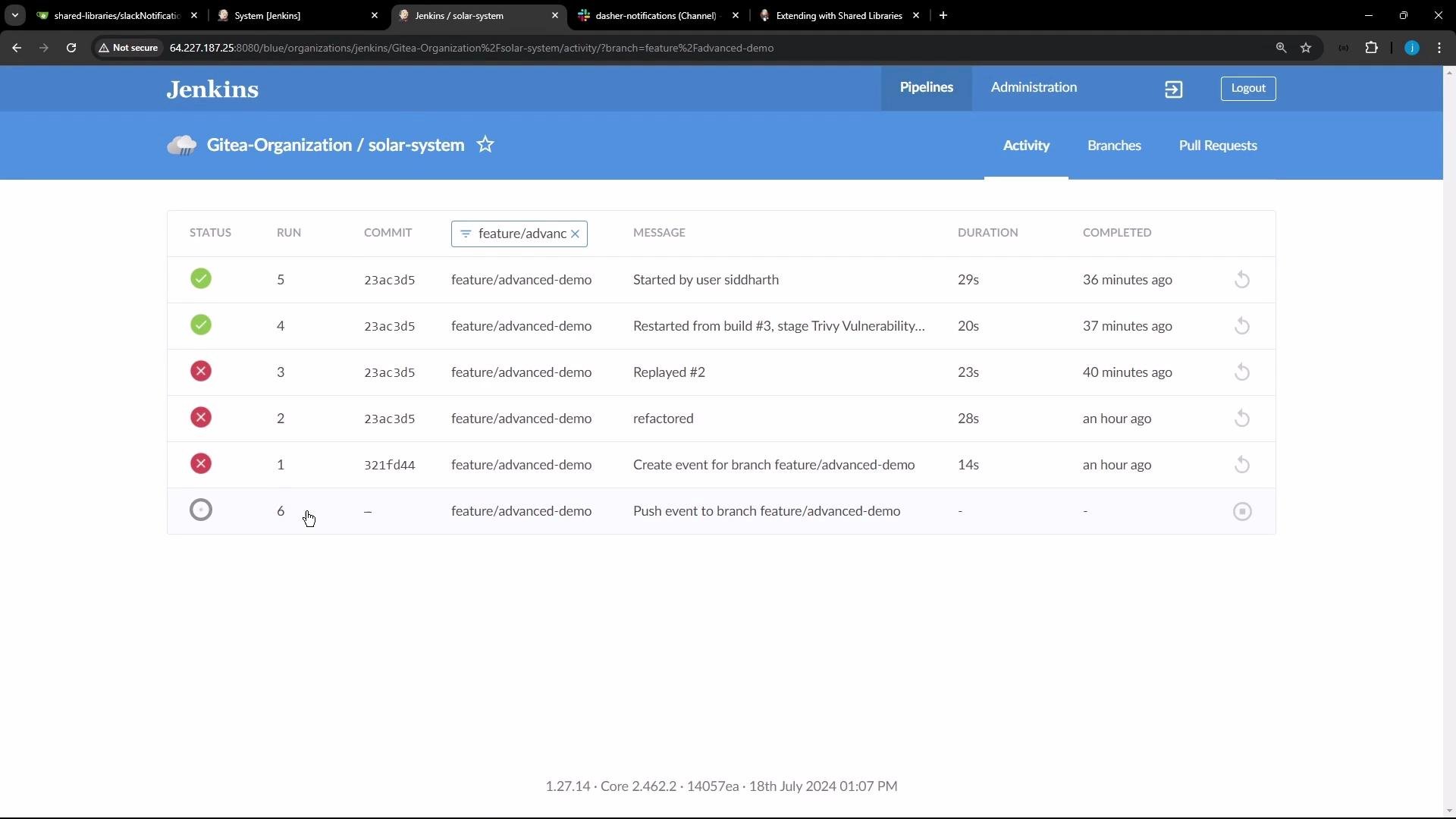
Summary
- Import the shared library into your Jenkinsfile using
@Library('your-library-name') _. - Implement reusable steps in the shared library by creating files that define
def call(...). - Invoke those steps directly from your pipeline (for example:
slackNotification("${currentBuild.currentResult}")). - Use
currentBuild.currentResultto report the build result reliably. - Manage library versions by referencing branches/tags configured in Jenkins.
- Jenkins Shared Library documentation: https://www.jenkins.io/doc/book/pipeline/shared-libraries/
- Jenkins Pipeline Syntax: https://www.jenkins.io/doc/book/pipeline/syntax/
- Slack Notification Plugin (slackSend): https://plugins.jenkins.io/slack/