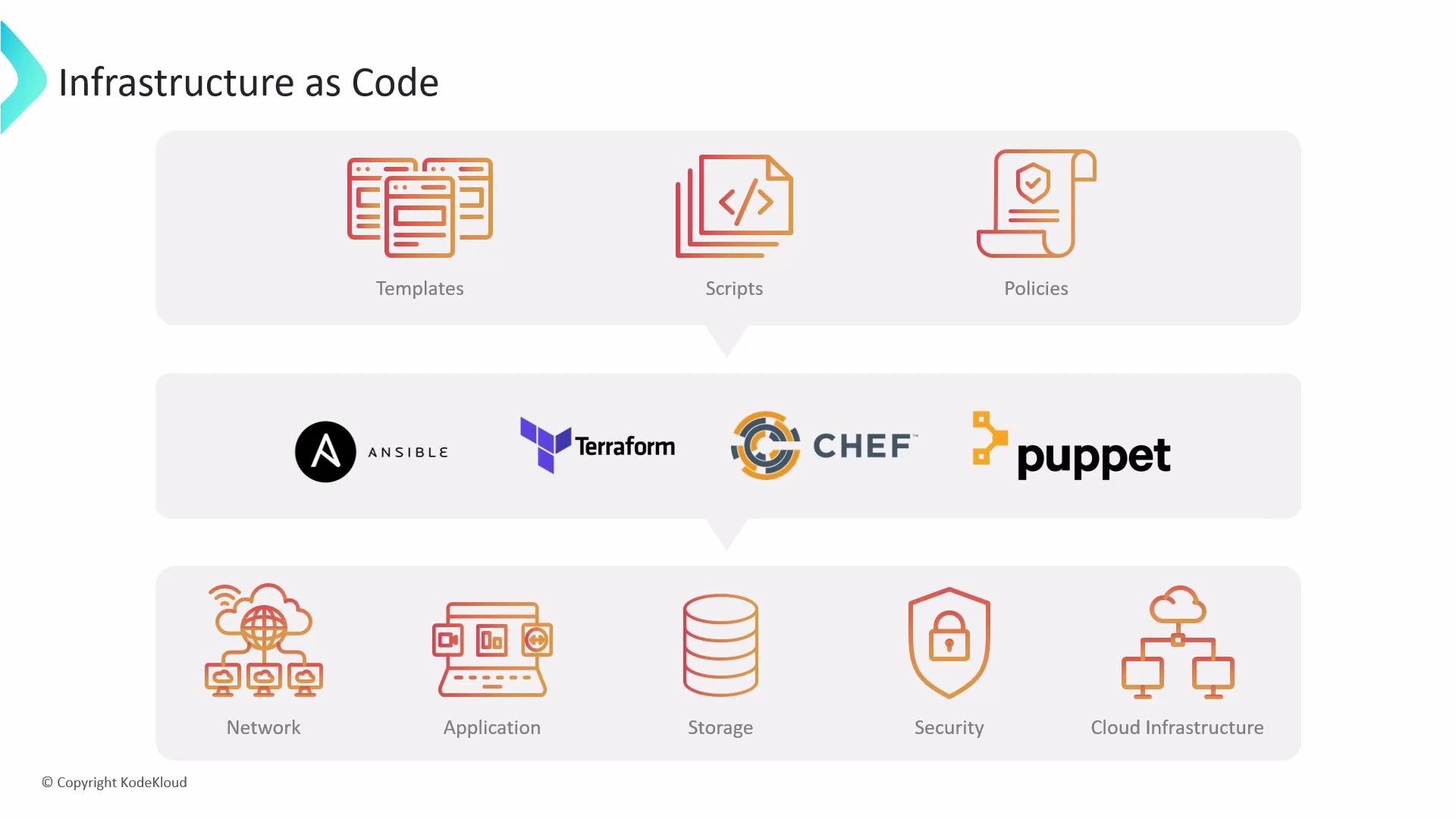
Before we dig into Jenkins Configuration as Code, let’s recap Infrastructure as Code (IaC) so the purpose and benefits of JCasC are clear. Building a reliable, repeatable foundation is essential as an organization scales. Managing infrastructure manually is slow, error-prone, and difficult to reproduce. Infrastructure as Code (IaC) solves this by letting you define infrastructure with versionable, human-readable code. Tools such as Ansible, Terraform, Chef, and Puppet let you provision networks, compute, storage, security, and cloud resources in a repeatable fashion — the same advantages JCasC brings to Jenkins controller configuration.
An infographic titled "Infrastructure as Code" showing templates, scripts, and policies, with logos for Ansible, Terraform, Chef, and Puppet. Below are icons representing network, application, storage, security, and cloud infrastructure.
Jenkins Configuration as Code lets you describe a Jenkins controller — its settings, plugins, credentials, nodes, tools, and security — using YAML. That moves configuration from manual UI clicks to declarative, version-controlled files you can review, audit, and reuse. Why manage Jenkins programmatically?
  • Consistency: apply identical configuration across environments.
  • Traceability: keep history and audit trails in Git.
  • Speed: provision new or replacement controllers quickly.
  • Reliability: reduce human error from manual UI clicks.
Ways to manage Jenkins programmatically Jenkins also supports code-driven job and pipeline management:
  • Job DSL plugin (Groovy): programmatic job creation.
  • Jenkins Job Builder: job definitions in YAML/JSON.
  • Jenkins Pipeline (Jenkinsfile): pipeline-as-code for builds and workflows.
  • Multibranch Pipeline: automatic job creation per branch/repository.
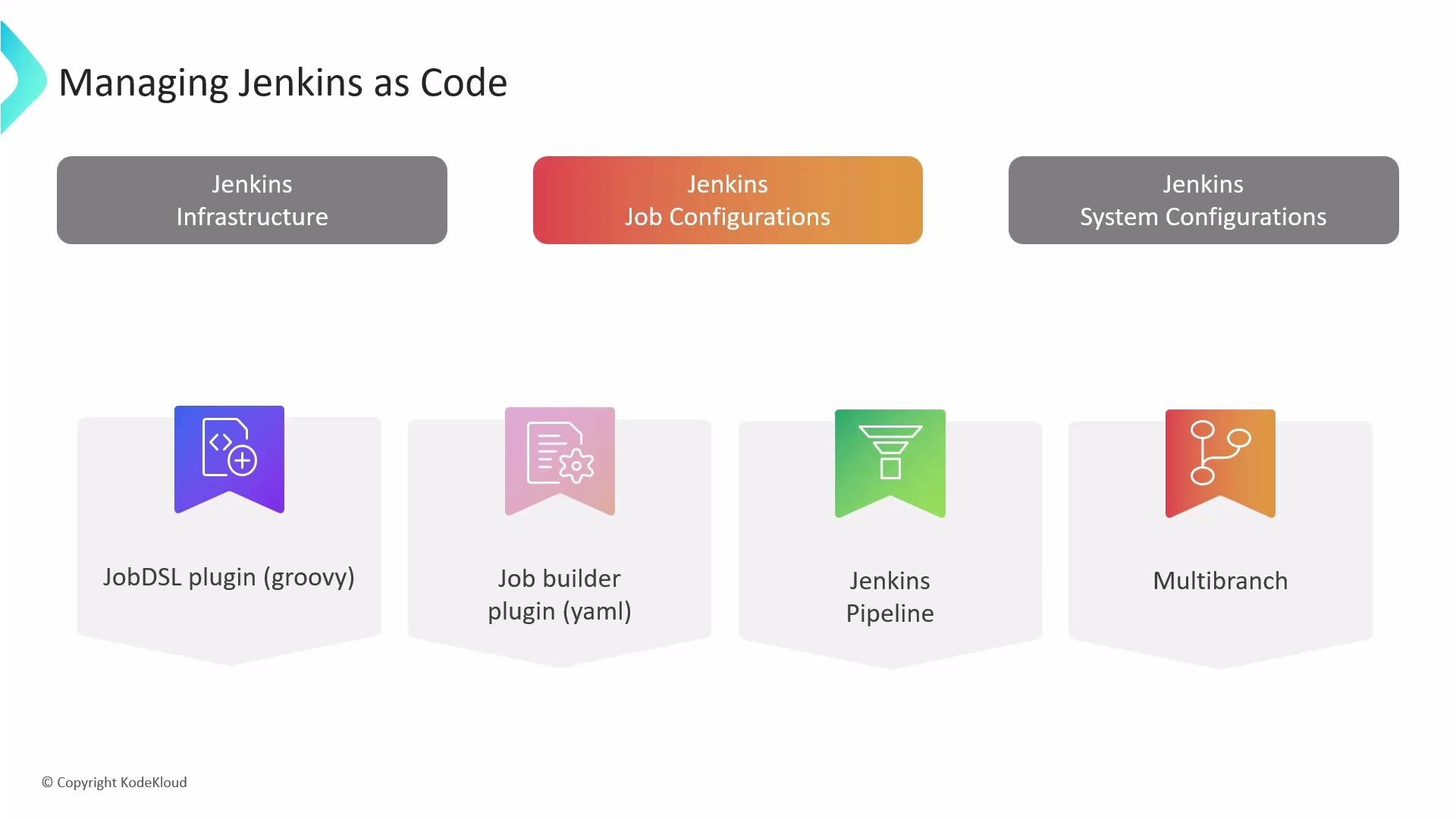
These approaches help you scale beyond UI-based job management and enable CI pipelines to be versioned with application code.
A slide titled "Managing Jenkins as Code" showing three categories: Jenkins Infrastructure, Jenkins Job Configurations, and Jenkins System Configurations. Below it are four plugin badges: JobDSL plugin (groovy), Job builder plugin (yaml), Jenkins Pipeline, and Multibranch.
System-wide Jenkins configuration (credentials, nodes, plugins, tools, security, etc.) Historically, admins used the Jenkins web UI to configure controllers. That approach becomes problematic because it is:
  • Time-consuming: many menus and pages to traverse.
  • Error-prone: repeated manual steps increase drift and mistakes.
  • Inefficient: maintaining parity across multiple controllers is cumbersome.
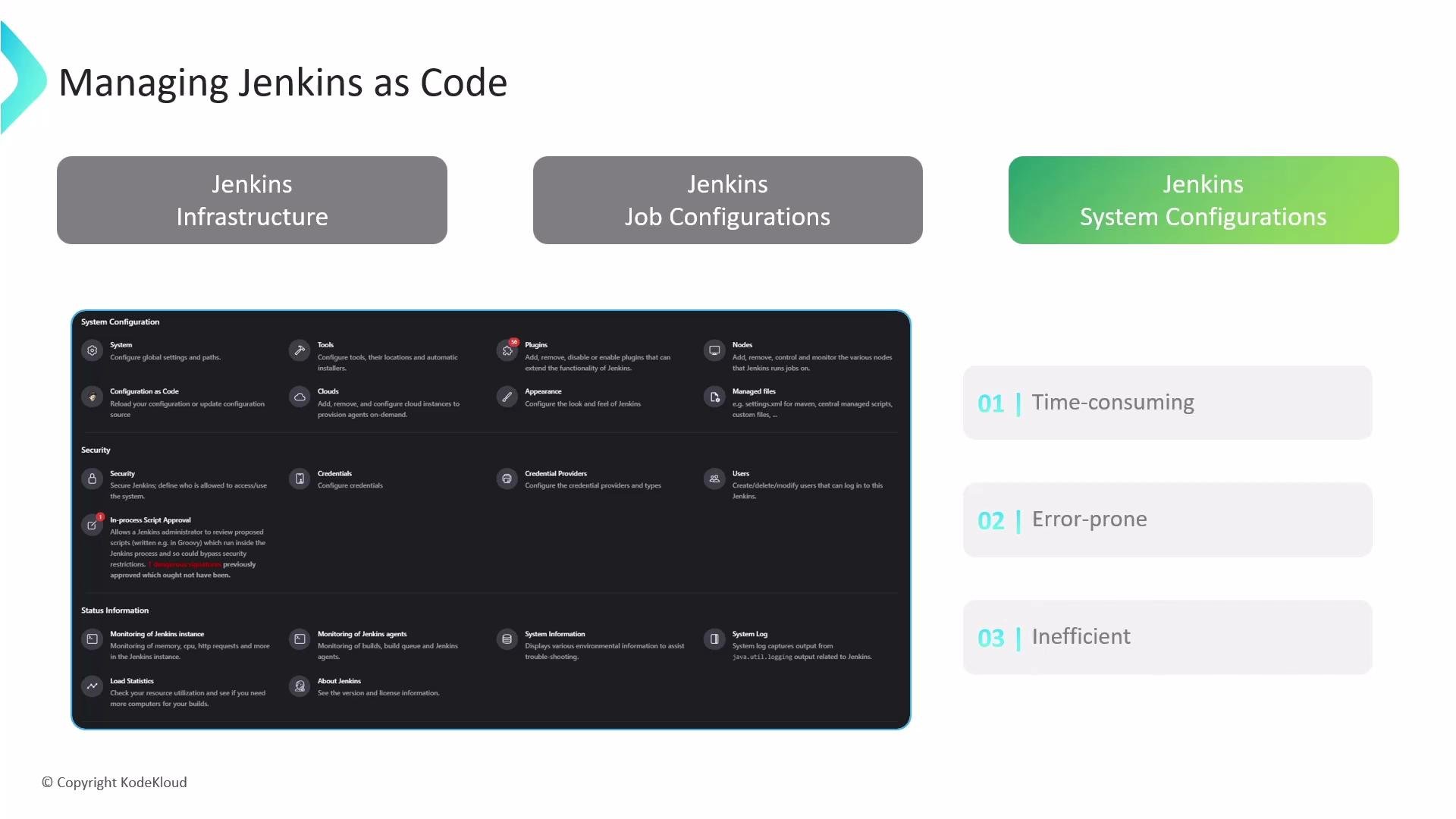
A presentation slide titled "Managing Jenkins as Code" showing three highlighted areas (Jenkins Infrastructure, Job Configurations, and System Configurations) and a screenshot of the Jenkins System Configuration UI. On the right are three numbered drawbacks — "Time-consuming", "Error-prone", and "Inefficient" — with a copyright note for KodeKloud.
Before JCasC: Groovy init scripts Many teams used Apache Groovy init scripts that interact directly with the Jenkins Java API. Groovy scripts are powerful and can perform nearly any configuration action, but they require:
  • Deep knowledge of Jenkins internals and the API.
  • Scripting proficiency and careful error handling.
  • More effort to maintain and reuse across teams.
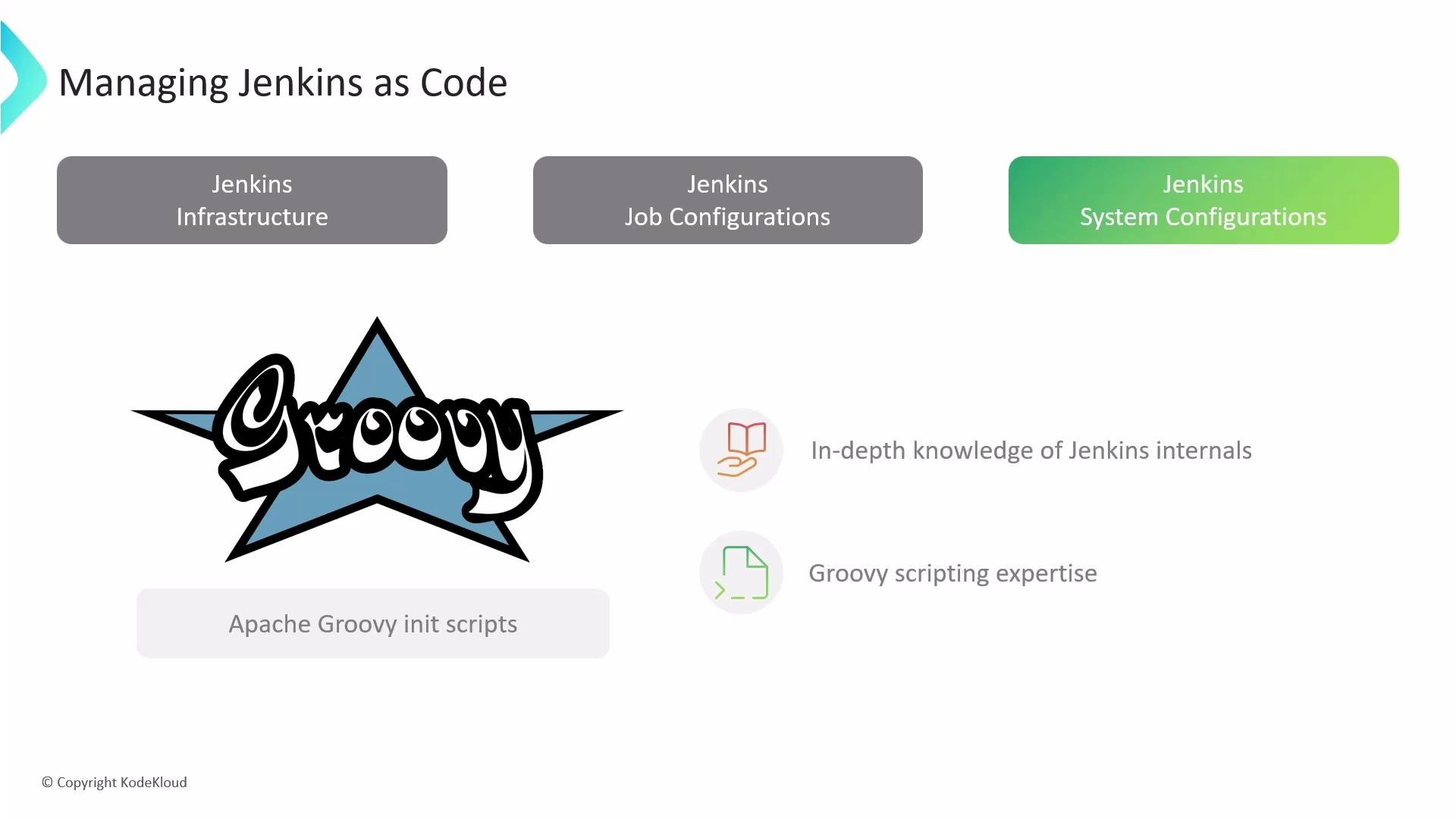
A presentation slide titled "Managing Jenkins as Code" showing three boxes labeled Jenkins Infrastructure, Job Configurations, and System Configurations. The slide features a large Groovy logo and mentions Apache Groovy init scripts along with skills like Jenkins internals and Groovy scripting expertise.
Jenkins Configuration as Code (JCasC) — the simpler approach JCasC maps controller configuration to YAML that mirrors the UI options. This makes it easier to capture and apply controller state without writing low-level Groovy code. Key benefits:
  • Capture controller configuration as code and store in Git.
  • Recreate or replace controllers with the same configuration.
  • Reduce manual errors by applying a declarative snapshot.
  • Validate YAML and spot syntax issues early.
A slide titled "Jenkins Configuration as Code (JCasC)" with the Jenkins mascot holding a wrench on the left. On the right are three benefit boxes: Version Control Integration, Repeatable Deployments, and Reduced Errors.
Getting started with JCasC
  1. Install the Configuration as Code plugin:
    • Manage Jenkins → Manage Plugins → Available → “Configuration as Code”.
  2. After installation, open Manage Jenkins → Configuration as Code:
    • Use View Configuration to generate a YAML snapshot of the current controller. This snapshot is a full baseline of what JCasC can represent.
  3. Store the YAML in source control and iterate:
    • Trim or modularize the snapshot to keep only the settings you want managed by JCasC.
    • Point Jenkins to the YAML file (upload via UI, provide a URL, or set the environment variable CASC_JENKINS_CONFIG) so the controller applies it automatically.
Push the generated YAML to Git as an initial baseline even if you don’t edit it immediately — this gives you a historical snapshot to revert to if required.
Example: a JCasC snapshot (trimmed for clarity)
Tip: The initial generated YAML can be large. Keep only the settings you want managed by JCasC and modularize when possible (e.g., split credentials, views, and tools into separate files referenced by your primary YAML). Important security note
Be cautious storing secrets in plain YAML. Use Jenkins Credentials Provider or an external secrets manager (Vault, AWS Secrets Manager, etc.) and reference credentials securely rather than embedding secrets directly in JCasC files.
JCasC YAML structure overview Because plugins expose their configuration to JCasC, installed plugins will add their own YAML sections to the generated snapshot. Examples of focused modifications
  • Change a small set of global properties (e.g., systemMessage).
  • Add tool definitions (Maven, JDK) to standardize build agents.
  • Create and manage views to organize jobs.
Concise example: system message, Maven tool, and two list views
Applying JCasC changes
  • Use Manage Jenkins → Configuration as Code to upload, paste, or provide a URL to your YAML.
  • Jenkins can be pointed to a configuration source via the environment variable CASC_JENKINS_CONFIG (file path or URL) or configured through the plugin UI.
  • Most JCasC changes are applied dynamically without a restart, but some plugin-specific settings may still require restarts.
Best practices
  • Version-control your JCasC YAML alongside any Groovy init scripts or Dockerfiles used to package Jenkins.
  • Keep JCasC focused: manage only the configuration you need centrally; let ephemeral or environment-specific settings stay outside JCasC.
  • Use external secrets managers for credentials and inject them into Jenkins securely.
  • Validate YAML syntax and plugin compatibility before applying changes to production controllers.
Summary Jenkins Configuration as Code (JCasC) brings IaC principles to Jenkins controller configuration: versioning, reproducibility, and reduced human error. Start by installing the Configuration as Code plugin, exporting a baseline YAML, and iteratively trimming and modularizing the snapshot. Store configuration in source control and use secure secret management to build reliable, repeatable Jenkins controllers. Links and references

Watch Video