

Jenkinsfile so the same pipeline can be reused across upcoming demos. It builds on concepts from the Jenkins Pipelines course. If you haven’t completed that course, review it first:
This demo shows a practical Jenkinsfile refactor to:
- Reduce and focus stages for CI-focused demos.
- Keep Slack notifications and critical scans.
- Move report generation into the stage that produces the artifacts (Trivy).
- Familiarity with Declarative Jenkins Pipelines.
- Basic Git usage (branching, committing, pushing).
- Basic knowledge of Trivy for container vulnerability scanning.
- The repository used in this demo (details below).
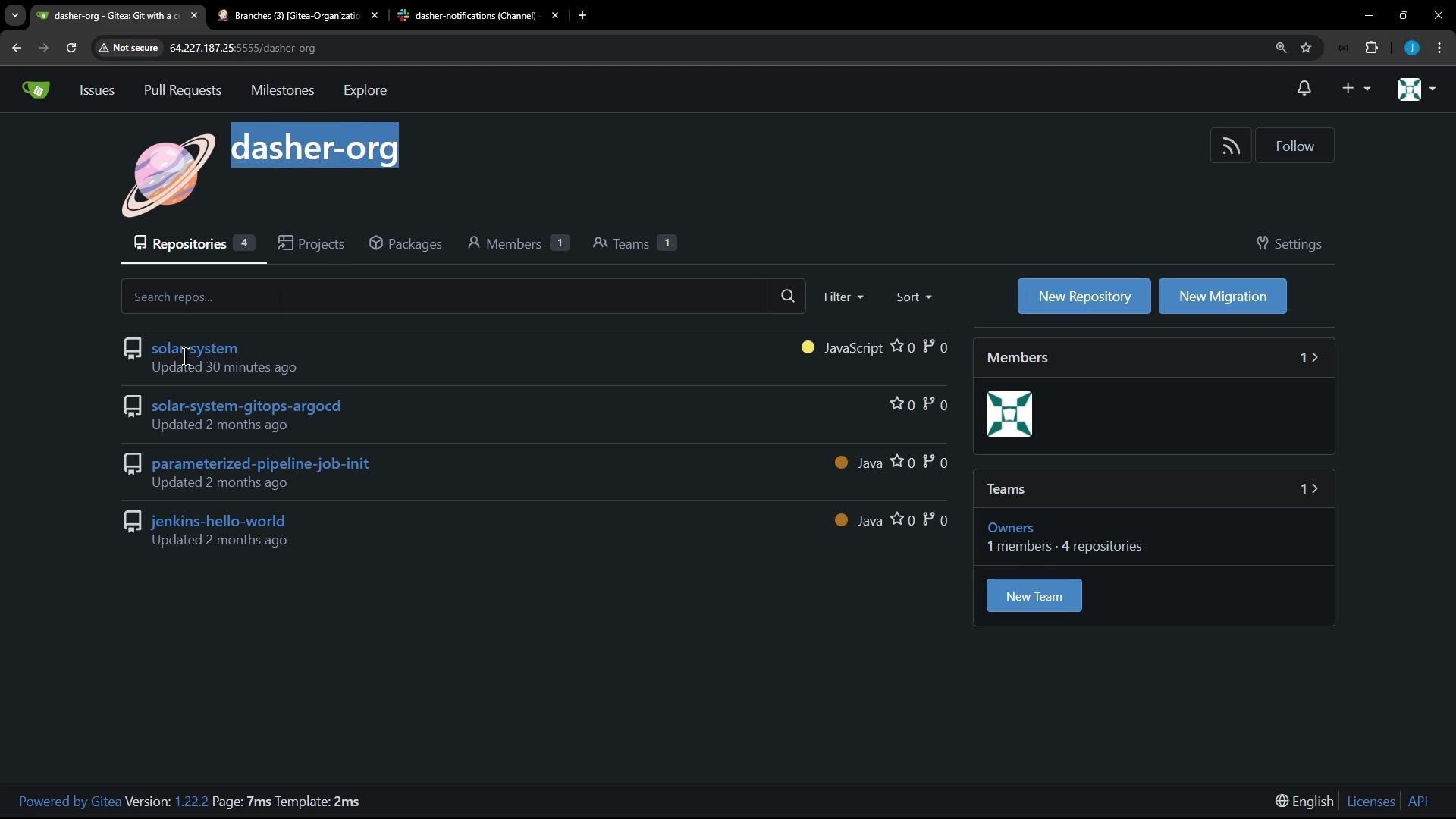
dasher organization as solar-system. In the previous course we used the feature/enabling-slack branch. For the advanced demos we create a new branch from that branch so we can experiment without affecting the original.
- Retain Slack notification logic to keep CI visibility.
- Keep Docker build and Trivy vulnerability scan stages.
- Keep
npm install, unit tests, and code coverage stages. - Comment out long-running or environment-specific stages we won’t use (SonarQube, OWASP dependency-check, pushing to registries, EC2/K8s deployments).
- Move Trivy
convertand report publishing (publishHTML,junit) into the Trivy stage so artifacts are grouped with their generating stage.
post blocks. It remains unchanged and will be reused by the simplified top-level post block.
Jenkinsfile showing agent, tools, environment, and the simplified post block. This remains the structural basis for the pipeline:
For readability the disabled stages are preserved in the file as commented placeholders to show they exist but are not executed in this demo:
post block, move the conversion and publishing into the Trivy stage’s own post so that report generation stays close to its source. The workflow in the Trivy stage typically:
- Run Trivy scans for different severity sets.
- Output JSON results.
- Convert JSON to HTML and JUnit XML using
trivy convert. - Publish JUnit and HTML reports using
junitandpublishHTML.
post block:
post section
To keep the pipeline concise and visually clear in the Jenkins UI, we removed or commented out global junit and publishHTML calls and instead publish results in the specific stage that produces them. The top-level post block now contains only notifications and optional workspace cleanup:
feature/enabling-slack branch directly, create a new branch feature/advanced-demo. Example git flow:
Jenkinsfile.
Build execution and handling expected failures
The refactor reduces stage count (from ~20 to ~4–5), which is ideal for demos. During early runs you may encounter Trivy failures that originate outside your environment (e.g., rate-limiting when Trivy downloads its vulnerability DB). These failures are external and should be handled separately (e.g., use a cached local DB, adjust Trivy exit codes, or re-run).
Sample console excerpt showing a Trivy DB download rate-limit error:
Trivy failures like the example above are usually due to external rate-limiting of Trivy DB downloads. Consider these mitigations:
- Use a local Trivy DB cache (mirror) for CI.
- Adjust
--exit-codethresholds to avoid failing builds on lower-severity issues. - Add retry logic or fallback behavior for DB downloads.
- Focused and reduced the Jenkinsfile to key CI stages for demos: dependencies, unit tests/coverage, Docker build, and Trivy scans.
- Preserved and reused Slack notification logic; simplified the global
postblock to notifications and cleanup. - Moved Trivy report conversion and publishing into the Trivy stage
postblock for logical grouping of artifacts and easier debugging. - Disabled long-running/deployment-specific stages in-place (commented) so they can be re-enabled later if needed.
- Created
feature/advanced-demobranch to test the refactor without modifying the original branch.
- Implement Trivy DB caching or retry strategies to avoid rate-limit issues.
- Consider moving shared helper functions (like
slackNotificationMethod) to a Jenkins shared library if they will be reused across multiple pipelines. - Re-enable additional stages gradually when demonstration requirements expand (for example, SonarQube or K8s deployment stages).