In this guide, you’ll learn how to extract Slack notification logic from a Jenkinsfile into a reusable Shared Library. By the end, any pipeline in your organization can send Slack updates with a single method call.
Why Refactor Slack Notifications?
Embedding Slack logic directly in each Jenkinsfile leads to:
Duplication across repositories
Harder maintenance when updating message formats
Inconsistent notification behavior
By centralizing the code in a Shared Library, you maintain one source of truth and simplify pipeline scripts.
Current Jenkinsfile Implementation
Here’s a typical approach you might find in your project (e.g., the Solar System repository):
def slackNotificationMethod ( String buildStatus = 'STARTED' ) {
buildStatus = buildStatus ?: 'SUCCESS'
def color
if (buildStatus == 'SUCCESS' ) {
color = '#47ec05'
} else if (buildStatus == 'UNSTABLE' ) {
color = '#d5ee0d'
} else {
color = '#ec2805'
}
def msg = " ${ buildStatus } : * ${ env.JOB_NAME } * # ${ env.BUILD_NUMBER } : \n ${ env.BUILD_URL } "
slackSend( color : color, message : msg)
}
pipeline {
agent any
// ...
}
While functional, this code is locked to a single repository and must be copied everywhere you need it.
Benefits of a Shared Library
Benefit Description Single Source of Truth Update message format or colors in one place, apply everywhere Simplified Jenkinsfiles Pipelines call SlackNotification(...) instead of inlining Groovy logic Better Collaboration Teams can contribute improvements to notifications without touching individual repos
1. Create the Git Repository
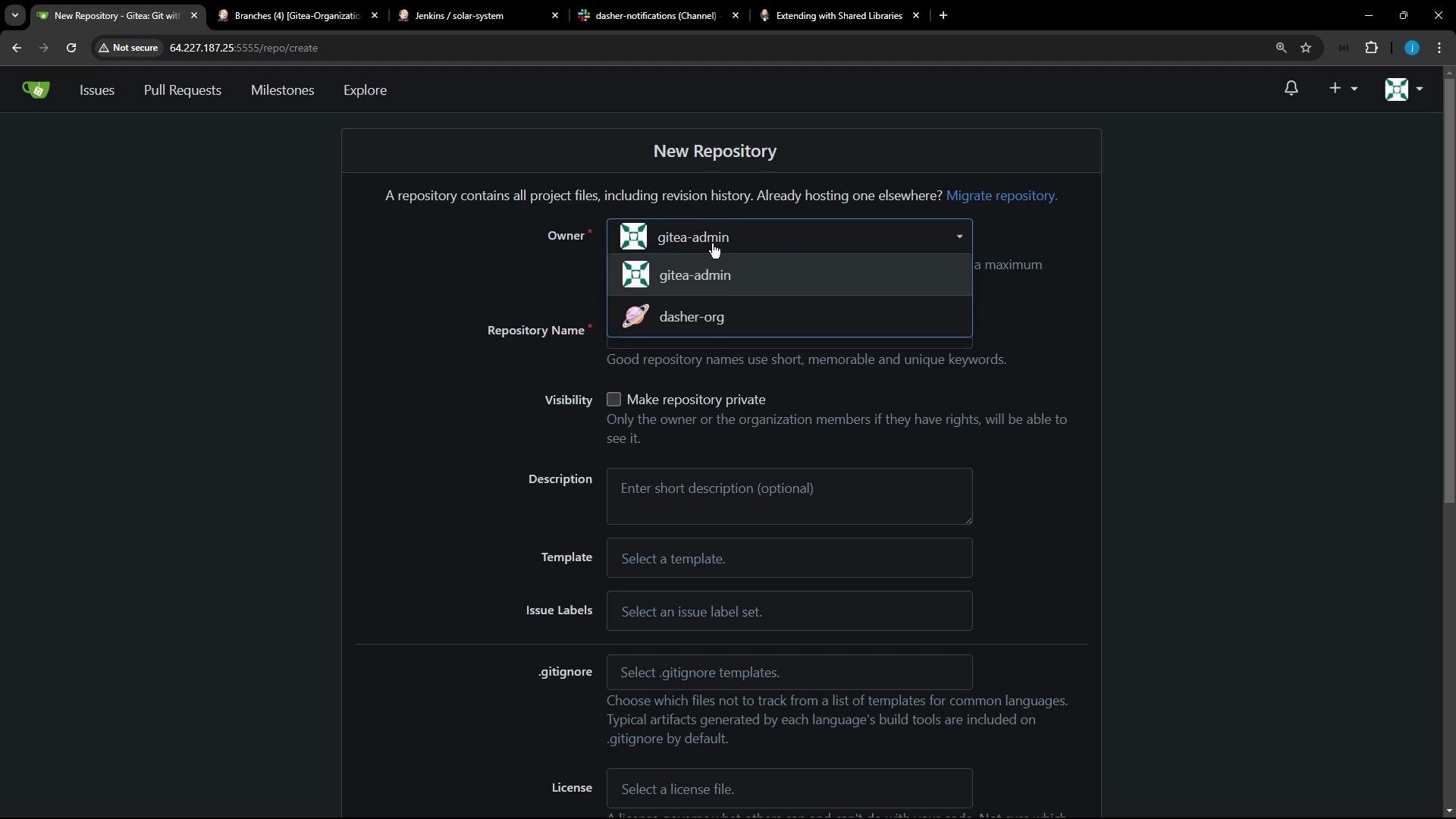
On your Git hosting platform (e.g., Gitea), create a new repository for your Shared Libraries.
For example, under the dasher-org organization name it shared-libraries .
2. Initialize the Repository
Clone and prepare the repo locally:
git init
git checkout -b main
touch README.md
git add README.md
git commit -m "Initial commit for Shared Libraries"
git remote add origin http://64.227.187.25:5555/dasher-org/shared-libraries.git
git push -u origin main
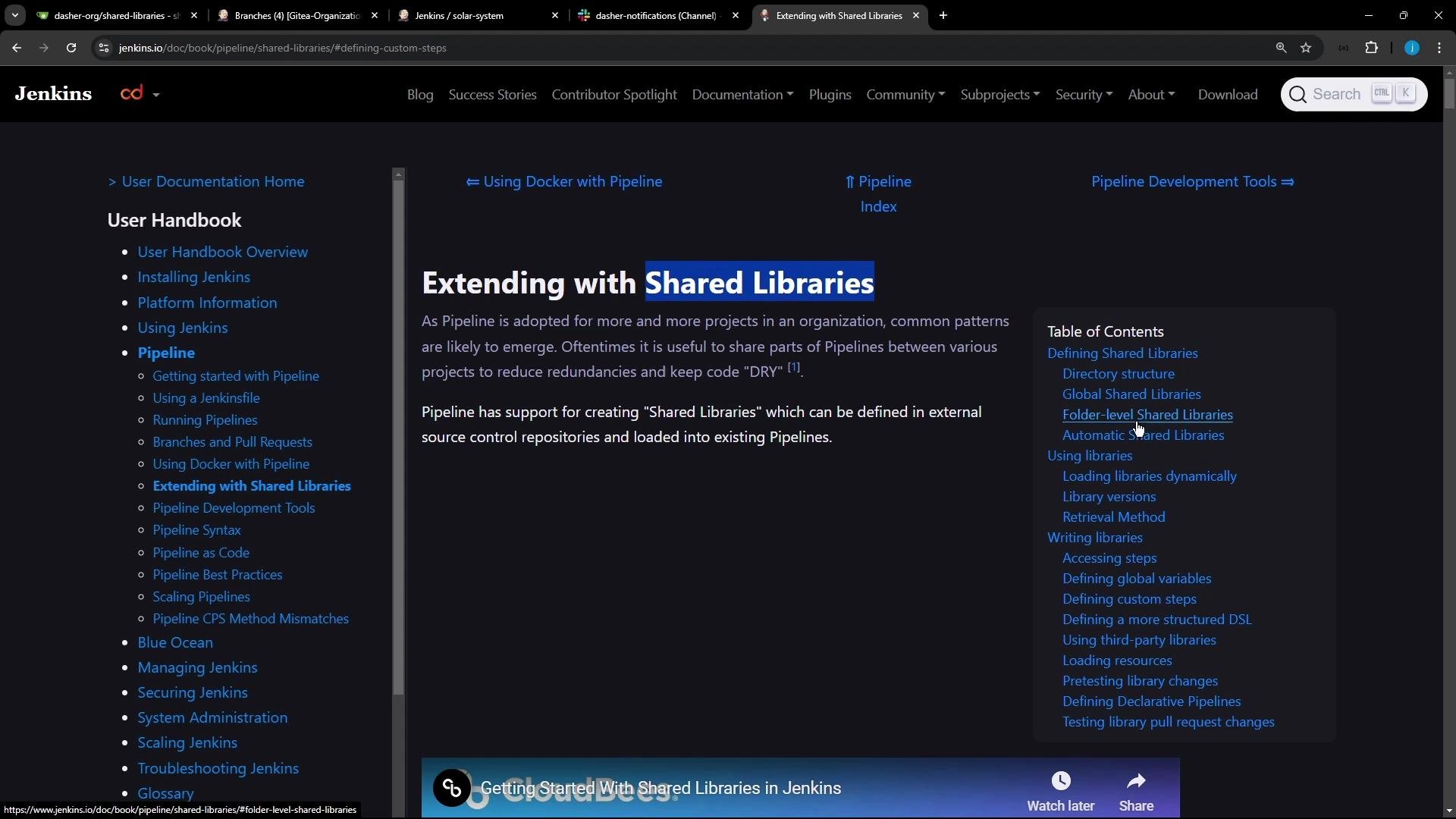
For full details on directory layout and configuration, see the Jenkins Shared Libraries documentation .
3. Define the Directory Structure
A standard Shared Library uses this layout:
shared-libraries/
├── vars/
│ └── SlackNotification.groovy # global step for Slack notifications
├── src/
│ └── org/
│ └── foo/
│ ├── Bar.groovy # org.foo.Bar class
│ ├── foo.groovy # global 'foo' variable
│ └── foo.txt # help text for 'foo'
└── resources/
└── org/
└── foo/
└── Bar.json # static helper data
4. Add the Slack Notification Script
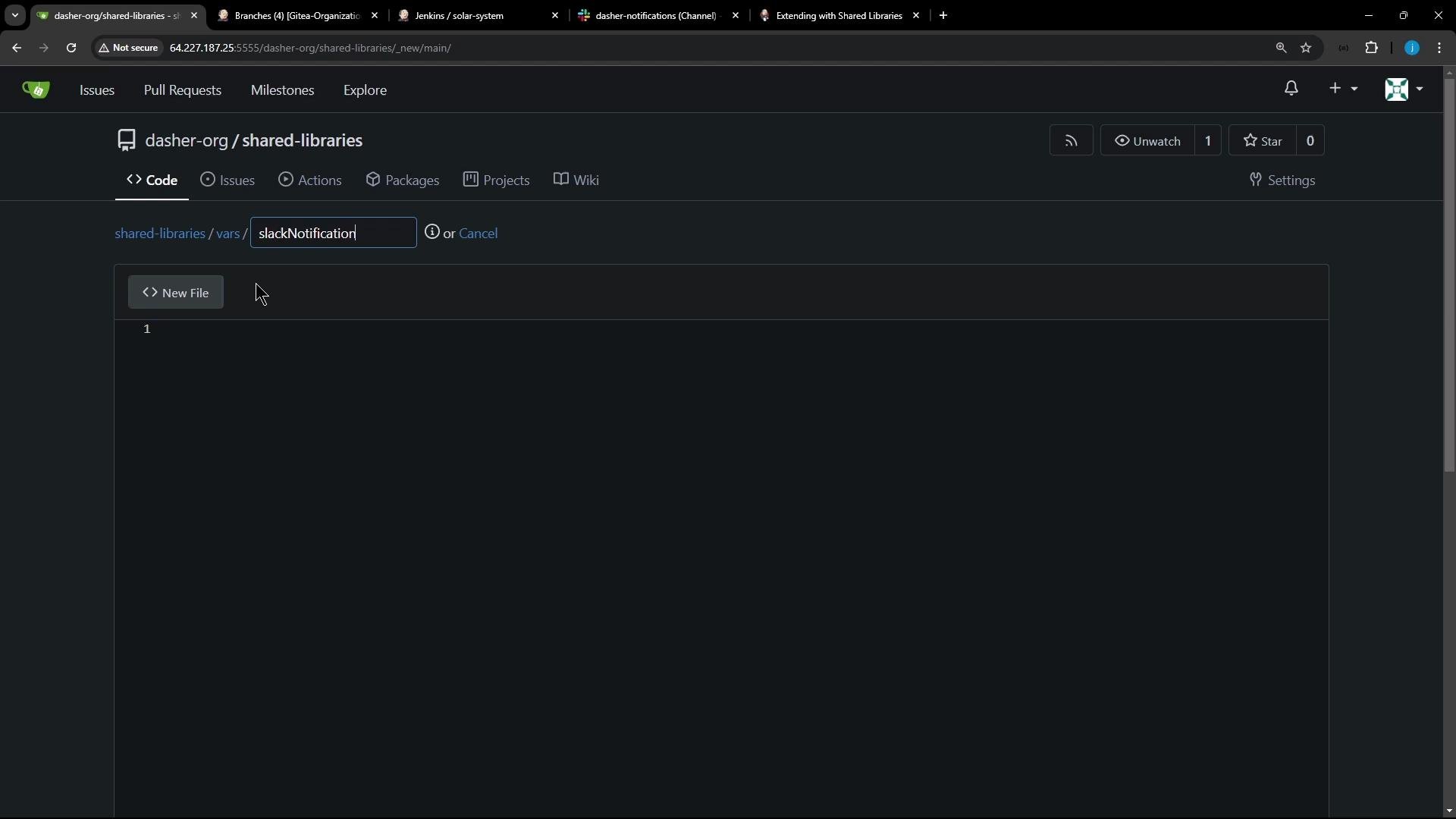
Create vars/SlackNotification.groovy via your Git hosting UI or locally:
Paste the extracted logic, rename the entry method to call so Jenkins treats it like a native step:
// vars/SlackNotification.groovy
def call ( String buildStatus = 'STARTED' ) {
buildStatus = buildStatus ?: 'SUCCESS'
def color
if (buildStatus == 'SUCCESS' ) {
color = '#47ec05'
} else if (buildStatus == 'UNSTABLE' ) {
color = '#d5ee0d'
} else {
color = '#ec2805'
}
def msg = " ${ buildStatus } : ${ env.JOB_NAME } # ${ env.BUILD_NUMBER } : \n ${ env.BUILD_URL } "
slackSend( color : color, message : msg)
}
Defining call in the vars directory lets you invoke SlackNotification(...) directly in any pipeline stage.
5. How the call Method Works
Jenkins treats each Groovy script in vars/ with a call method as a pipeline step. For instance, vars/sayHello.groovy:
// vars/sayHello.groovy
def call ( String name = 'human' ) {
echo "Hello, ${ name } ."
}
You’d use it in a pipeline like:
pipeline {
agent any
stages {
stage( 'Greet' ) {
steps {
sayHello( 'Jenkins' )
}
}
}
}
Likewise, after configuring your new Shared Library in Manage Jenkins → Configure System , invoke Slack notifications:
pipeline {
agent any
stages {
stage( 'Notify' ) {
steps {
SlackNotification ( 'SUCCESS' )
}
}
}
}
Ensure your Jenkins instance has the Slack Plugin installed and configured with valid credentials.
Next Steps
Commit and push all changes to shared-libraries.
Configure the Shared Library in Jenkins global settings:
Library name: shared-libraries
Default version: main
Update your pipelines to replace inline Slack logic with SlackNotification(...).
Once configured, you’ll enjoy centralized, consistent Slack alerts across every Jenkins pipeline.
References