

gh-actions-importer). The importer automates most conversion steps and can open a pull request in your repository with the generated workflow.
What you’ll accomplish
- Configure the importer to authenticate to both Jenkins and GitHub.
- Preview conversions with
dry-run. - Create a branch and pull request in GitHub with
migrate. - Review and adjust the workflow, then run it in GitHub Actions.
Prerequisites
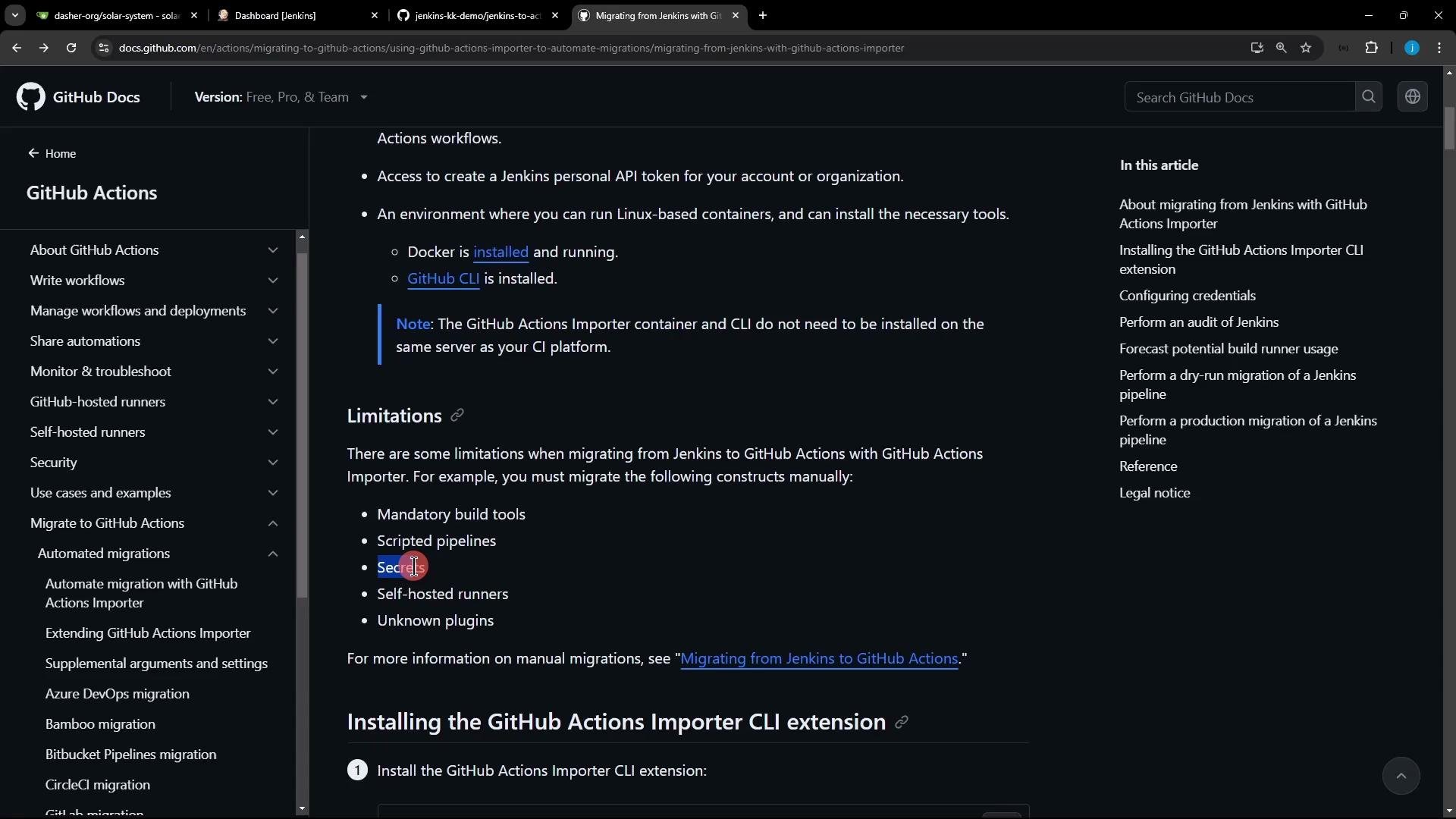
Limitations
You will use the GitHub CLI (
gh) plus the gh-actions-importer extension. The importer runs locally and calls both Jenkins and GitHub APIs, so it requires credentials for both systems (JENKINS_USERNAME, JENKINS_ACCESS_TOKEN, and a GitHub Personal Access Token with workflow scope).Install GitHub CLI and the Importer extension
Install GitHub CLI on Debian/Ubuntu (run as root or withsudo):
Authenticate with gh
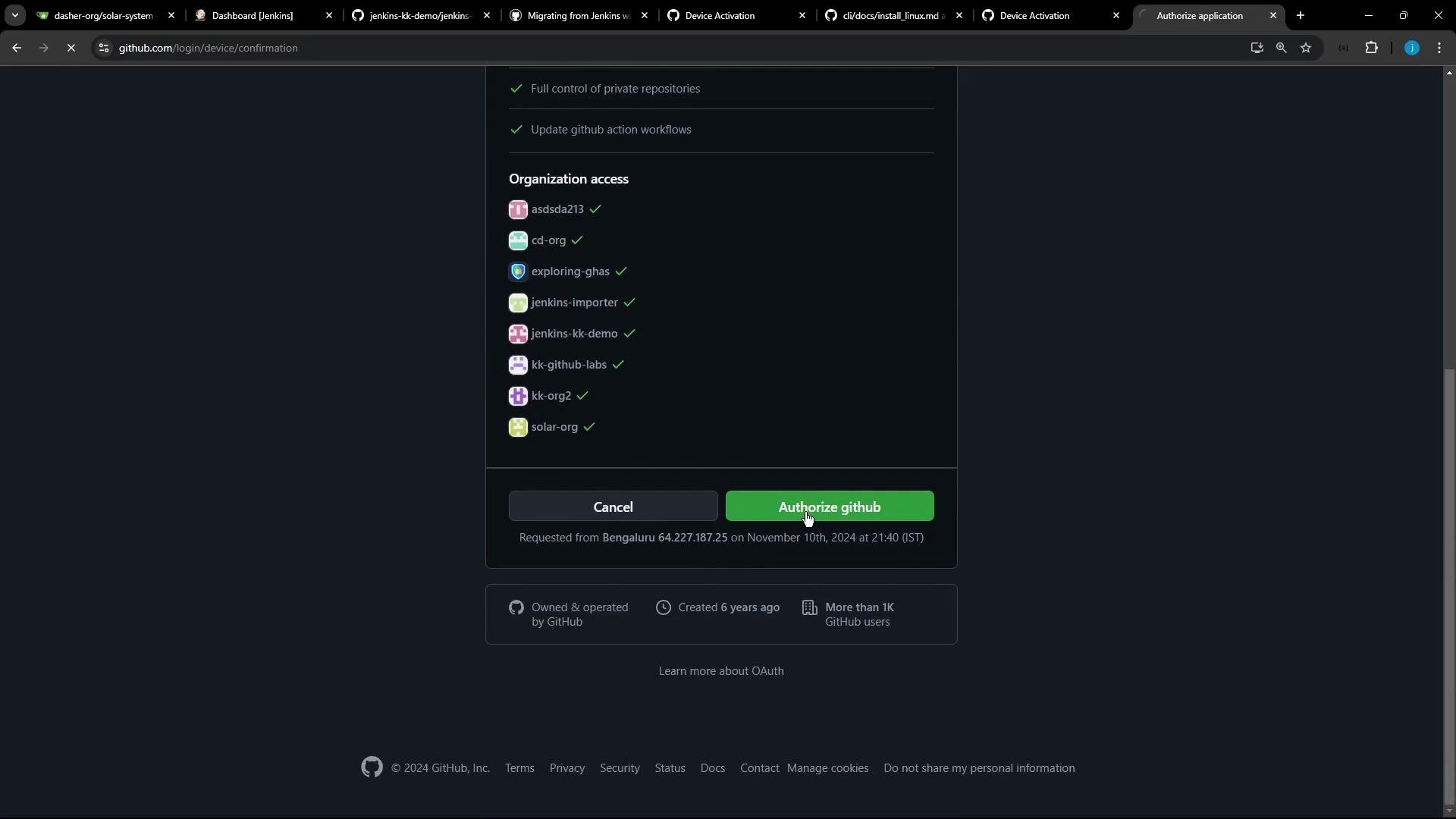
Log in and connect gh to your GitHub account:
- Select
GitHub.com. - Use
HTTPSfor Git operations. - Authenticate via browser (device/web flow).
gh will be linked to your account and allow the extension to push branches and create PRs.
Configure GitHub Actions Importer credentials
Run the importer’s interactive configuration to store credentials used during migration:- GitHub Personal Access Token (classic) — include
workflowscope (andrepoif needed). - Jenkins username and Jenkins API token.
- Base URLs for GitHub (
https://github.com) and your Jenkins instance.
- Generate a GitHub token: Settings → Developer settings → Personal access tokens → Tokens (classic) → Generate new token (classic). See GitHub docs: https://docs.github.com/en/authentication/keeping-your-account-and-data-secure/creating-a-personal-access-token.
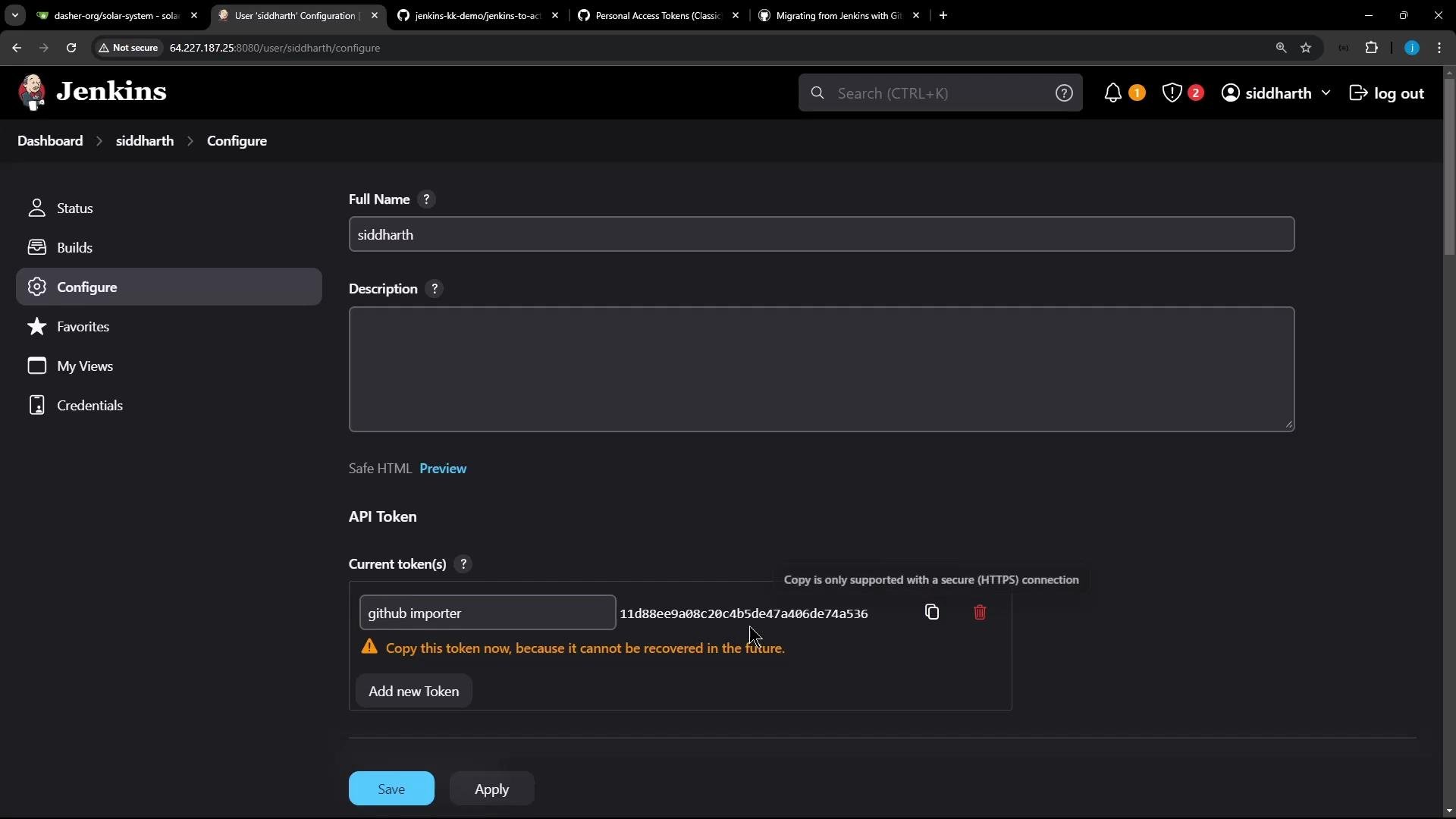
- Generate a Jenkins API token: User → Configure → Add new API token in Jenkins. See Jenkins docs: https://www.jenkins.io/doc/book/managing/creating-api-tokens/. Copy tokens immediately — Jenkins shows API tokens only once.
configure command writes environment variables used by the importer (JENKINS_USERNAME, JENKINS_ACCESS_TOKEN, GITHUB_TOKEN, etc.), so subsequent commands can access Jenkins and GitHub.
Update the importer image
Before running conversions, update the importer container image:Audit and forecast (optional)
gh actions-importer auditenumerates discovered Jenkins jobs and reports conversion readiness.gh actions-importer forecastestimates GitHub Actions runtime usage based on historical builds (Jenkins may need plugins to expose build history).
dry-run.
Dry-run: convert a Jenkins job to a workflow YAML
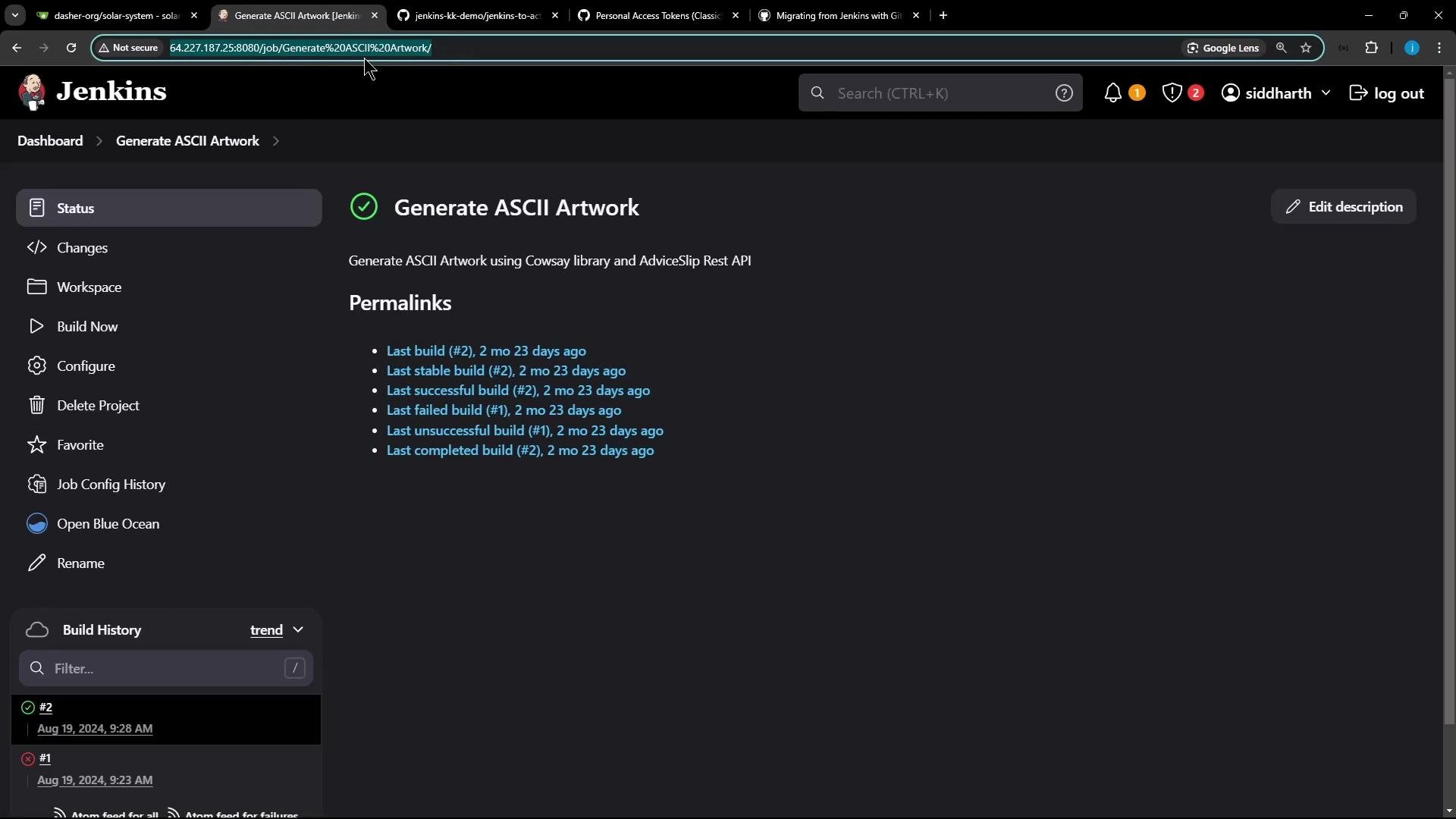
Usedry-run to convert a single Jenkins job and write the generated workflow YAML to a directory. Replace the --source-url with your Jenkins job URL:
gh actions-importer configure and retry.
Example of the generated workflow YAML from dry-run (excerpt):
- The importer created a workflow named
Generate_ASCII_Artwork. - It uses
workflow_dispatch(manual run) and abuildjob onubuntu-latest. - The job includes
actions/checkoutand shell commands ported from the original Jenkins job.
Migrate: create a branch and pull request in GitHub
To push the generated workflow into a repository and open a PR, usemigrate. Provide the Jenkins source URL and the GitHub target repository:
migrate does:
- Creates a branch.
- Commits
.github/workflows/<workflow>.yml. - Opens a pull request in the target repository.
Adjust the workflow if needed and run
Common adjustments after conversion:- Remove or populate an empty
env:block (emptyenv:can trigger YAML validation errors). - Add triggers such as
push:if you want the workflow to run automatically on push events. - Install missing packages with
apt-get updatebeforeapt-get installto avoid cache errors. - Replace
sudo apt-get install cowsay -ywith anapt-get update+apt-get install -y cowsaysequence.
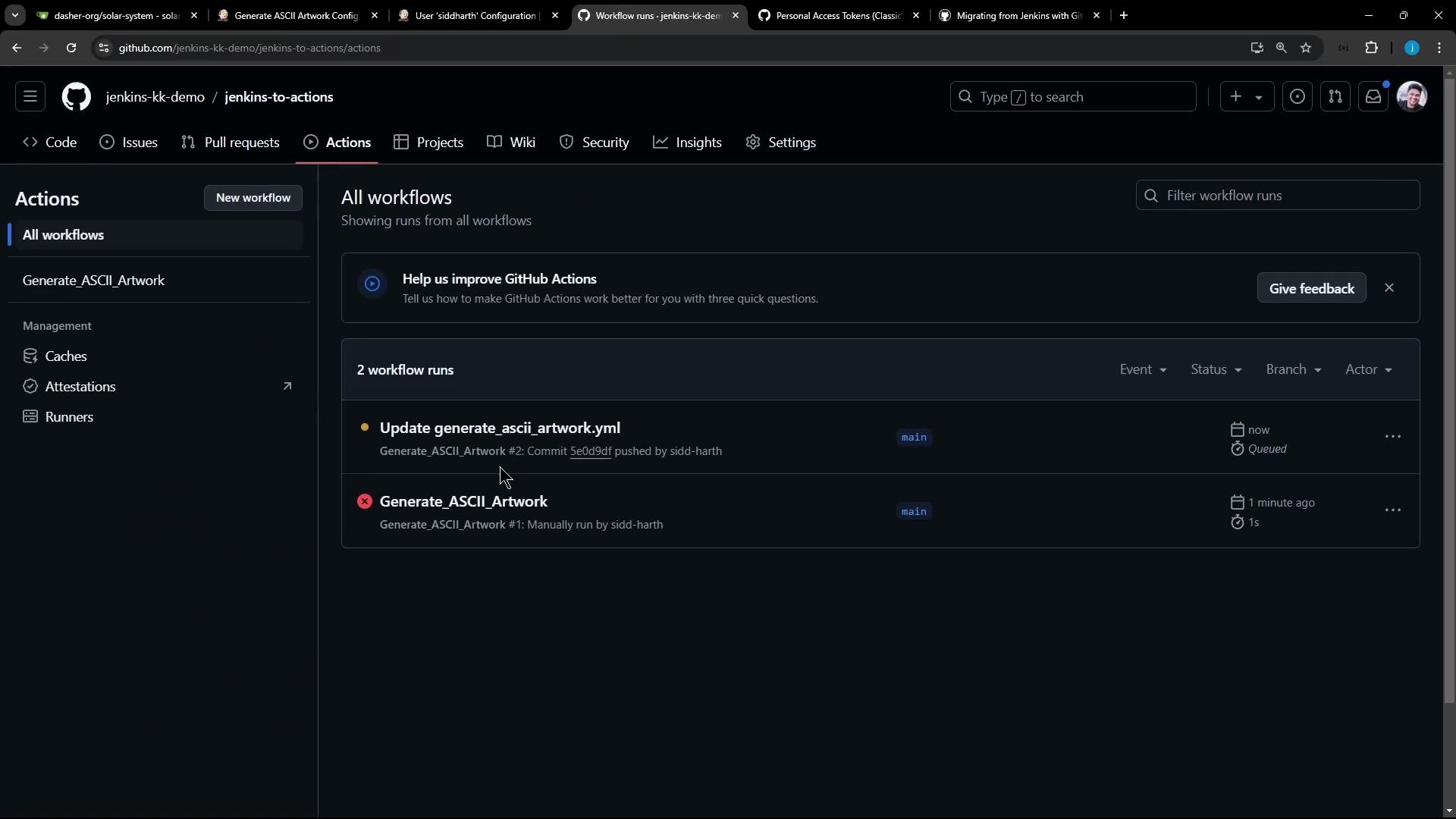
- Trigger the workflow by pushing changes or using the Actions UI to run a
workflow_dispatch. - Monitor the run logs in the Actions tab.
Summary / Checklist
- Install
ghand add thegh-actions-importerextension. - Authenticate
ghand configure the importer (gh actions-importer configure) with GitHub and Jenkins credentials. - Use
gh actions-importer dry-runto preview the generated workflow YAML before pushing changes. - Use
gh actions-importer migrateto create a branch and open a PR with.github/workflows/<workflow>.yml. - Review and adjust triggers,
env, package installation steps, and replace any plugin-specific Jenkins steps with suitable Actions. - Recreate Jenkins secrets as GitHub Secrets — the importer does not migrate secrets.
The importer cannot convert scripted Jenkins pipelines, Jenkins credentials/secrets, or steps that depend on custom/unknown plugins. Plan to re-create secrets in GitHub and manually validate plugin-dependent steps in the resulting workflow.
Links and references
- GitHub CLI: https://cli.github.com/
- GitHub Actions Importer: https://github.com/github/gh-actions-importer
- Create a GitHub Personal Access Token (classic): https://docs.github.com/en/authentication/keeping-your-account-and-data-secure/creating-a-personal-access-token
- Jenkins API tokens: https://www.jenkins.io/doc/book/managing/creating-api-tokens/