

- Where to find JCasC demo YAML and examples
- How to add tool and job definitions to your JCasC YAML
- How to resolve a common “No configurator for jobs” error (installing the Job DSL plugin)
- How to apply the configuration and verify created jobs and tools
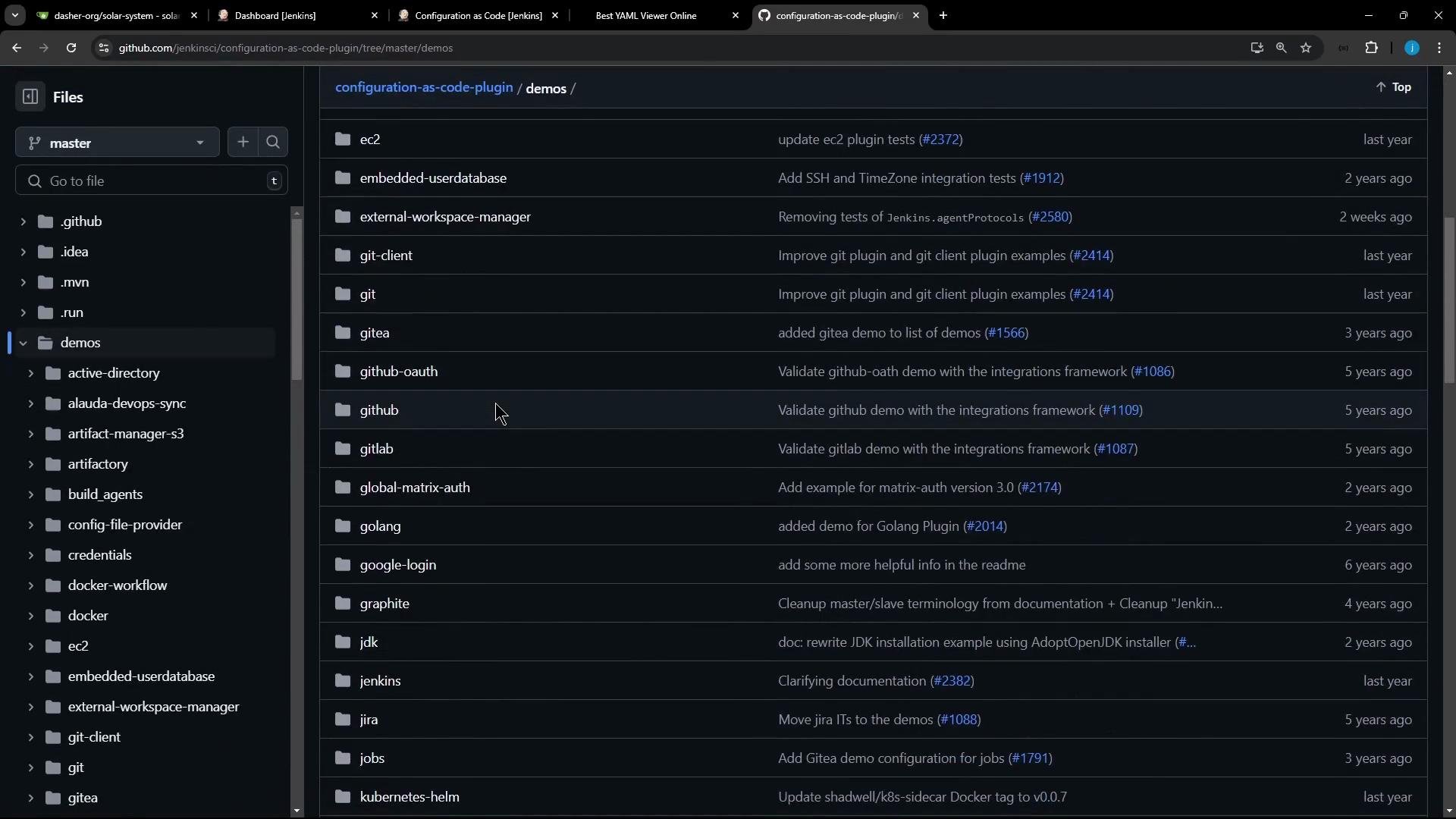
Example snippets from the demos
Below are representative YAML fragments you will commonly use or adapt when authoring yourjenkins-casc.yaml.
Example: set Jenkins location (unclassified section)
Where to place your JCasC file
Edit your controller’s JCasC YAML file. In this lesson the configuration file is:/var/lib/jenkins/JENKINS_BACKUP/jenkins-casc.yaml
Your YAML may already contain many sections (credentials, views, plugin configs, etc.). For example, a credentials fragment might look like:
Adding jobs via JCasC (requires Job DSL plugin)
JCasC delegates top-leveljobs: configuration to the Job DSL configurator. This means your YAML can include embedded Job DSL scripts under a jobs: root. Example:
- a folder named
testjobs - a pipeline job
testjobs/default-agentwith a minimal pipeline that echoes “hello”
jobs: before the Job DSL plugin is installed, JCasC will fail because the jobs configurator is not available.
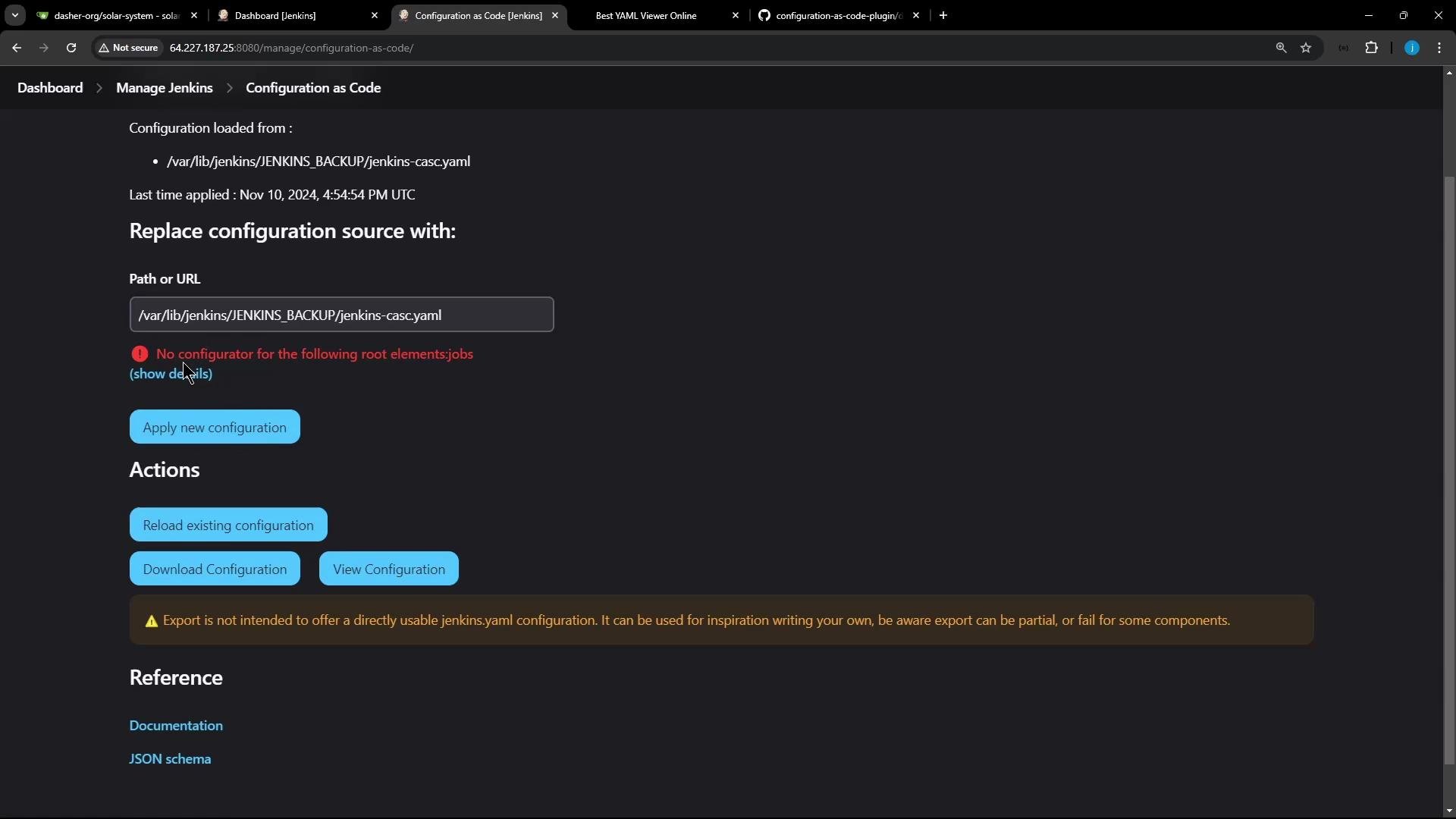
If JCasC reports “No configurator for the following root elements: jobs”, install the Job DSL plugin first. JCasC requires the Job DSL configurator to process any
jobs: roots in your YAML.Installing the Job DSL plugin
To resolve the error, install the Job DSL plugin:- Dashboard -> Manage Jenkins -> Manage Plugins -> Available -> search for “Job DSL” -> install.
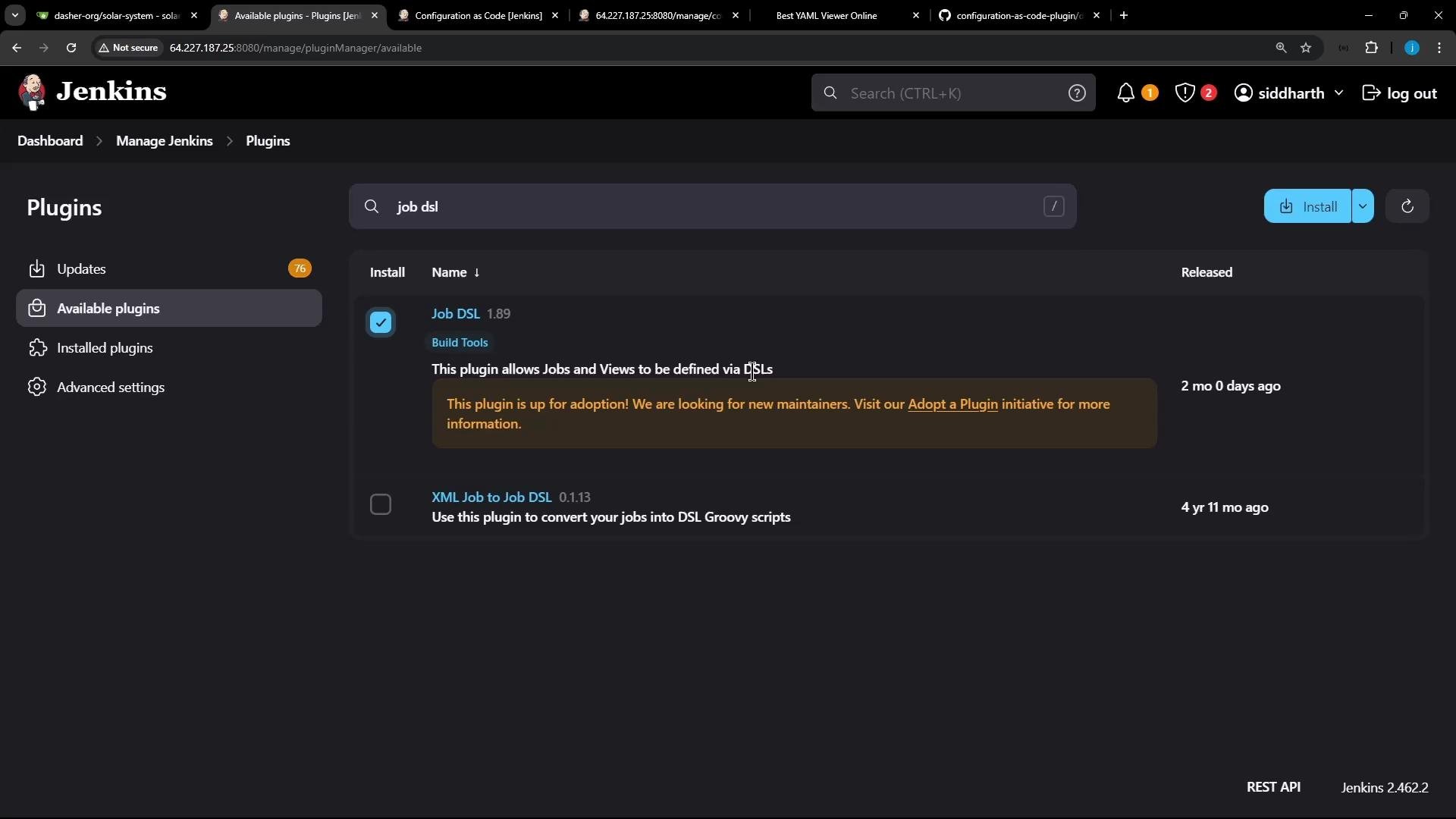
jobs: root.
The Job DSL plugin must be installed before JCasC can apply job definitions under the
jobs: root. If you add job definitions first, JCasC will report the “No configurator for … jobs” error.Verify the applied configuration
After a successful apply/reload:- Confirm a folder
testjobsappears in the Jenkins dashboard. - Inside it, confirm a pipeline job
default-agent(full nametestjobs/default-agent) exists. - Open the job and verify the pipeline script matches the Job DSL-defined Groovy pipeline. For example:
- Verify the Node.js tool under Manage Jenkins -> Global Tool Configuration: you should see
NodeJS Latestwith the declared version (e.g.,12.11.1).
Quick checklist
Troubleshooting tips
- If JCasC fails on unknown root elements, confirm the matching plugin that provides the configurator is installed (Job DSL for
jobs:; other roots may require their own plugins). - If a tool (like NodeJS) is not visible after applying JCasC, check the tool YAML for syntax errors and confirm the installer version ID is valid for your installed tool plugin.
- Check Manage Jenkins -> Configuration as Code for the current config source and any error messages; review controller logs for full stack traces.
Links and references
- Jenkins Configuration as Code (JCasC) plugin
- Job DSL plugin
- JCasC demos directory on GitHub
- Kubernetes cloud docs (Jenkins)