

- Foundational Jenkins skills are a good start, but real-world CI/CD environments bring challenges in scale, reliability, and maintainability.
- This course focuses on patterns and practices used by teams running Jenkins at scale: reusable pipelines, robust agents, optimized builds, observability, and reproducible configuration.
- Hands-on browser-based labs to practice concepts immediately.
- Practical examples and pipeline techniques you can apply to your projects.
- Clear explanations that bridge the gap between learning and production implementation.
On modern Linux distributions using systemd, prefer
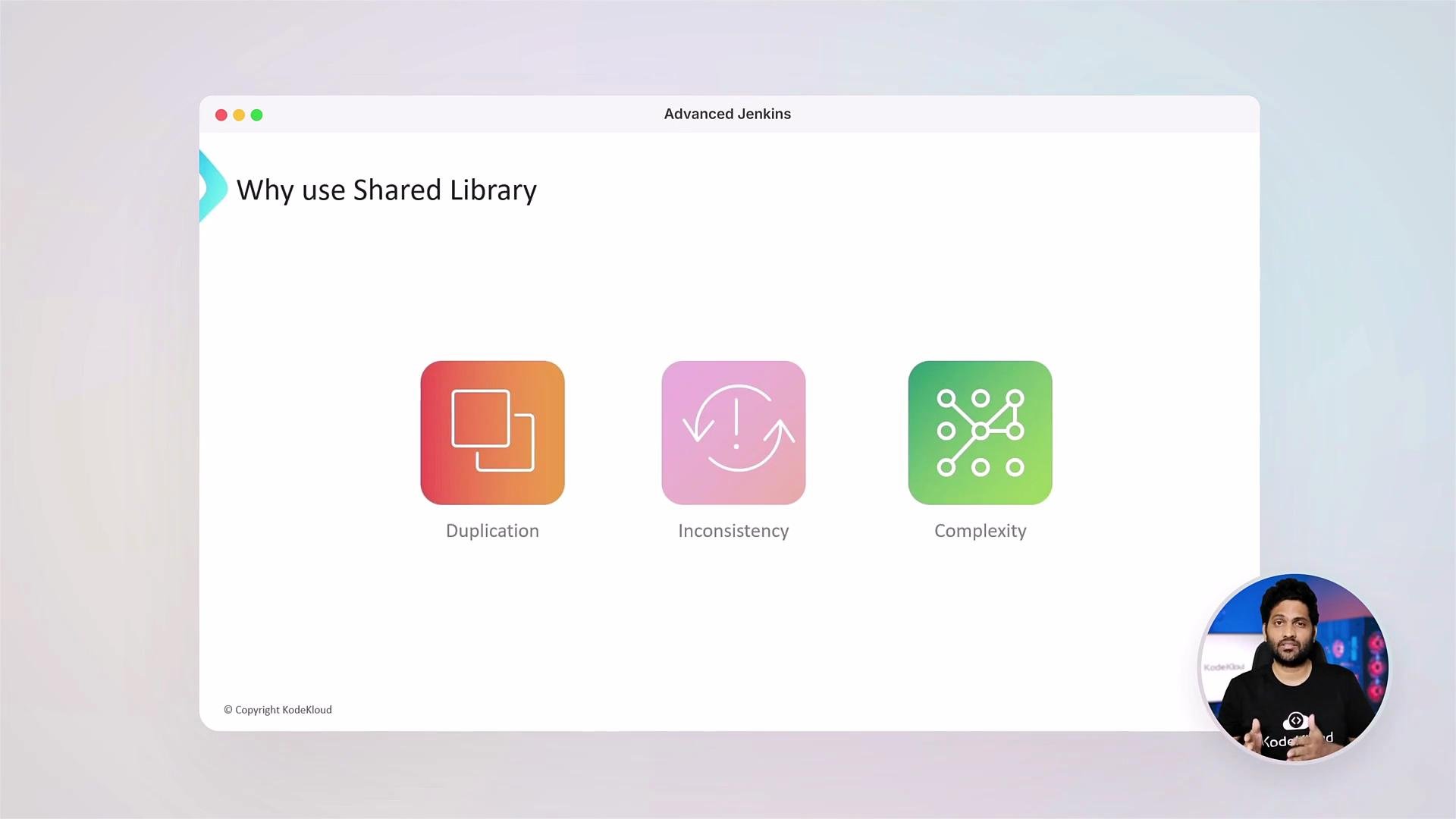
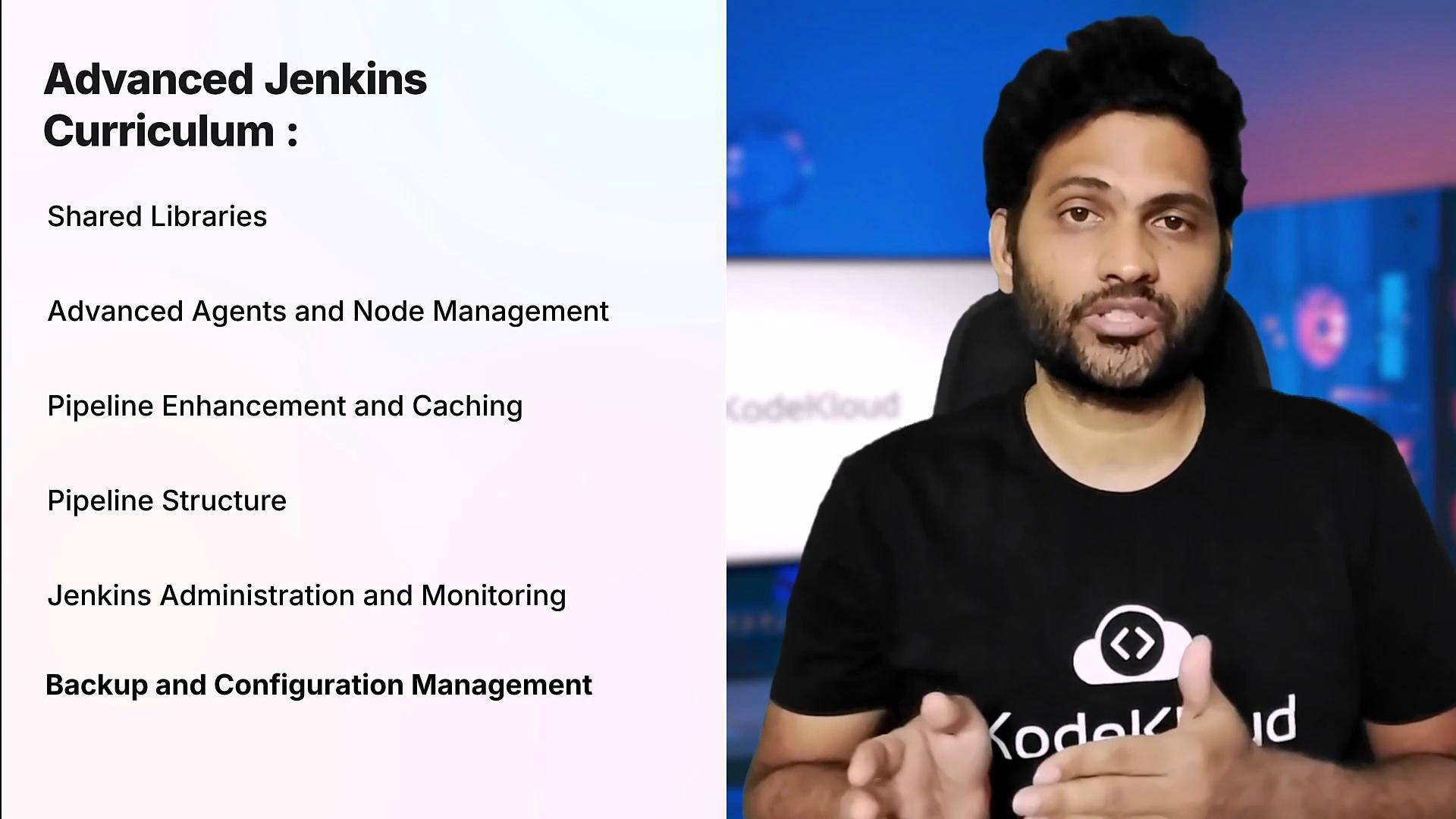
systemctl status jenkins to view the service unit status and logs.- Shared Libraries — refactor and reuse pipeline logic across many repositories.
- Advanced agents and node management — build custom Docker agents and run Jenkins agents as Kubernetes Pod templates for isolation and scalability.
- Pipeline optimization and caching — reduce build times with caching strategies and effective pipeline structuring.
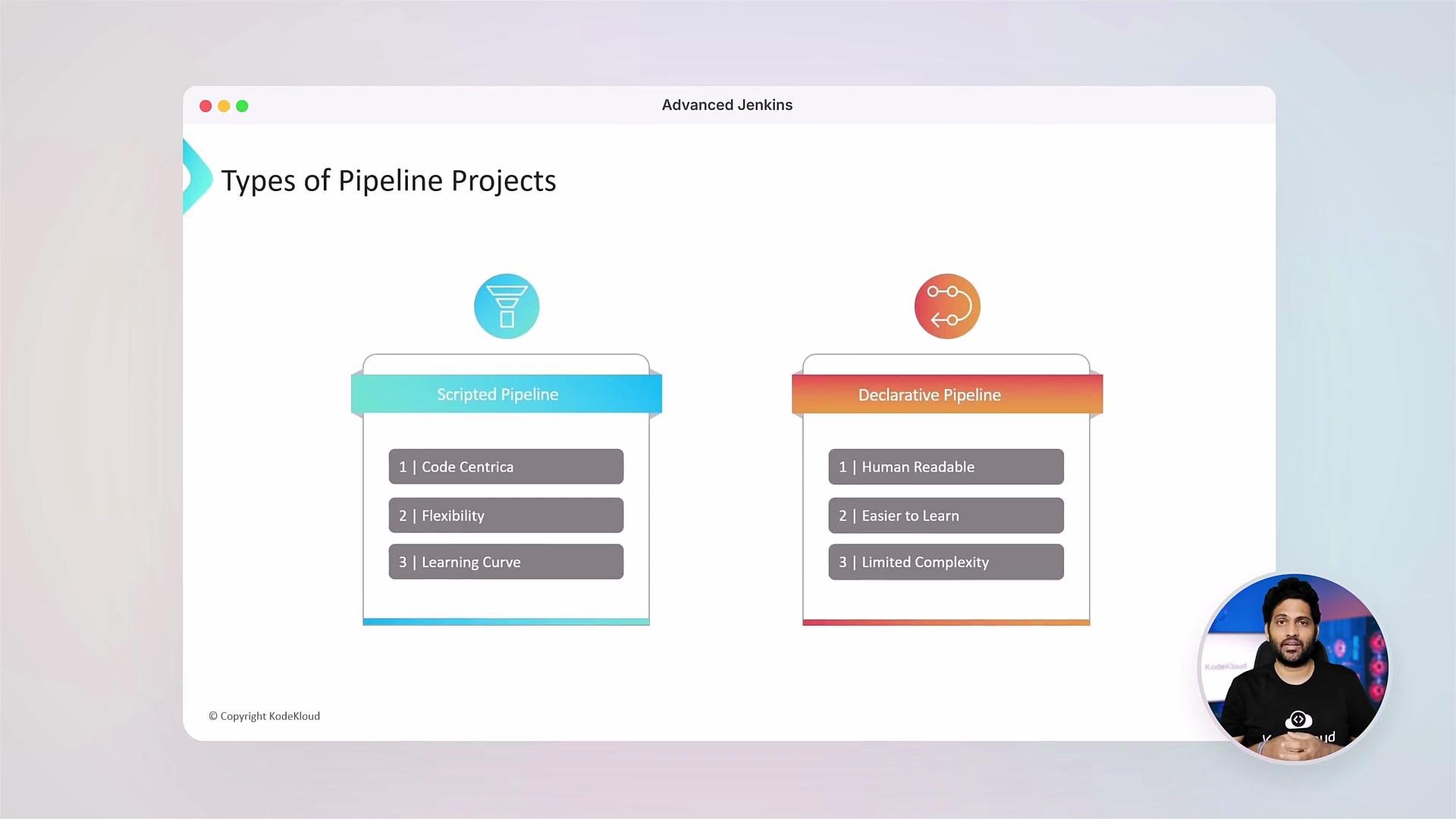
- Scripted vs Declarative pipelines — decide which style fits your use case and compose maintainable pipelines.
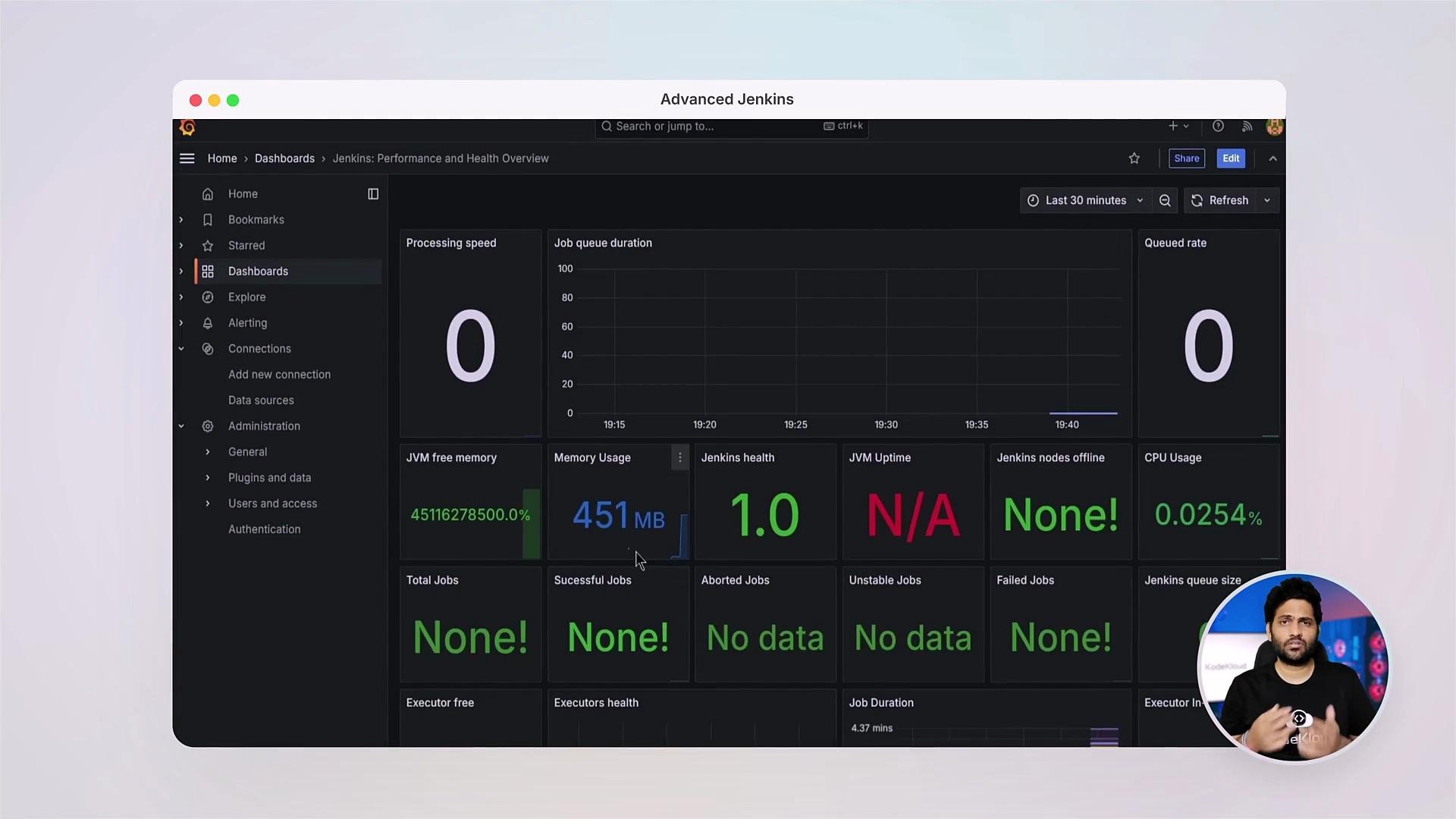
- Jenkins administration & monitoring — instrument Jenkins with metrics, alerts, and secure audit trails.
- Backup and configuration management — use Jenkins Configuration as Code and backup strategies to achieve reproducible environments.
- Better resource isolation
- Reproducible build environments
- Improved scalability for CI workloads
- Cache dependencies between runs
- Use layered Docker images to minimize rebuilds
- Organize complex workflows for reliability and speed
- Jenkins Configuration as Code to declare and version control your Jenkins setup
- Backup and restore best practices
- When and how to integrate with other CI platforms like GitHub Actions
Community and continued learning
At KodeKloud we encourage community interaction. Join the forum to ask questions, share solutions, and learn from other practitioners.
References and further reading
- Kubernetes Basics
- Jenkins Configuration as Code Plugin
- Learn By Doing: AIOps Foundations - Intelligent Monitoring With Prometheus & Grafana
- GitHub Actions course on KodeKloud
When applying changes to production Jenkins, use a staging environment and version-controlled configuration (JCasC). Always validate backups and restore procedures before relying on them in emergencies.