

Prerequisites:
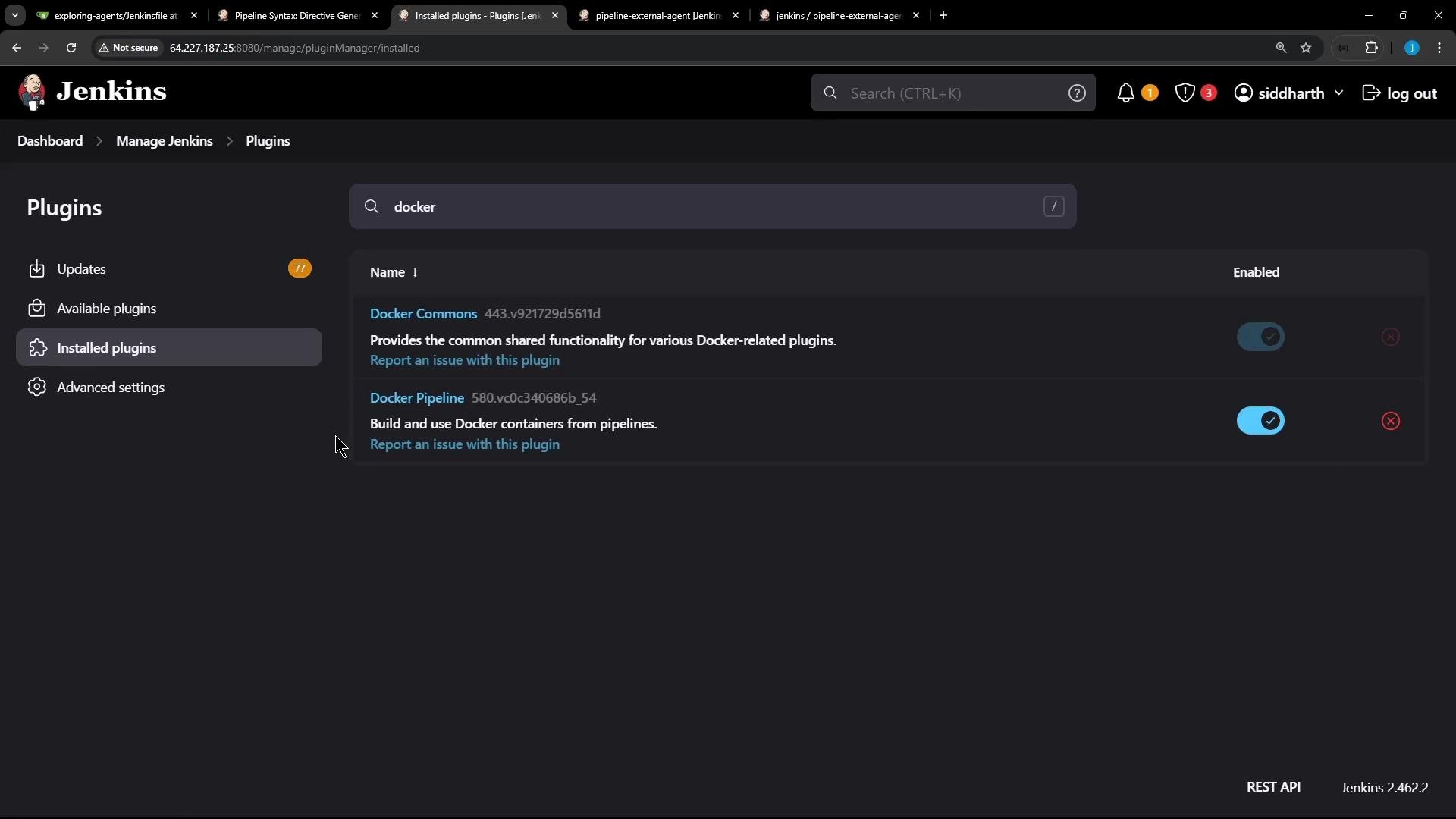
- Install the Jenkins Docker Pipeline plugin.
- Ensure the agent node(s) intended to run Docker containers have the Docker Engine and the docker CLI installed.
- Make sure the Jenkins agent process can execute Docker commands (for example, the agent user is in the
dockergroup or the Docker socket is accessible).
How the Docker-based agent is configured
When using Declarative Pipelines, theagent block supports a docker declaration. Key options include:
A minimal
agent block to run inside a Docker image:
Example Jenkinsfile — Docker image as a stage agent
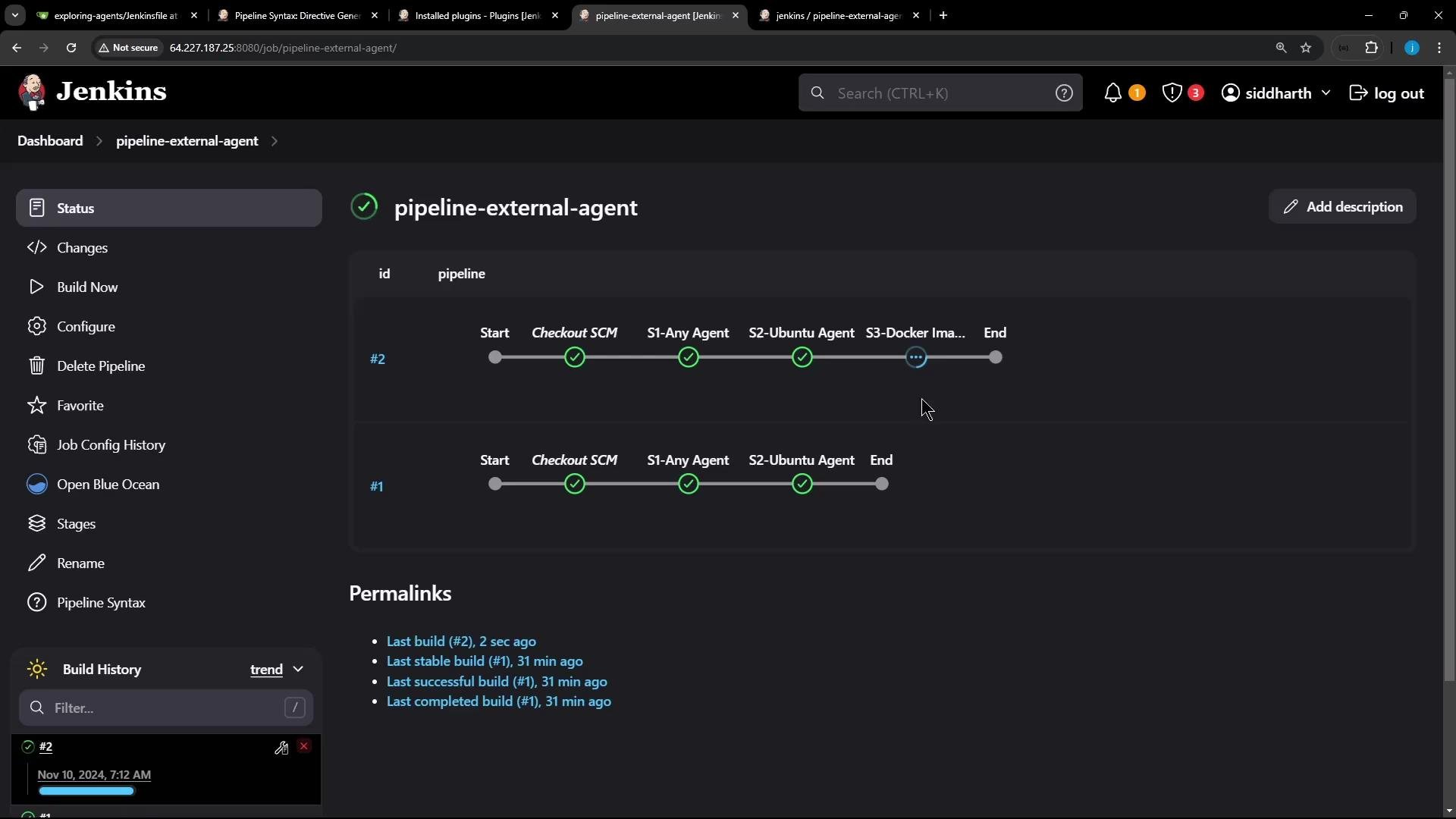
This Declarative Pipeline uses a globalagent any for the pipeline, runs two stages on default agents, and a third stage inside a Docker container (node:18-alpine) on a labeled node.
What happens when the pipeline runs
- When the pipeline reaches stage
S3-Docker Image Agent, Jenkins schedules the build on a node that matches thelabel(ubuntu-docker-jdk17-node20). - Jenkins will pull the
node:18-alpineimage on that node (ifalwaysPullis enabled, it pulls even if present). - Jenkins launches a container with the workspace mounted and environment variables forwarded from the agent.
- Build steps in that stage execute inside the container.
- After the stage completes, Jenkins stops and removes the container (default behavior). The pulled image remains cached on the node unless removed.
Representative console output
Jenkins logsdocker pull and docker run operations in the build console. Example (trimmed) output for the Docker-based stage:
Notes on container lifecycle
- The container is launched with
docker runand mounts the Jenkins workspace so build files are available inside the container. - By default, the container is removed after the stage finishes. If you need to persist artifacts, use workspace steps (e.g.,
archiveArtifacts) or configure workspace behavior appropriately. - Images are cached on the node until explicitly removed with
docker rmi.
Inspecting Docker on the agent node
After a run you can verify running and stopped containers as well as local images on the agent node:If you need custom dependencies or a reproducible build environment, consider building a custom Docker image with a
Dockerfile and using that image in your pipeline stage instead of relying on official base images.Additional resources
- Docker Pipeline plugin
- Docker Engine documentation
- Jenkins Pipeline Syntax
- Jenkins: Agents and Nodes