

agent { kubernetes { ... } } to provision pods automatically. In scripted pipelines, you get the same behavior with podTemplate and containerTemplate constructs.
You will learn how to:
- define pod and container templates (either in the Jenkins cloud configuration or inline in the Jenkinsfile),
- run specific stages inside a Kubernetes pod container with
container('<name>'), - share files between a static agent and a Kubernetes pod using
stash/unstash.
Example: podTemplate with multiple containers
The snippet below (from the Kubernetes plugin examples) shows apodTemplate that defines two container templates (maven and golang) and how to run different stages inside those containers using container(...):
podTemplatewraps thenode(POD_LABEL)block that runs inside the pod.- Use
container('<name>')to run commands inside a specific container in the pod. - You can run different parts of your build in different containers within the same pod (e.g., build and test toolchains).
Define pod templates in the Jenkins UI (recommended for reuse)
You can define pod templates at the cloud level in Jenkins. This is recommended when you want to reuse the same pod definition across multiple pipelines. Below is the Jenkins Cloud UI where you can add Pod Templates for a Kubernetes cloud.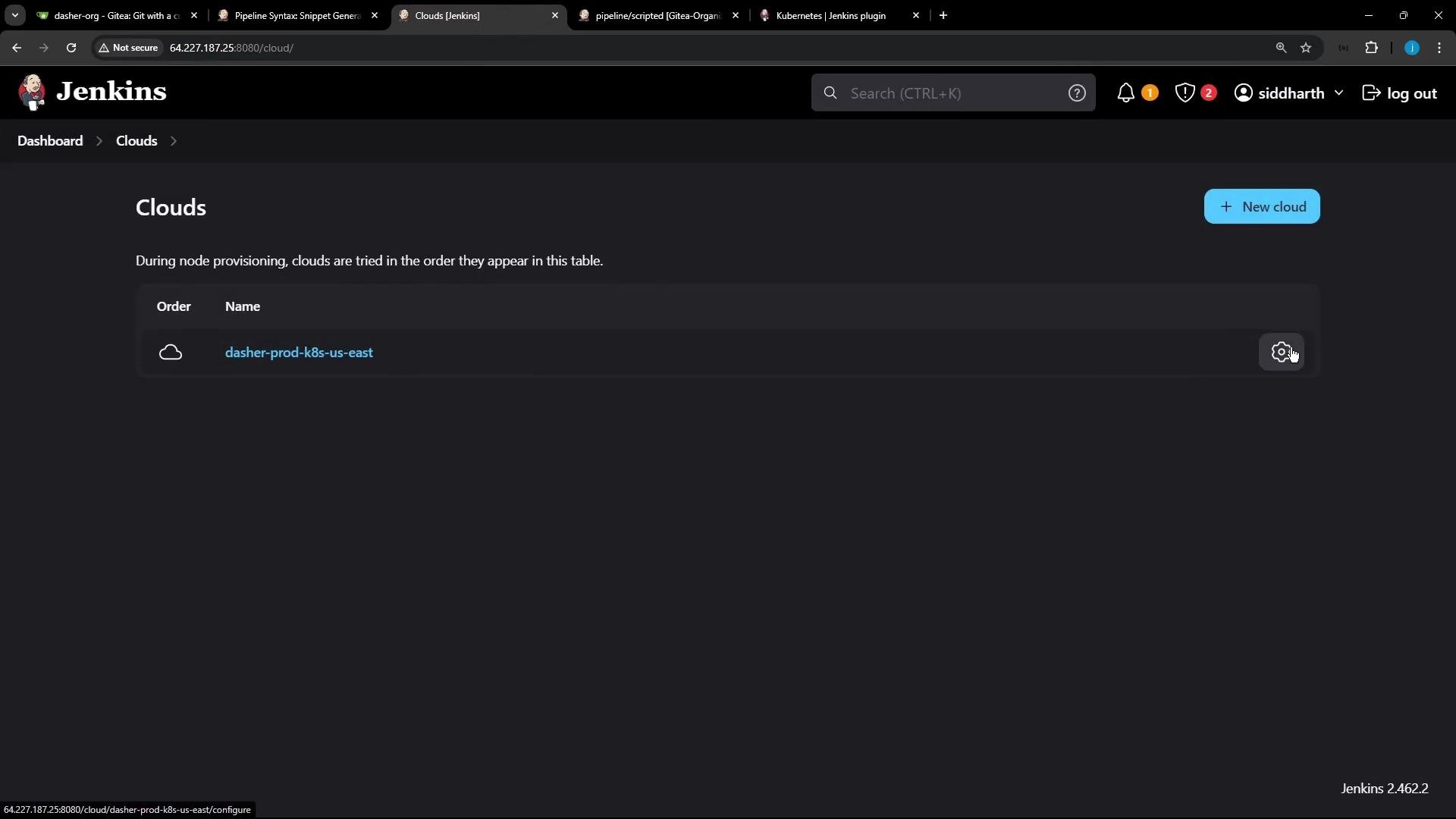
command, args, TTY, privileged, etc.).
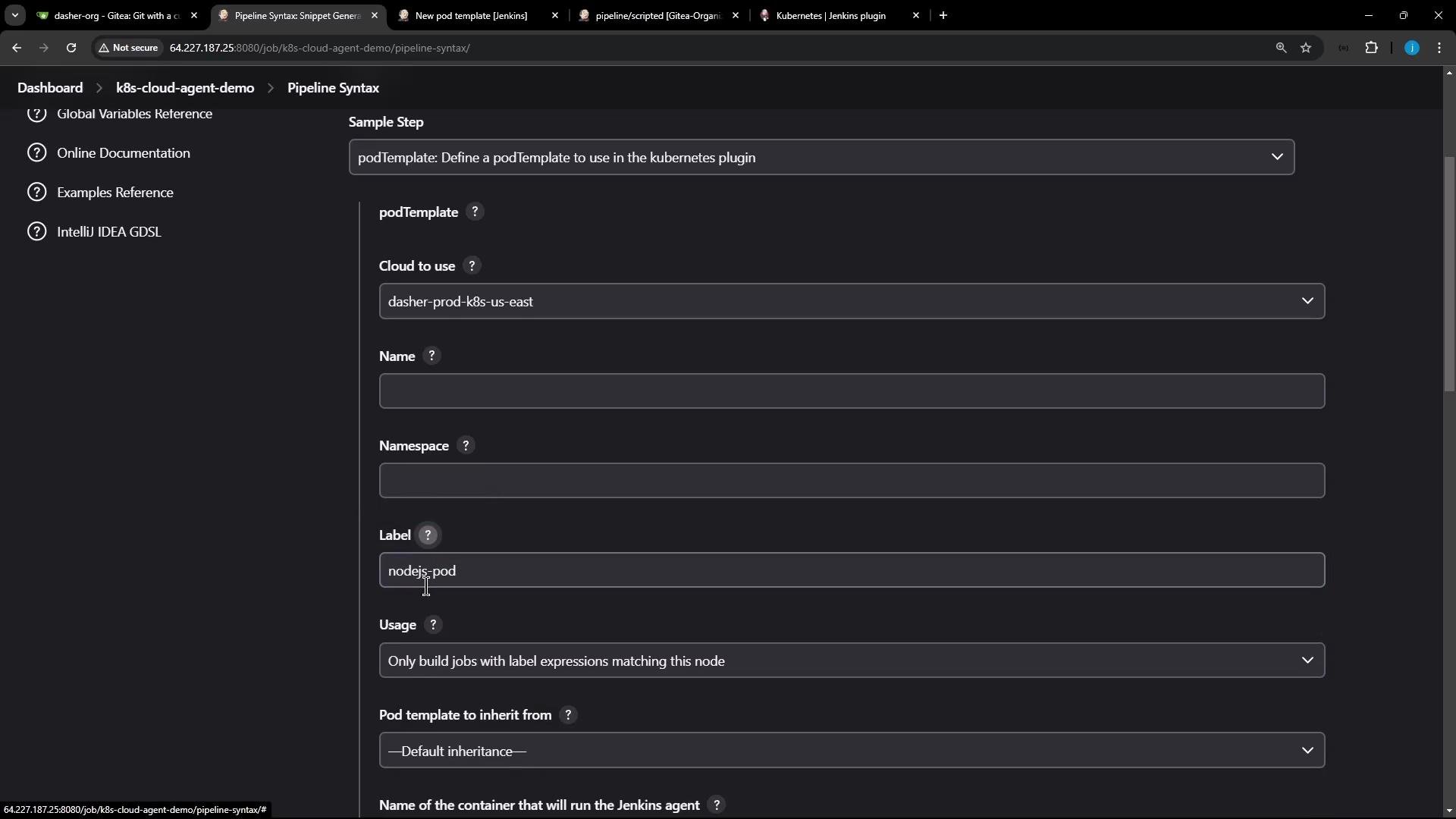
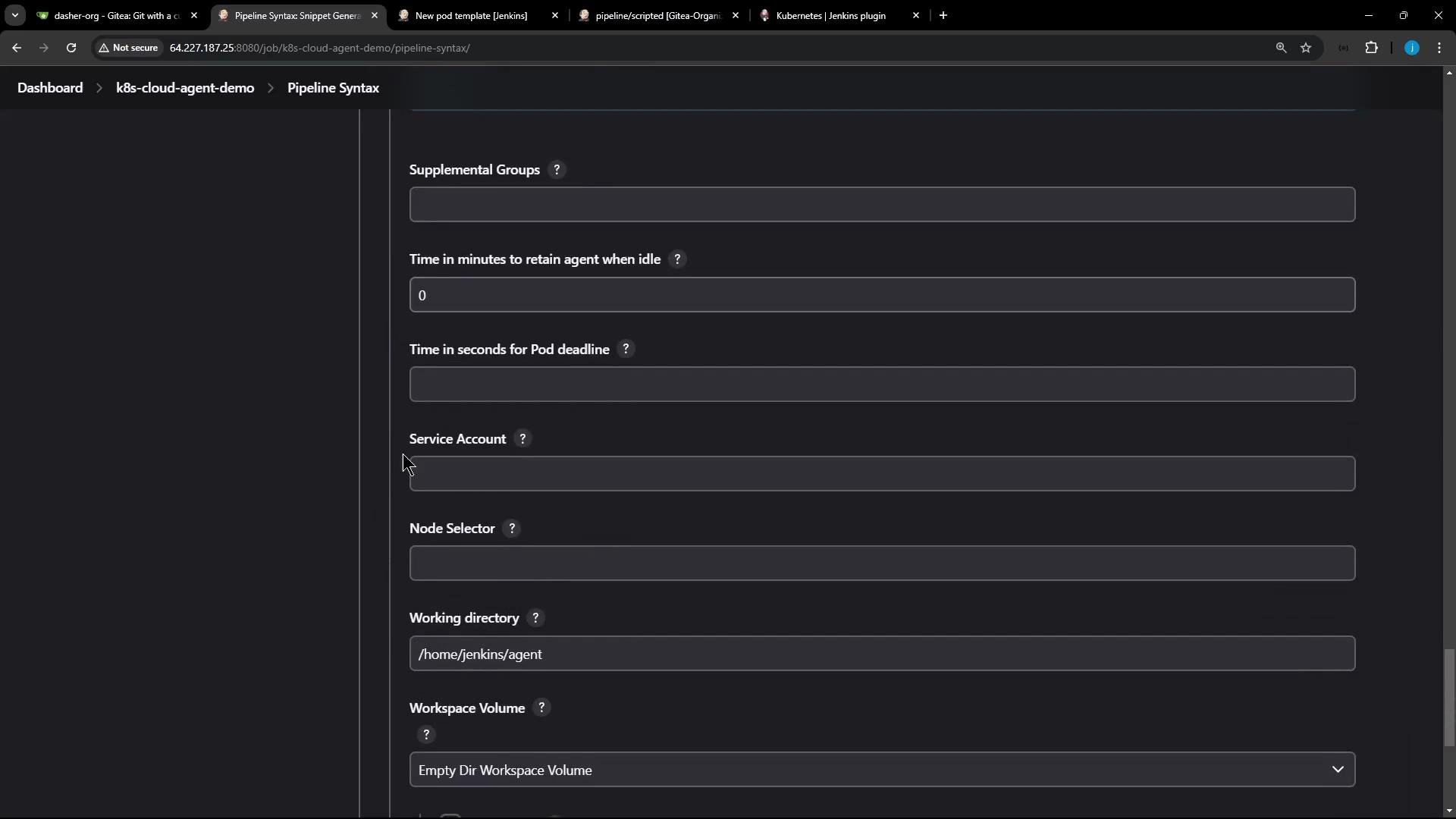
Here we set the cloud, label, namespace, and add a node-18 container template via the Pipeline Syntax UI:
Compact inline podTemplate example
If you choose to inline a pod template inside your Jenkinsfile, here is a compact snippet that targets a cloud nameddasher-prod-k8s-us-east and creates a pod labeled nodejs-pod with a node-18 container:
podTemplate at the root of your scripted pipeline. The closure created by podTemplate { ... } must wrap any node blocks that should use that pod template.
Mixing a static agent and a Kubernetes pod (stash/unstash example)
A common pattern is to use a static agent to perform checkout and build/cache dependencies, then use a Kubernetes pod for running tests. The static agent can buildnode_modules, stash them, and the pod can checkout scm again (required when switching agents) and unstash the dependencies before running tests.
In scripted pipelines,
checkout scm happens only on the node where it is invoked. If you run stages on multiple, different agents (or pods), you must explicitly run checkout scm on each agent that needs access to the workspace files.cache step if available) to reduce transfer time and keep stashes minimal.
Stashing large dependency directories (like
node_modules) can be slow and may hit size limits. Prefer build caches or selective stashing (only what’s necessary) to optimize pipeline performance.podTemplate, a static agent for checkout and npm install, then a Kubernetes pod container (node-18) for running unit tests with unstash.
Quick reference
Key takeaways
- Pod templates can be configured at the cloud level (recommended for reuse) or inline in the Jenkinsfile.
- Use the
labelfrom the pod template innode('<label>')to run steps inside that pod. - Use
container('<container-name>')insidenodeto execute commands inside a specific container in the pod. - In scripted pipelines,
checkout scmis not automatic for every agent — explicitly runcheckout scmon any agent that needs repository files. - To share files between agents, use
stashon the producing agent andunstashon the consuming agent. - Combining static agents and Kubernetes pods gives you consistent setup for build/caching and dynamic, disposable environments for running tests.
- Kubernetes plugin for Jenkins
- Jenkins Pipeline Syntax (Snippet Generator)
- Jenkins Pipeline: Stash and Unstash