- Live in a
Jenkinsfileinside your source repository. - Use the same Jenkins Pipeline subsystem and the Pipeline DSL (Groovy-based).
- Can reuse shared libraries to centralize common pipeline code.
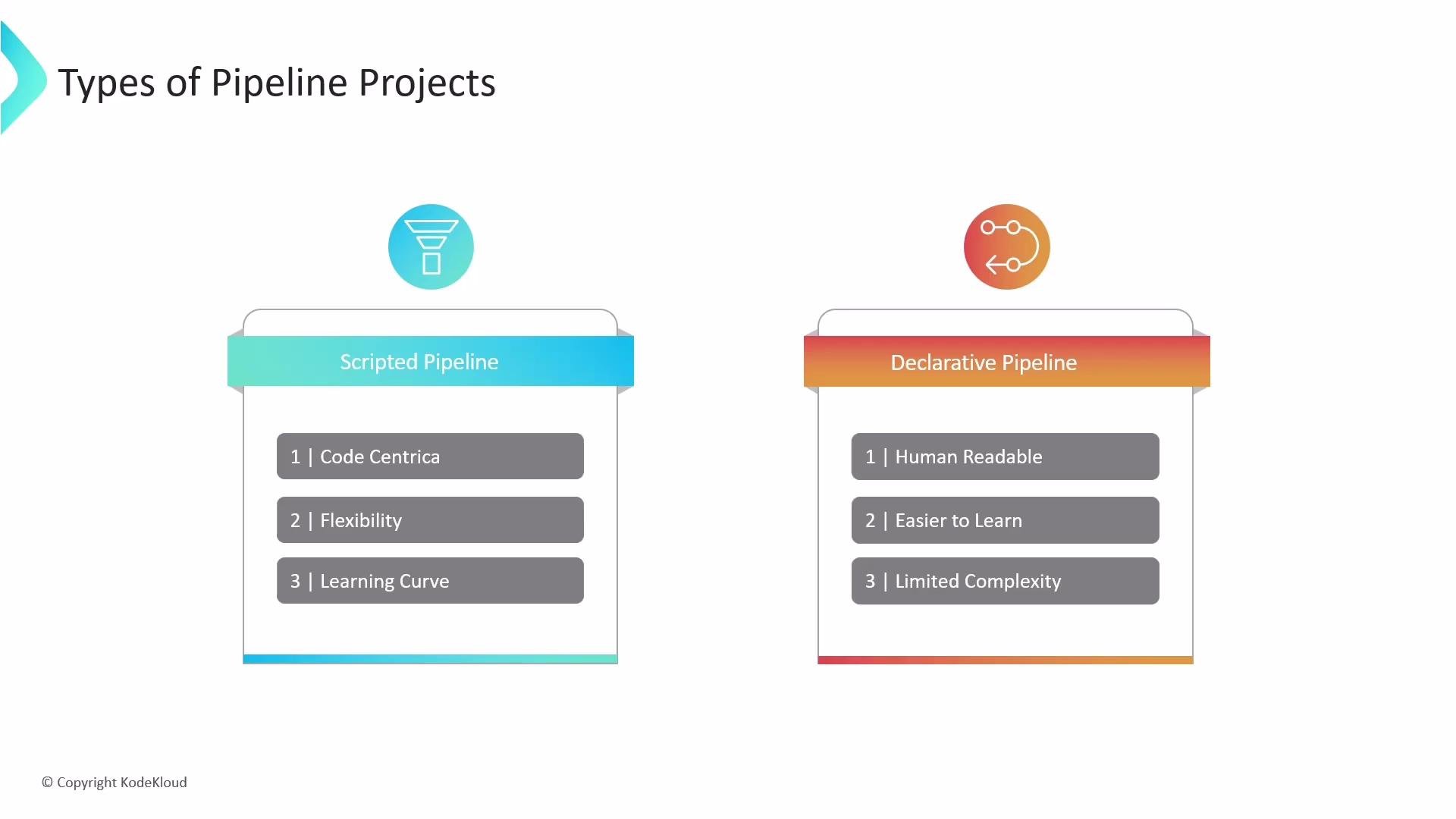
- Scripted pipelines: code-first, expose raw Groovy, and offer maximum flexibility.
- Declarative pipelines: provide a structured, opinionated syntax that simplifies common tasks and enforces a consistent pipeline structure.
Both styles are stored in a
Jenkinsfile in your source repository. Declarative provides a structured, opinionated layer on top of the Pipeline DSL (Groovy), while scripted pipelines allow you to write arbitrary Groovy code for advanced scenarios.Scripted Pipeline
Scripted pipelines are Groovy scripts that usually start with a top-levelnode block. They expose the full power of Groovy, which makes them ideal for complex logic, dynamic control flow, and advanced automation.
Key points:
- Code-centric and flexible.
- Full access to Groovy language features.
- Best for complex or highly dynamic workflows.
- Steeper learning curve and requires better programming skills.
Declarative Pipeline
Declarative pipelines use a predefined, higher-level syntax with built-in blocks and validation. They are easier to read and write for typical CI/CD workflows and help teams follow consistent patterns. Key points:- Structured and opinionated syntax.
- Built-in blocks like
pipeline,agent,stages,steps,post,environment, andoptions. - Validation helps catch common mistakes early.
- Supports limited scripted snippets via
script {}when needed.
Quick Comparison
Choosing between Declarative and Scripted
- Prefer Declarative when you want predictable, maintainable, and easy-to-read pipelines for most CI/CD tasks.
- Choose Scripted when you need fine-grained control, advanced Groovy programming, or highly dynamic pipeline generation.
- You can mix approaches: use Declarative as the primary structure and insert
script {}blocks for specific scripted needs, or move complex shared logic into libraries.
If you start with Declarative and require custom logic, extend it via
script {} blocks or migrate parts to Scripted pipelines. Centralize shared logic in reusable libraries to avoid duplication across multiple pipelines.