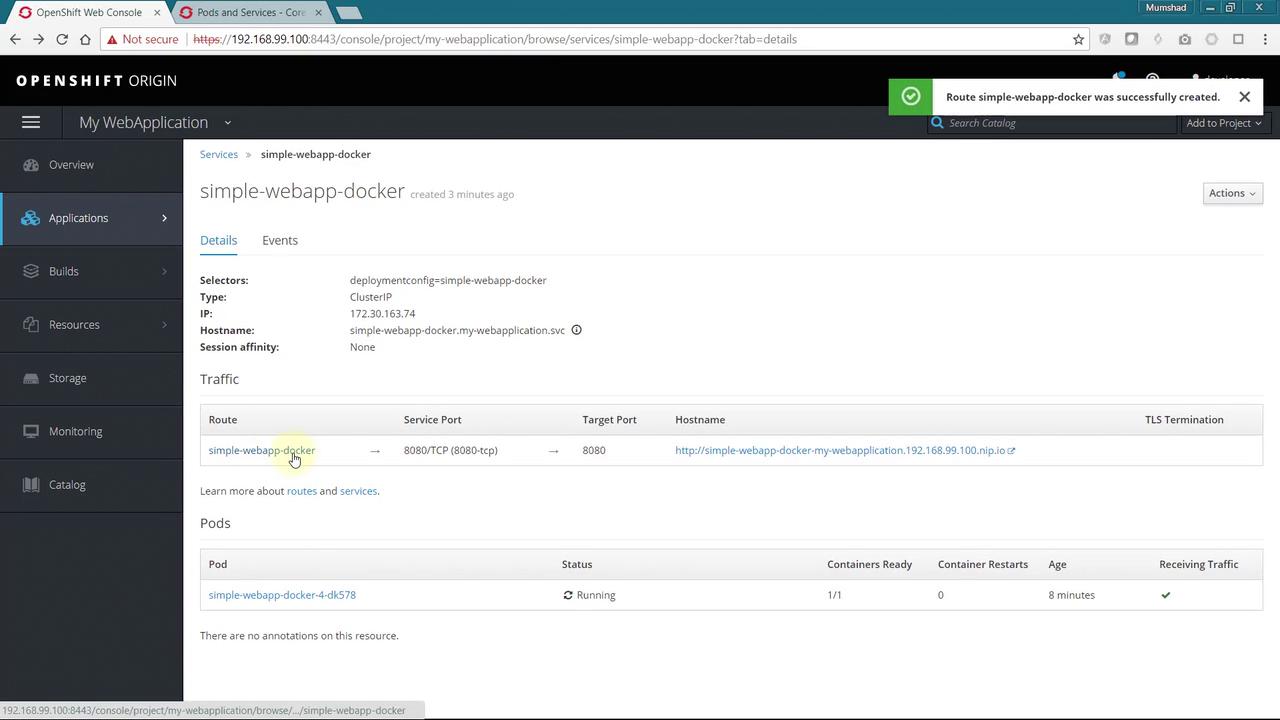
Creating a Service for Internal Access
After setting up the build and deployment of your application, the next step is to allow internal communication within the OpenShift cluster. Begin by creating a service configuration file. First, obtain a service configuration template from the Learn More link. Create a new file called service-config.yml and add the following YAML configuration. Notice that this configuration updates the service name and sets a selector to associate the service with the Pods running your application.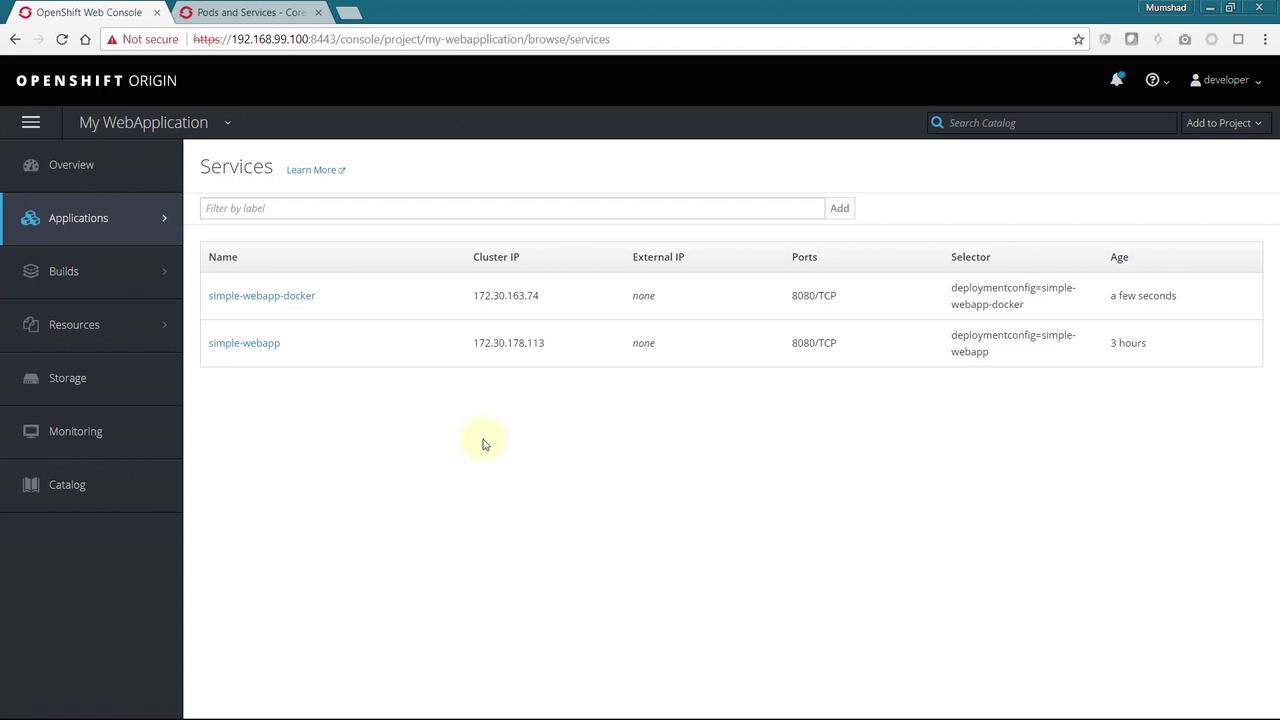
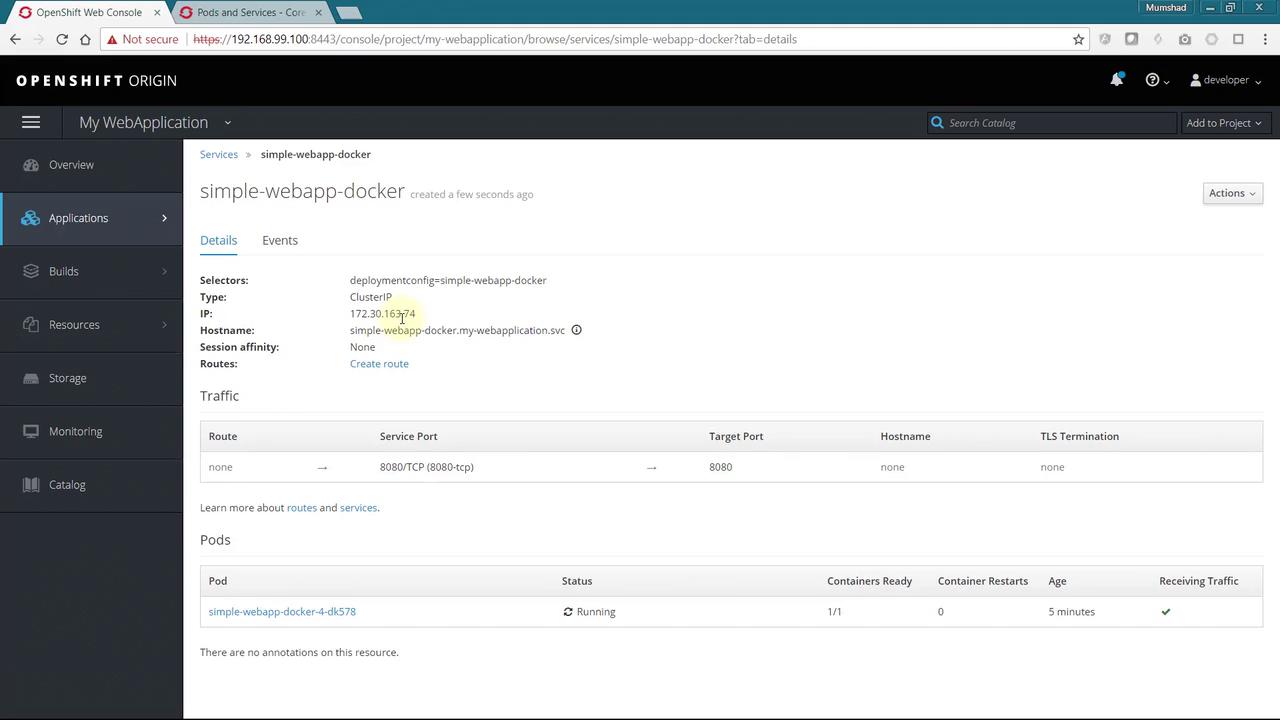
Creating a Route for External Access
To expose your application to external users, you need to create a route. You can achieve this via a YAML-based approach or through the OpenShift web console. To use the UI, click on the Create Route link and fill in details such as name and hostname. If you leave the hostname blank, OpenShift generates one based on your application name.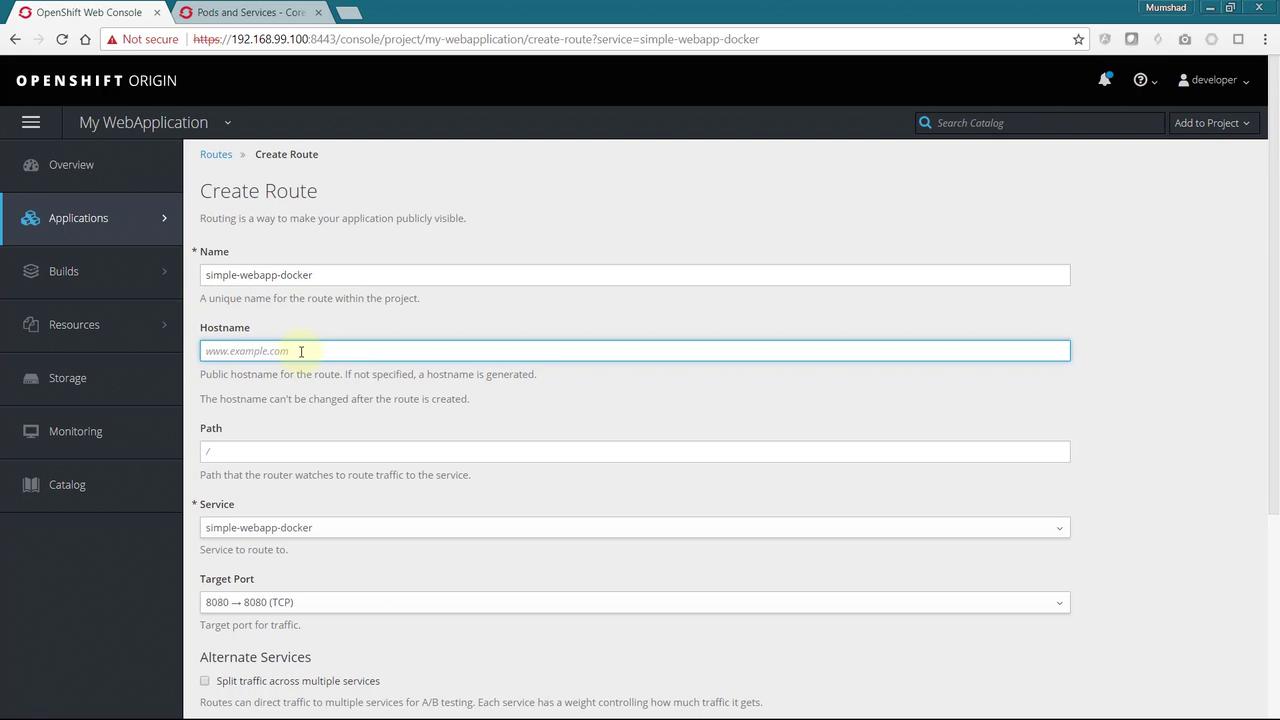
If you opt for a custom hostname (e.g., www.example.com), ensure your external DNS settings correctly route traffic to your OpenShift cluster. Routes within the cluster will then direct requests to the appropriate application based on the hostname.