Image streams enable dynamic updates to deployments by managing container images through tags, automating workflows in OpenShift environments.
Image streams enable dynamic updates to deployments by using tags to manage container images. This feature is particularly valuable in OpenShift environments where automation and efficient container management are critical.When you update a container image—such as changing a tag from “latest” to “3.4”—the image stream continuously monitors the associated container registry. It then automatically propagates the update to your deployment. This process removes the need to manually adjust configuration manifests, streamlining your workflow.Image streams work by continuously creating and updating container images through an abstraction layer that watches for changes. When a new tag is assigned to an image, the image stream detects and tracks the modification. This ensures that any deployment referencing that image automatically receives the updated version.
Deployments that reference a specific image tag benefit greatly from this functionality, as the image stream can trigger automatic rolling updates. This means your application can smoothly transition from one version of a container image to another without manual intervention.
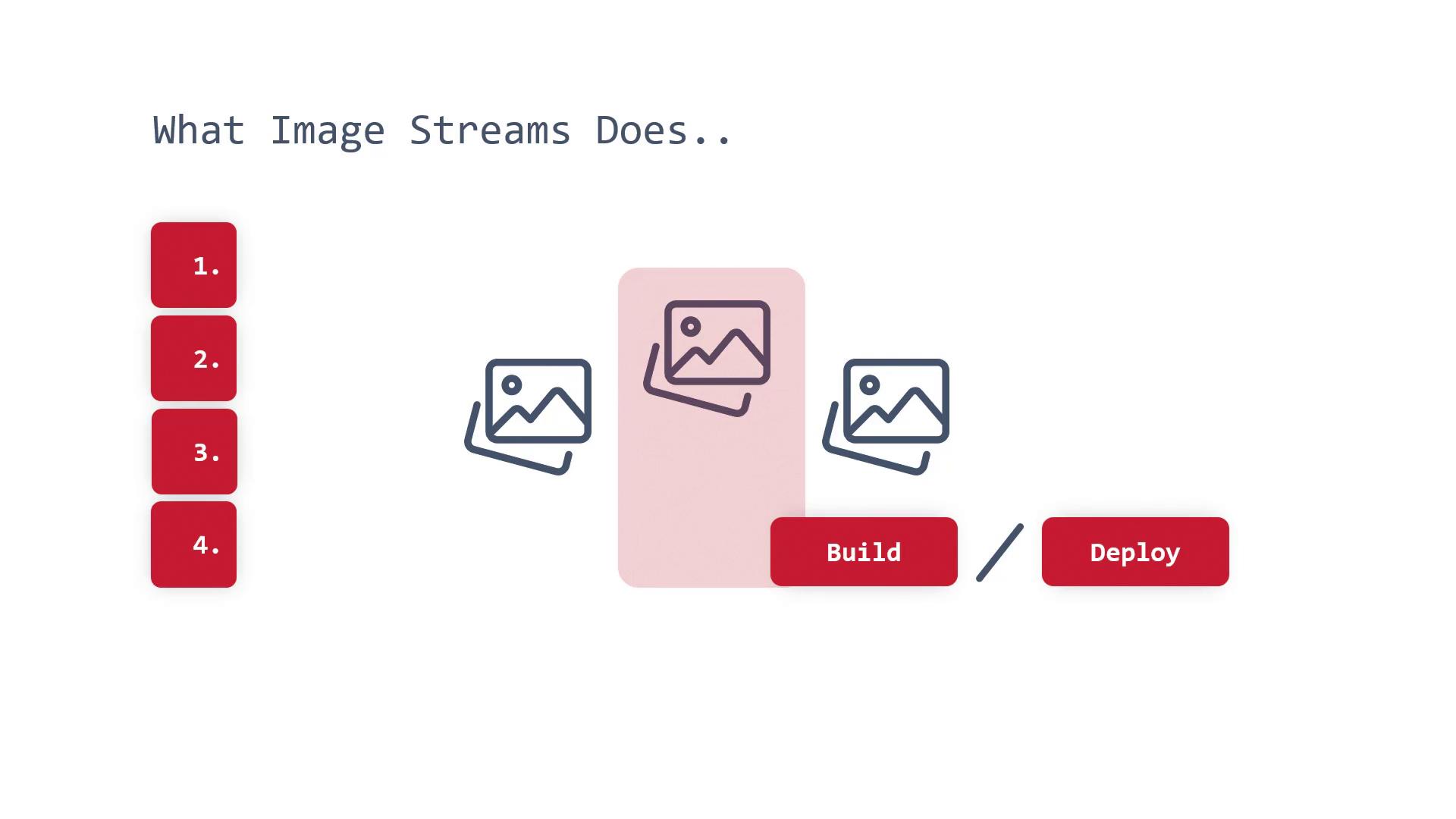
A core benefit of image streams is their ability to automatically trigger deployment updates. For instance, when a developer pushes a new version of a container image, the image stream identifies the new tag and initiates an update for the running deployment. This process closely resembles a rolling update, ensuring that changes are applied seamlessly.Moreover, integrating image streams with your build and deployment processes further automates management. When a new image is added, notifications can be generated and used to deploy the updated image automatically. This automated, repeatable process significantly reduces manual efforts when managing container image versions.
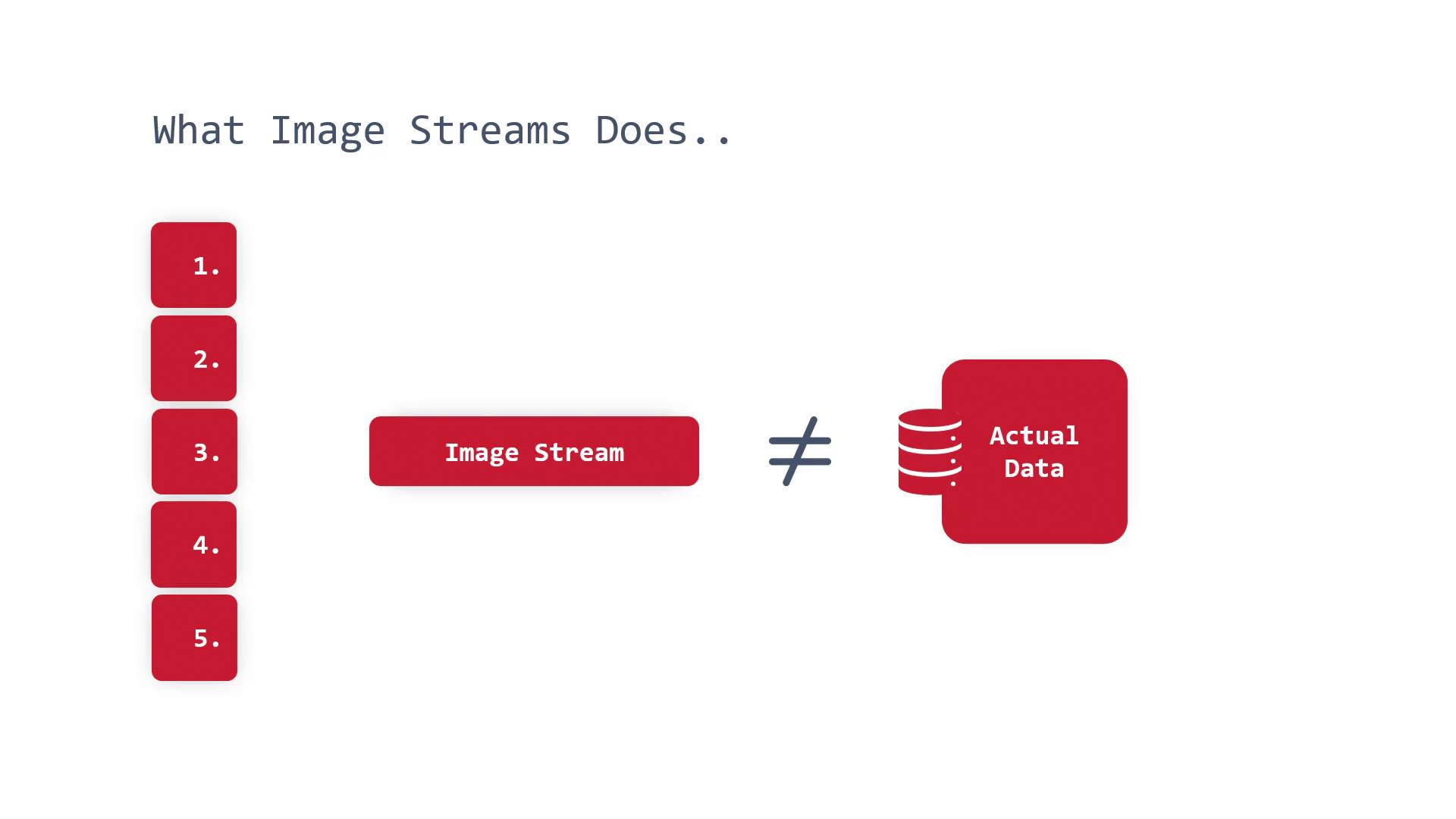
It is important to understand that an image stream does not hold the actual image data. Instead, it acts as a reference to a container registry, pulling the necessary image data as required. Source images can reside in multiple locations, including the OpenShift Container Platform Integrated Registry, external registries like Docker Hub, or Red Hat’s registry.