

- User and access management (authentication, authorization).
- Resource grouping and multi-tenancy (namespaces/projects).
- Build and deployment workflows.
- Application exposure to users (Services, Ingress, Routes).
- Tooling and ecosystem (CLIs, web consoles, registries, build systems).
- With upstream Kubernetes you typically use the Kubernetes API via
kubectlor direct API calls and operate on core resources such asPod,Deployment,Service, andIngress. You can extend functionality with Custom Resource Definitions (CRDs) and controllers. - With OpenShift you usually use the OpenShift surface — the web console, the
ocCLI, or the OpenShift API. OpenShift translates user actions into Kubernetes resources and also exposes first-class resources that are OpenShift-native.
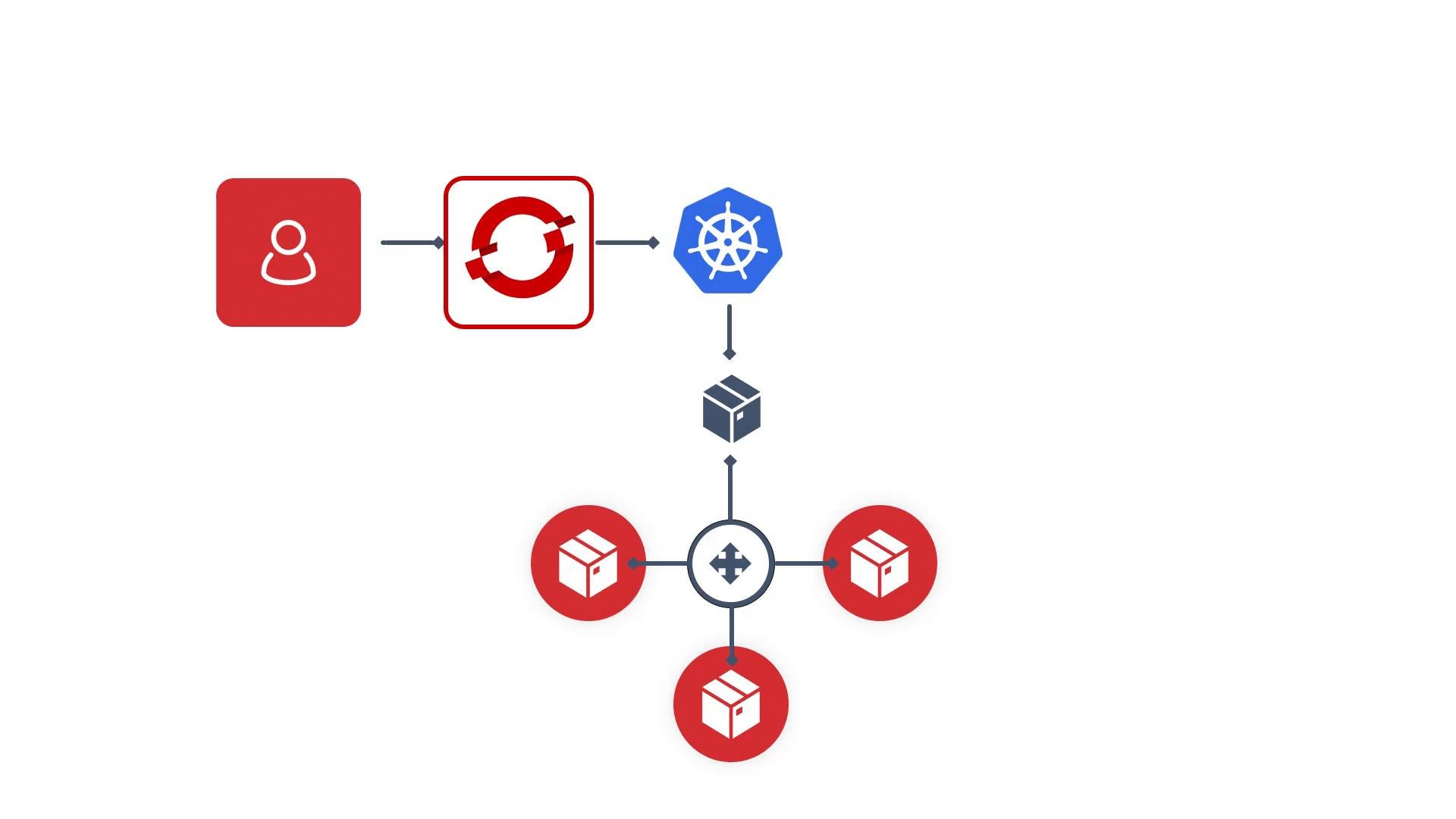
- OpenShift runs Kubernetes under the hood:
- The Kubernetes control plane, kubelet agents, and etcd are present, but OpenShift packages them with additional services and opinionated defaults.
- Projects:
- OpenShift exposes
Projectas a first-class concept (maps to a KubernetesNamespace) with integrated RBAC, annotations, and quota management.
- OpenShift exposes
- Routes vs Ingress:
- OpenShift introduces
Routeas a native object handled by its integrated router. KubernetesIngresscan still be used, but Routes are the OpenShift-preferred HTTP/S exposure mechanism.
- OpenShift introduces
- Image Streams and integrated Registry:
- OpenShift includes an internal image registry and
ImageStreamobjects to track image tags and lifecycle events.
- OpenShift includes an internal image registry and
- BuildConfigs and Builds:
- OpenShift provides built-in build resources (
BuildConfig,Build) and supports Source-to-Image (S2I) to create runnable images directly from source.
- OpenShift provides built-in build resources (
- Console and
ocCLI:- OpenShift ships an opinionated web console and the
ocCLI, both of which add UX and command extensions beyond vanilla Kubernetes.
- OpenShift ships an opinionated web console and the
- Authentication and OAuth:
- OpenShift includes an integrated OAuth server and supports many identity provider integrations out of the box.
- OperatorHub and curated operators:
- OpenShift provides a marketplace-like experience with a curated operator catalog for easier lifecycle management of operators.
- Security defaults:
- OpenShift applies stricter security defaults (historically via SecurityContextConstraints) and enforces safer defaults to reduce risky pod configurations.
OpenShift is not a replacement for Kubernetes — it is a Kubernetes-based distribution and container application platform that adds integrated services, higher-level resources, and opinionated defaults to simplify building, deploying, and operating containerized applications.
- Kubernetes Documentation
- OpenShift learning resources: OpenShift course on KodeKloud
- Kubernetes learning resources: Kubernetes course on KodeKloud
- HashiCorp Nomad (alternative orchestrator): Nomad course on KodeKloud