

ConfigMaps in OpenShift 4 behave exactly like ConfigMaps in Kubernetes. Use the same API and commands (
oc or kubectl) to create, update, and consume them—no OpenShift-specific changes are required for standard ConfigMap workflows.- Provide environment variables to Pods (
envorenvFrom). - Mount configuration files into containers as a volume.
- Store small runtime configuration snippets consumed by applications.
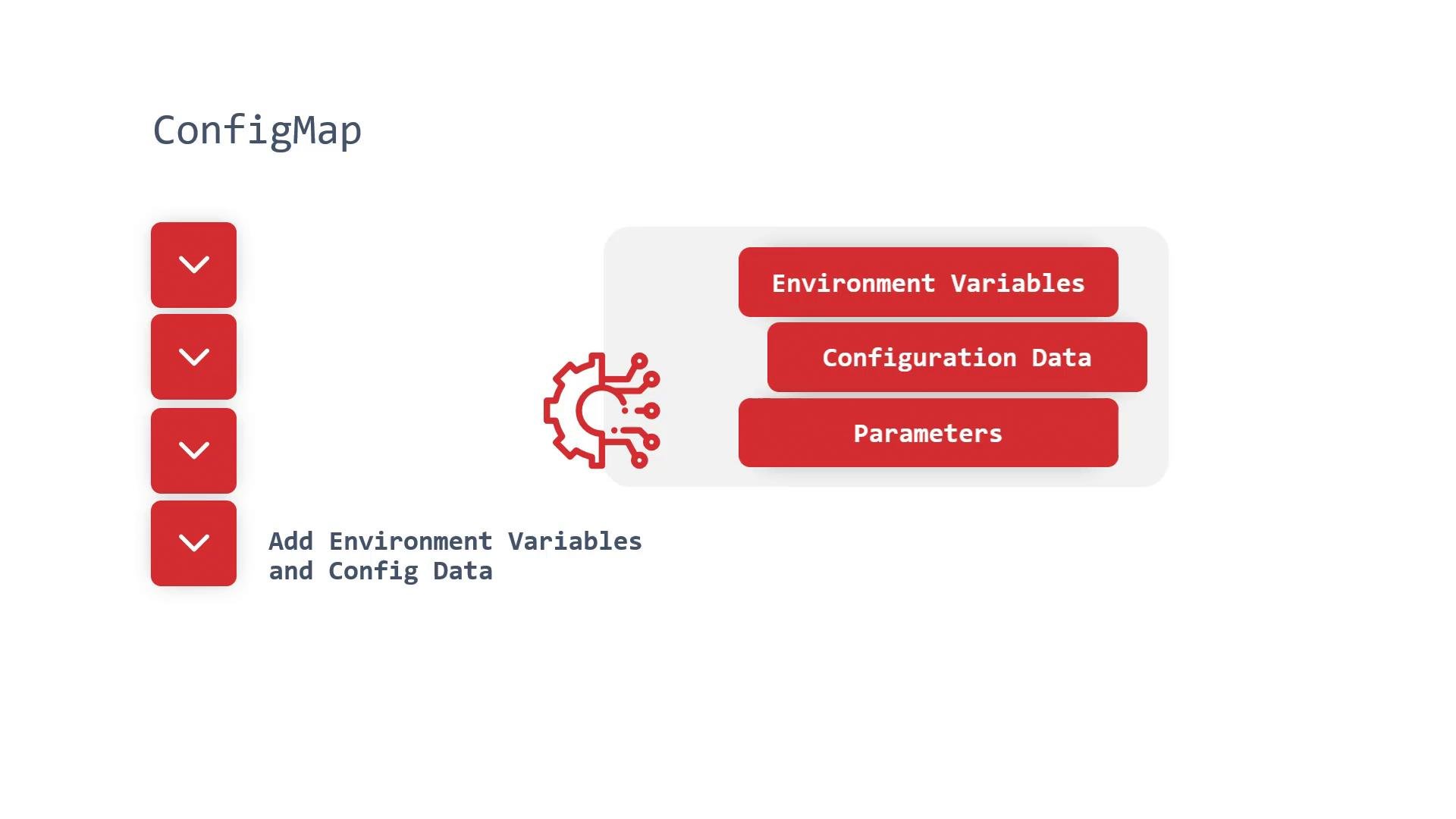
- Stored under the
datafield as string key-value pairs. - Not intended for sensitive values—use Kubernetes Secrets for passwords, tokens, and other sensitive items.
By default, ConfigMaps are stored in etcd in plaintext unless encryption-at-rest is enabled. Any user with RBAC read permissions in the namespace can view them. Never store secrets in ConfigMaps; use Kubernetes Secrets and protect them with appropriate RBAC and encryption-at-rest.
Ways to create and inspect ConfigMaps
Below are the recommended workflows and quick-create options.- Declarative YAML manifest (recommended for source control)
- Imperative (quick/one-off) commands
- Inspecting ConfigMaps
How to consume a ConfigMap in a Pod
- Environment variables using
envFrom(imports all keys as env vars):
- Single env var from a specific key (explicit mapping):
- Mount as a volume (expose keys as files at mountPath):
- Environment injection reads values as strings (no types).
- When mounted as files, each key becomes a file with the key name and the file contents equal to the key’s value.
- Updates to ConfigMaps will reflect in environment variables only after Pod restart; mounted volumes can reflect updates automatically depending on kubelet sync behavior.
Summary
- ConfigMaps store non-sensitive configuration as key-value pairs and are namespaced Kubernetes resources.
- Create them declaratively (recommended) or imperatively for quick tasks.
- Consume ConfigMaps as environment variables (
env,envFrom) or mounted files (volumes). - Use Kubernetes Secrets (not ConfigMaps) for sensitive data and protect secrets using RBAC and encryption-at-rest.
Links and references
- Kubernetes Documentation - ConfigMap
- OpenShift 4 course on KodeKloud
- Kubernetes for the Absolute Beginners - Hands-on Tutorial on KodeKloud