

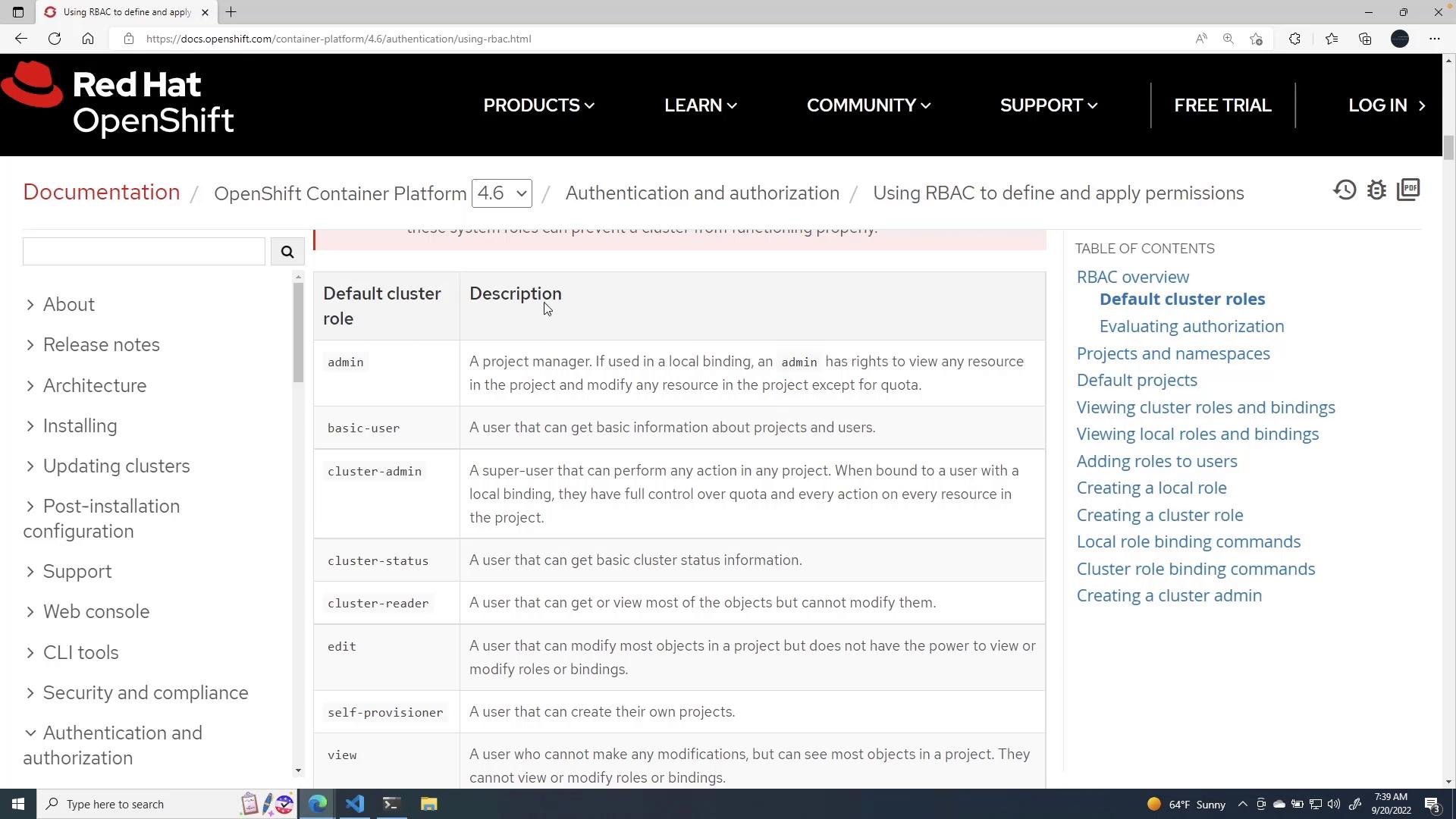
These built-in ClusterRoles are convenient for common use cases. For finer control, create:
- a namespace-scoped
Role(for permissions limited to a single namespace), or - a
ClusterRole(for cluster-wide permissions or to reuse across namespaces).
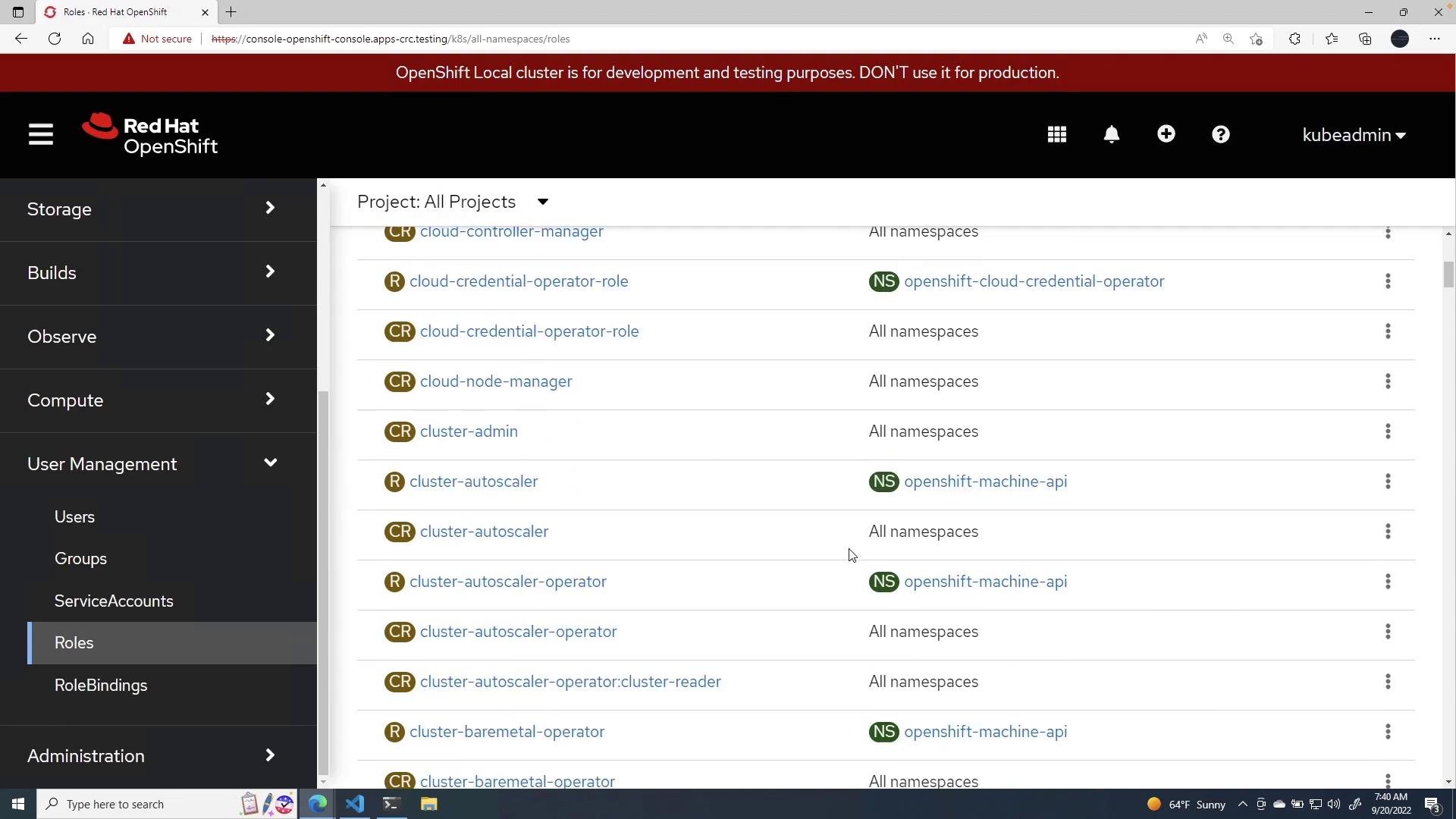
- Role (
rbac.authorization.k8s.io/v1, kind:Role) is namespace-scoped — it grants permissions only within one namespace. - ClusterRole is cluster-scoped — it can grant permissions across the cluster, or be referenced inside a namespace using a RoleBinding.
default namespace:
default namespace only.
Create a ServiceAccount to represent a non-human identity used by workloads:
Resource names (ServiceAccounts, Roles, RoleBindings, etc.) must be lowercase and follow Kubernetes naming rules (DNS-1123).
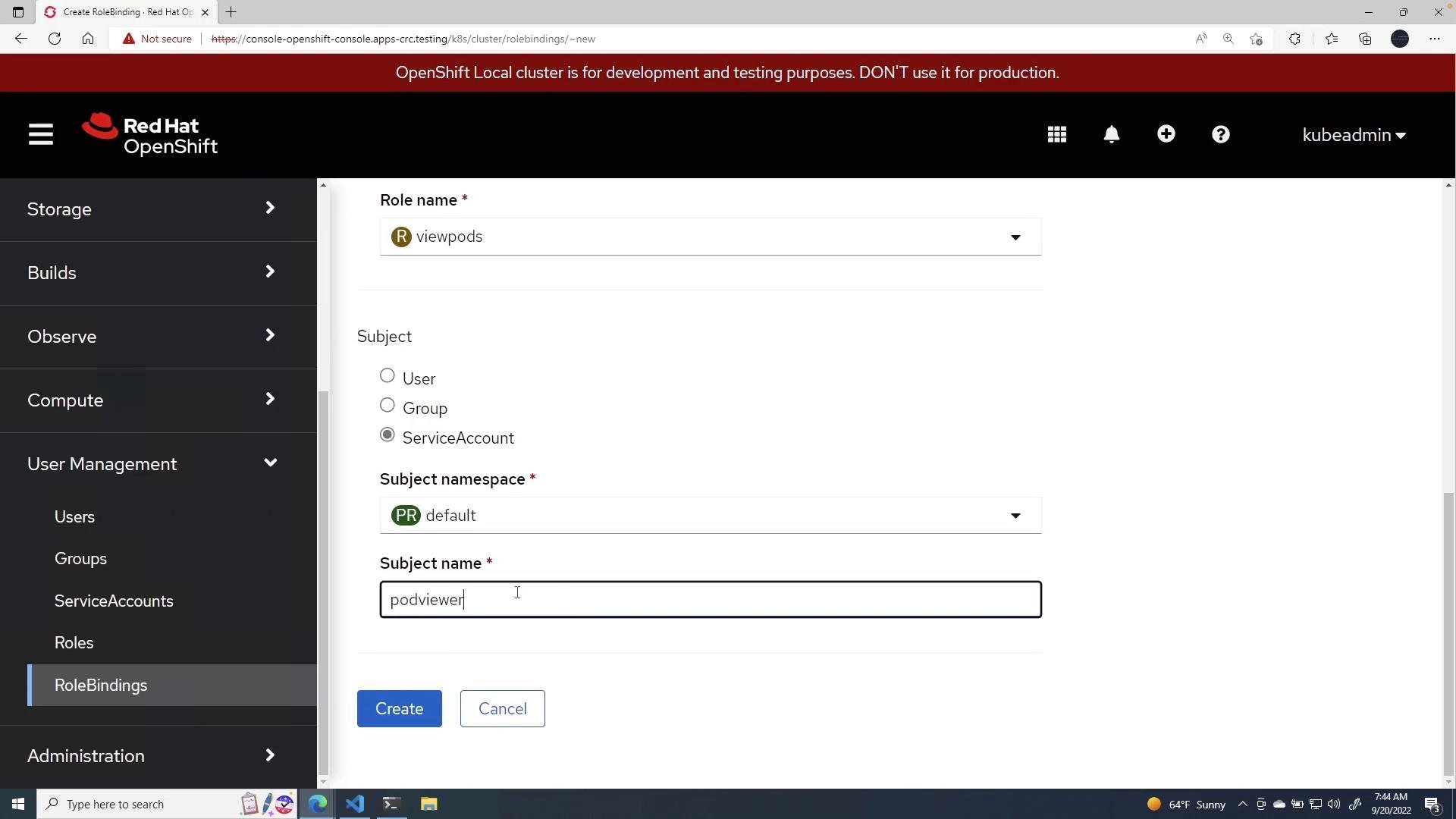
viewpods) and the subject (ServiceAccount podviewer in default).
kubectl auth can-i command is useful to check allowed and denied actions for a given subject.
To test that podviewer can list pods in default:
- Use
Rolewhen permissions should be limited to a single namespace; useClusterRolefor cluster-wide privileges or re-usable rules across namespaces. - Prefer ServiceAccounts for non-human identities (workloads, controllers).
- Restrict permissions to the minimum verbs/resources required (least privilege).
- Audit RoleBindings and ClusterRoleBindings carefully — a binding can elevate privileges if it references a powerful Role or ClusterRole.
Be careful when using
cluster-admin or broad ClusterRoles in RoleBindings/ClusterRoleBindings — they grant powerful privileges that can affect the entire cluster.- Role = namespace-scoped permissions. ClusterRole = cluster-scoped permissions.
- Create ServiceAccounts for workload identities and bind them to Roles/ClusterRoles using RoleBindings/ClusterRoleBindings.
- Verify access with
kubectl auth can-i --as system:serviceaccount:<ns>:<sa> -n <ns>. - Keep resource names lowercase and follow Kubernetes naming rules.
- OpenShift RBAC docs: https://docs.openshift.com/container-platform/latest/authentication/using-rbac.html
- Kubernetes RBAC: https://kubernetes.io/docs/reference/access-authn-authz/rbac/