

Understanding Resource Requests
A resource request specifies the minimum amount of CPU and memory that a Pod needs. For example, if a Pod requires 500 megabytes of memory, a resource request is made so that the Kubernetes scheduler can place the Pod on a worker node with sufficient available resources.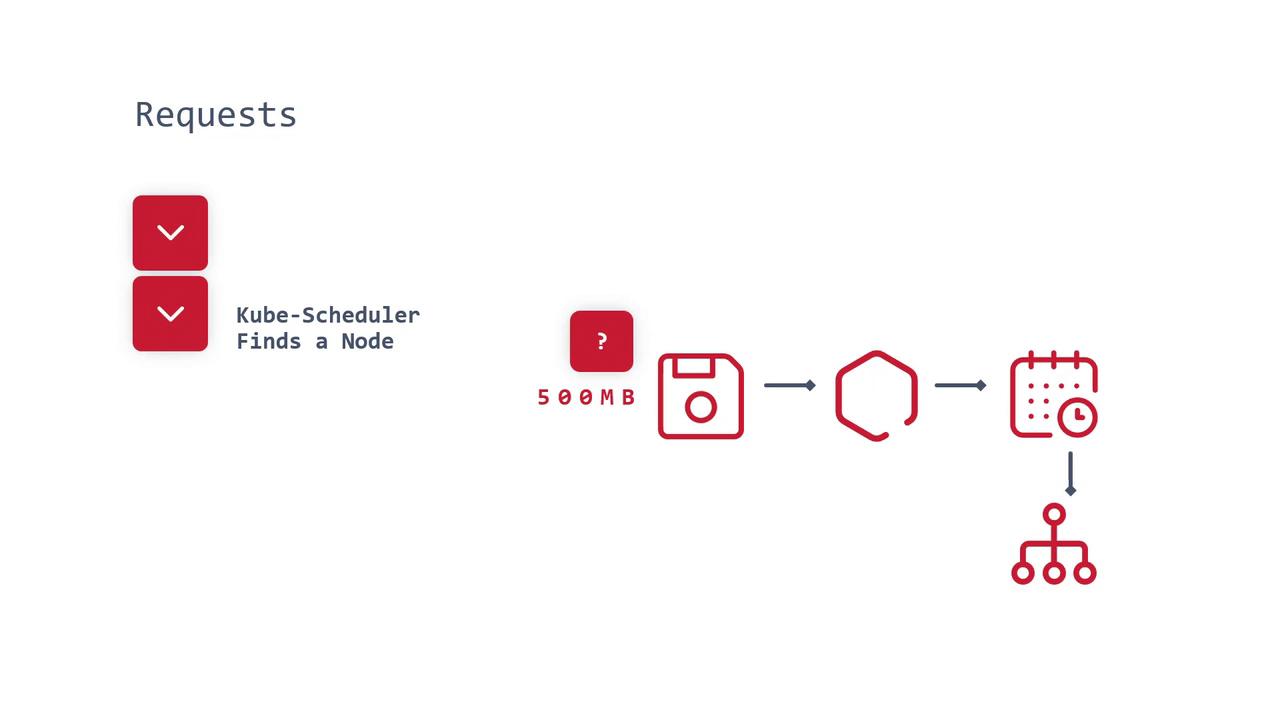
Resource requests are critical to ensuring that workloads are scheduled on nodes that have the capacity to meet their needs.
The Impact of Continuous Resource Requests
Imagine a scenario where multiple Pods continuously request additional CPU and memory on a cluster with three worker nodes, each with a finite resource pool (for example, 24GB of RAM per node). Over time, as Pods increase their resource requests, the available capacity on the worker nodes becomes exhausted. Without a cluster autoscaling mechanism in place, this situation can lead to severe resource shortages and service disruptions.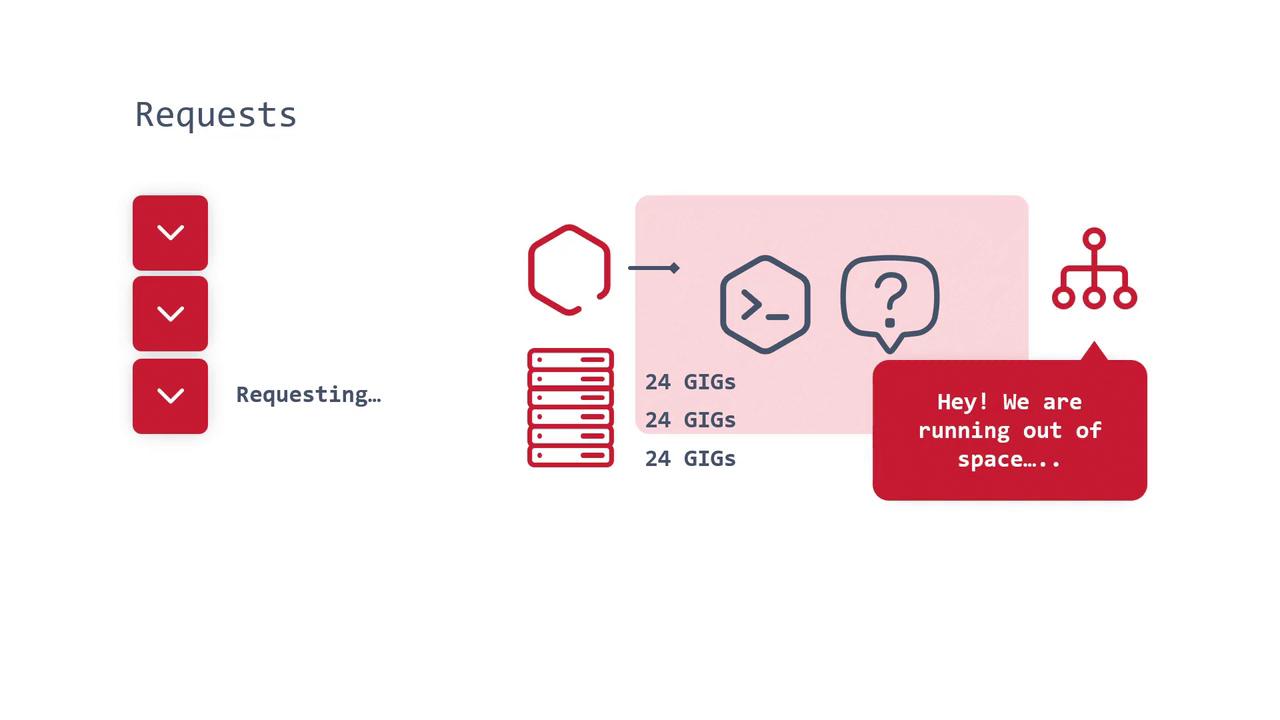
Defining Resource Limits
Resource limits serve as a safeguard by specifying the maximum amount of CPU and memory a Pod is allowed to use. For example, while a Pod’s resource request might keep increasing (“gimme, gimme, gimme”), a resource limit enforces a hard cap (e.g., 2GB of RAM). If the application tries to exceed this limit, it may encounter a failure, which can signal issues such as memory leaks.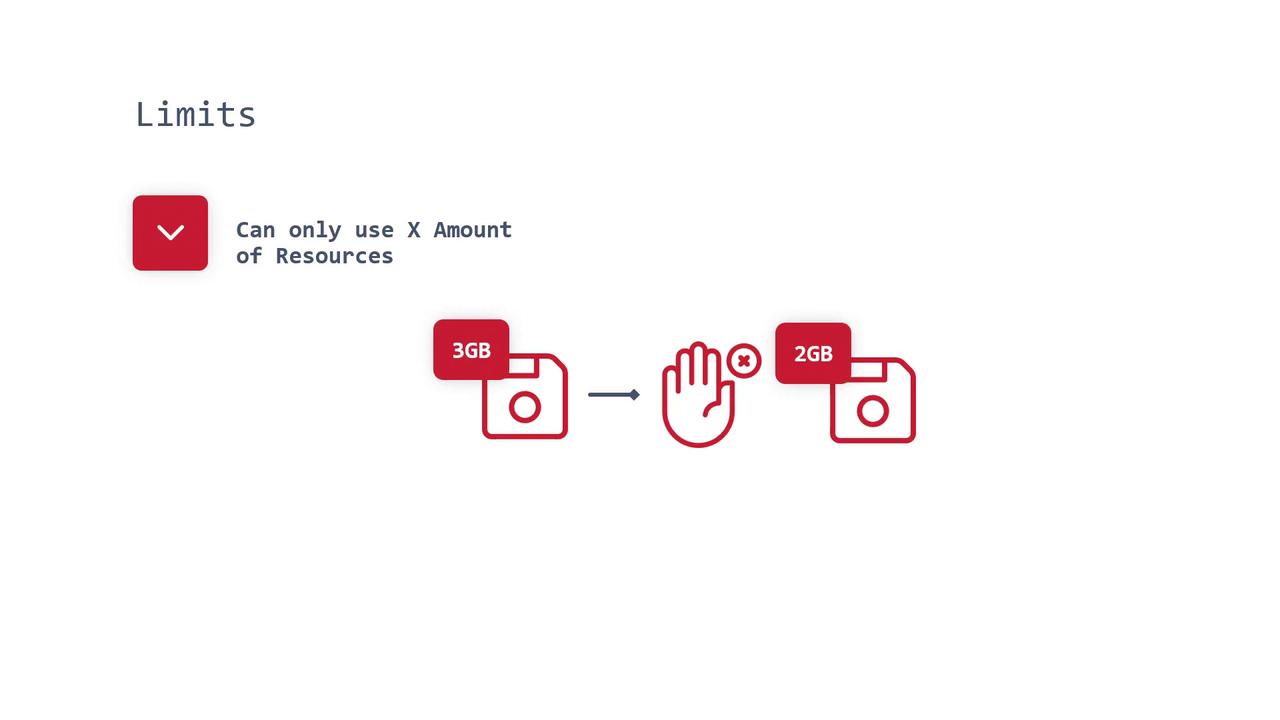
Example: Configuring Resource Quotas and Container Resources
This section demonstrates how to set up resource quotas and container resource configurations in Kubernetes, using Visual Studio Code as a reference tool.Setting a Resource Quota at the Namespace Level
The following YAML configuration sets a resource quota in a namespace called “test.” This configuration specifies both memory requests and limits, ensuring that any Pod within this namespace can request up to 512Mi of memory but cannot exceed 1000Mi:Configuring Container Resource Requests and Limits in a Deployment
Below is an example of how to define resource requests and limits for a container within a Kubernetes Deployment. Note that the container specifies CPU and memory requests, yet only sets a limit on memory. This approach is common because while unused CPU resources are returned to the pool, setting hard CPU limits can lead to inefficiencies:It is common practice in Kubernetes to specify CPU requests without limits to allow for efficient resource reclamation, while both requests and limits are applied to memory to prevent resource exhaustion and aid in troubleshooting.
Summary
- Resource requests ensure that a Pod has access to the minimum necessary CPU and memory before being scheduled onto a node.
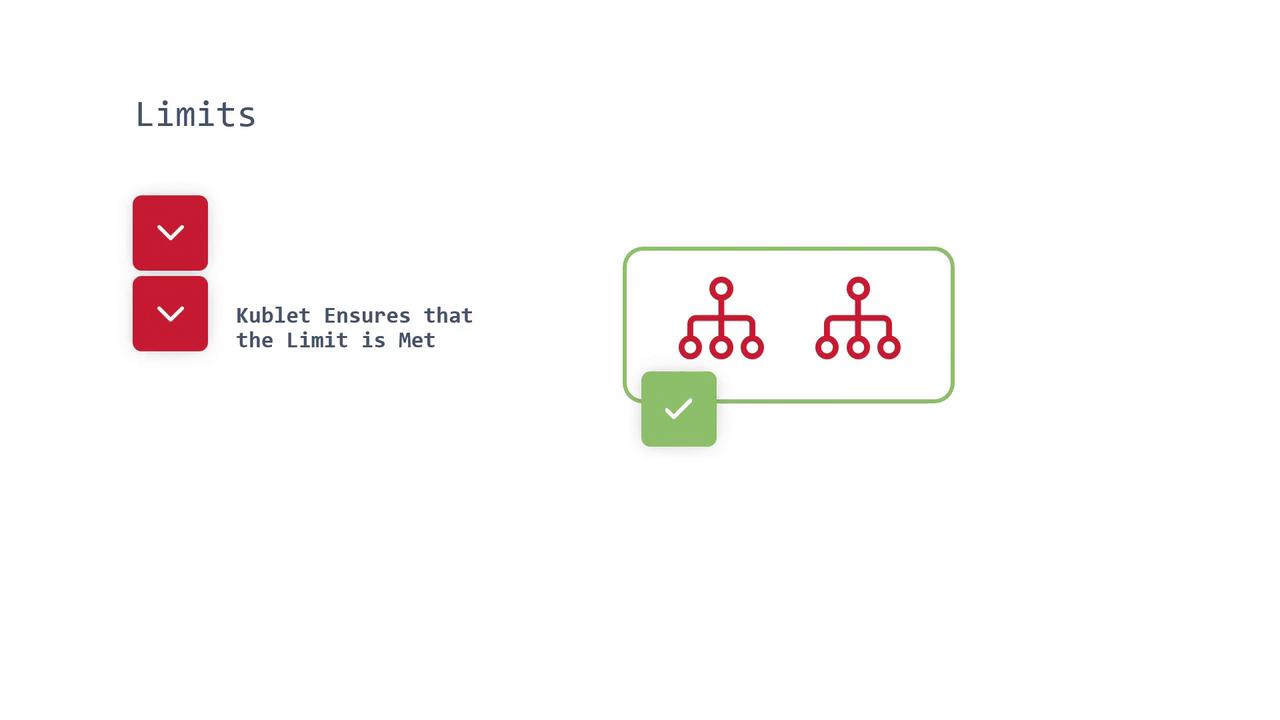
- Resource limits enforce an upper boundary, ensuring that a Pod does not consume more than its specified allocation.
- For CPU, configuring only requests allows unused resources to be returned to the pool, thereby promoting system efficiency.
- For memory, it is essential to define both requests and limits to protect against overconsumption and to simplify the debugging of issues such as memory leaks.