

Understanding Kubernetes
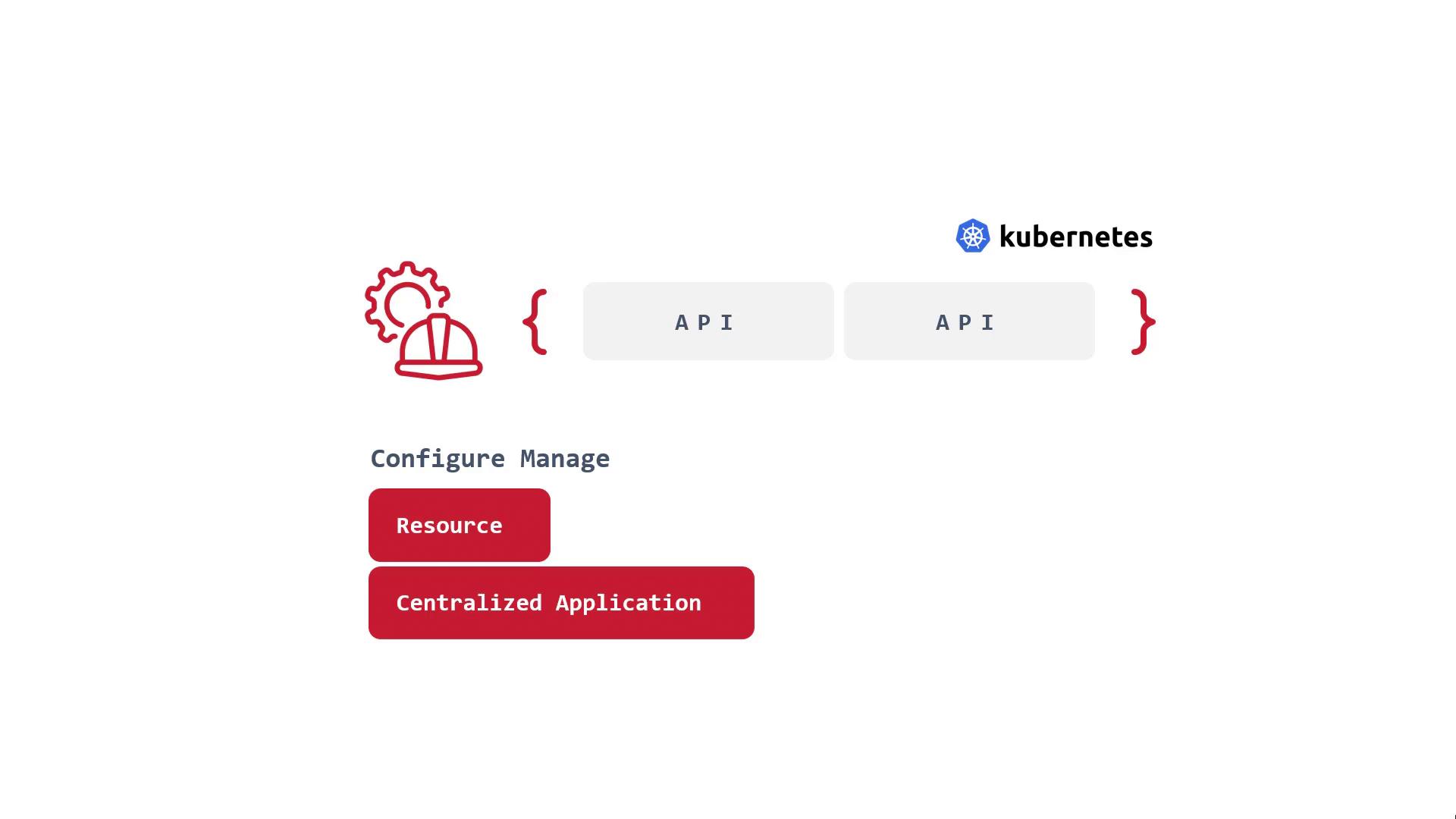
Kubernetes is an API that allows you to programmatically manage and interact with your infrastructure. Whether you use a Kubernetes manifest or an SDK, every operation with Kubernetes is performed via its API. One of the API’s most powerful features is its extensibility—you can create new APIs that build upon its core functionalities. For example, the core API group includes resources like deployments, while the networking group features resources such as ingress controllers provided by the networking.k8s.io API. Originally designed and implemented by engineers, Kubernetes is inherently extensible, paving the way for the use of operators.
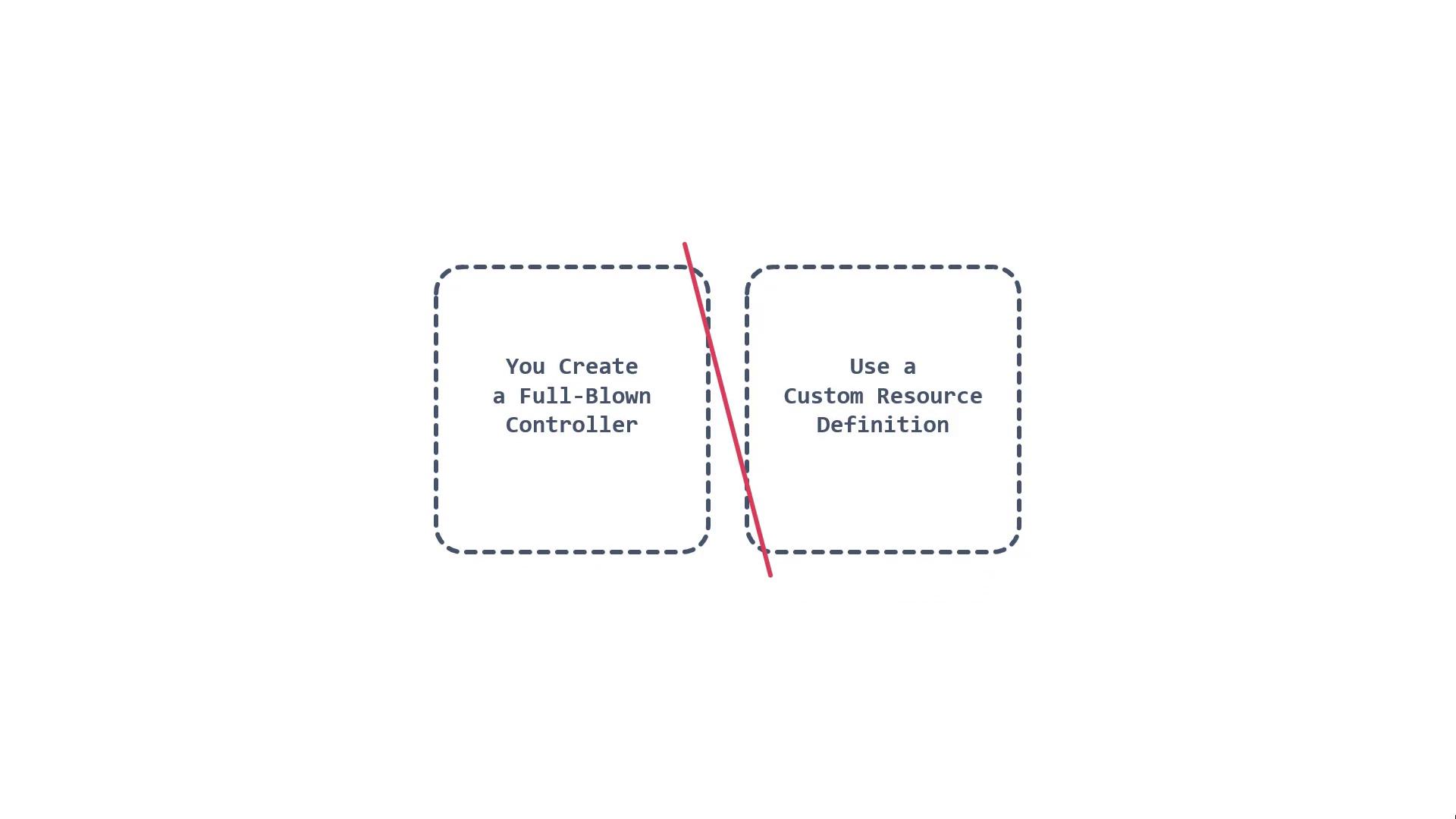
- Creating a dedicated, full-blown controller.
- Utilizing a Custom Resource Definition (CRD).
Custom Resource Definitions (CRDs)
Custom Resource Definitions (CRDs) act as APIs for creating new APIs. They allow you to extend the Kubernetes API in a consistent and defined format. For instance, consider the following example CRD that defines a new custom resource called “Crontab”:Viewing CRDs in Visual Studio Code
Open Visual Studio Code in your Kubernetes example repository—files likenginx.yaml will show you API version information, kind, and other deployment details. Consider opening a project created using KubeBuilder called “Custom Resource Definition.”
KubeBuilder is a popular tool for creating CRDs. In the API files, you will see Go code that defines the types for your new API. Below is a simplified excerpt highlighting these definitions:
Controllers and the Reconciler
Next, let’s examine controllers and their role in managing custom resources. In our project, the controller is implemented in Go and is tasked with reconciling the state of your custom resource (in this case, MikesAPI). Below is an excerpt from a reconciler:Implementing Network Policies
Network policies are essential for controlling ingress and egress traffic for pods. Below is an example NetworkPolicy configuration:Extending Kubernetes with OpenShift Operators
OpenShift further extends Kubernetes with a range of operators and controllers that enhance platform capabilities. In the OpenShift UI, navigating to “Operators” takes you to the OperatorHub, where you can explore and install operators for various purposes including monitoring (such as the Datadog operator) and security (like the CrowdStrike operator).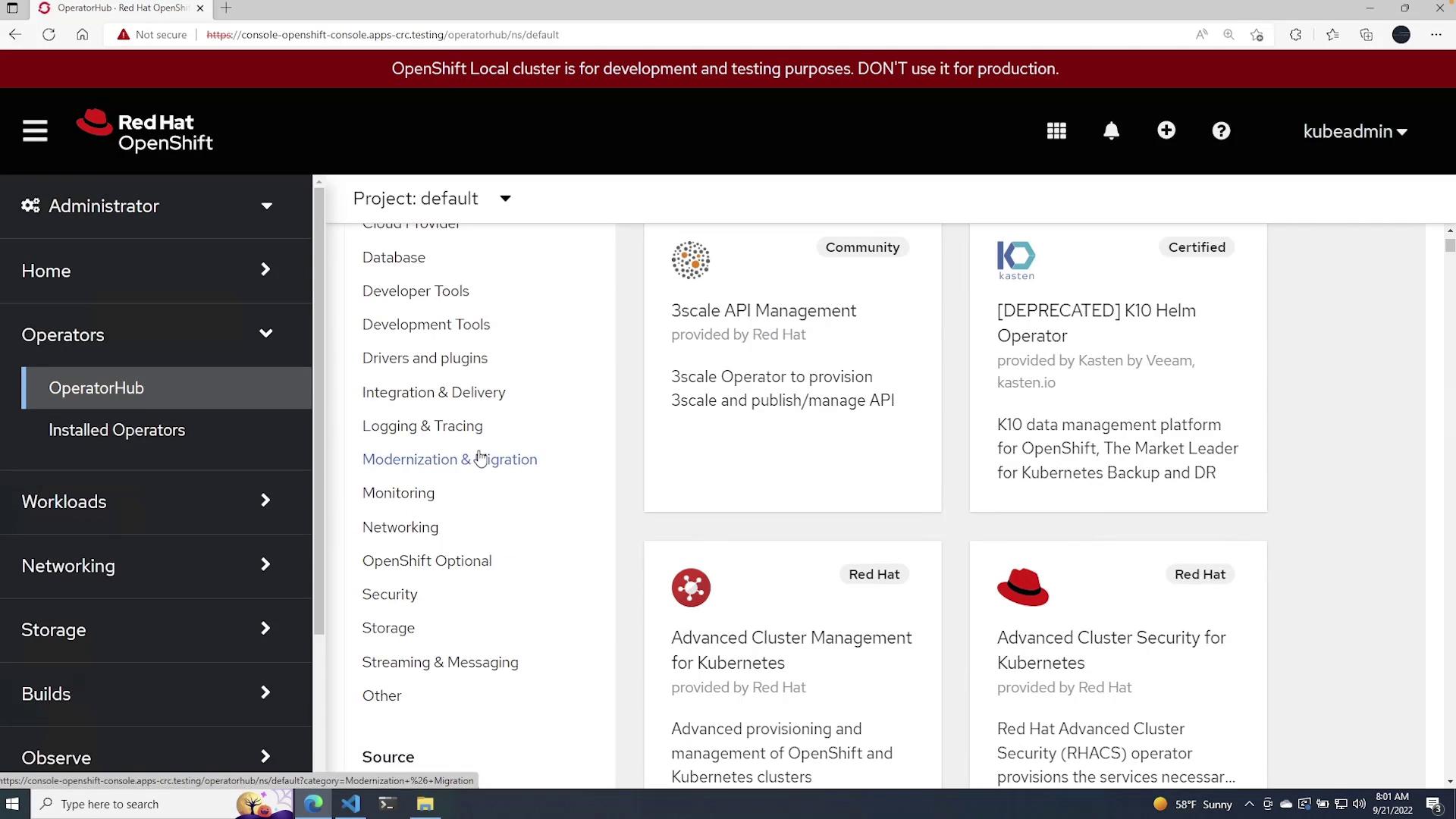
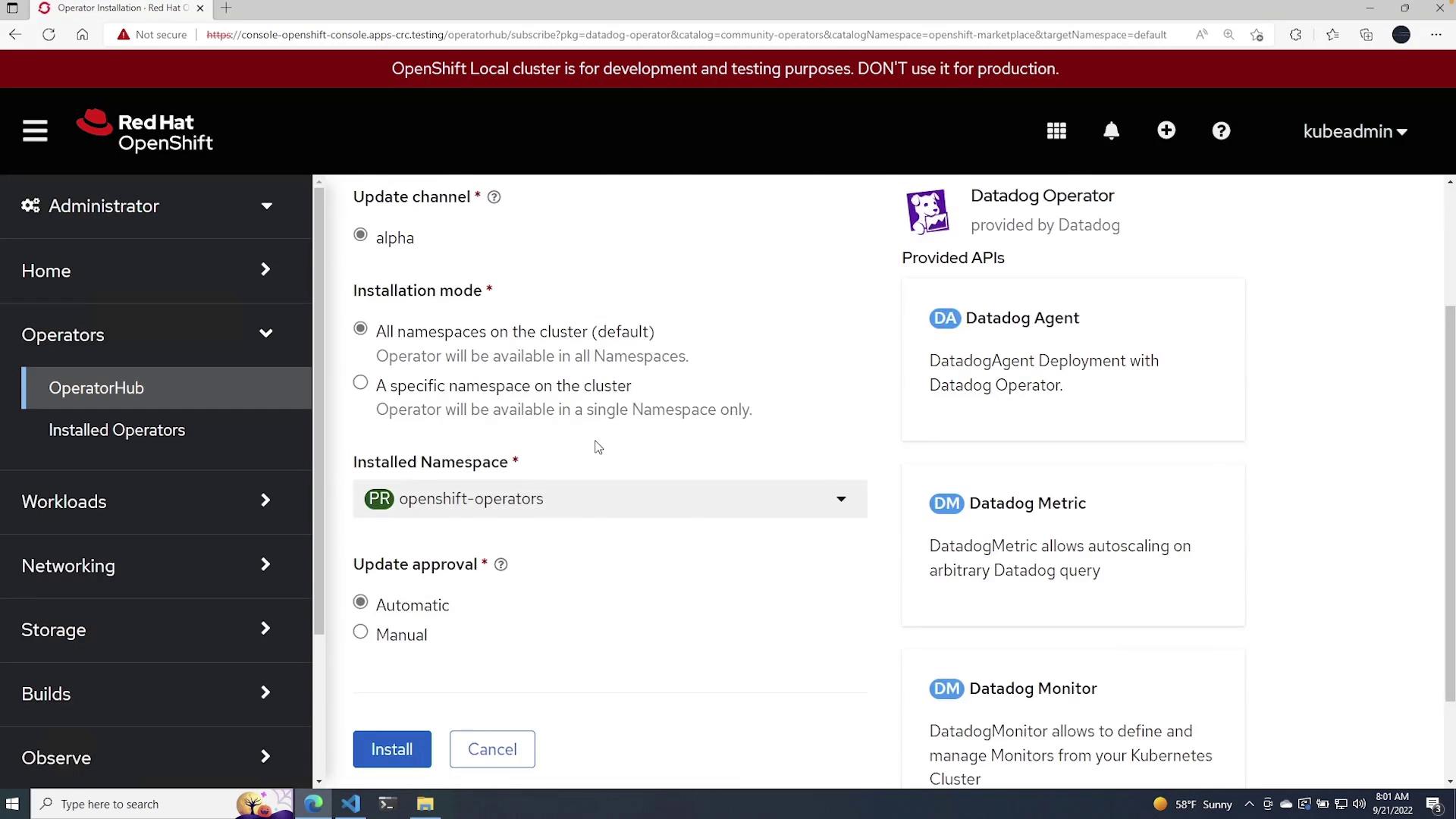
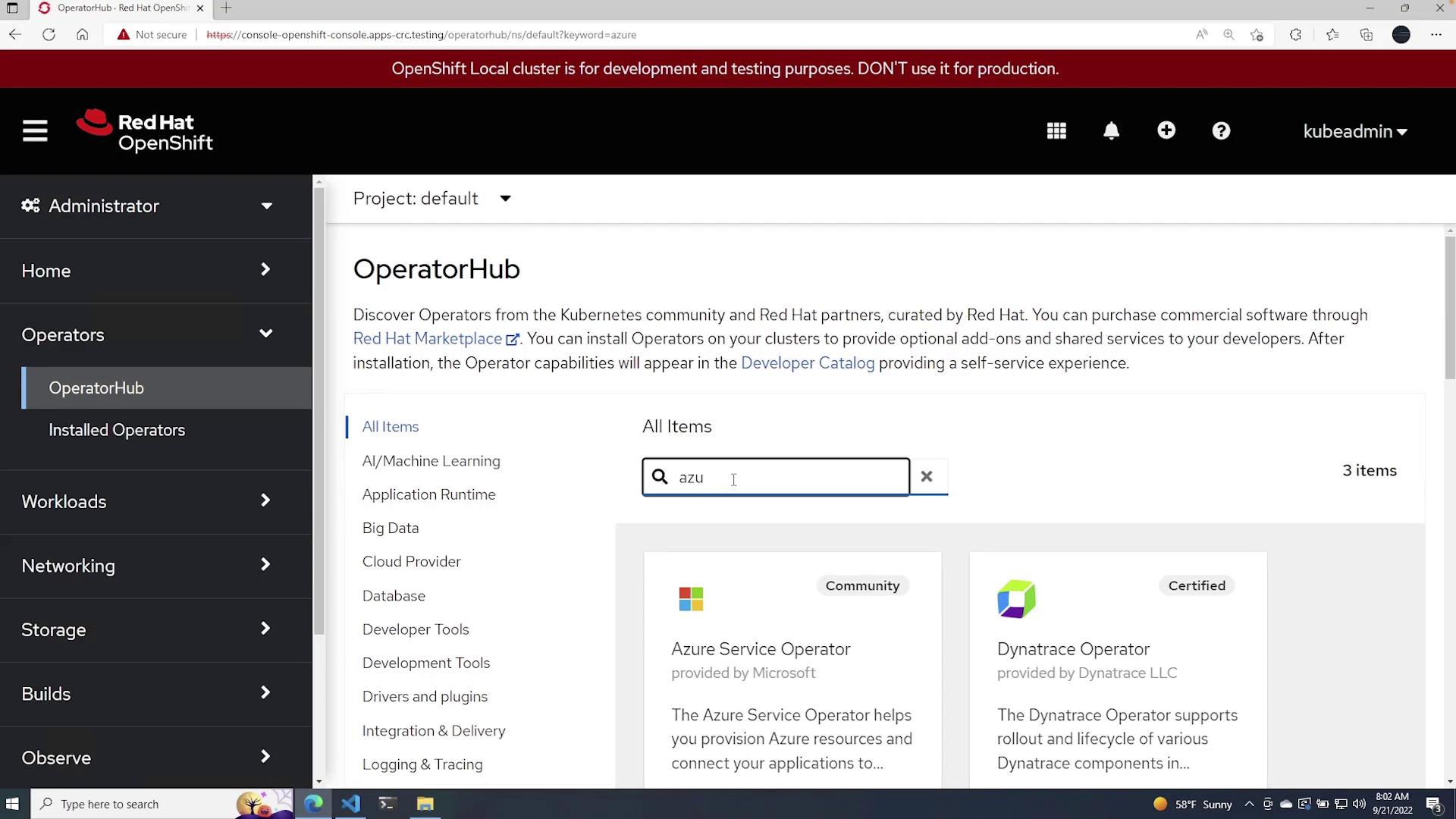
Operators empower you to deploy and manage applications quickly by leveraging pre-built functionalities, which reduces the overhead of building custom solutions.