

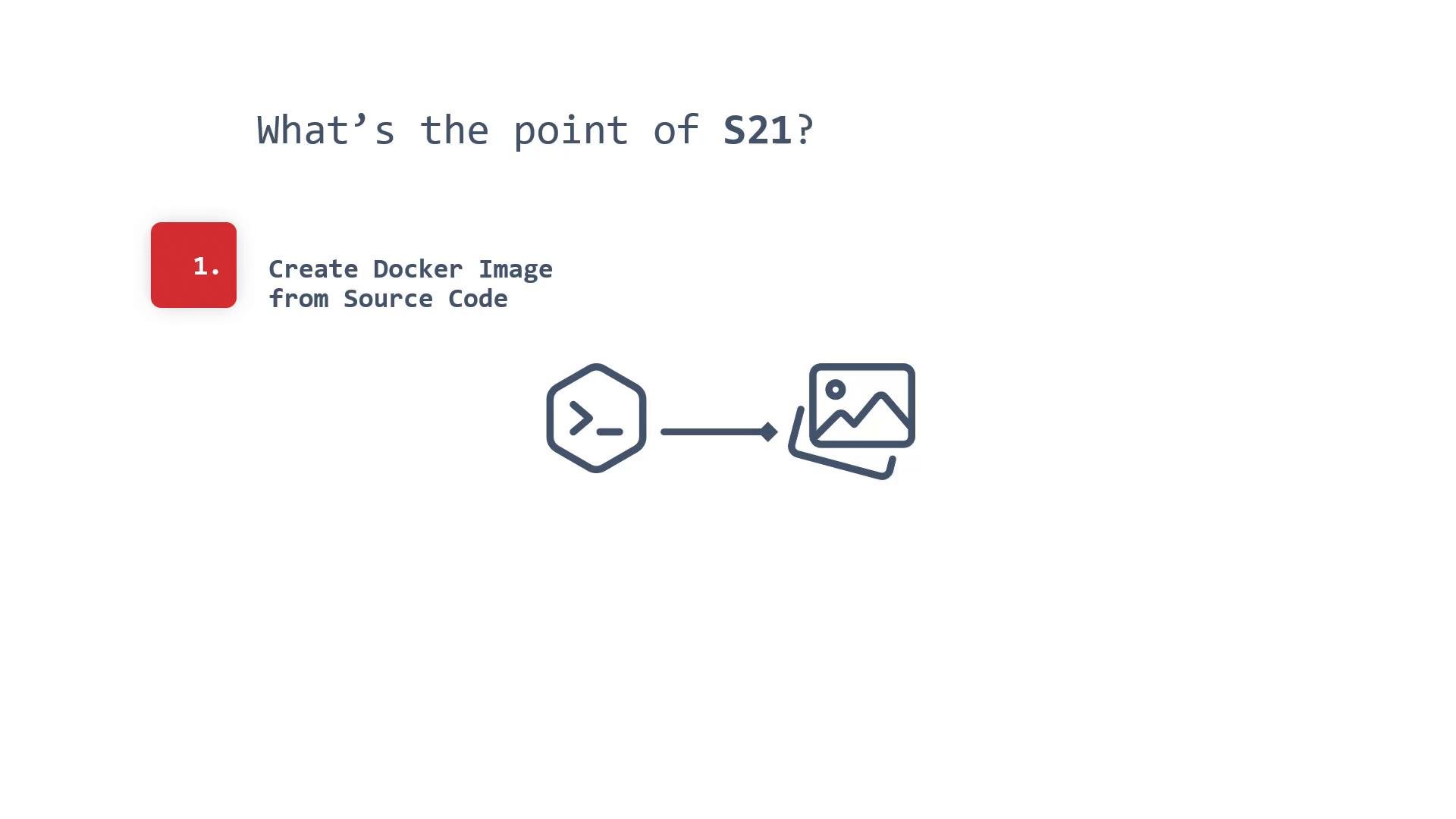
- No Dockerfile to maintain: S2I creates a Docker/OCI image directly from source.
- Consistent, platform-managed builds: the build runs inside a container environment managed by the platform so you don’t need to manage the build runtime.
- Build-time security and access control: S2I builds can be restricted by permissions and authentication to authorized users or CI systems.
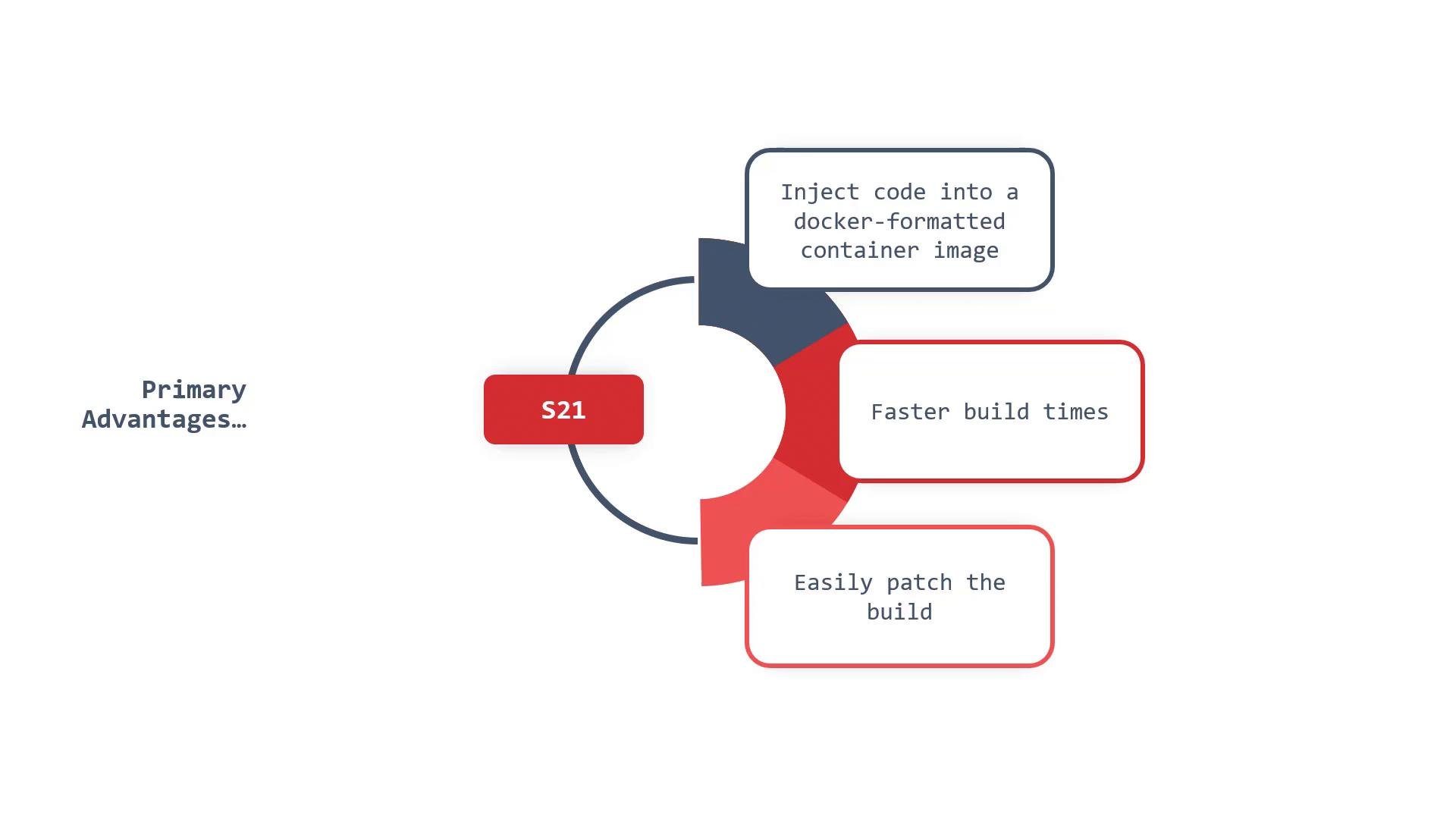
- Injects source into a Docker-formatted image: S2I handles assembling image layers and placing compiled artifacts or runtime files where they belong.
- Faster incremental builds: S2I can reuse and incrementally update previous artifacts when configured (for example, via
save-artifactsor by relying on prebuilt components in the builder image), reducing rebuild work. - Easier patching and rebuilds: code changes drive consistent rebuilds; build scripts can be written to reuse artifacts and speed up subsequent builds.
- S2I relies on small helper scripts that define how source is assembled into the image and how the resulting image should behave at runtime.
- These scripts are flexible: they can be written in any language and either live in the source repository or be provided by the builder image or a remote URL.
- The required script entry points and common script lookup locations are summarized below.
The
assemble script is required; it compiles or prepares the application artifacts into the image. run and save-artifacts are optional but commonly used: run describes container start commands and save-artifacts preserves build outputs for faster subsequent builds.assemble script
- Below is a minimal
assemblescript pattern. It restores any saved artifacts, moves the application source into place, builds, and installs the artifacts into the image filesystem. This script typically lives at.s2i/bin/assemblein the source repo, or can be provided via one of the script URLs above.
/tmp/s2i/artifacts and /tmp/s2i/src are common in S2I implementations, but exact paths can vary depending on your S2I platform or builder image.
Make sure your builder image and registry credentials are configured correctly: S2I will need permission to push the resulting image to the target registry, and builder images may need access to network resources used during builds (package registries, artifact endpoints).
- Use S2I if you want a simple way to convert source code into reproducible, OCI-compliant images without managing Dockerfiles.
- Consider alternatives (like Buildpacks or custom Dockerfiles) when you need a different lifecycle model, language-specific optimizations, or a non-scriptable build pipeline.
- Cloud Native Buildpacks — comparable build automation approach
- OpenShift S2I docs — see your platform’s documentation for platform-specific S2I features and annotations
- OCI Image Specification — background on OCI-compliant images
- If you’re using S2I on OpenShift, consult the OpenShift build and image documentation for examples of annotations, buildconfigs, and registry integration.
- For CI integration, ensure your CI service has the appropriate credentials and permissions to trigger S2I builds and push images to the target registry.