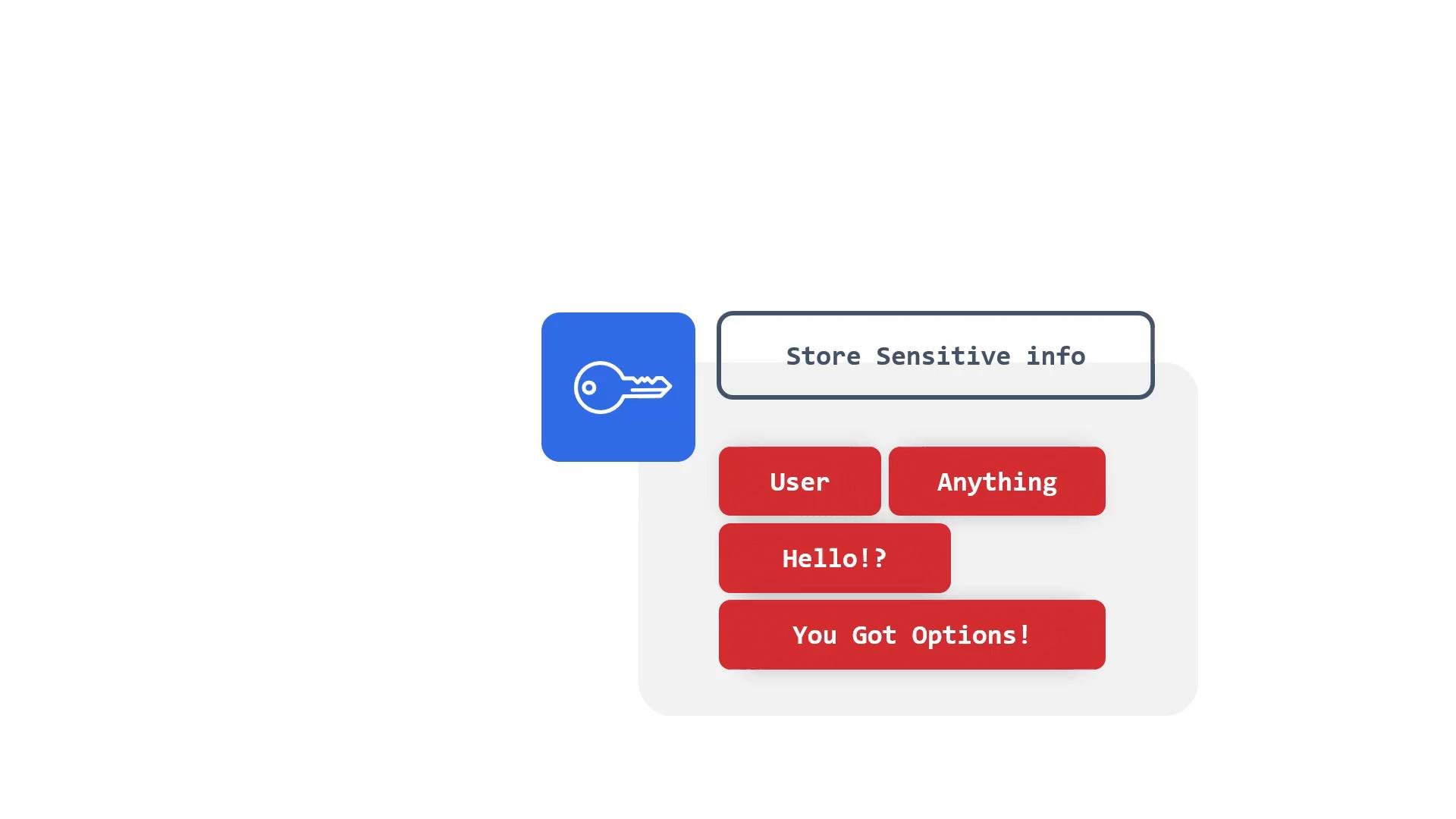
At some point you’ll need to pass a password, connection string, API token, or other sensitive value into a pod (or multiple pods). In Kubernetes, that object is called a Secret. Secrets are intended for small pieces of sensitive data such as:
  • Passwords
  • API keys or tokens
  • Database connection strings
  • Usernames or short configuration strings (it can even be a simple hello world string)
You can store essentially any small piece of sensitive data as a Secret.
A minimalist UI mockup showing a blue key icon next to a rounded label reading "Store Sensitive info." Below it is a panel with red rounded buttons labeled "User," "Anything," "Hello!?," and "You Got Options!"
Key facts about Kubernetes Secrets
  • Default type: Opaque.
  • Storage: Secret data is stored in the API as base64-encoded values. Base64 is an encoding, not encryption.
  • Persistence: Secret objects are stored in etcd.
  • Access: Anyone with direct etcd access or API access with sufficient RBAC privileges can read them unless you enable encryption or restrict access.
For production clusters you should enable Kubernetes encryption at rest (for example, envelope encryption of secrets in etcd) or integrate an external secrets manager such as HashiCorp Vault, AWS Secrets Manager, or Azure Key Vault. Even when using an external manager, understanding how Kubernetes Secrets work and how to create and consume them is important. When a Secret is made available to a pod (mounted as files or injected as environment variables), the secret data is presented to the container in plain text at runtime. Because of these trade-offs, many production deployments combine Kubernetes Secrets with encryption at rest, strict RBAC, audit logging, and external secret managers.
A blue square icon with a white key is shown on the left, and to the right are rounded tiles displaying the HashiCorp Vault, AWS, and Kubernetes logos.
Treat Kubernetes Secrets as sensitive. By default they are base64-encoded only. For production, enable encryption at rest and/or use an external secrets manager (Vault, AWS Secrets Manager, Azure Key Vault, etc.).
Common ways to create and consume Secrets
  1. Create a Secret from literals (CLI)
  1. Create a Secret from files (CLI)
  1. Secret manifest (YAML)
  1. Inspecting and decoding secrets
How pods consume Secrets
  • Environment variables (individual keys)
  • Environment variables (all keys from a secret)
  • Mounted as files (volume)
When mounted, each key becomes a file under /etc/secret/<key> containing the decoded value. Security considerations and best practices
  • Do not store secrets in container images, Git repositories, or plain-text manifests checked into source control.
  • Restrict access to Secrets via RBAC and audit access to the API server and etcd.
  • Prefer type: kubernetes.io/tls for TLS artifacts and type: dockerconfigjson for image pull secrets—use specific types when applicable.
  • Use encryption at rest for secrets in etcd: https://kubernetes.io/docs/tasks/administer-cluster/encrypt-data/
  • Consider external secret management (Vault, AWS Secrets Manager, Azure Key Vault) for centralized lifecycle, rotation, and fine-grained access control.
Quick reference table
Secrets are only base64-encoded in the API by default—not encrypted. Without encryption at rest or an external secrets manager, Secrets stored in etcd can be read by anyone with sufficient privileges. Do not treat default Secrets as fully secure.
Next steps The following demo shows how to create Secrets and how they are consumed by pods — including examples for CLI, YAML manifests, and runtime consumption patterns. For more details, see the Kubernetes documentation on Secrets: https://kubernetes.io/docs/concepts/configuration/secret/

Watch Video