

- Projects, users, and groups — how to grant and manage access with RBAC.
- Builds and deployments — deploying applications from Git, manifests, and the CLI.
- Networking — services, routes, and exposing applications.
- Storage and templates — dynamic provisioning, storage classes, PersistentVolumes (PV), and PersistentVolumeClaims (PVC).
- Short video lessons with supporting illustrations and animations to reinforce concepts.
- Hands‑on labs and CLI examples to apply what you learn.
- Practical scenarios that mirror production tasks: creating projects, configuring RBAC, building images, deploying code, and configuring storage/networking.
If you need help: community and support
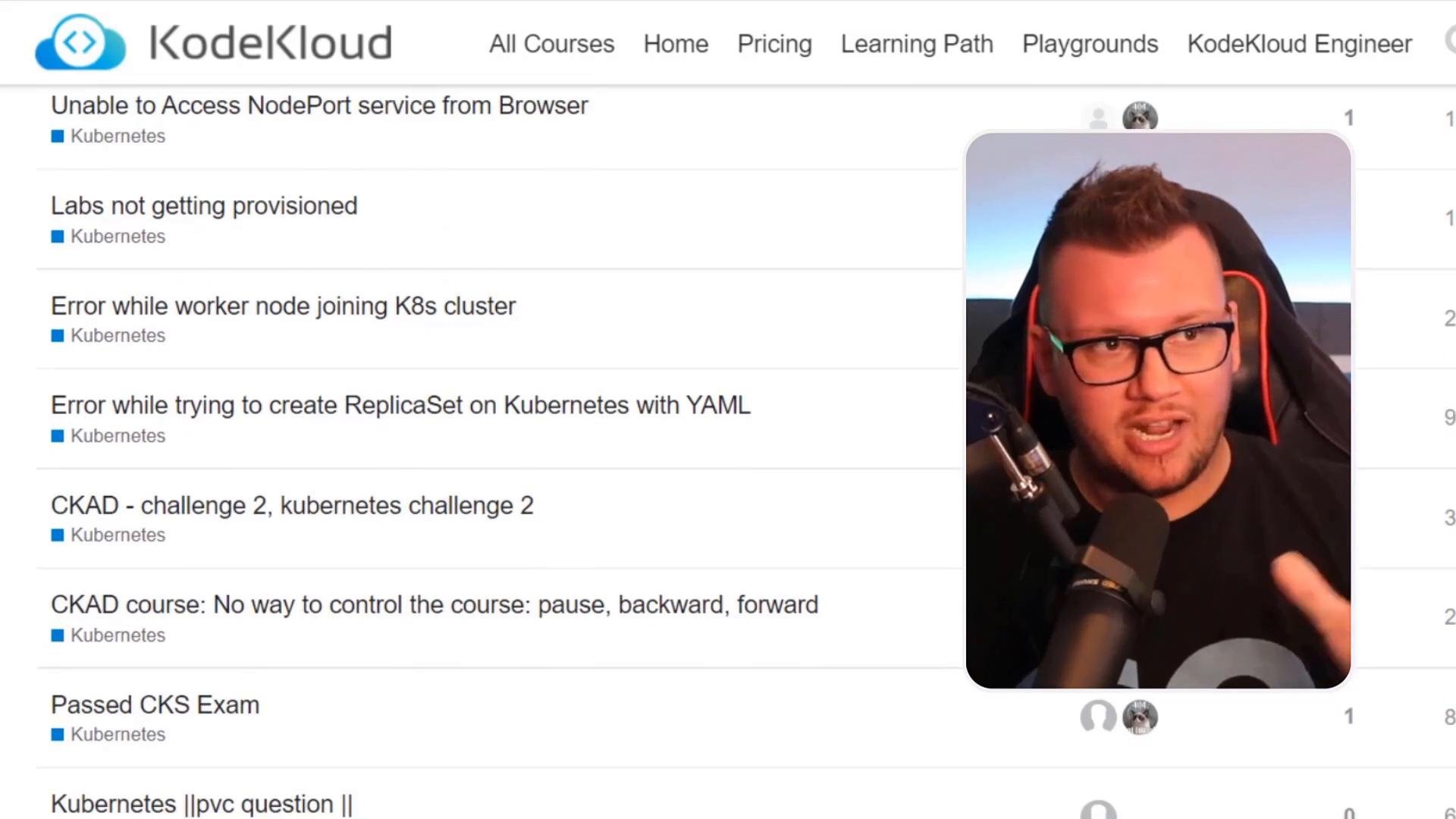
- KodeKloud has active community channels and discussion threads where learners ask questions and share solutions.
- There are dedicated channels for Kubernetes, OpenShift, and related topics — a great place to get unstuck or compare approaches.
If you run into problems, check the community first — many common issues and detailed answers are already available. Also refer to official docs for authoritative details.
- Create a Red Hat account if you need access to Red Hat resources: https://www.redhat.com/wapps/ugc/register.html
- Familiarity with basic Linux commands, Docker/containers, and Kubernetes fundamentals will speed up your progress, but the course includes foundational reviews.
Make sure you understand cluster access and permissions before running administrative commands. Practice in a sandbox cluster or lab environment to avoid affecting production systems.
- Red Hat account registration: https://www.redhat.com/wapps/ugc/register.html
- OpenShift documentation: https://docs.openshift.com/
- Kubernetes basics: https://kubernetes.io/docs/concepts/overview/what-is-kubernetes/