

- The HPA controller periodically queries metrics for the target pods (CPU, memory, or external/custom metrics).
- It compares the observed utilization against the target value you specify.
- Using that comparison it computes a desired replica count and scales the target resource up or down, bounded by
minReplicasandmaxReplicas. - The HPA relies on a metrics provider in the cluster (for example,
metrics-serveror a Prometheus adapter) to supply those metrics.
Ensure your cluster exposes the required metrics to the HPA (for example via the Prometheus adapter or
metrics-server). Without a metrics provider, the HPA cannot make scaling decisions.- If current replicas = 2, current CPU utilization = 80%, target utilization = 50%: desiredReplicas = ceil(2 * 80/50) = ceil(3.2) = 4
my-app:
oc or kubectl compatible):
Best practices and considerations
- Prefer horizontal scaling for stateless workloads; it offers better availability and resiliency.
- Tune
minReplicasandmaxReplicasto prevent constant scaling (flapping) or under-provisioning. - Use appropriate metrics: CPU is common, but custom or external metrics (latency, queue length) can provide better scaling behavior for some apps.
- Use
autoscaling/v2when you need multiple metric types or fine-grained controls.autoscaling/v2beta2was previously common but check your cluster’s supported API versions.
If your cluster lacks a metrics provider (for example
metrics-server or a Prometheus adapter), the HPA will not receive the metrics it needs and scaling will not occur. Verify metrics are available before relying on HPA.- Kubernetes Horizontal Pod Autoscaler
- OpenShift Documentation
- prometheus-adapter (GitHub)
- metrics-server (GitHub)
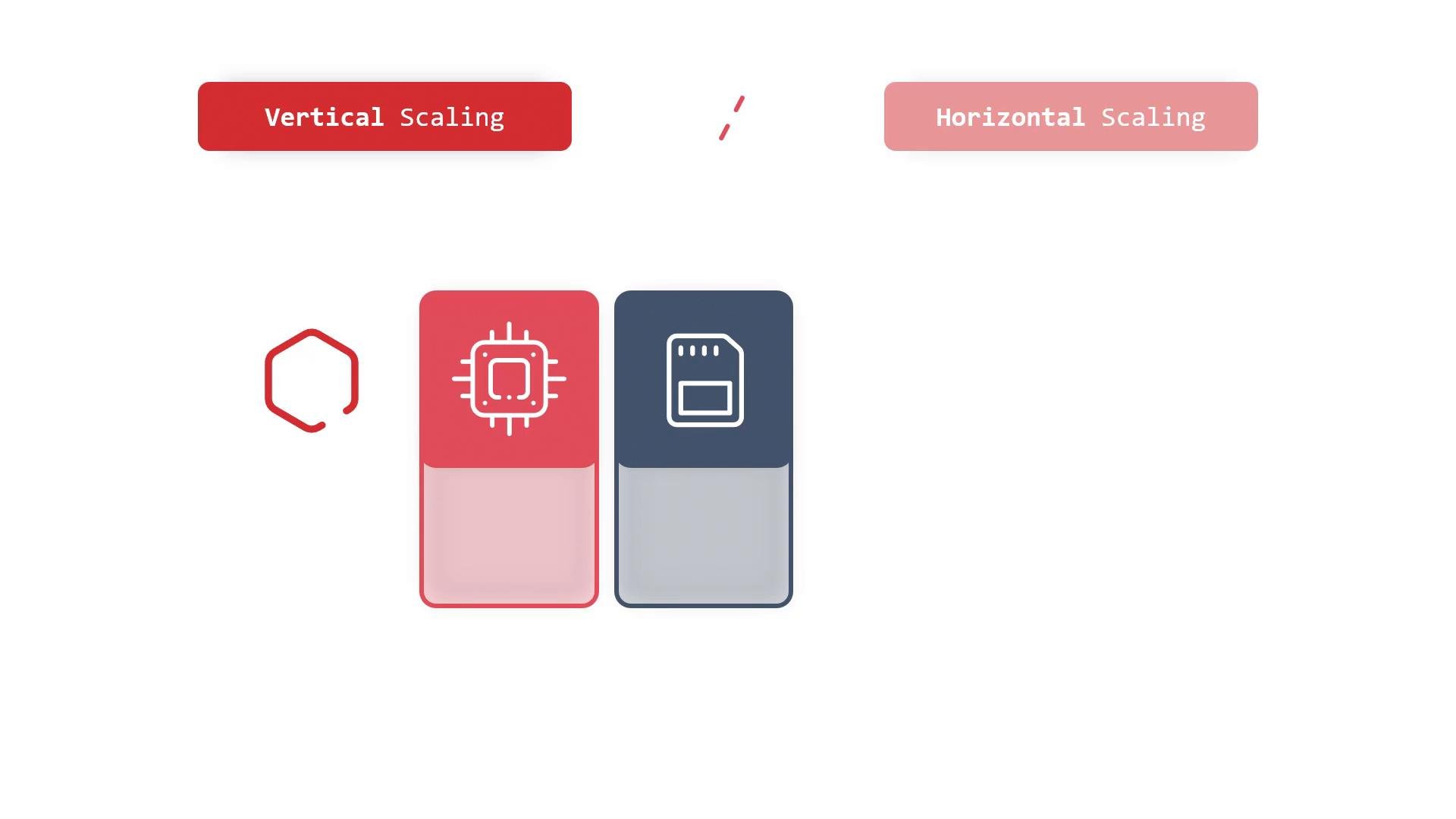
- Vertical scaling changes the resources allocated to a single pod; horizontal scaling changes the number of replicas.
- HPA automates horizontal scaling by reading metrics, comparing current vs. target utilization, computing desired replicas with a formula like the one shown above, and scaling within
minReplicasandmaxReplicas. - Ensure your cluster exposes metrics (via
metrics-serveror a Prometheus adapter) so HPA can function.