

Users
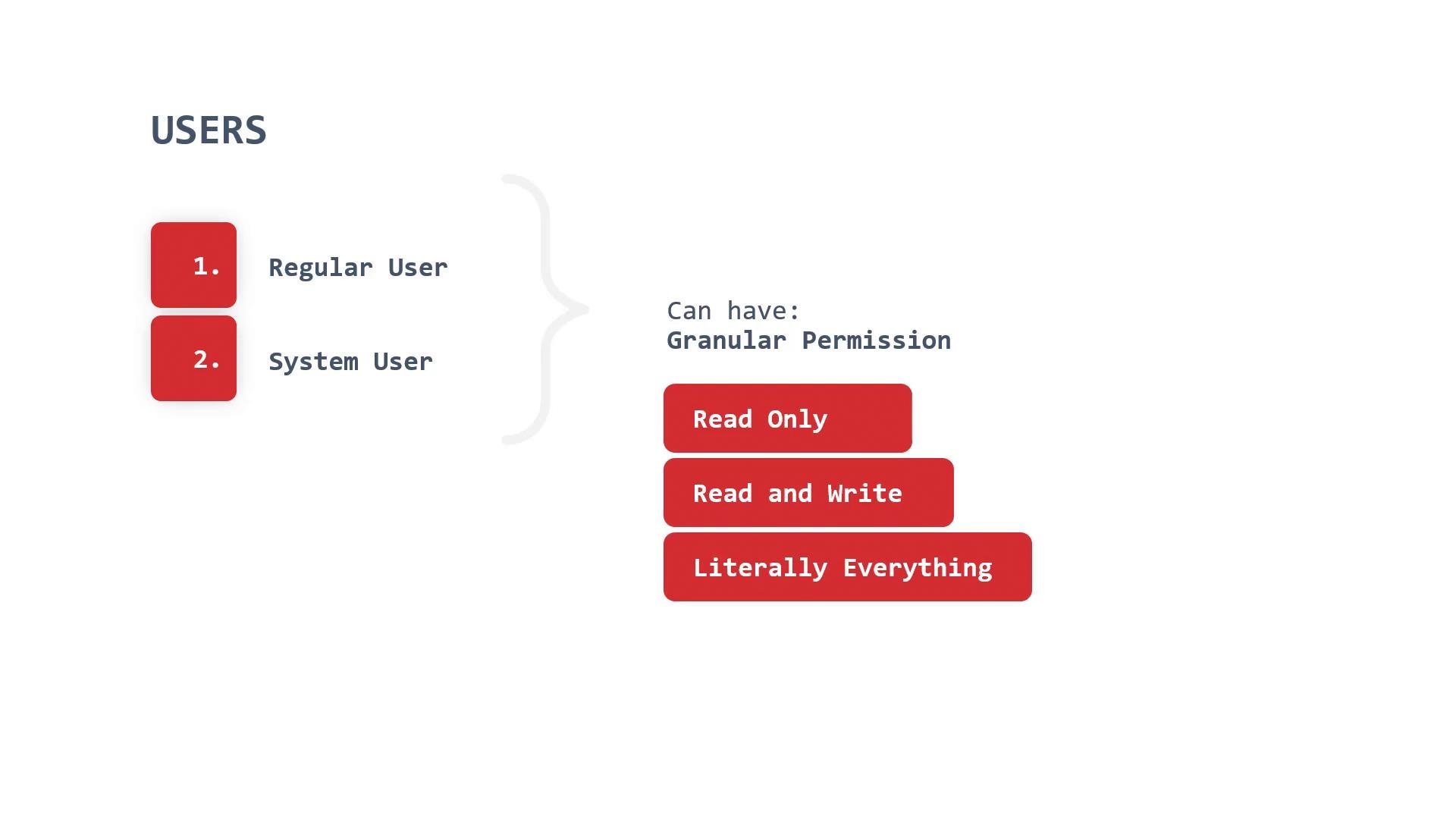
In OpenShift, a user represents a human identity that can log into the cluster. Regular users authenticate via configured identity providers and receive scoped permissions through RoleBindings or ClusterRoleBindings. Permissions can range from read-only to full admin access depending on the roles assigned. OpenShift also defines system users — accounts created by the platform or infrastructure (for example, component/service identities). System users can have powerful privileges and are intended for platform components rather than interactive use.Never use a highly privileged system account for routine day-to-day work. Instead, create user-specific accounts with the least privilege required.
Creating users and identities
OpenShift separates the concept of a user (the local OpenShift object) from an identity (the external credential from an identity provider). Steps to create and map an identity:- Create an OpenShift user:
- Create an identity that represents the credential from an identity provider. This example uses a provider named
allow_all:
- Map that identity to the OpenShift user:
- Remove a user when needed:
System users are powerful. Do not share system or administrative accounts for regular tasks — use user accounts scoped with least privilege.
Service accounts
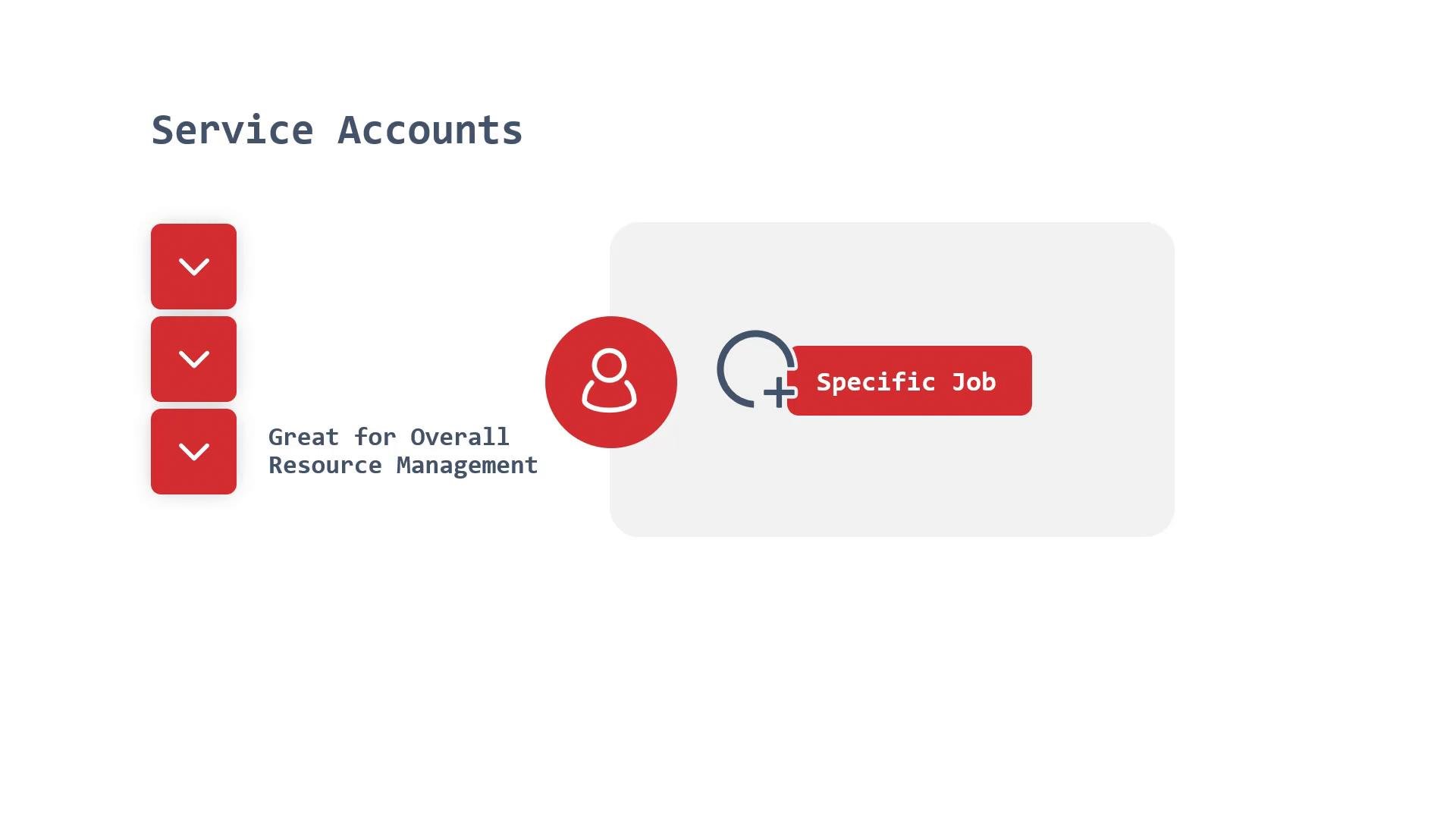
Service accounts are Kubernetes/OpenShift API objects intended for automated processes (Pods, controllers, CI/CD jobs) to access the API. When you create a Pod, you can explicitly set which service account it uses. If omitted, the Pod uses the namespace’sdefault ServiceAccount.
Because service account privileges depend on role bindings, relying on a shared or overly-privileged default account increases blast radius if a workload is compromised. Best practice: create a dedicated service account per application or job and bind only the minimal permissions required.
oc policy command. When referencing a service account, use the format system:serviceaccount:<namespace>:<serviceaccount>. Example: give the view role to mikesa in the sockshop namespace:
Groups
Groups are collections of users that simplify permission management for teams. Assigning a role to a group lets you manage permissions for many users at once instead of for each user individually. Groups can be scoped to specific namespaces/projects (so a group may have access only to a particular project).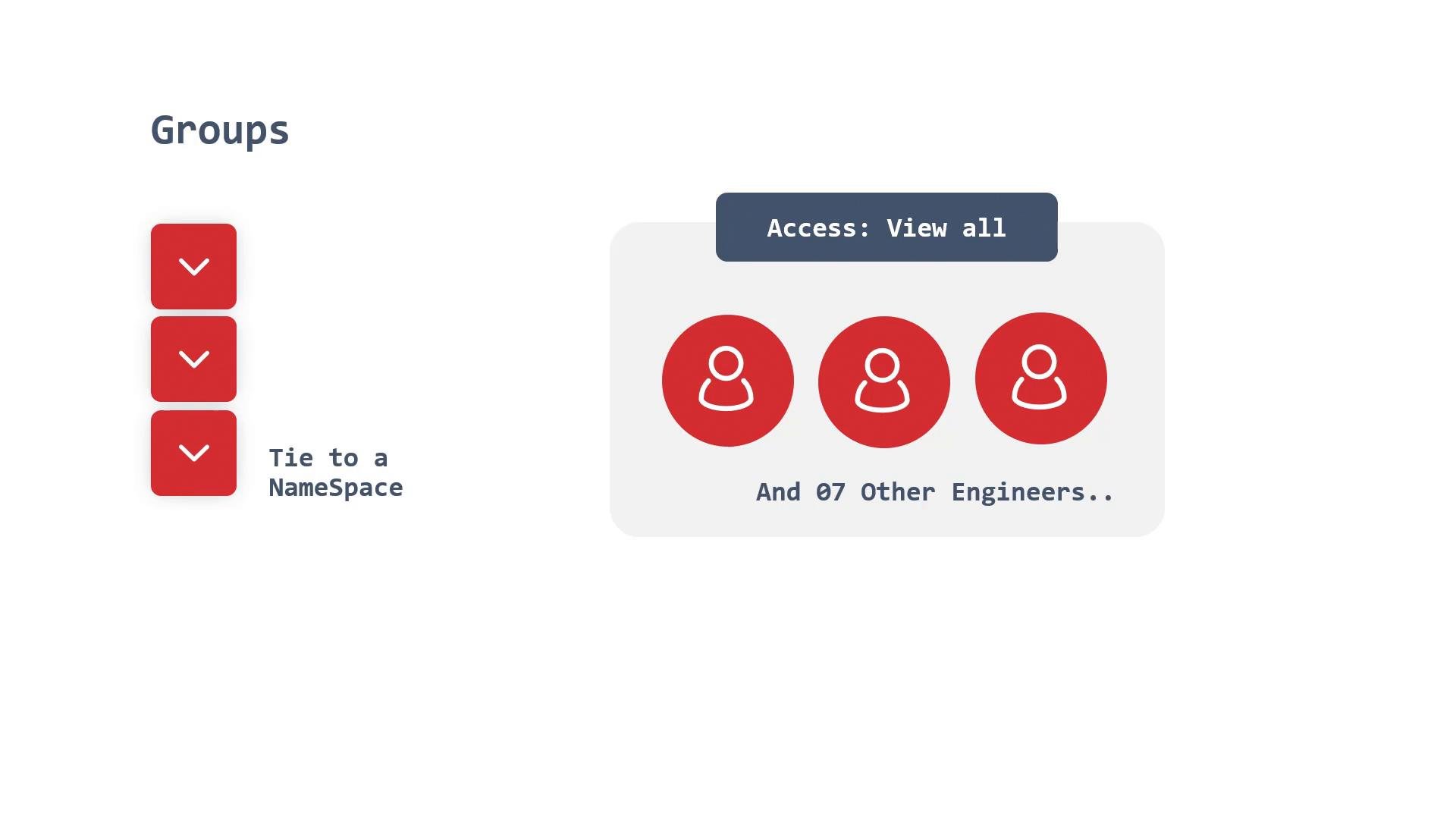
oc adm):
view to mikesgroup in sockshop):
Quick reference
Best practices
- Follow least-privilege principles: assign only the roles required to perform tasks.
- Avoid using platform/system accounts for interactive work.
- Create dedicated service accounts per application/job and bind minimal roles.
- Use groups to manage team permissions and reduce administrative overhead.
- Prefer declarative RoleBinding/ClusterRoleBinding manifests in GitOps workflows for auditability.