

- Sign in to the OpenShift web console (use your Red Hat account).
- Open the OpenShift Developer Sandbox: https://developers.redhat.com/develop/get-started/sandbox
- On the sandbox page click “Learn More About the Sandbox” and follow the prompts to start your environment.
- If prompted, complete the additional identity verification (phone number + SMS code) to enable the sandbox for your account.
Some Red Hat accounts require an extra security step to enable the Sandbox. If you are prompted, you must provide a phone number and enter the verification code sent via SMS to activate your sandbox.
The Developer Sandbox is ideal for learning and experimentation. It provides a fully managed OpenShift cluster in the cloud that is ephemeral and not suitable for production workloads — it will be deleted after the sandbox period (typically 30 days).
Example output (sample lscpu / system summary from a sandbox session)
Once your sandbox starts, you’ll have a fully functional OpenShift instance hosted by Red Hat, with cluster components managed in the cloud. Because the environment is temporary, avoid deploying any production workloads — create separate, long-lived clusters for production instead. You can start new sandboxes later if you need additional demo time.
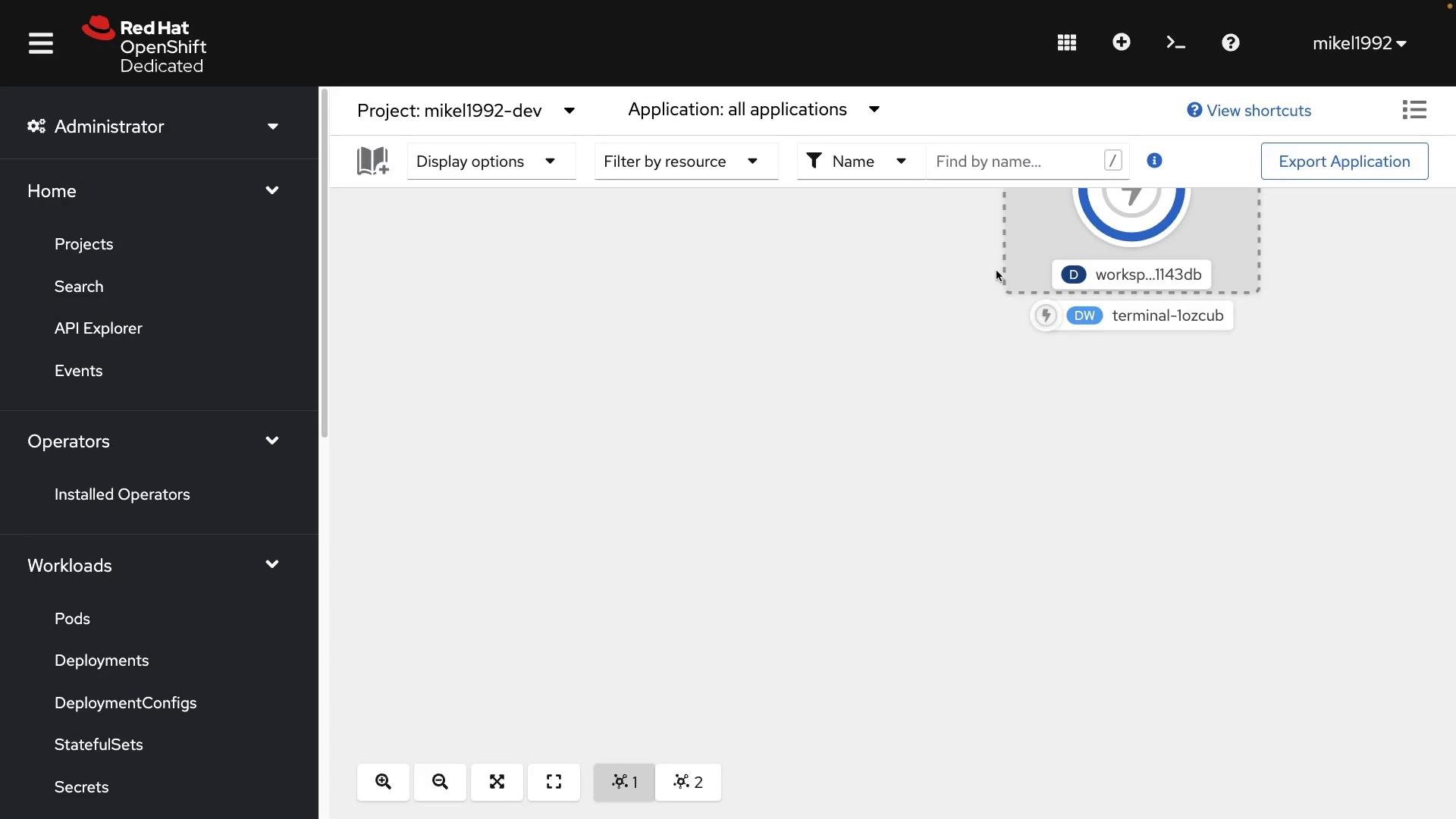
- OpenShift Developer Sandbox: https://developers.redhat.com/develop/get-started/sandbox
- CodeReady Containers (CRC): https://developers.redhat.com/products/codeready-containers/overview
- OpenShift Documentation: https://docs.openshift.com/