

- Deployment: declarative controller that manages ReplicaSets and rolling updates.
- ReplicaSet: ensures a specific number of Pod replicas run.
- Service / Router: distributes traffic to Pods (internal via Service, external via OpenShift Router).
- Edit the Deployment YAML and update
spec.replicas. - Use command-line shortcuts such as
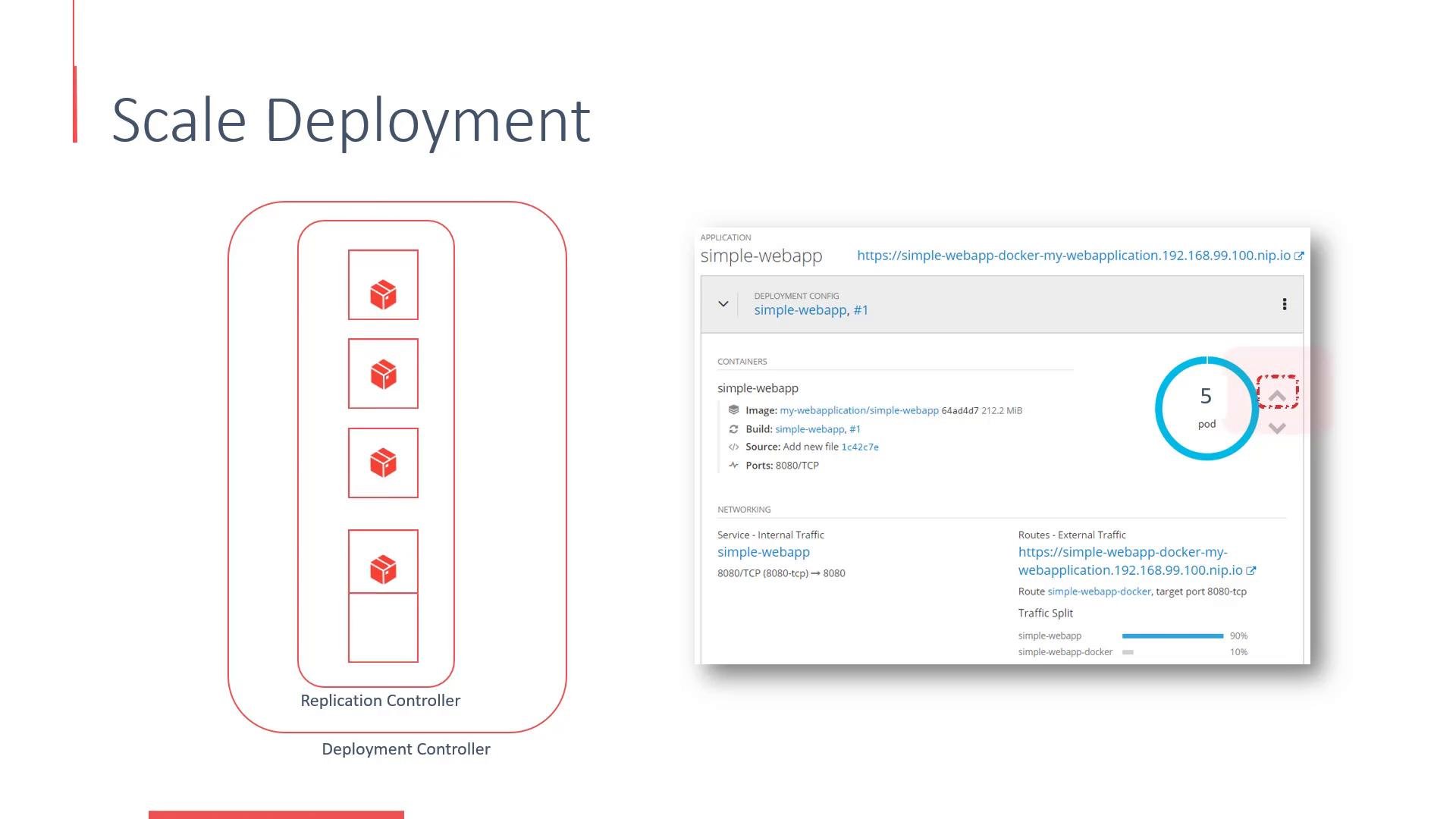
oc scaleorkubectl scale. - Use the OpenShift web console for one-click scaling.
- Configure automatic scaling with a Horizontal Pod Autoscaler (HPA) to scale based on CPU, memory, or custom metrics.
- Example Deployment YAML (relevant parts shown):
- Scale from the command line:
- Query the current state:
- Enable automatic scaling with a Horizontal Pod Autoscaler (HPA):
Links and references
Using the OpenShift web console is the quickest way for interactive scaling. For reproducible automation and CI/CD, prefer
oc/kubectl commands or defining an HPA in YAML and managing it via GitOps.Before scaling up, verify your project/cluster has sufficient resource quotas (CPU, memory) and available nodes. When scaling down, be careful with stateful workloads—Pods may be terminated. Use PodDisruptionBudgets and safe shutdown procedures for stateful applications.