

This primer focuses on core SCM concepts (repositories, branching, merges, and collaboration) and common Git workflows. These are the concepts you’ll rely on when configuring builds and pipelines in OpenShift.
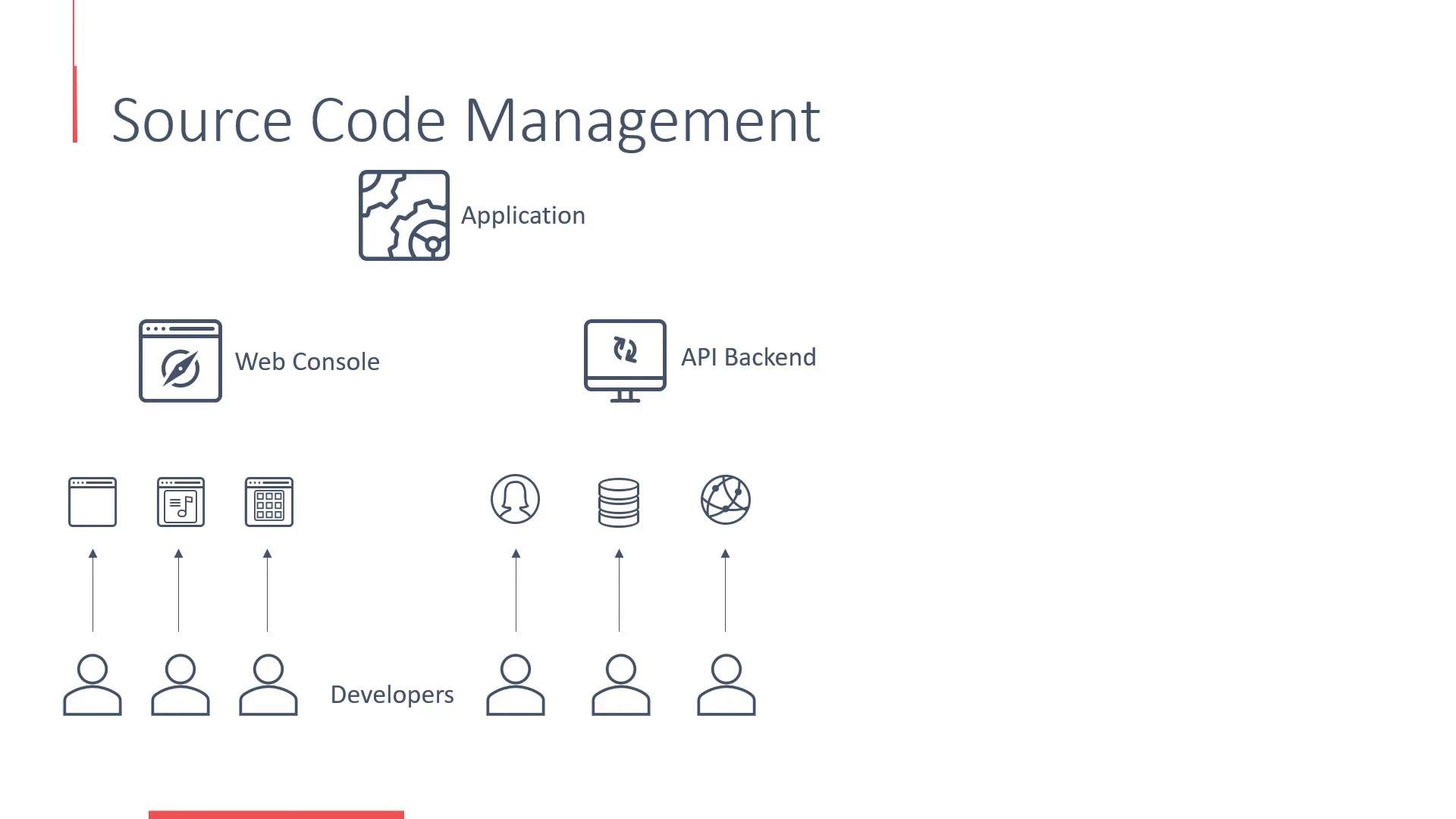
- Real-world applications are typically composed of multiple components (front-end, back-end APIs, database integrations) that different developers work on simultaneously.
- Without version control, parallel development, environment promotion (dev → staging → prod), and historical tracking become error-prone and chaotic.
- SCM provides a single source of truth, access controls, a complete history of changes, and tooling for safe collaboration.
- A web console (HTML/CSS, JavaScript)
- A back-end API (Python, Java, Node.js)
- Database connectors and integration scripts
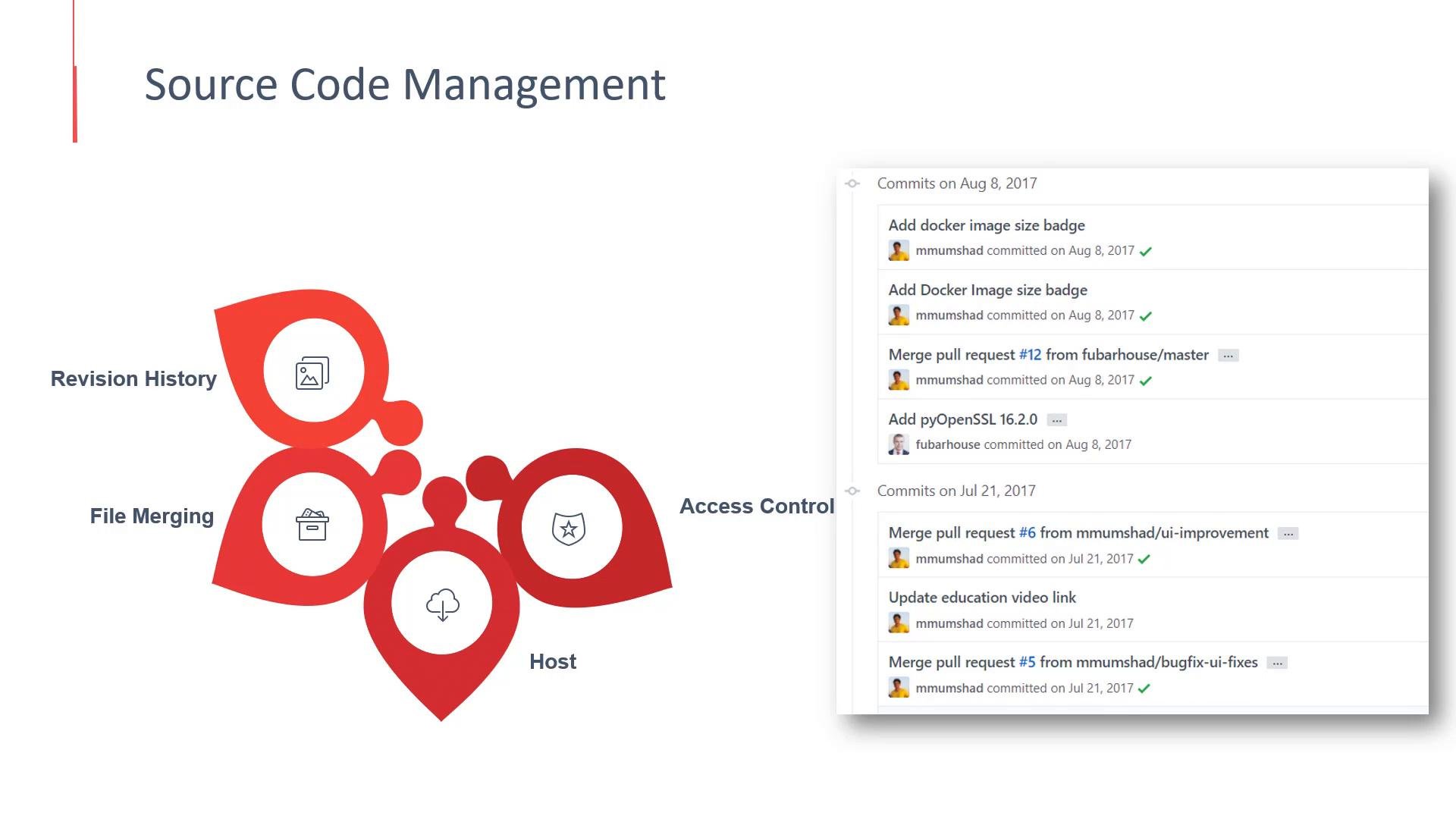
- Central repository hosting (on-prem or cloud)
- Revision history and commit metadata (who changed what and when)
- Branching strategies for feature development, releases, and hotfixes
- Merge and conflict resolution workflows
- Access control and auditability
- Basic analytics (commits over time, contributor stats)
- Common hosted Git platforms: GitHub, GitLab, and Bitbucket.
- These platforms add code review tools (merge/pull requests), CI/CD integrations, and role-based access control that are useful when building pipelines and automating OpenShift builds.
- SCM tools compute line-based diffs and use three-way merges that combine non-conflicting edits automatically.
- If two edits conflict on the same lines, the system marks a merge conflict and requires manual resolution.
- The repository maintains a complete history, so you can revert or inspect past changes.
- Feature branches: isolate work for a single feature (
feature/xyz) - Main (or trunk): stable branch for production-ready code (
mainormaster) - Release branches: prepare a release (
release/v1.2.0) - Hotfix branches: urgent fixes for production issues (
hotfix/issue-123)
Avoid force pushing (
git push --force) to shared branches. Force pushes can overwrite collaborators’ commits and complicate history. Use force push only on private or feature branches after coordinating with your team.- Repositories are the trigger point for automated builds and pipeline runs.
- When you push code or merge a pull request, CI/CD systems (GitLab CI/CD, Jenkins, Tekton, GitHub Actions) can run unit tests, build container images, and create deployment artifacts.
- In OpenShift, build configurations and pipeline definitions reference your Git repository to produce deployment-ready images and trigger deployments.