

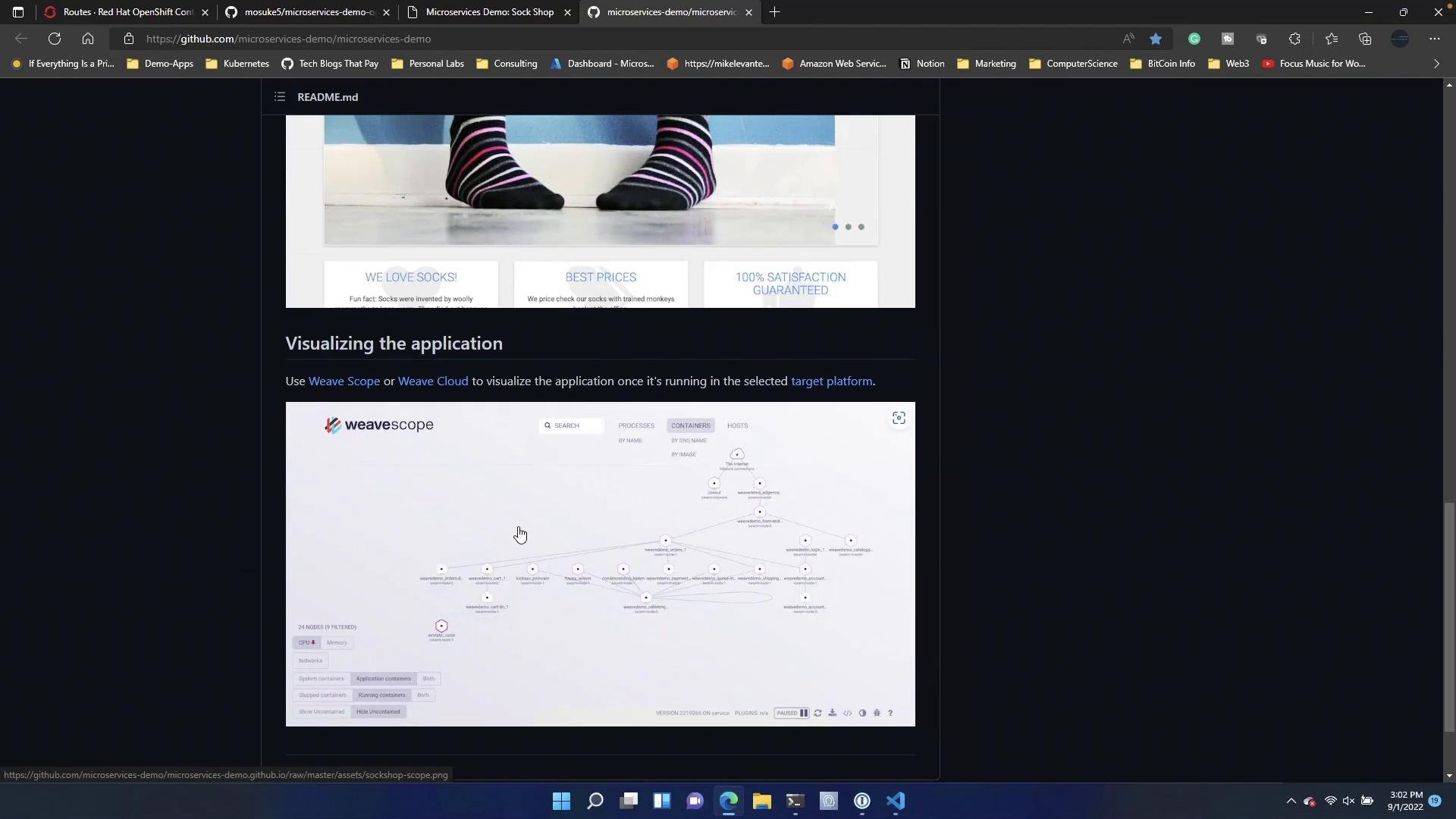
The OpenShift microservices demo manifests are prepared to run without cluster-admin rights. Use
oc commands on OpenShift; kubectl works for upstream Kubernetes clusters.- Clone the repository and change into it:
- Create an OpenShift project and apply the demo manifest:
- Expose the front-end service (if the manifest didn’t already create a Route), then list the Route to get the public host:
oc get route output showing the HTTP host:
- Verify Deployments and Pods:
- Workloads → Deployments to inspect each Deployment
- Workloads → Pods to view pod status and logs
- Networking → Routes to find the front-end URL
Why use the CLI?
- Speed and repeatability: Applying manifests via
ocorkubectlis fast and automatable. - Scriptable: CLI commands integrate readily into CI/CD pipelines and automation scripts.
- OpenShift-specific features:
ocadds convenience commands such asoc new-projectand native support for Routes (which often replace Kubernetes Ingress on OpenShift). - Debugging: CLI access to
oc logs,oc exec, andoc describemakes troubleshooting straightforward.
- From the web console (UI)
- Directly from a Git repository (Build/Apps pipelines, GitOps)
- From the terminal using
oc(covered above)
Pods may take a few minutes to reach Running status. If pods are in CrashLoopBackOff or Pending, check events and logs:
oc describe pod <pod> and oc logs <pod> to identify image pull errors, liveness/readiness failures, or resource quota issues.- Microservices Demo (Sock Shop) repository: https://github.com/microservices-demo/microservices-demo
- OpenShift
ocCLI documentation: https://docs.openshift.com/ - Kubernetes
kubectldocumentation: https://kubernetes.io/docs/reference/kubectl/