

- How do you run applications that depend on other containers (databases, message brokers, backend services)?
- How do you scale an application as traffic increases, then scale down when it drops?
- How do you coordinate networking and service discovery across many containers?
- How do you recover automatically from hardware or container failures?
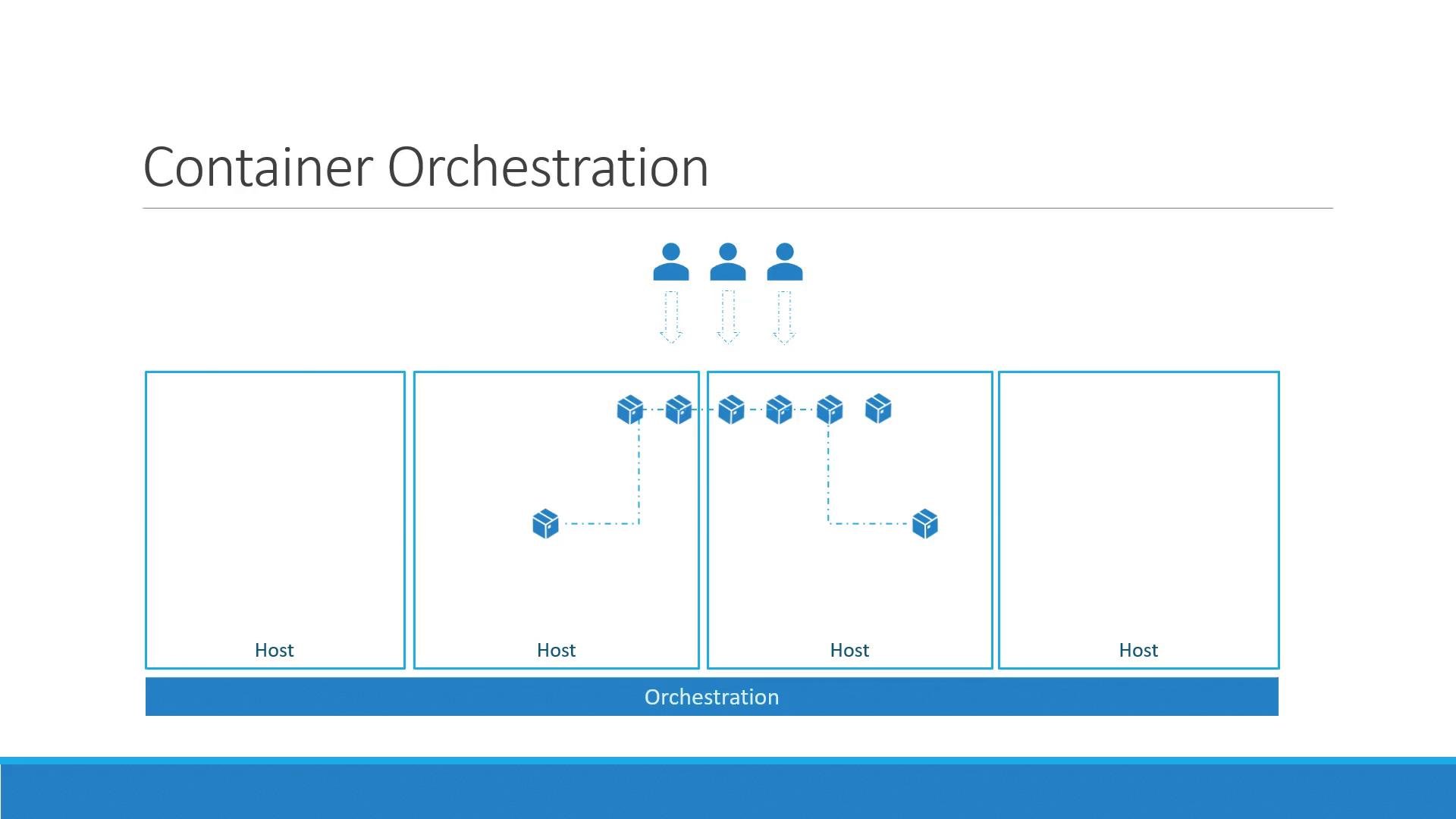
Orchestration technologies: a quick overview
Kubernetes is the most widely used container orchestration platform, but there are alternatives you may encounter:- Docker Swarm: quick to set up and easy for small deployments; less feature-rich for complex production needs.
- Apache Mesos: very powerful and flexible, but typically more complex to install and operate.
- Kubernetes: steeper learning curve and more involved to set up, but offers extensive features, extensibility, and broad cloud and vendor support.
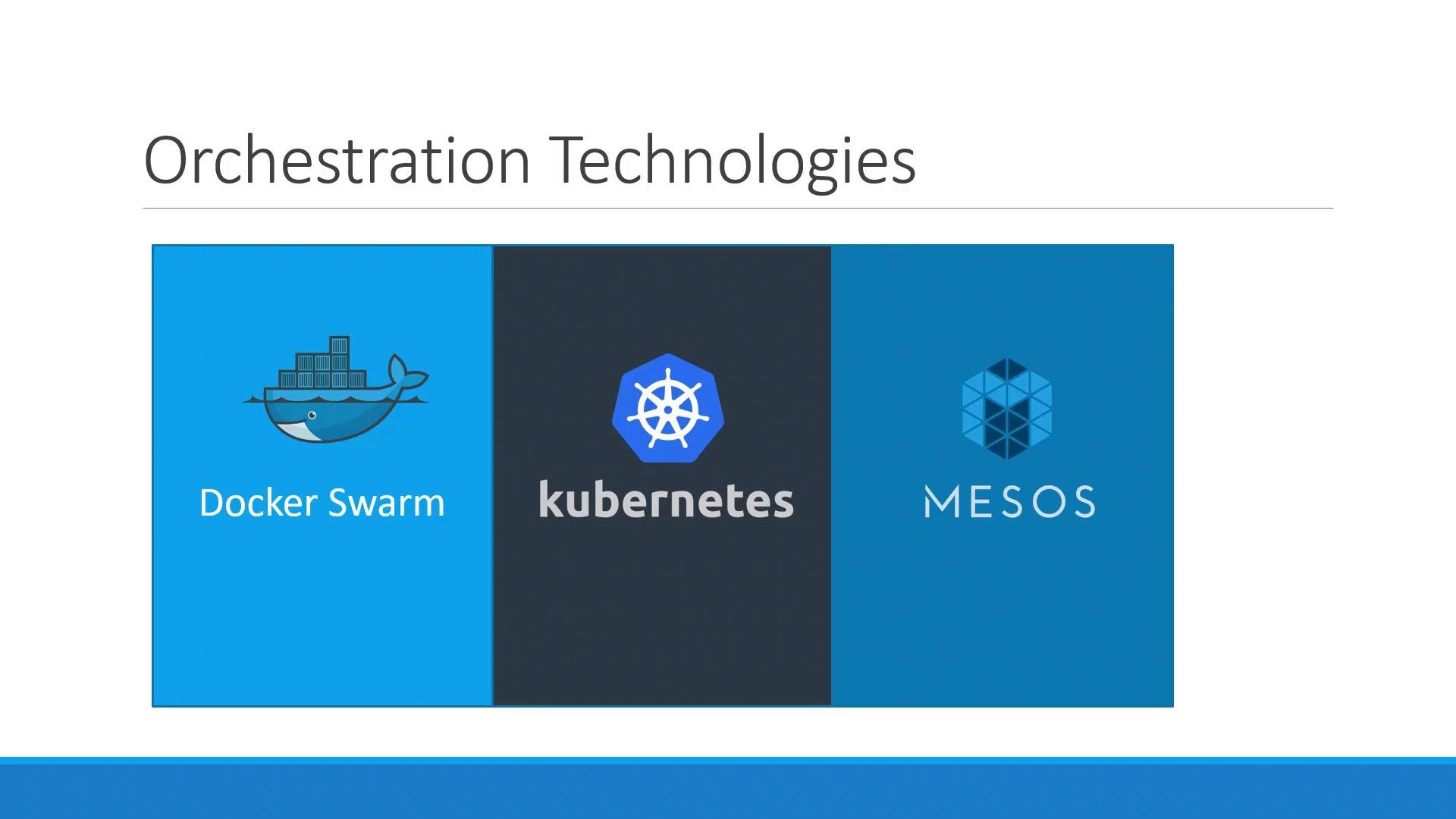
Kubernetes is supported across major public cloud providers (Google Cloud, Azure, AWS) and consistently ranks among top open-source projects. Its ecosystem — including tools for CI/CD, monitoring, and networking — makes it a natural choice for many production deployments.
Why choose Kubernetes? Key advantages
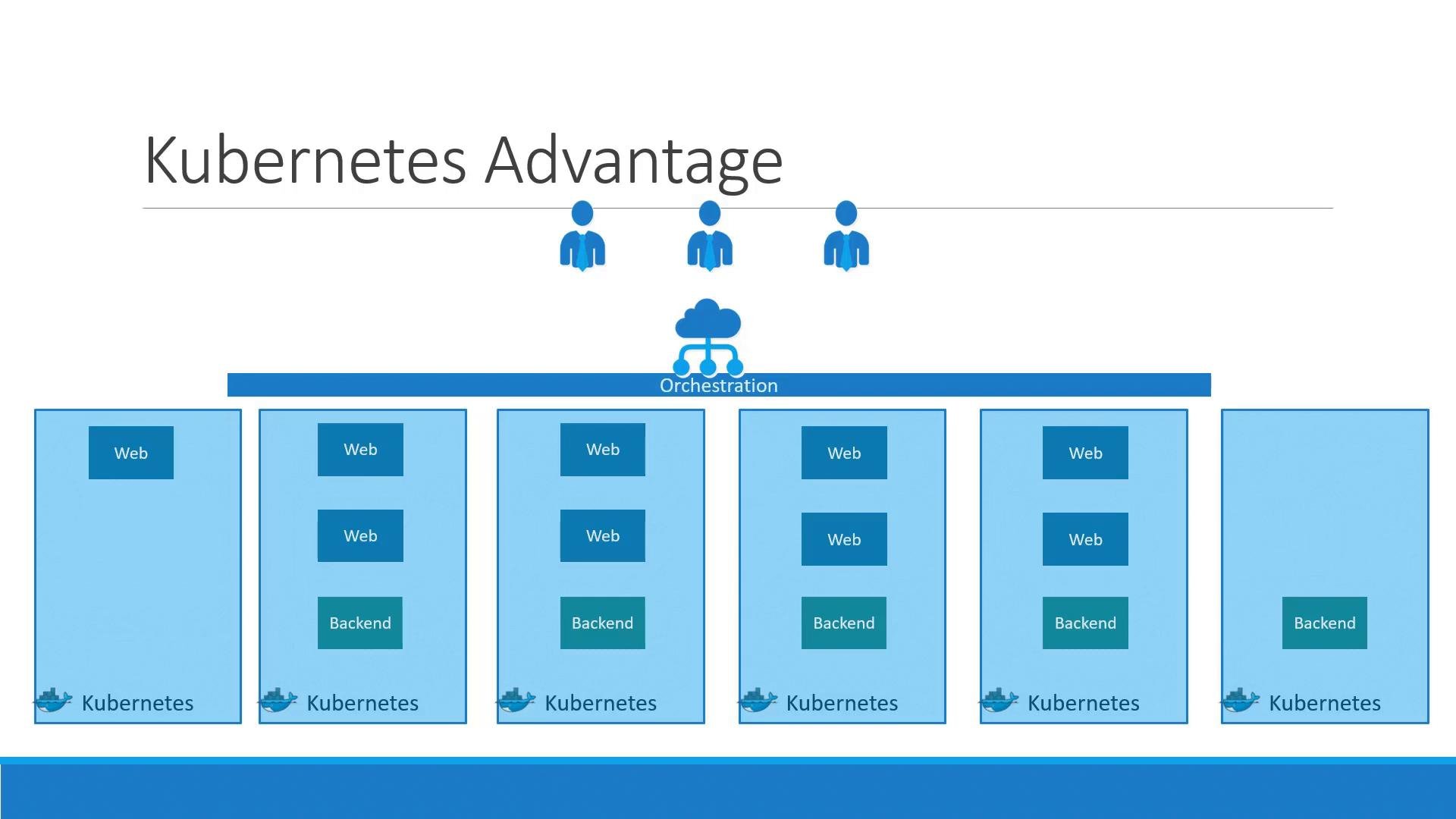
Kubernetes provides several capabilities that are especially valuable for production systems:- High availability: run multiple instances of your app across nodes so hardware or node failure doesn’t take your service down.
- Load balancing: distribute user traffic across containers to improve responsiveness.
- Elastic scaling: scale services up and down automatically in response to load.
- Node autoscaling: add or remove underlying machines without downtime.
- Declarative management: describe the desired state in YAML/JSON manifests and let Kubernetes converge the cluster to that state.
Start with small, practical experiments: run a single-node cluster (like Minikube or Kind), deploy a simple app, then add a service and a scaling policy. Hands-on practice helps solidify concepts like pods, deployments, and services.
Kubernetes is powerful but operationally complex. For production, plan for monitoring, backups, security (RBAC, network policies), and cluster lifecycle management. Consider managed Kubernetes offerings (EKS, AKS, GKE) if you want to offload control plane operations.