

What projects are and why they matter
A single Kubernetes or OpenShift cluster can run hundreds of deployments and many thousands of pods. Without logical boundaries, that shared infrastructure can create two common problems:- Unrestricted access: resources are visible to any account with the right cluster permissions, which can let teams accidentally access or modify each other’s deployments.
- Naming collisions: a flat resource namespace means two teams might try to create a Deployment or Service with the same name.
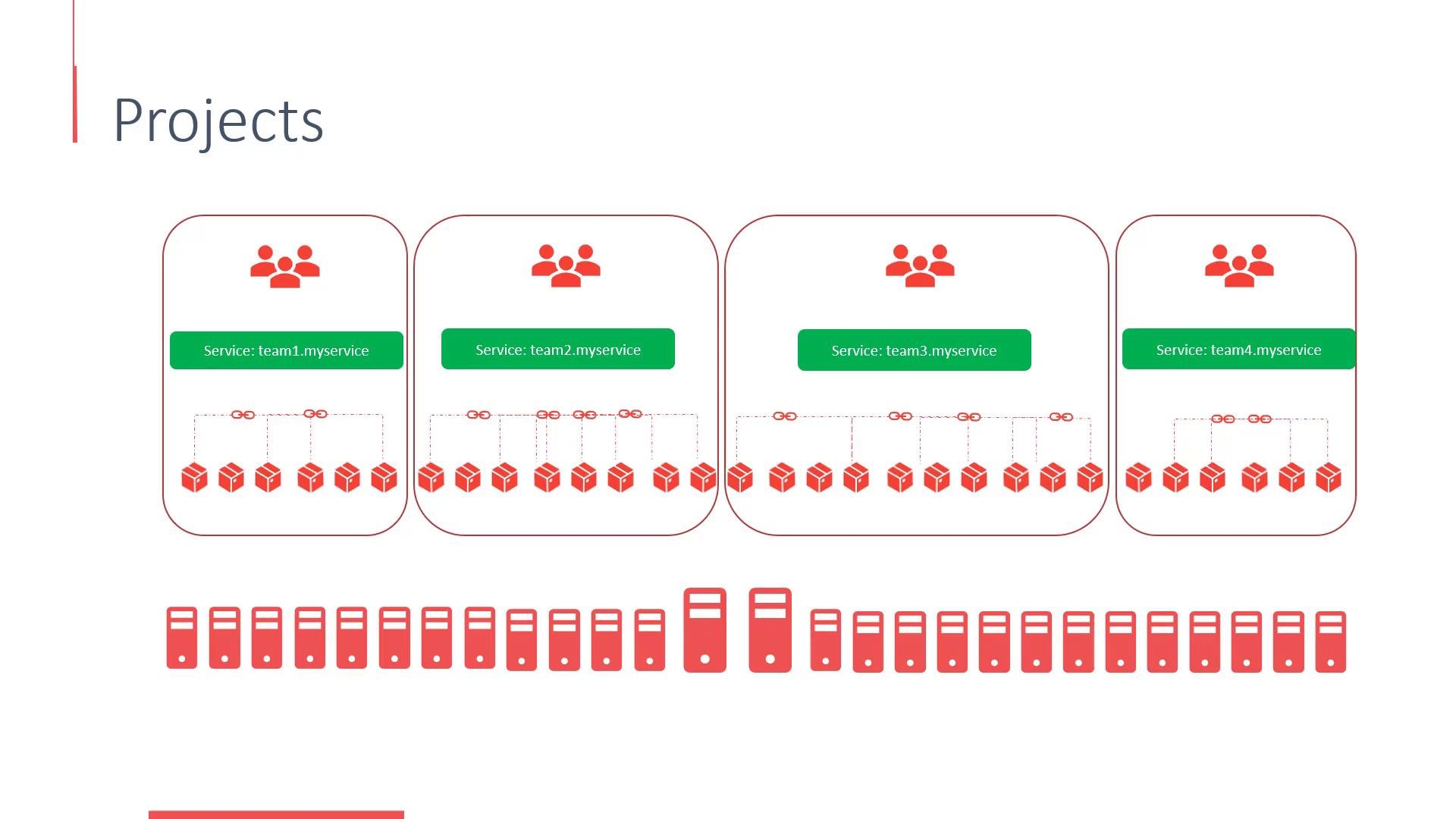
- Logical isolation for resources and quotas.
- Easier team collaboration without cross-team interference.
- A natural boundary for role-based access control (RBAC), build configs, pipelines, and service accounts.
OpenShift users: types and responsibilities
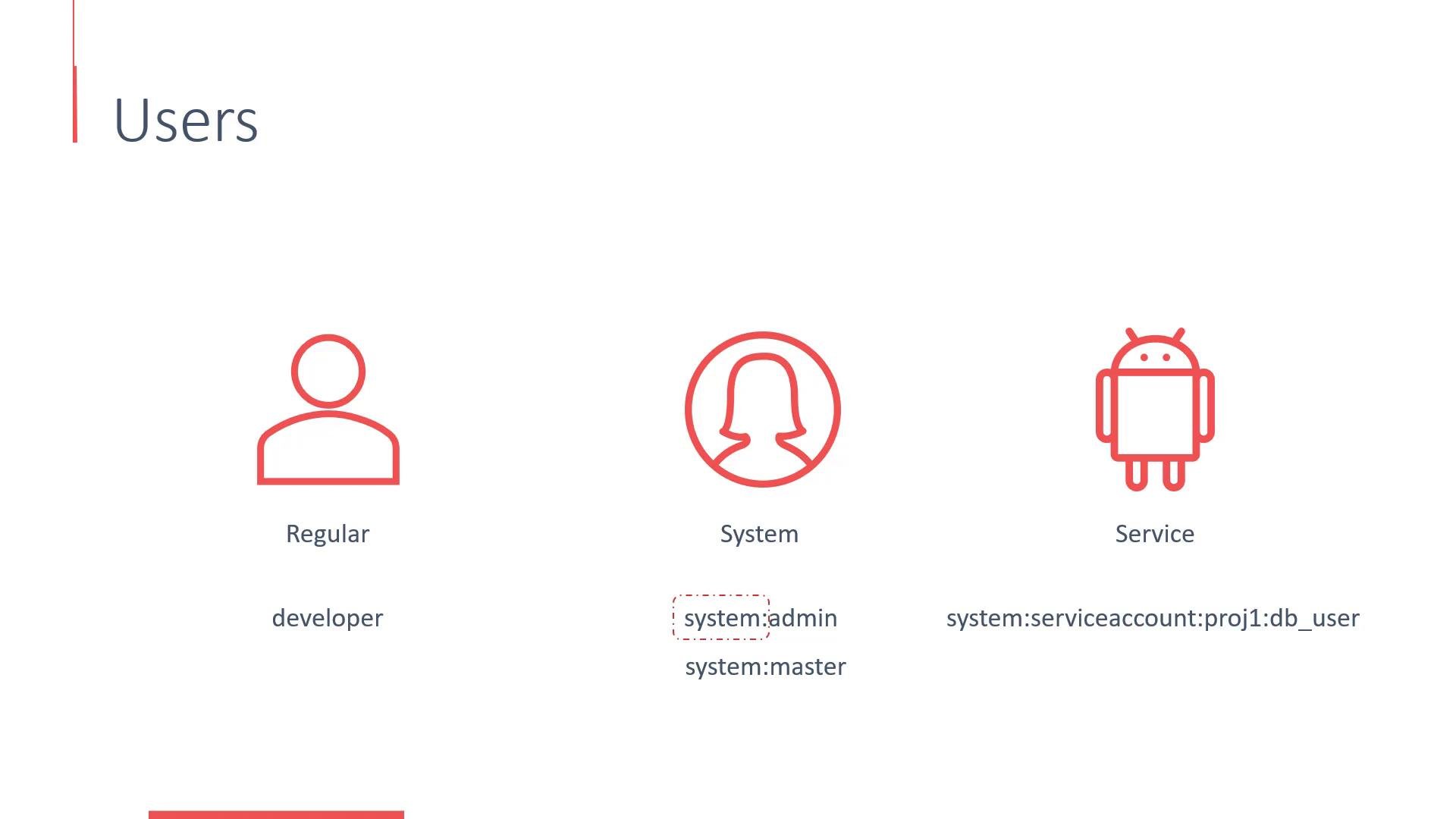
OpenShift contains built-in user and account management to support different kinds of identities. There are three main categories:
Service accounts are ideal for automated access from Pods or controllers, while system users are reserved for cluster-level components and administrative roles.
Authentication and authorization
OpenShift authentication is handled by the cluster OAuth server, which verifies user identities and issues access tokens. Those tokens are used by the API server and the authorization subsystem (for example, RBAC) to enforce permissions. Local or single-node development environments (for example,Minishift or CodeReady Containers (CRC)) commonly use an AllowAll-style identity provider so anyone can log in easily for demos and development. In production, administrators should configure explicit identity providers (LDAP, OAuth, OpenID Connect, etc.). Historically, older OpenShift releases stored OAuth and identity-provider configuration in the master config file at /etc/origin/master/master-config.yaml; newer versions manage OAuth differently—consult the version-specific documentation for details.
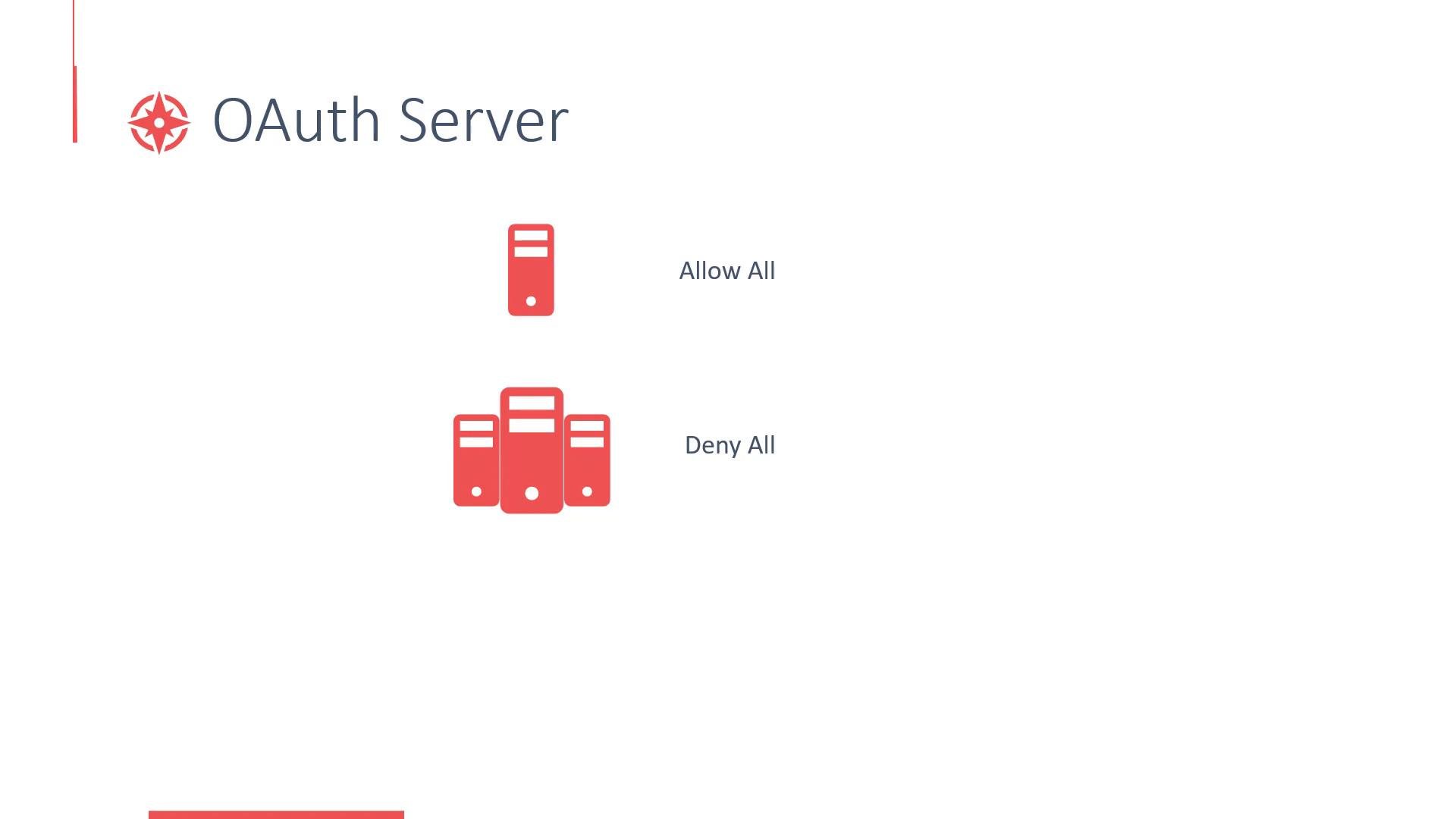
Local/minified setups (Minishift, CRC) are convenient for development and demos because they commonly permit easy login via an AllowAll identity provider. For production clusters you should configure a secure identity provider (LDAP, OAuth, OpenID Connect, etc.) and ensure access is restricted appropriately.
Do not use an AllowAll or DenyAll identity provider in production. Always configure an explicit identity provider and review RBAC rules and project-level policies before granting access.
Quick reference and next steps
- Use projects to isolate teams and workloads without provisioning separate clusters.
- Use service accounts for in-cluster automation and system users only for cluster components or administrative tasks.
- Configure a secure identity provider and enforce least-privilege with RBAC.
Links and references
- Kubernetes RBAC documentation
- CodeReady Containers (CRC)
- Minishift (legacy)
- OpenShift authentication (version-specific)