

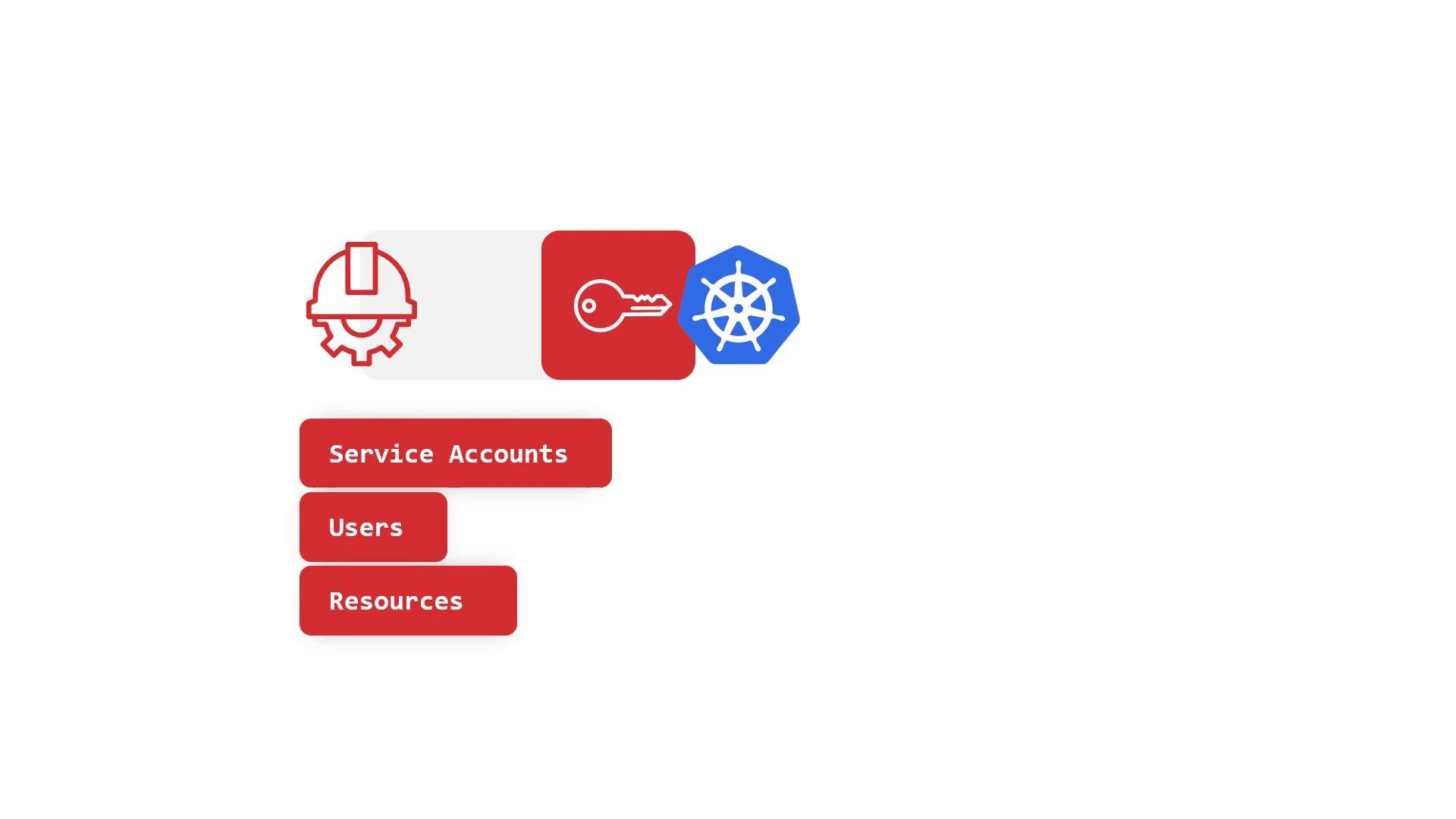
RBAC controls two things: the actions (verbs) that are allowed (for example,
get, list, create, update, delete) and the resources those actions apply to (for example, pods, deployments, configmaps). RBAC rules can also scope by API group and restrict to specific resource names.- Namespace-scoped Roles apply only in the namespace where they are defined.
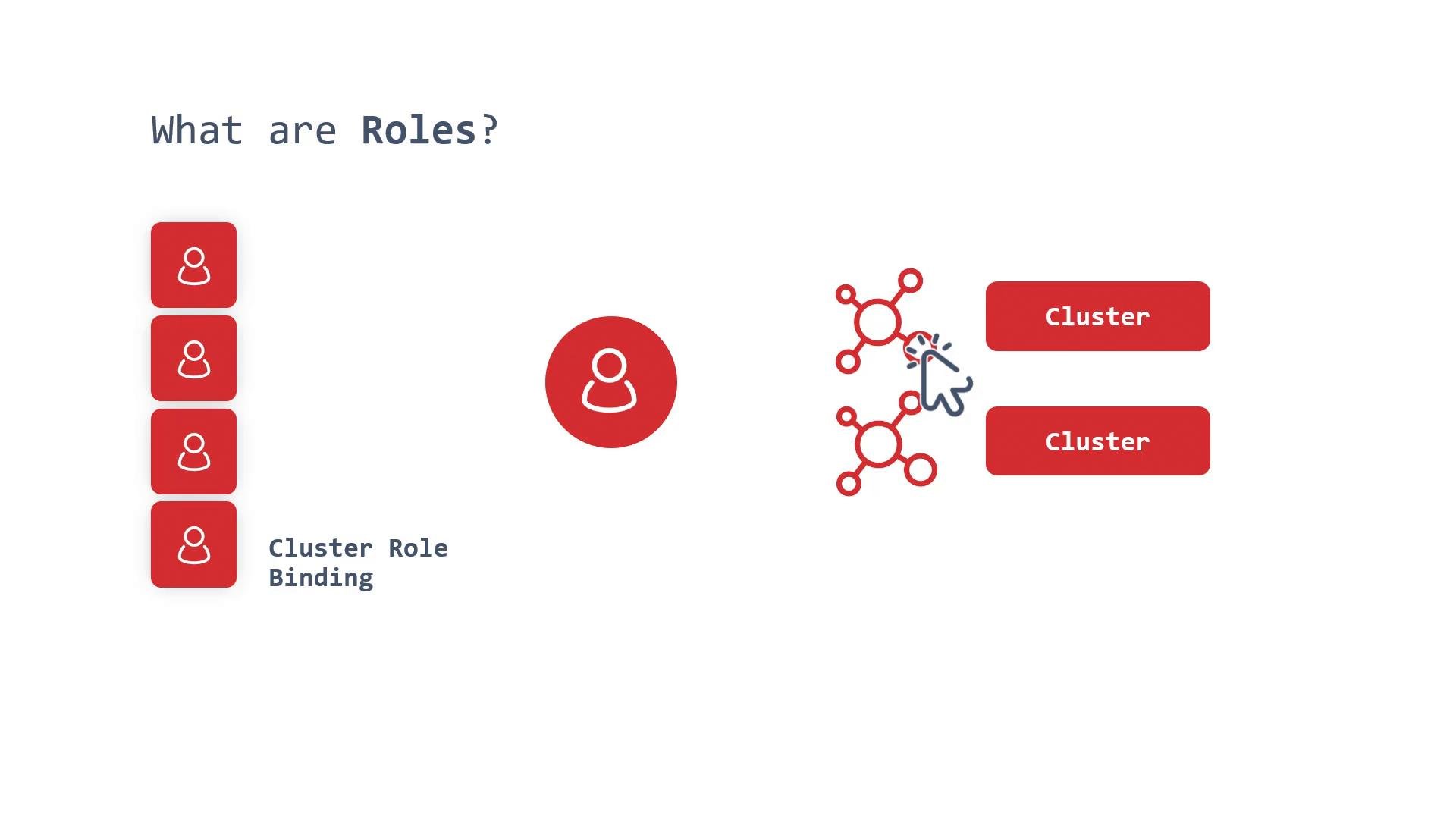
- Cluster-scoped ClusterRoles apply across all namespaces and to cluster-scoped resources.
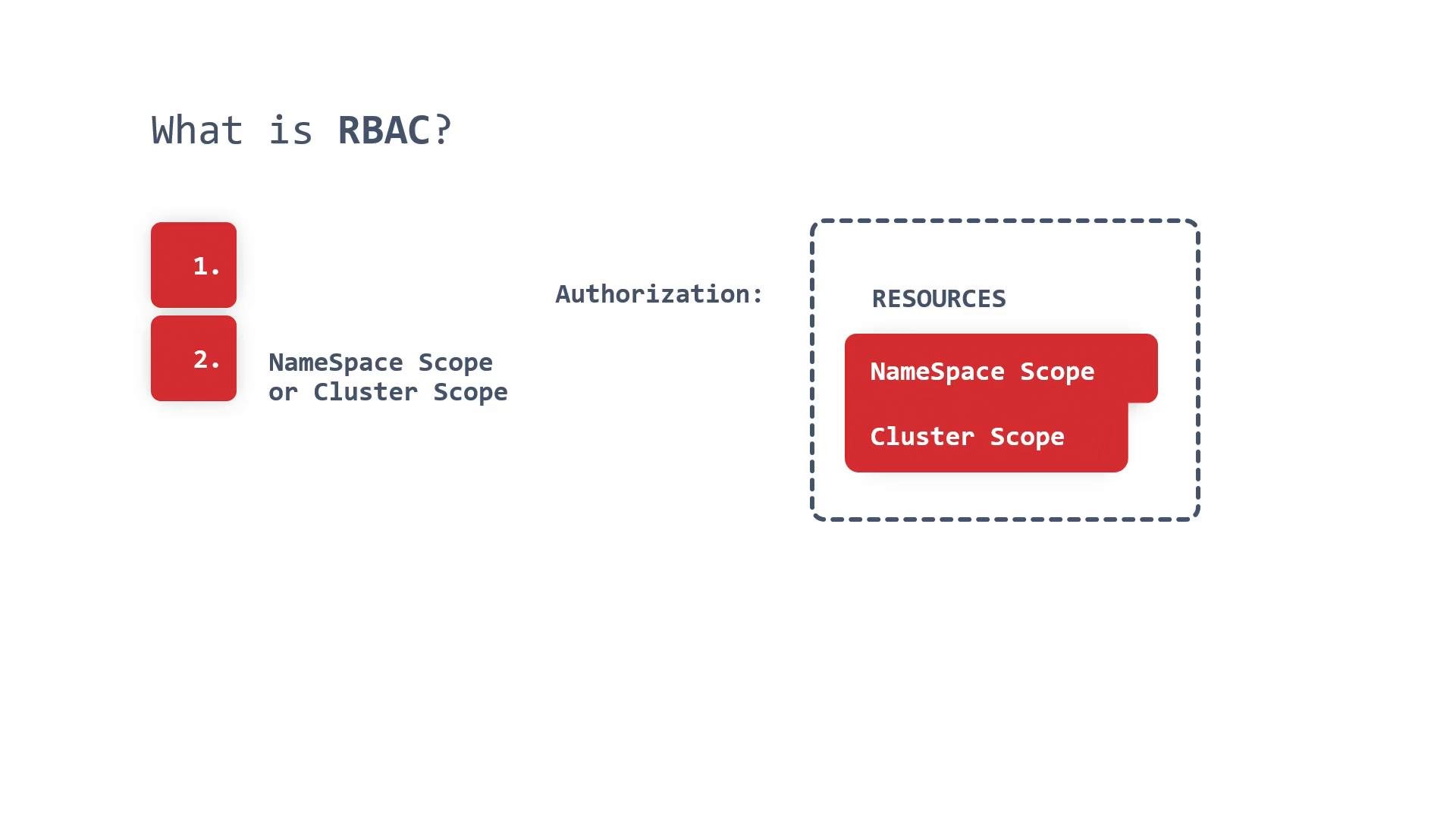
A simple mnemonic: whenever you see the
cluster prefix (ClusterRole or ClusterRoleBinding), it means cluster-scoped. Roles are lists of allowed operations; RoleBindings and ClusterRoleBindings attach those lists to principals.
Role and rule composition
Roles (and ClusterRoles) are composed of rules that specify:
- apiGroups (e.g.,
""for core,"apps","batch") - resources (e.g.,
pods,deployments,jobs) - verbs (e.g.,
get,list,watch,create,update,patch,delete) - optional
resourceNamesto restrict access to specific named objects
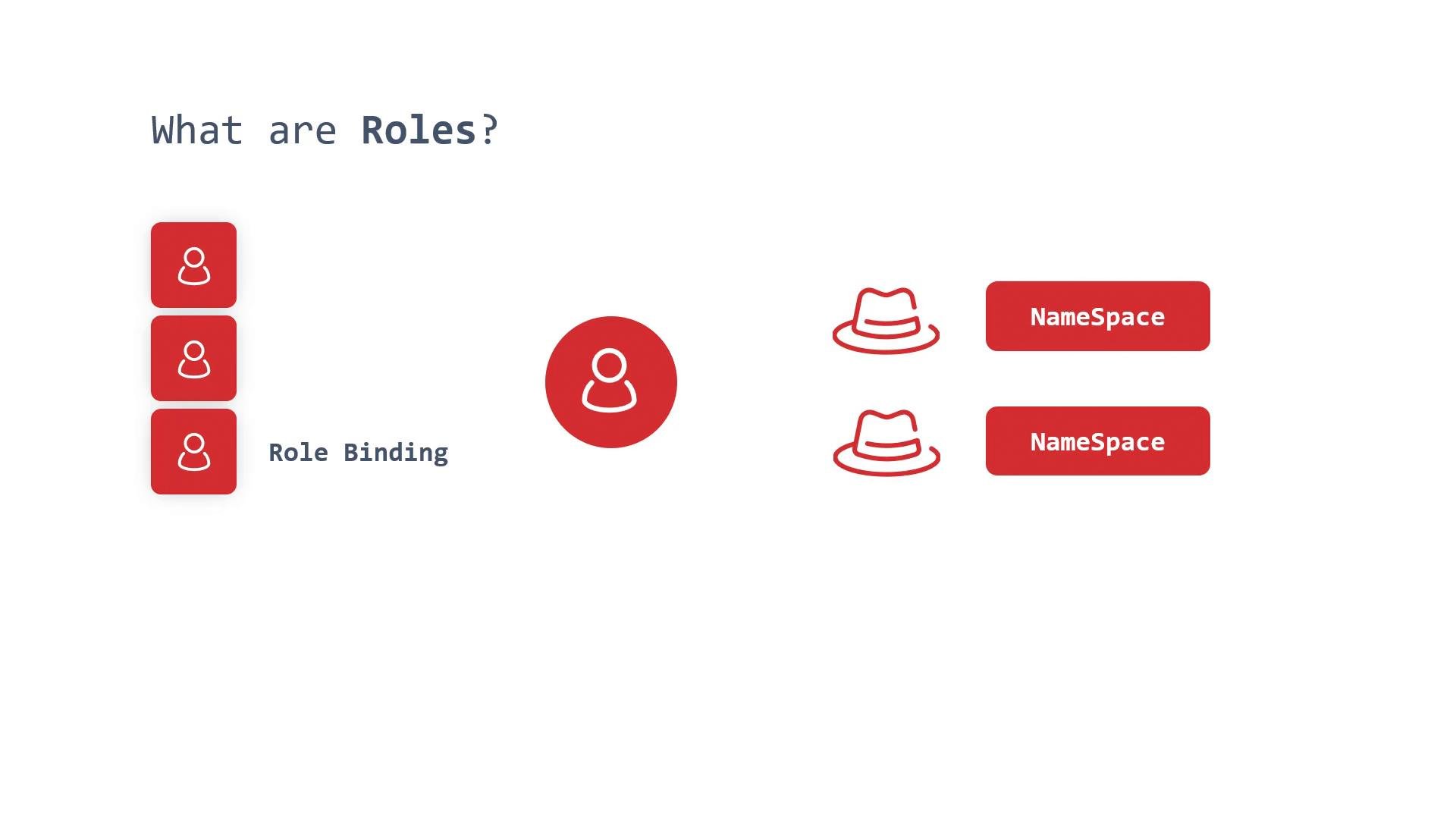
read-pods Role to a service account in the same namespace:
ClusterRole= cluster-scoped permission definitionClusterRoleBinding= bind that cluster-scoped permission to subjects cluster-wide- A
RoleBindingcan reference aClusterRoleto grant cluster-role permissions within a specific namespace
Avoid granting broad cluster-level permissions (for example,
cluster-admin) unless absolutely necessary. Follow least-privilege principles: define minimal Roles/ClusterRoles and bind them only to the subjects that need them.- Prefer namespace-scoped Roles and RoleBindings to limit blast radius.
- Use ClusterRoles sparingly and only when resources or operations truly require cluster scope.
- Use
resourceNamesto restrict access to specific objects when feasible. - Audit and review Role/RoleBinding/ClusterRole/ClusterRoleBinding objects regularly.
- read-related:
get,list,watch - write-related:
create,update,patch - delete:
delete - other:
exec,impersonate(special cases)
- Roles and ClusterRoles define allowed actions on Kubernetes resources.
- RoleBindings and ClusterRoleBindings attach those permissions to principals (users, groups, service accounts).
- Use namespace-scoped Roles/RoleBindings to limit permissions to a single namespace.
- Use ClusterRoles/ClusterRoleBindings for cluster-wide permissions or for cluster-scoped resources.
- Apply the principle of least privilege when designing RBAC for your cluster.
- Review your cluster’s existing Roles and Bindings with
kubectl get roles,rolebindings,clusterroles,clusterrolebindings -A. - Test new Roles and Bindings in a non-production namespace before applying cluster-wide.
- Further reading: