Containers and Docker
Containers offer an isolated environment to run applications, and Docker is the most popular technology in this space. If you are already familiar with Docker, you can skip ahead. However, let me share how I was first introduced to Docker during one of my projects.

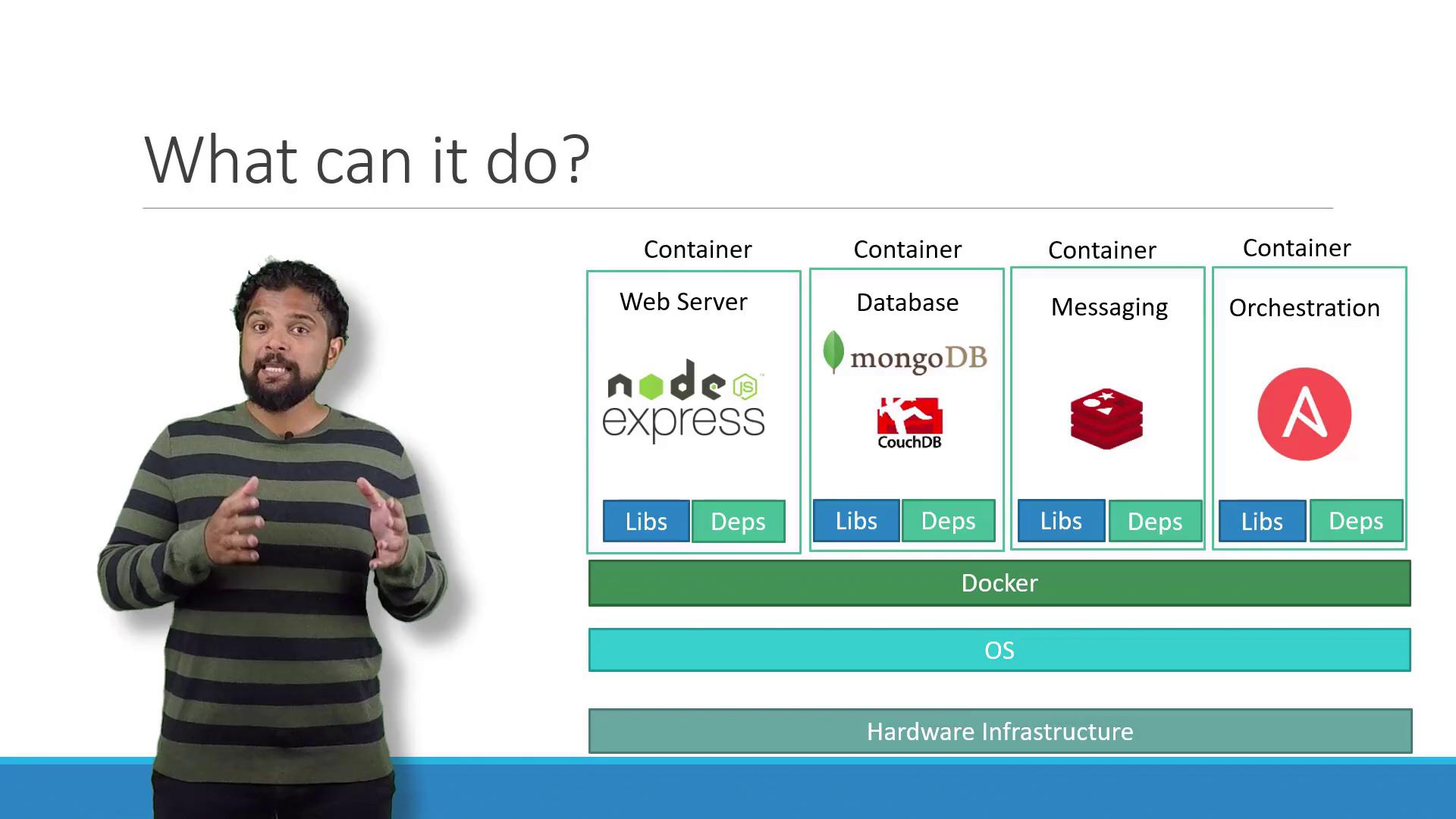
Docker simplifies the process by allowing each component to run in its own container with dedicated libraries and dependencies, mitigating compatibility issues across different systems.
What Are Containers?
Containers are isolated environments capable of running their own processes, managing networking interfaces, and handling mounts—similar to virtual machines but sharing the same operating system kernel. Although containers have become popular recently, the concept has been around for over a decade with implementations such as LXC, LXD, and LXCFS. Docker leverages LXC containers and enhances their usability with higher-level tools.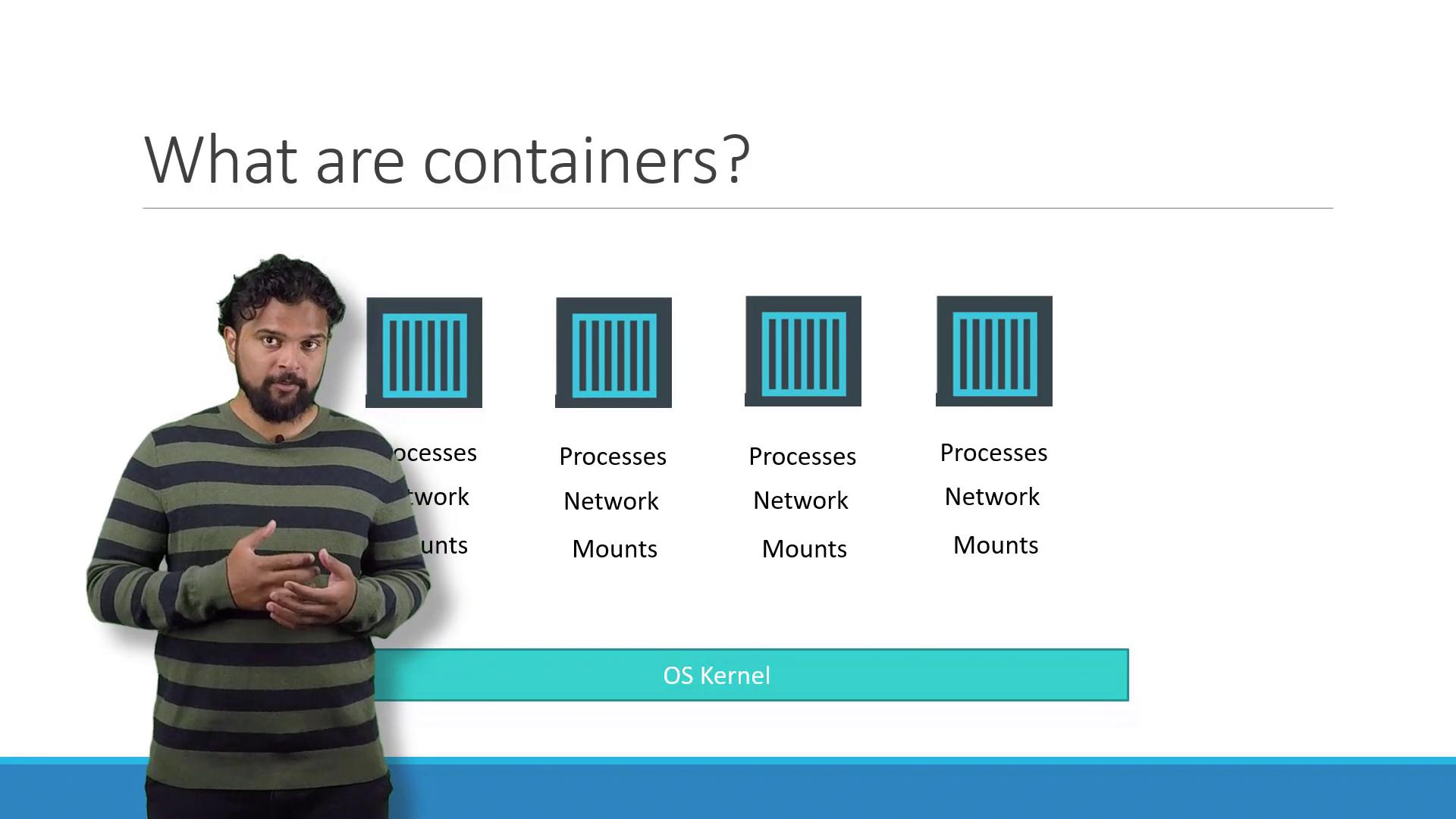
Understanding Docker and the Operating System
A solid grasp of operating system fundamentals helps in understanding Docker. Popular Linux distributions such as Ubuntu, Fedora, SUSE, and CentOS consist of two main parts:- An OS kernel that interacts directly with hardware.
- A collection of software, including user interfaces, drivers, compilers, file managers, and developer tools that differ among distributions.
Containers vs. Virtual Machines
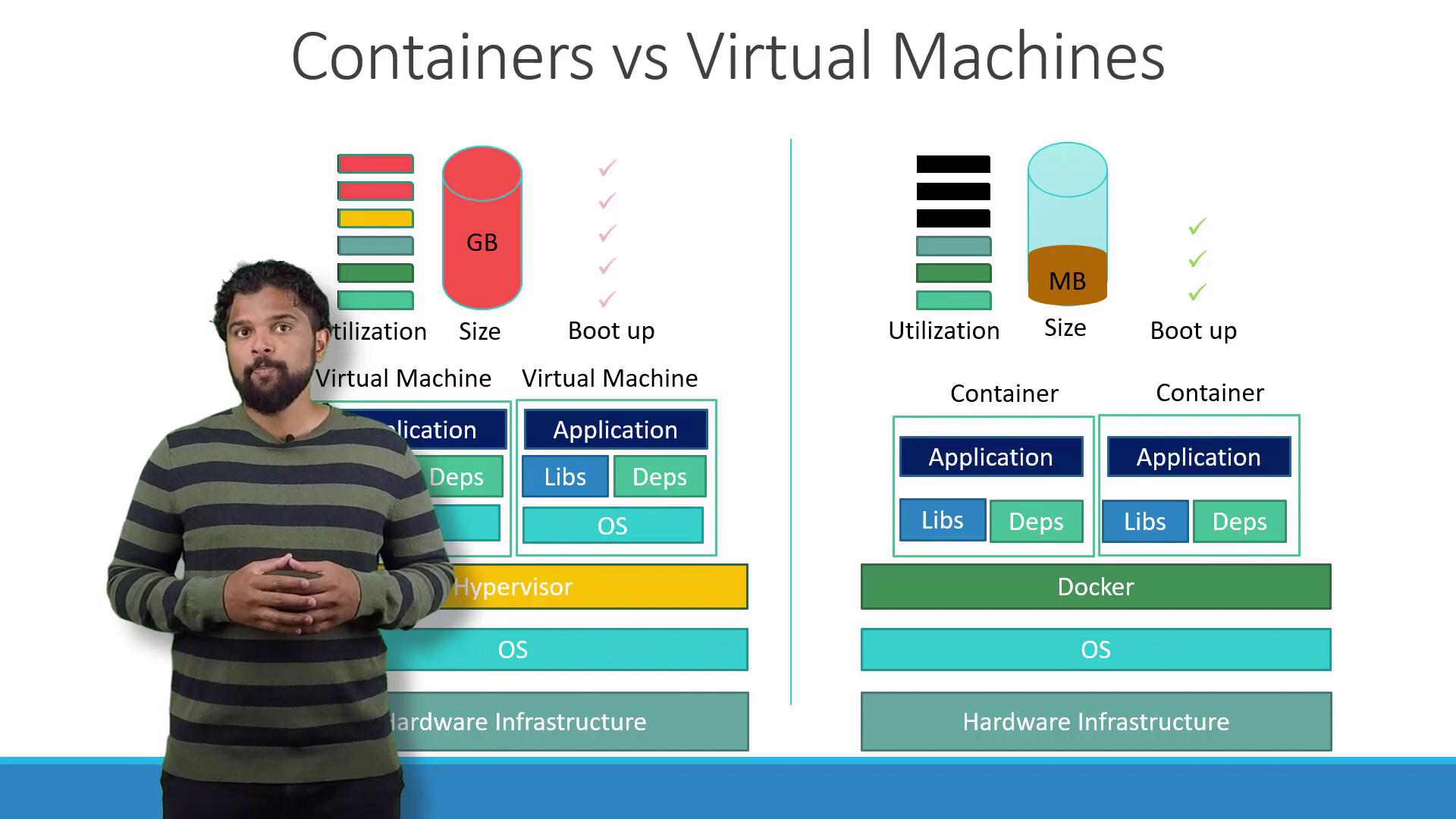
There are several key differences between Docker containers and virtual machines (VMs):- Docker containers share the host OS kernel and only include the necessary libraries and dependencies, which makes them lightweight.
- Virtual machines run an entire OS along with their dependencies, leading to increased resource consumption. VMs are typically larger in size, measured in gigabytes, and take minutes to boot, compared to containers that are measured in megabytes and start in seconds.
- While Docker containers offer less isolation due to the shared kernel, VMs provide complete isolation, allowing different operating system kernels to run concurrently on the same hardware.
Running Containerized Applications
Today, containerized applications have become the de facto strategy for packaging and deploying software. Public Docker registries like Docker Hub or Docker Store provide container images for various technologies including operating systems, databases, and other services. Once you have the necessary images, all you need is Docker installed on your host. Deploying an application stack then becomes as simple as running a Docker command. For example, you can run services such as Ansible, MongoDB, Redis, or Node.js with the following commands:Images vs. Containers
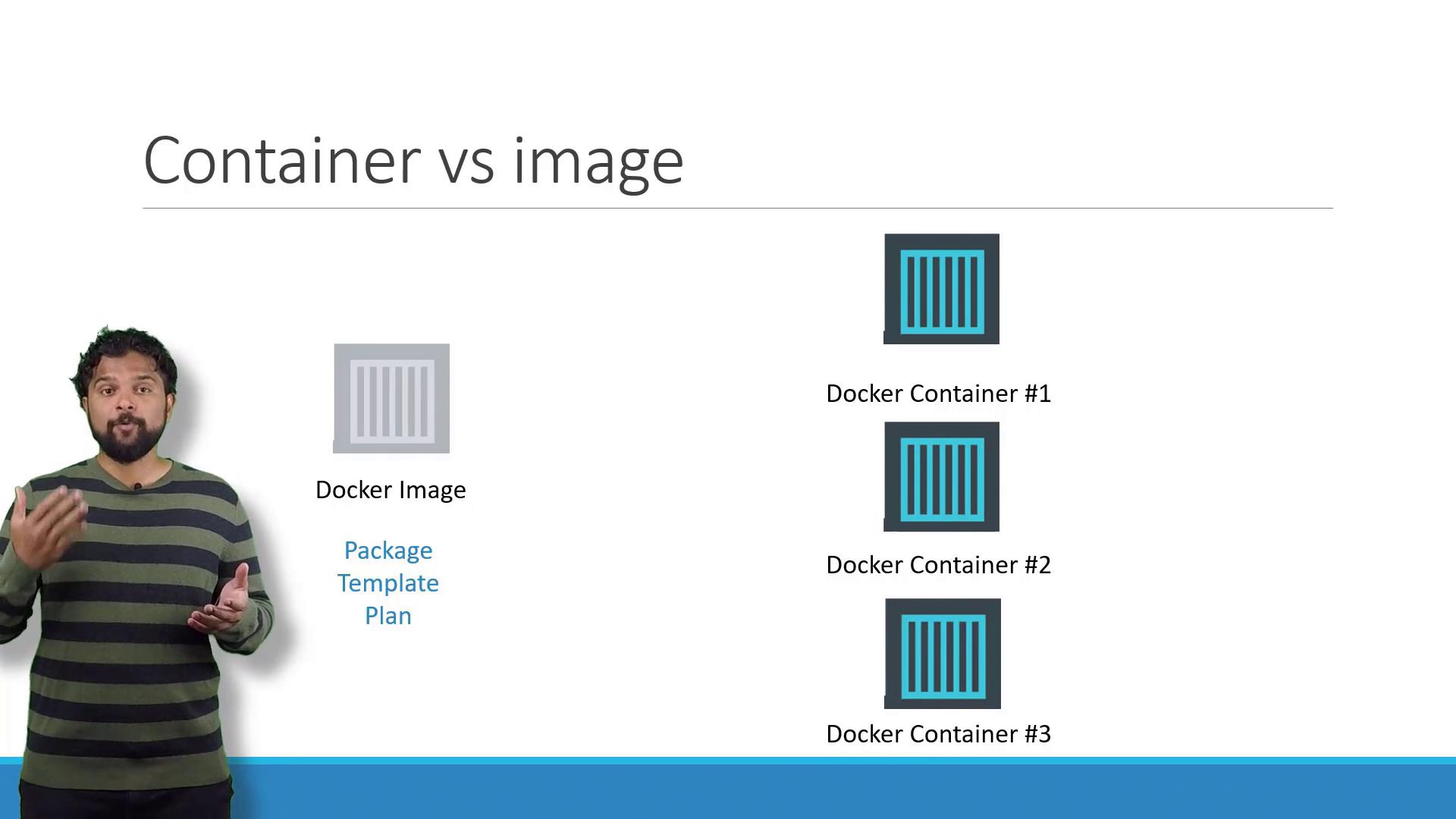
It is crucial to understand the distinction between Docker images and containers:- A Docker image is like a template or blueprint used to create one or more containers.
- A Docker container is an active instance of a Docker image, running as an isolated application with its own processes and environment.
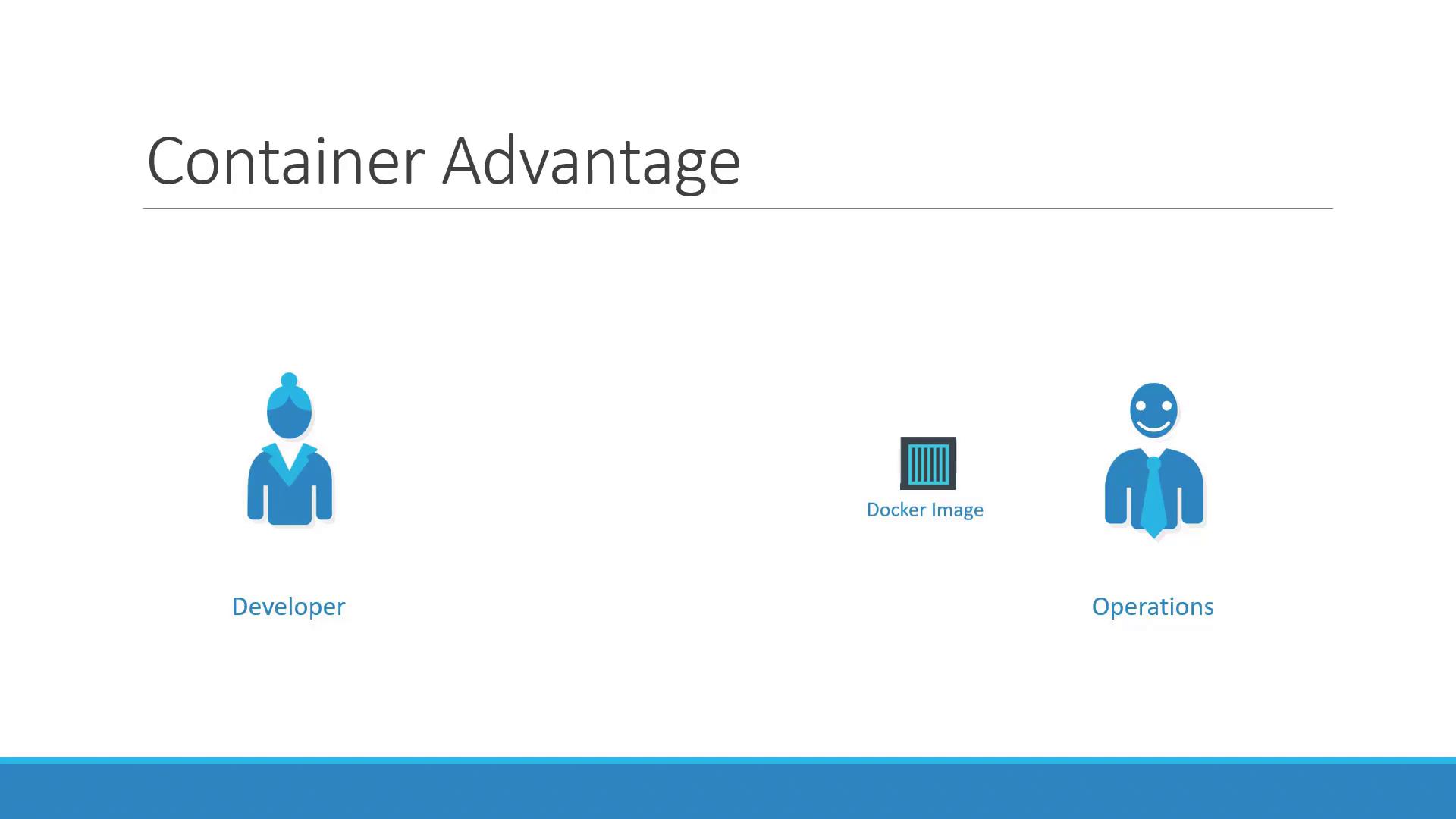
Docker streamlines this process by shifting much of the configuration responsibility to developers. By writing a Dockerfile that encapsulates the entire setup, you ensure that the containerized application runs consistently across any deployment, reducing potential issues for the Ops team.
Further Learning and Resources
To gain deeper insights into containers and Docker, consider exploring these courses: These courses cover essential Docker commands, Dockerfile creation, and advanced container orchestration techniques. That concludes our lecture on containers and Docker. I look forward to seeing you in the next lecture.