

Users
In OpenShift, a user is typically an individual who logs into the system. Examples include administrators, developers, or operators who manage resources on the platform. In addition to individual users, system users—often created and managed by the infrastructure—serve as cluster administrators with extensive privileges. It is important to note that system users should be used sparingly in day-to-day operations to mitigate the risk of unintended system-wide changes. Below is a diagram illustrating the structure of regular users and system users along with their permission levels: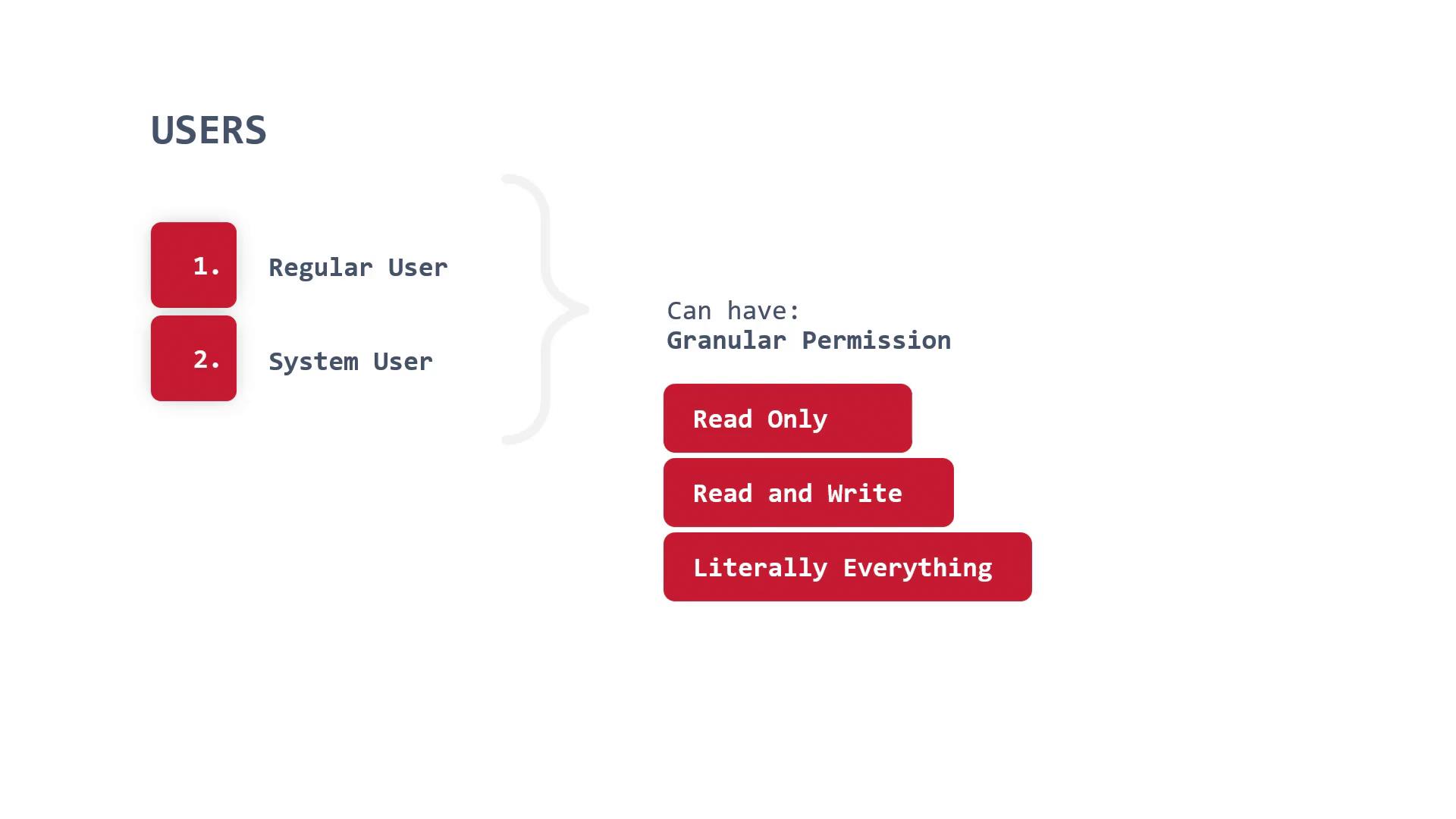
Creating a User
To create a new user via the OpenShift CLI, use the following command (for example, creating a user named “mike”):Service Accounts
Service accounts are special accounts designed for automated tasks and direct API access. For security reasons, it is best practice to create dedicated service accounts rather than using the default one, which, if compromised, may pose a significant security risk.
Creating and Managing Service Accounts
Create a service account using the following command (e.g., creating a service account named “mikesa”):mikesa in the sockshop namespace view-only access, assign the corresponding role with:
Always create dedicated service accounts for each application or task to minimize the risk of exposing critical credentials and to adhere to the principle of least privilege.
Groups
Groups in OpenShift allow you to manage permissions for multiple users collectively. This approach simplifies role assignment, as you can target a group rather than assigning permissions individually. For example, if an engineering team requires “view” access across various projects, adding all team members to a group and binding a role to that group is more efficient and manageable.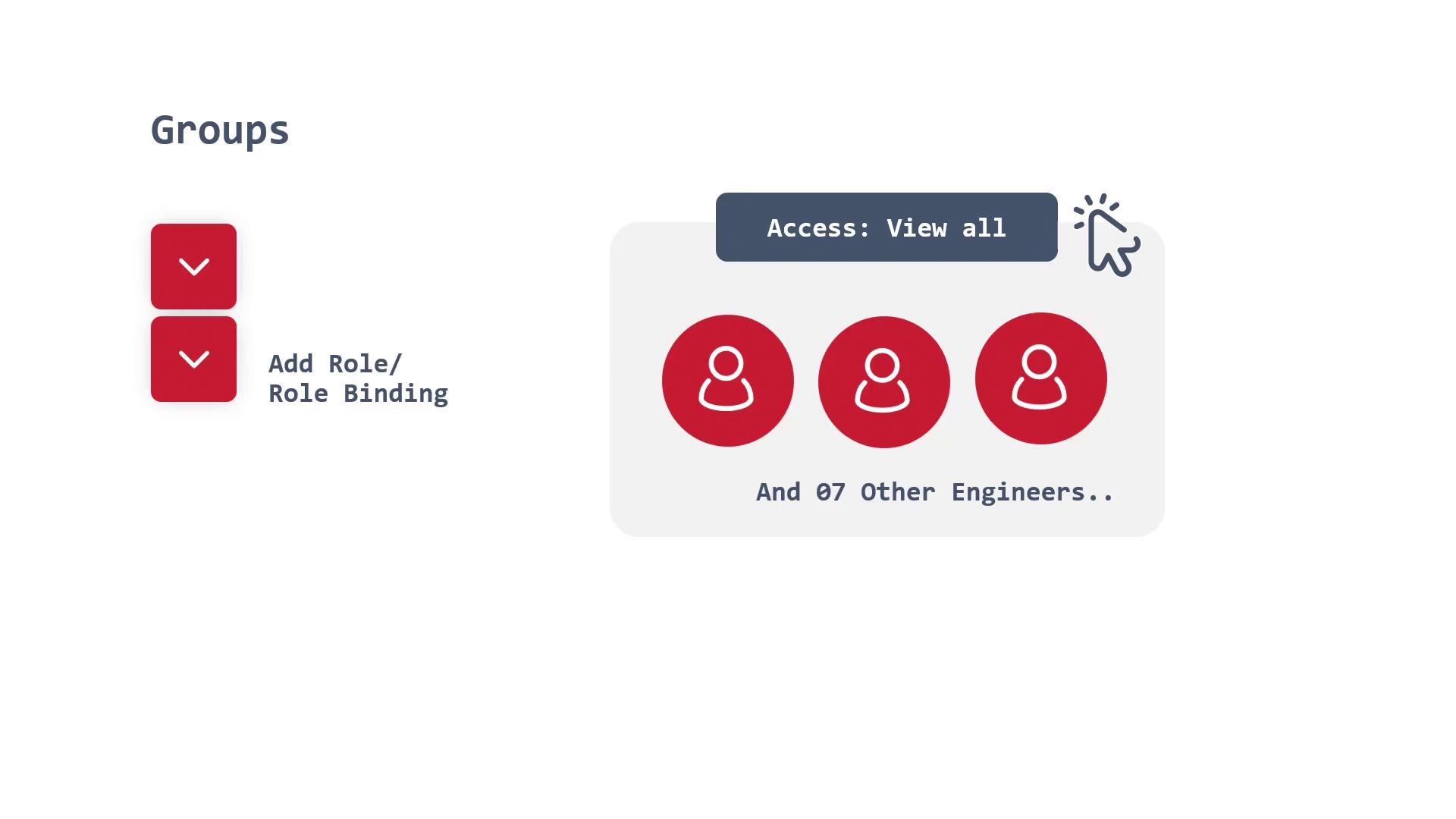
Creating a Group
To create a new group that includes specific users, use the administrative command. For example, to create a group named “mikesgroup” comprising users “mike” and “michelle”, run:With this overview, you now have a solid understanding of how to create and manage users, service accounts, and groups in OpenShift. In the upcoming demo, we will demonstrate how these components are applied in real-world scenarios, solidifying your grasp of OpenShift’s security and access control mechanisms. For more information, refer to the OpenShift Documentation and explore related topics such as Kubernetes Basics.