

java -jar app.jar. Today, container images are the dominant distribution format: developers write a Dockerfile, build an image, and deploy that image. Even so, most modern builds still need to produce intermediate artifacts — JARs, WARs, ZIPs, or other binaries — before they are containerized.
A custom builder image bridges that gap. It is a purpose-built container image that encapsulates the build toolchain and the build process so the artifact creation happens inside a controlled, reproducible environment.
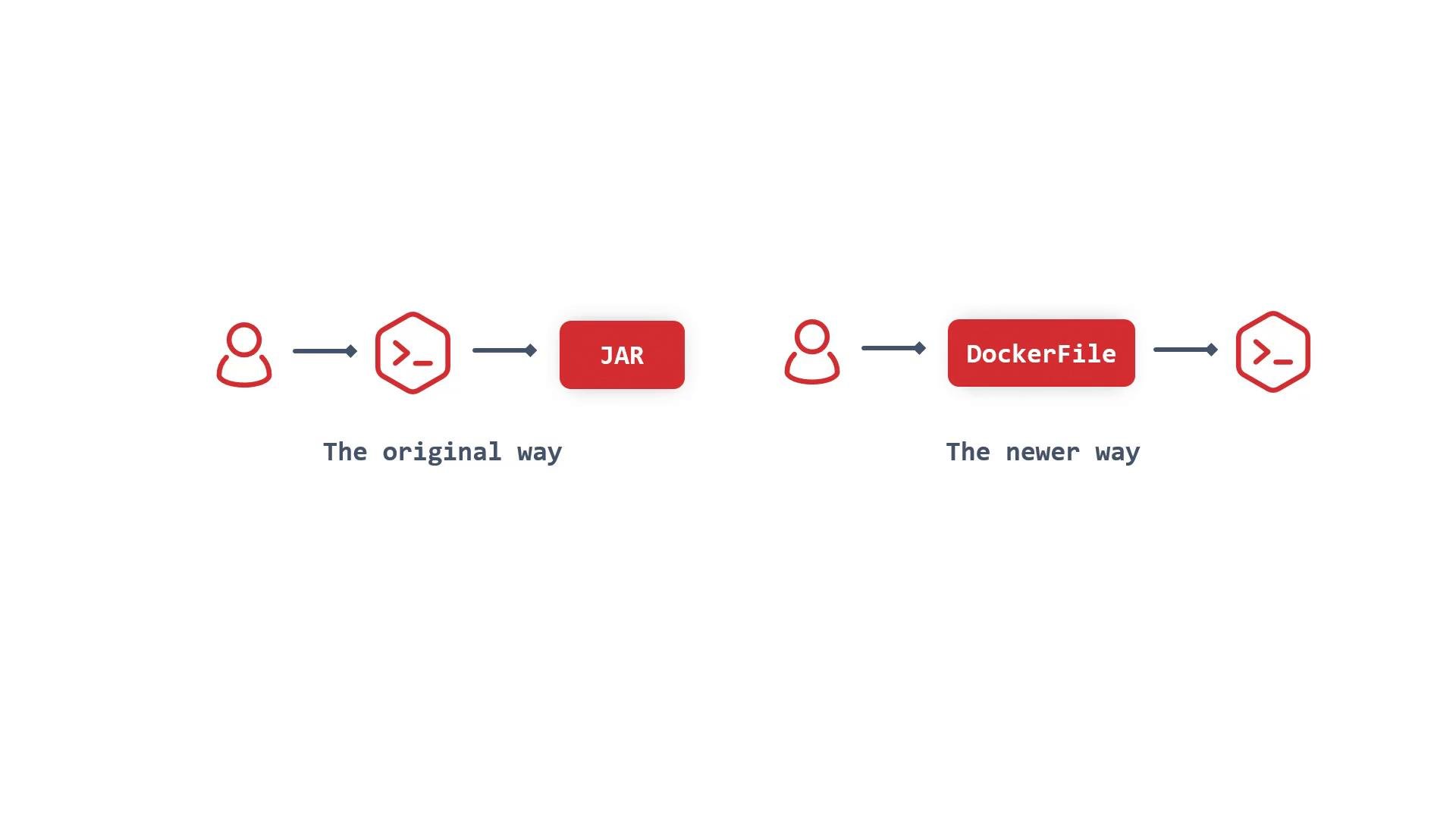
- A container image whose single responsibility is to run a defined build workflow.
- Contains the compiler, build tools, scripts, and any environment configuration needed to produce one or more artifacts.
- Designed for reproducibility: the same image + same inputs produce identical outputs.
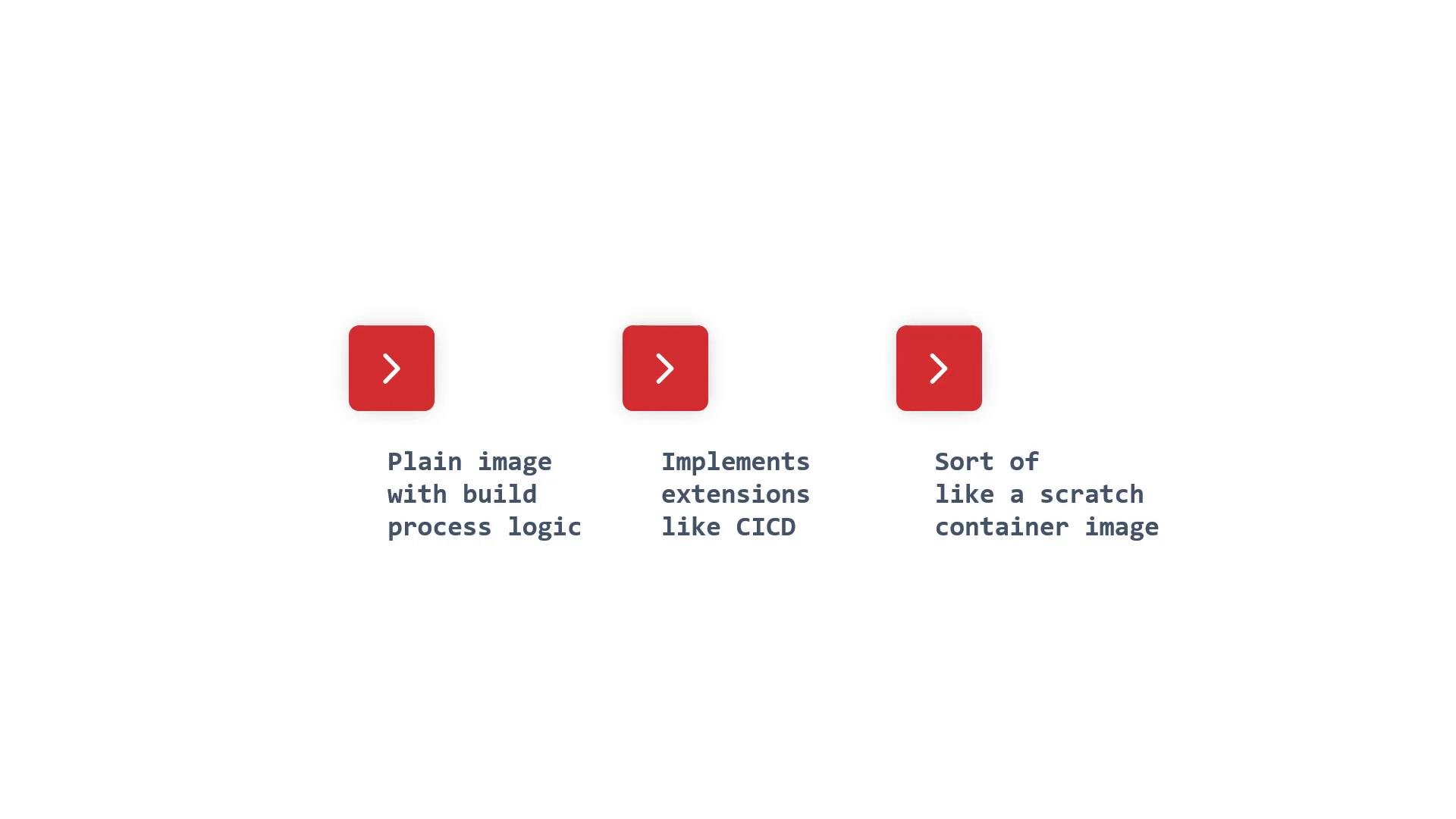
- Minimal, single-purpose image containing the build toolchain and scripts.
- Encodes build steps so builds become reproducible and portable.
- Can be invoked locally, inside CI runners, or by a container platform (e.g., OpenShift, Kubernetes).
- Extensible: integrate pipeline logic, hooks, or credential handling for private repos and registries.
A custom builder image packages the build environment and process together. It produces artifacts (JAR/WAR/ZIP/etc.) or container images and can be run locally, in CI, or by a container platform.
Recommended best practices
- Keep builder images minimal and focused on the build steps to reduce attack surface and image size.
- Pin tool and base-image versions to ensure reproducibility across builds.
- Run builds as non-root where possible and remove unnecessary packages after the build to minimize image bloat.
- Store credentials securely using platform secrets or a secrets manager; avoid baking credentials into images.
- Integrate the builder image into CI/CD pipelines so builds are traceable and automated.