

www.example.com).
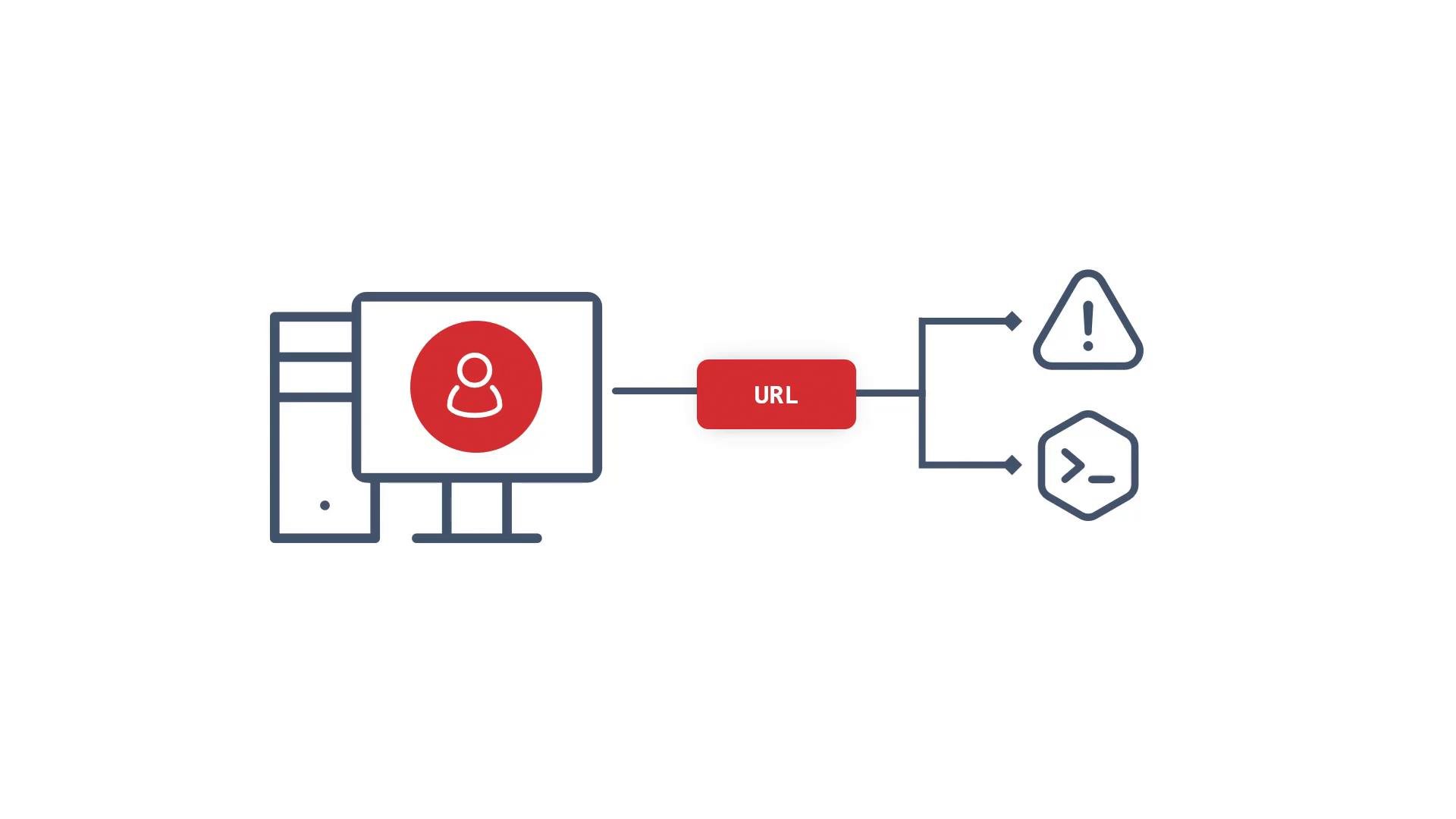
- A client requests a hostname (the URL).
- The request reaches the cluster router (OpenShift’s HAProxy-based router / load balancer).
- The router matches the hostname (and optional path or TLS settings) to a Route object.
- The Route forwards the request to a Service.
- The Service load-balances traffic to one or more Pods (the containers running your application).
www.example.com to a service named example-service and terminates TLS at the router (edge termination):
OpenShift Routes are the platform-native way to expose Services externally. They provide hostname-based routing, multiple TLS termination modes, and custom annotations for advanced behavior. Use Routes when you need tight integration with OpenShift’s router features and when you want simple, declarative exposure of Services.
Why Routes vs Kubernetes Ingress / LoadBalancer
- From a Kubernetes viewpoint, Routes serve the same purpose as placing an Ingress or external LoadBalancer in front of a Service: they expose in-cluster Services to external clients.
- OpenShift Routes are an OpenShift-native construct with built-in router integration and additional features (TLS modes, annotations, host-based behavior) that simplify many typical exposure patterns.
- OpenShift Routes docs: https://docs.openshift.com/container-platform/latest/networking/routes/understanding-ingress.html
- Kubernetes Ingress overview: https://kubernetes.io/docs/concepts/services-networking/ingress/