

Build strategy overview
-
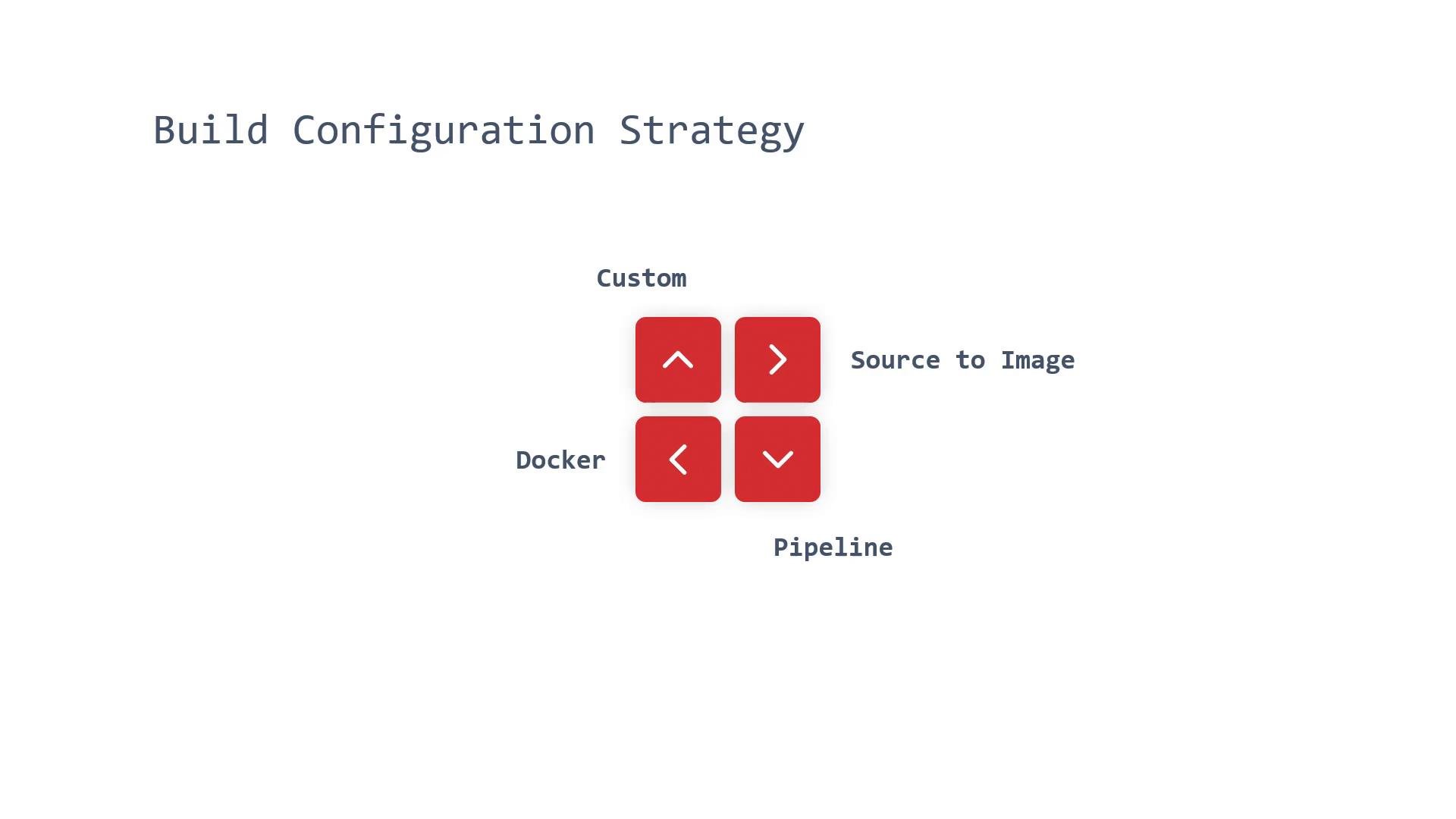
Source-to-Image (S2I)
- S2I produces runnable, Docker-formatted images by injecting application source into a builder image and running assembly scripts inside that image.
- The builder image contains runtime and assembly logic; S2I adds your source, executes the assemble step, and outputs a final container image.
- Best when you want simple builds without managing Dockerfiles and when an S2I builder exists for your language/runtime.
-
Pipeline (Jenkins)
- Pipeline strategy delegates the build process to a Jenkins pipeline defined in a
Jenkinsfile. - OpenShift integrates with Jenkins so OpenShift starts, monitors, and manages the build lifecycle while Jenkins runs the pipeline stages defined in the repository.
- Use this for complex CI/CD pipelines, multi-stage workflows, or when you need advanced pipeline constructs.
- Pipeline strategy delegates the build process to a Jenkins pipeline defined in a
-
Docker
- The Docker strategy runs a
docker build-equivalent using a Dockerfile from the repository (or a specified context directory). - If you already express your image with a Dockerfile and want identical build semantics inside OpenShift, use this strategy.
- The Docker strategy runs a
-
Custom
- Custom strategy uses a provided builder image that contains the custom build tooling and scripts. The image performs the build inside OpenShift.
- Useful for specialized processes (e.g., building RPMs, creating base images, or other non-standard workflows not covered by S2I or Docker).
Quick comparison
Example BuildConfig snippets
Below are minimal examples showing how a BuildConfig declares the strategy. These are illustration templates — adapt metadata, names, and references to your cluster.- S2I BuildConfig (strategy:
Source)
- Docker BuildConfig (strategy:
Docker)
- Pipeline BuildConfig (strategy:
JenkinsPipeline)
- Custom BuildConfig (strategy:
Custom)
Build inputs
BuildConfigs also define inputs used during the build. These inputs tell OpenShift where to obtain source, Dockerfiles, binaries, images, and any sensitive data required during build-time.-
Git (Source)
- The most common input; OpenShift clones the specified Git repository and builds from that content.
-
Dockerfile
- A Dockerfile in the repo is used by the Docker strategy (equivalent to running
docker build).
- A Dockerfile in the repo is used by the Docker strategy (equivalent to running
-
Binary
- Use binary inputs when you want to provide pre-built artifacts from a local filesystem:
- Examples:
oc start-build myapp --from-file=artifact.jaroc start-build myapp --from-dir=dist/oc start-build myapp --from-archive=artifact.tar.gz
-
Image (Image source)
- Use existing images or image references as inputs for multi-stage builds or assembly steps.
-
Input Secrets (and ConfigMaps)
- Mount secrets and ConfigMaps for build-time access to private Git repos, artifact registries, or other protected resources. This avoids embedding credentials in source.
-
External Artifacts
- Fetch artifacts (large binaries, JARs) from external storage during the build. Note the guidance below regarding reproducibility and best practices.
External artifacts (large binaries checked into artifact servers) are an older pattern. Today it’s usually better to build from source or use a Dockerfile so builds are reproducible and image layers are managed explicitly.
Build input examples and commands
Security and best practices
- Do not embed credentials directly in your source. Use secrets or image pull credentials and reference them in BuildConfig.
- Prefer reproducible builds: building from source or a Dockerfile produces deterministic images and makes caching, layering, and debugging easier.
- For CI/CD at scale, use the Pipeline strategy to encapsulate complex workflows, but ensure Jenkins controllers are hardened and monitored.
Be careful exposing secrets at build time. Always mount secrets via BuildConfig rather than placing credentials in repository files or Dockerfiles.
Summary guidance
- Use S2I for language/runtime-specific builds where a supported builder exists and you want minimal Dockerfile maintenance.
- Use Pipeline (Jenkinsfile) for complex CI/CD and multi-stage job orchestration.
- Use Docker strategy when you already maintain a Dockerfile and require identical behavior inside OpenShift.
- Use Custom when you need a bespoke build environment or specialized build tooling not provided by other strategies.
Links and references
- OpenShift Builds documentation: https://docs.openshift.com/container-platform/latest/builds/using-builds/build-strategies.html
- Source-to-Image (S2I): https://github.com/openshift/source-to-image
- OpenShift Pipelines and Jenkins integration: https://docs.openshift.com/container-platform/latest/cicd/index.html