

Method 1: Creating a Deployment via the Workloads Interface
To create a deployment manually using the web console, follow these steps:- Navigate to Workloads and then Deployments.
- Click on Create Deployment.
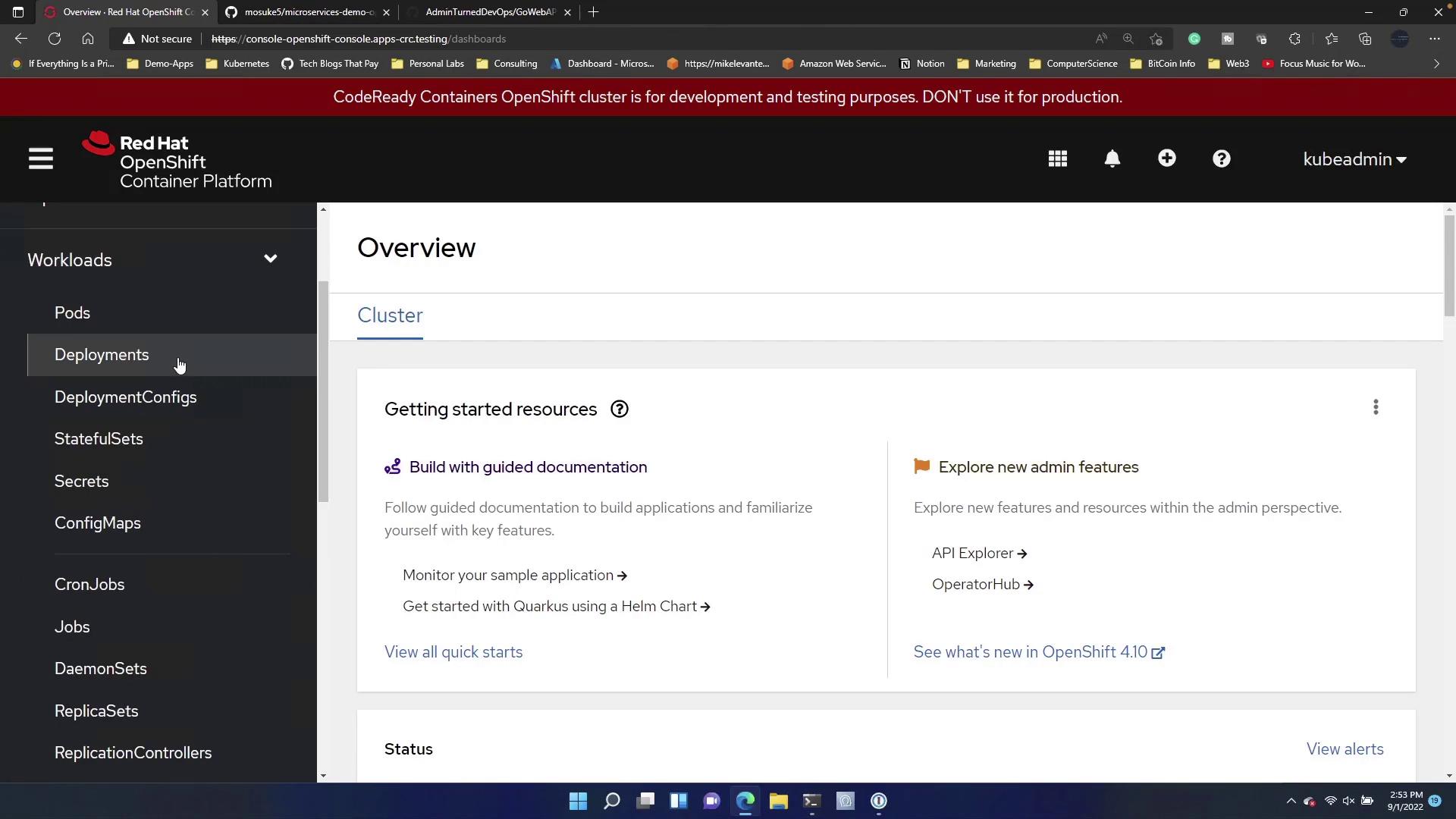
For applications with multiple components (e.g., services, deployments, daemon sets), consider using automated methods to deploy all configurations simultaneously.
Deploying a Sample Nginx Application
For demonstration, deploy a stateless Nginx application with the following Kubernetes manifest:- Copy the manifest into the editor and click Create Deployment.
- The deployment process will start, and you can verify its status after a few moments.
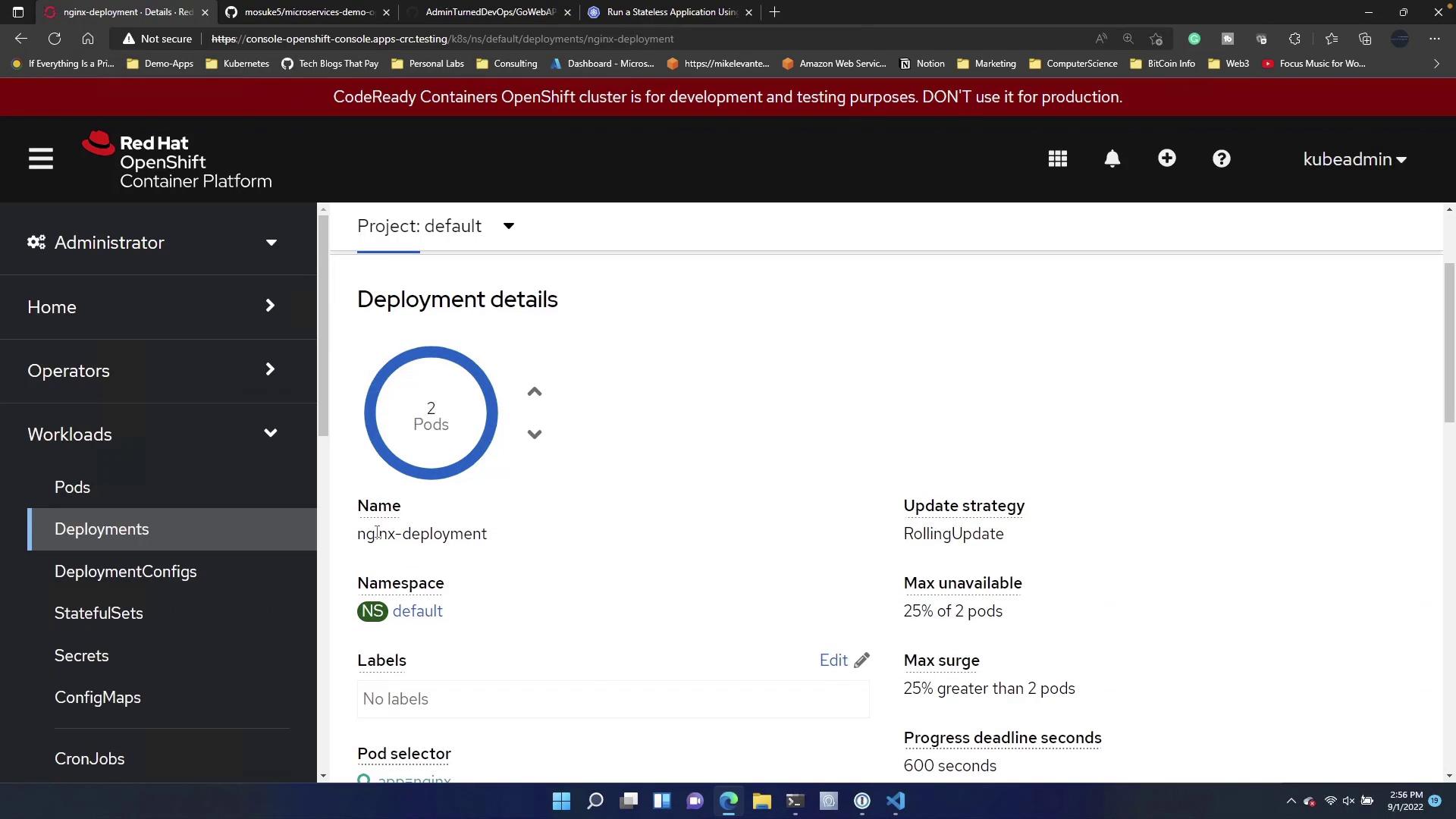
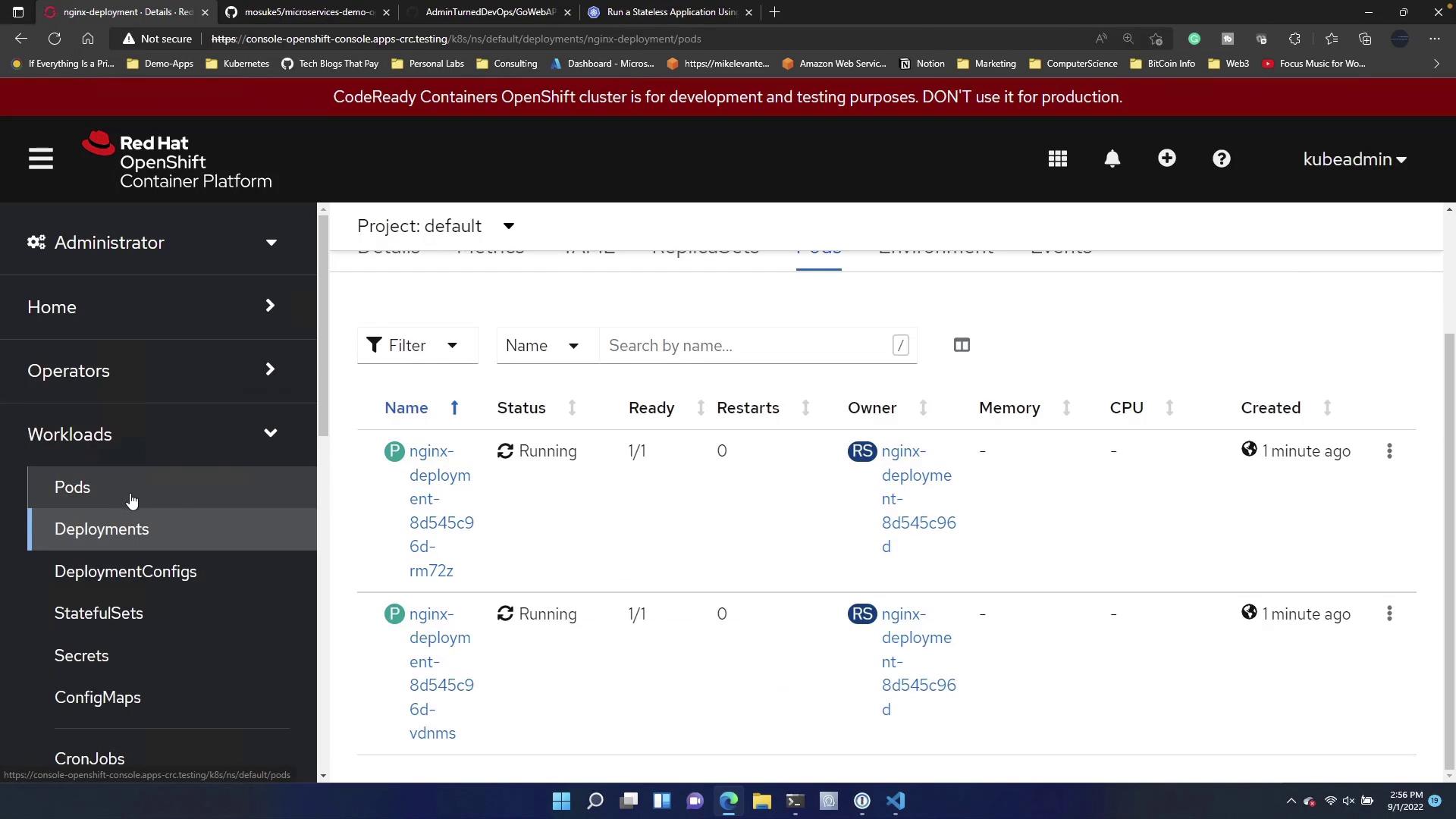
- Navigate to Pods under the deployment.
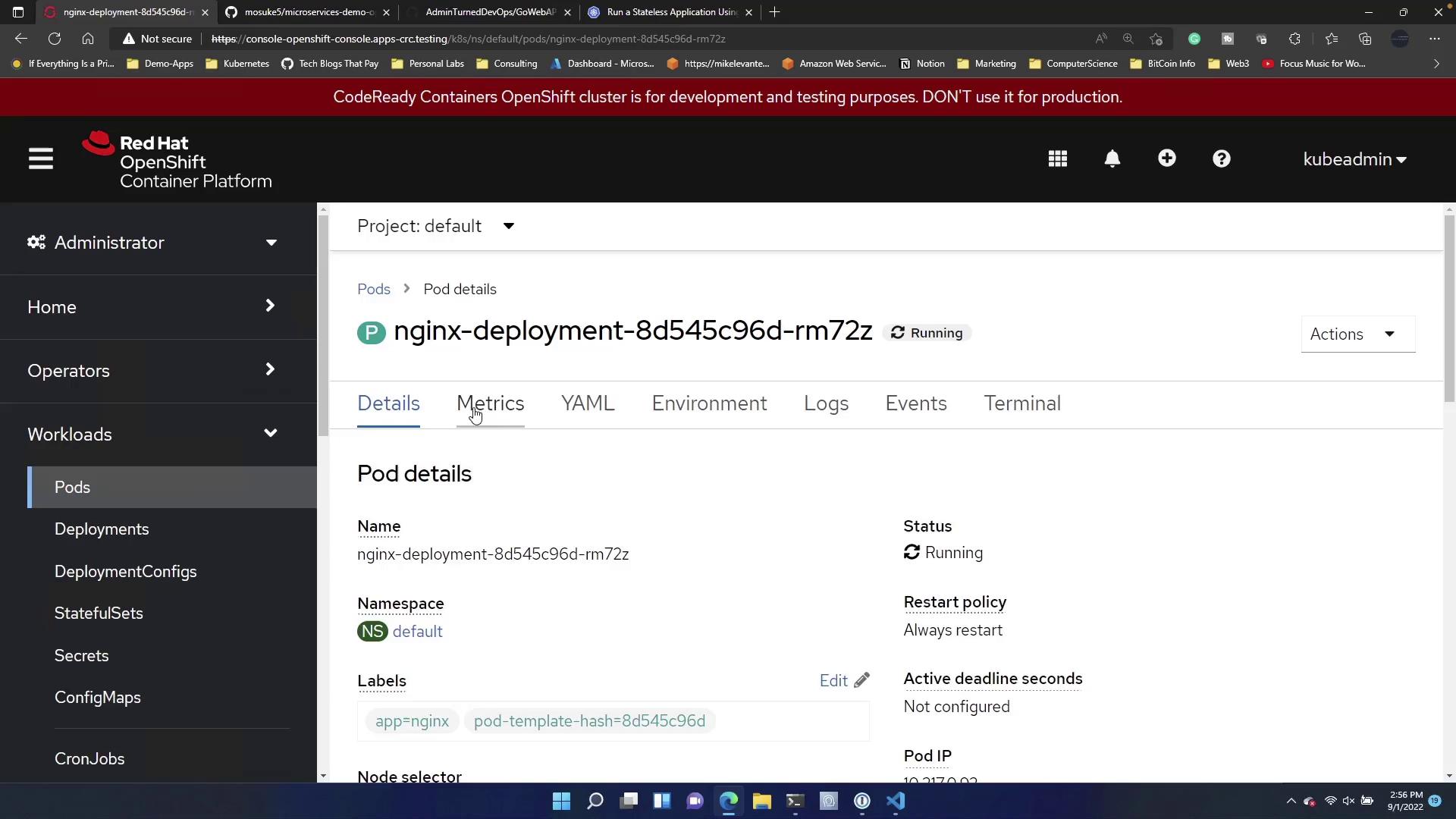
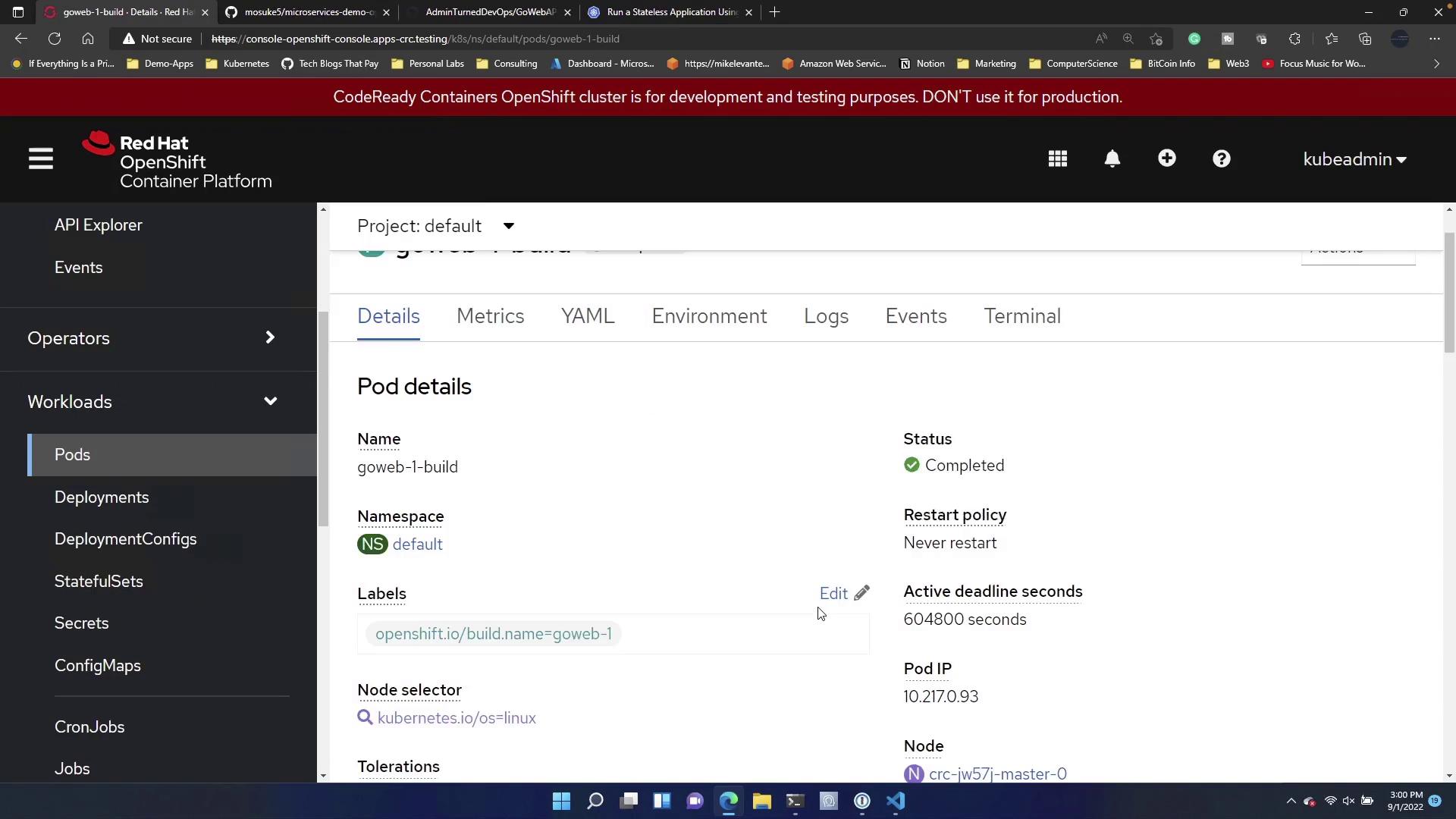
- Click on a specific pod to view its details, logs, and even access an embedded terminal (similar to executing “kubectl exec”).
Method 2: Deploying an Application by Importing a Git Repository
For a streamlined deployment process, import your application directly from a Git repository. In this example, we deploy a basic Go Web API application that returns “Welcome to the Go Web API!” on its homepage and provides a JSON endpoint. Below is the primary Go code for this application:- Copy the HTTPS link of the Git repository.
- In the Developer view of the OpenShift web console, click Add, then scroll down to Git Repository.
- Paste the Git repository URL. The web console will detect the Dockerfile in the repository and use it to build and deploy your application.
- Provide a unique name for your application (e.g., GoWebAPI or goweb).
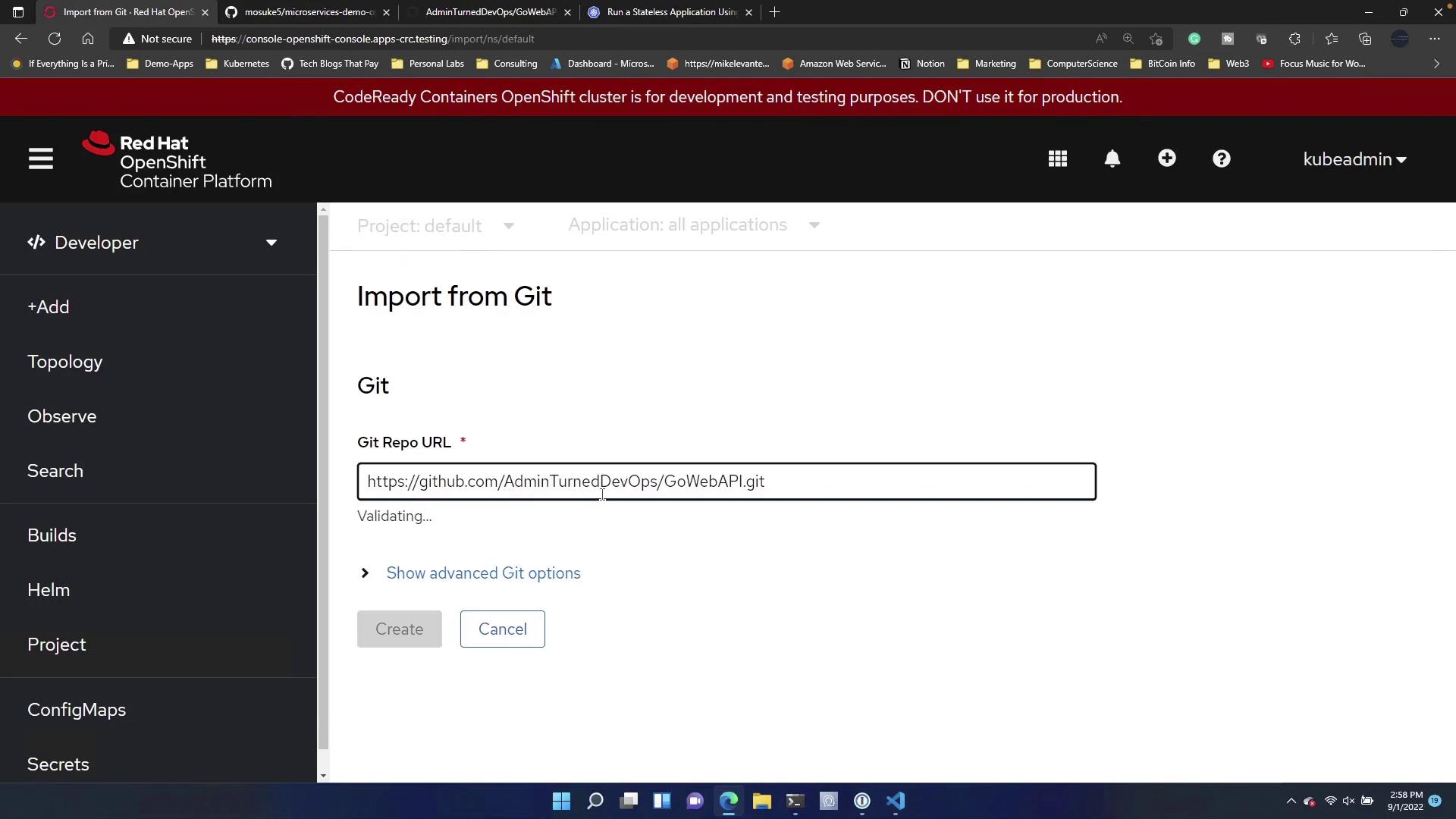

- Configure additional settings such as the target port, which sets the exposed port of your application. OpenShift automatically creates a route—a public URL—so your application can be accessed externally.

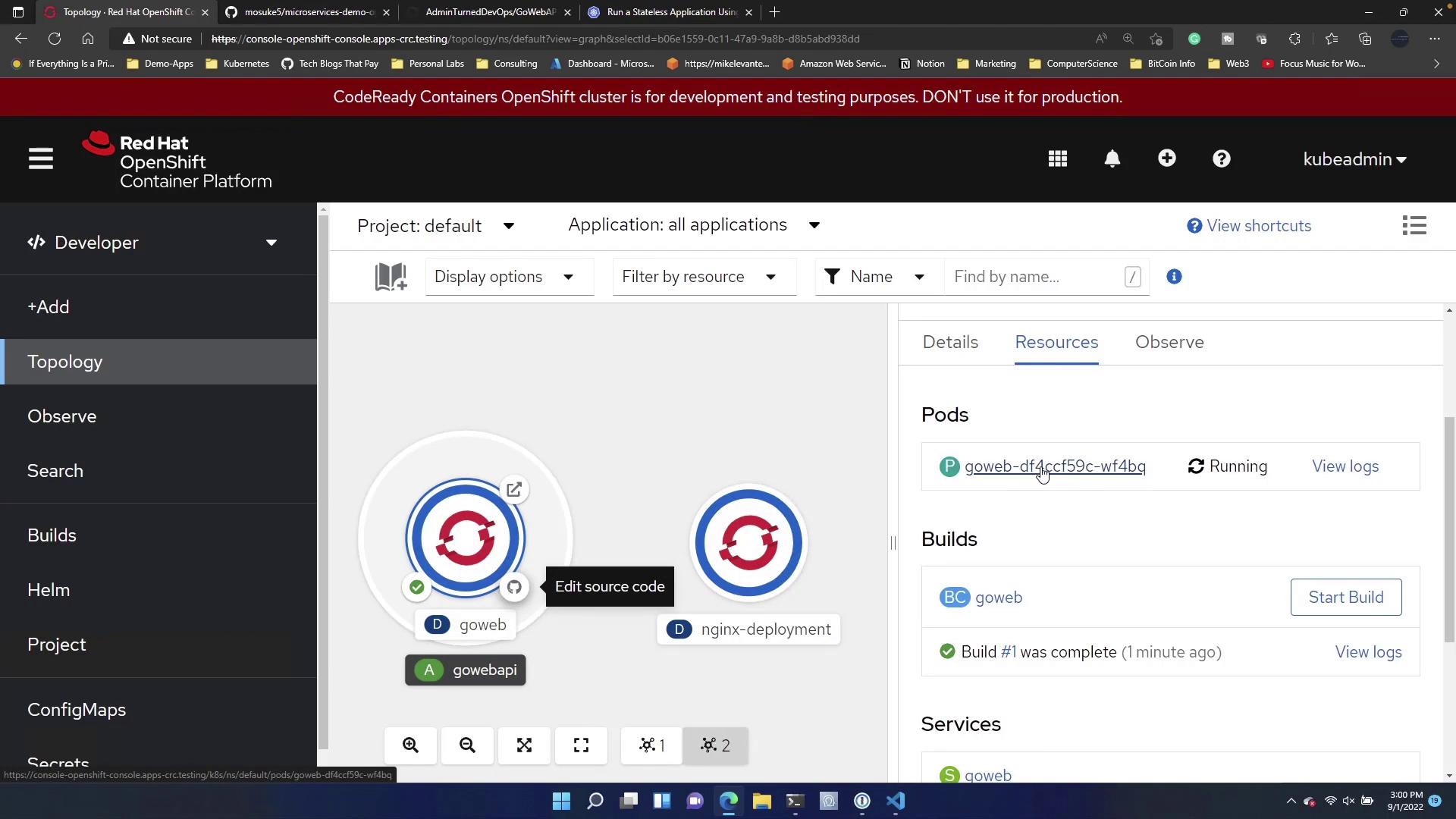
Summary
This guide demonstrated two methods to deploy applications using the OpenShift web console:- Manually creating a deployment with a custom YAML manifest.
- Importing an application directly from a Git repository, which automatically builds and deploys your code using the provided Dockerfile and configuration settings.