

- Explainable AI helps users interpret model outputs, take appropriate action, and hold decisions accountable.
- HCD focuses on designing explanations that are actionable for diverse users (experts and non-experts).
- Good design reduces errors, surfaces bias, and strengthens trust in AI systems.
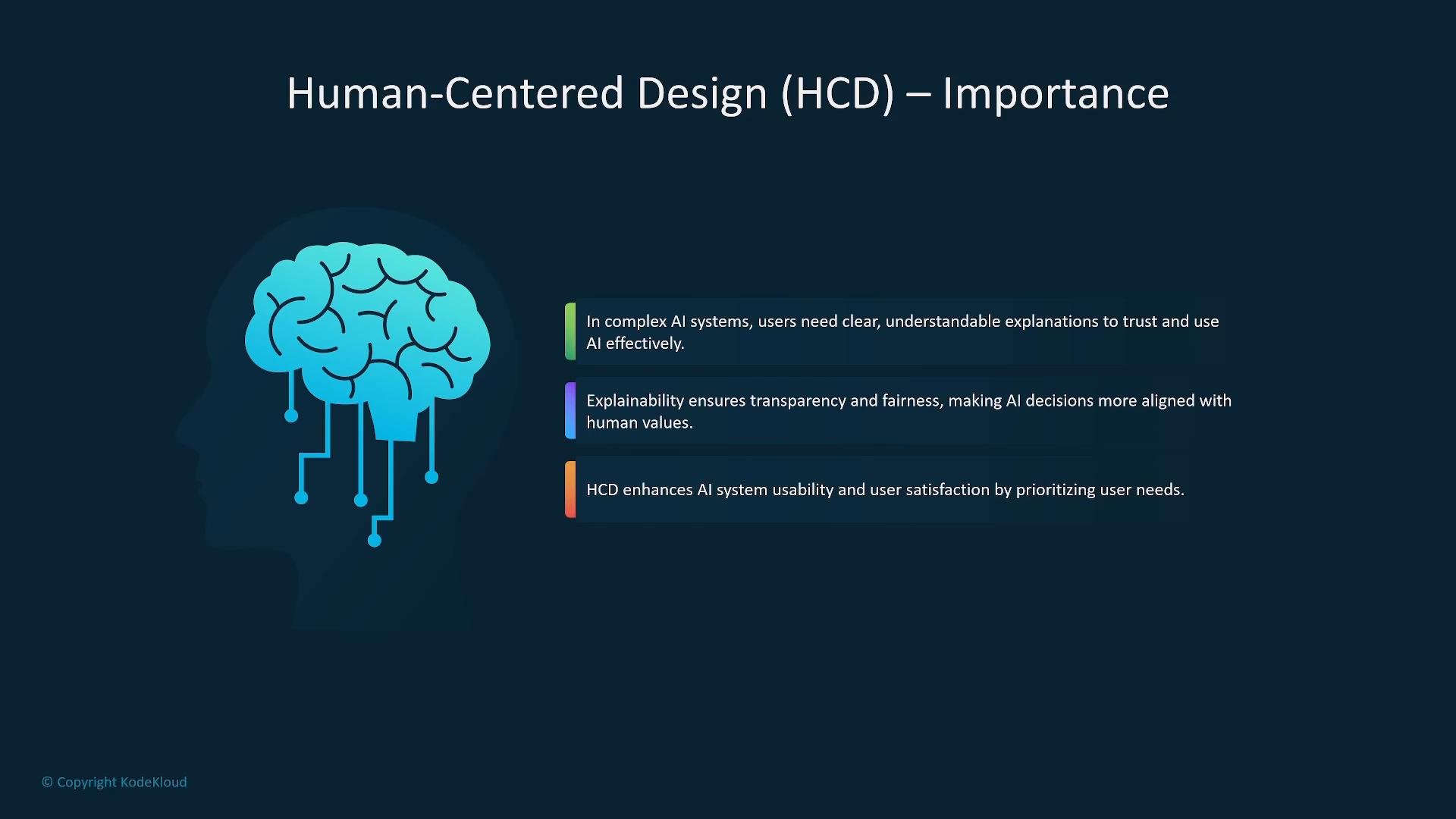
- Center the design on user needs: identify users, their decisions, and which explanation types (feature importances, counterfactuals, provenance, example-based explanations) make those decisions actionable.
- Provide clear, trustworthy explanations: make explanations understandable, task-relevant, and aligned with users’ domain expertise.
- Promote accountability, fairness, and accessibility: surface potential biases, support auditing, and ensure the interface is usable for people with different abilities.
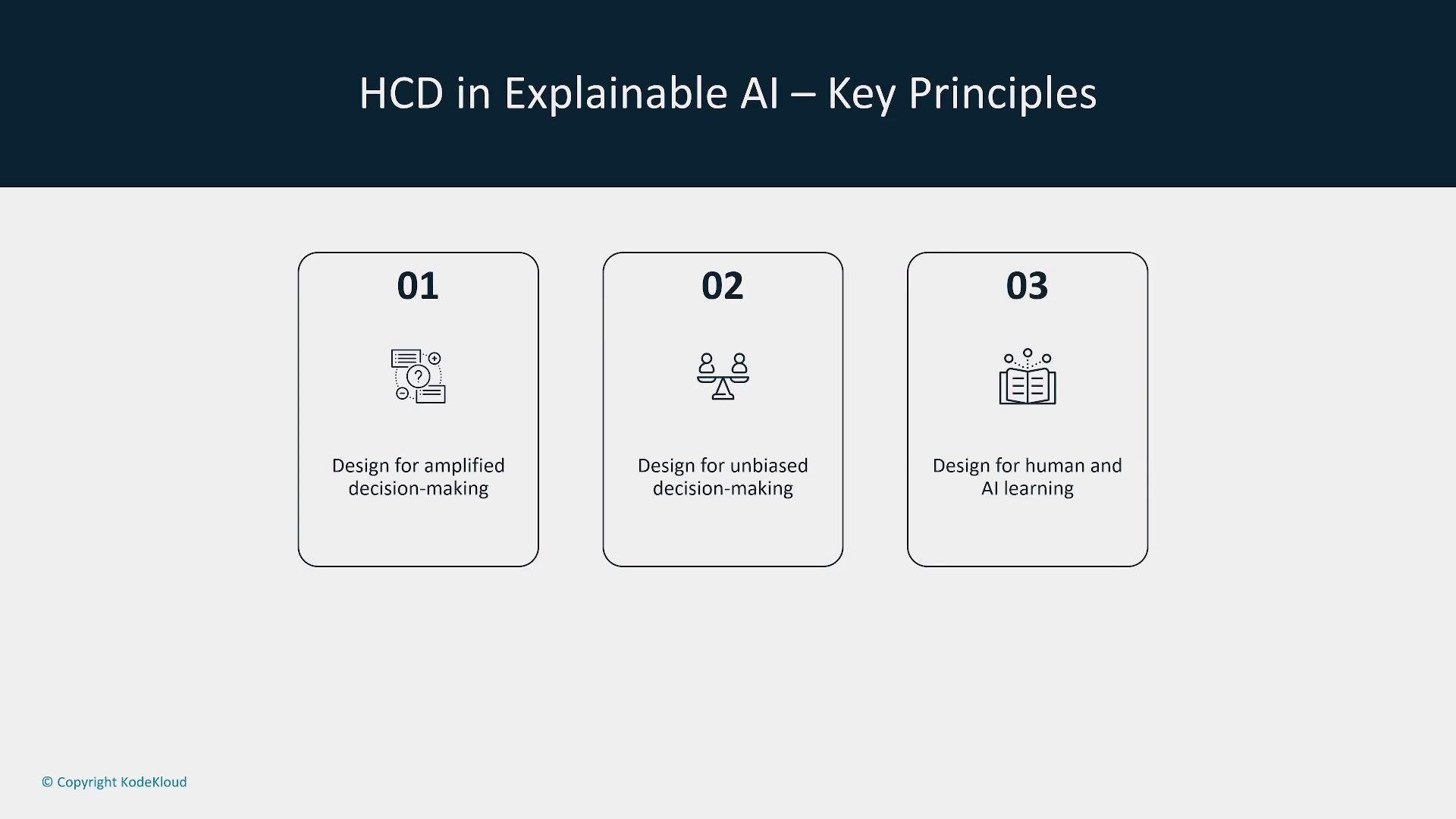
- Clarity: show what the model predicts and why in plain language and visual cues.
- Simplicity: surface only the highest-value signals for the immediate task.
- Usability: match interaction flows to the user’s workflow and context.
- Reflexivity: encourage users to reflect on inputs and model suggestions before acting.
- Accountability: clearly indicate who is responsible for decisions informed by the system.
- Use layered explanations (summary → details-on-demand).
- Provide decision aids such as recommended next steps, risk thresholds, and confidence bands.
- Localize explanations to the user’s role (clinician vs. manager vs. end user).
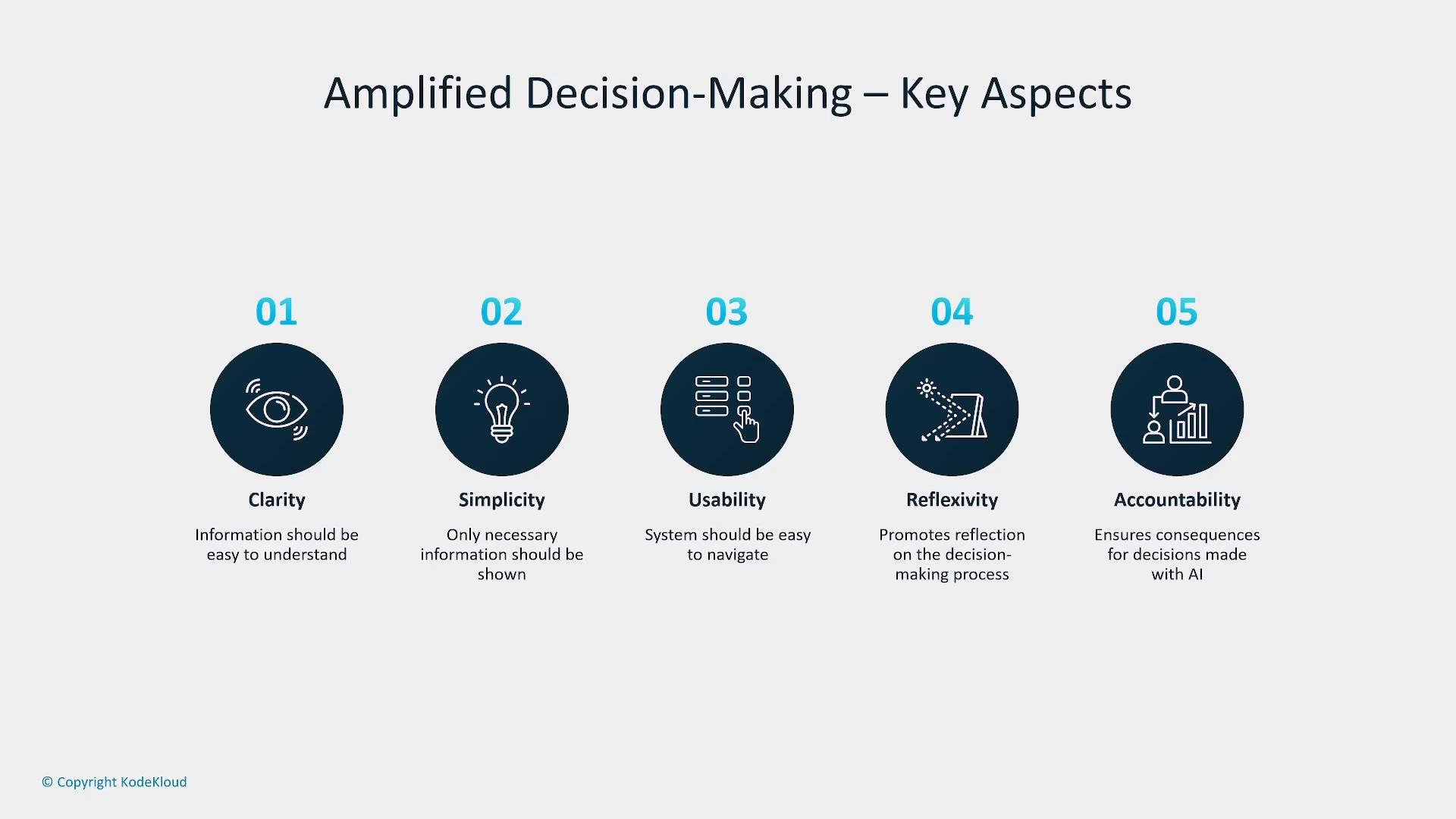
- Transparency: expose interpretable evidence such as feature importances, counterfactuals, and training-data provenance.
- Fairness: measure disparate impacts across groups, and include remediation paths.
- Training and education: enable users to recognize bias and use explanations to take corrective action.
- Present group-level and individual-level performance metrics.
- Surface the provenance of training data and any known limitations.
- Offer “what-if” or counterfactual scenarios so users can evaluate alternate outcomes.
- Model generates outputs.
- Humans rate, correct, or rank outputs.
- System ingests feedback and updates the model or its decision policy.
- Personalization: tailor explanations and UI to user role and expertise.
- Accessibility: ensure the interface is usable for diverse abilities and assistive technologies.
- Feedback quality: capture high-quality feedback (ratings, corrections, rankings) and track metadata/provenance.
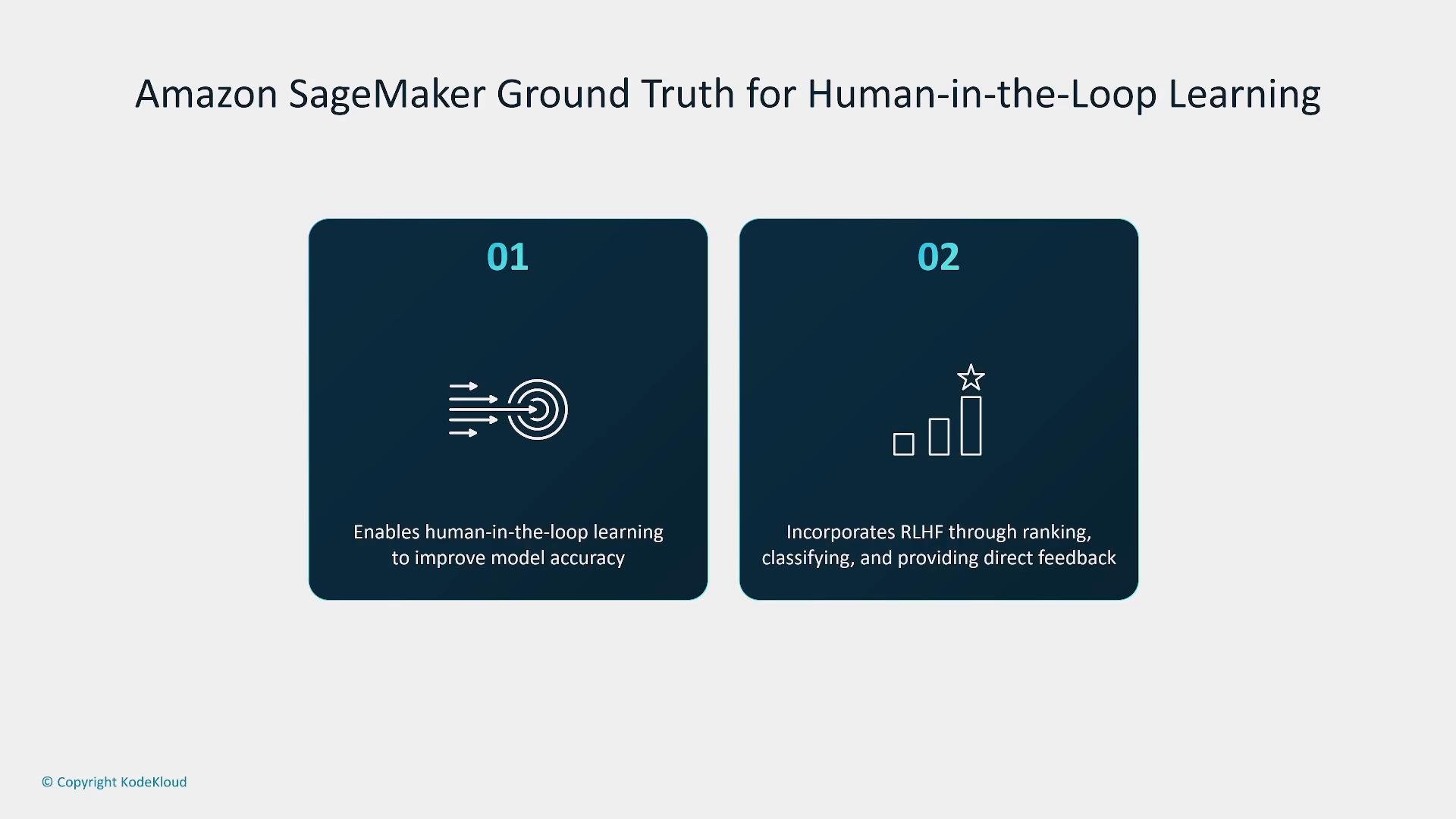
Amazon SageMaker Ground Truth is a managed data-labeling service that helps build high-quality training datasets via human labeling workflows. It supports supervised labeling and collecting human feedback (for example, rankings or classifications) useful in pipelines that incorporate human feedback. Ground Truth can be a central component for operationalizing human-in-the-loop processes, but additional infrastructure is typically required to convert labeled feedback into model updates and production workflows.
- Identify user personas and decision contexts before choosing explanation styles.
- Use layered explanations: brief summaries with details-on-demand.
- Measure and report fairness, transparency, and model limitations.
- Capture and validate high-quality human feedback and track provenance.
- Design for accessibility and provide role-based personalization.
- Explainable AI (XAI) — Overview and best practices
- Human-Centered AI — Design principles and patterns
- Amazon SageMaker Ground Truth